I've built web, iOS and Mac apps for more than 15 years. All of that work was for my employer, and none of it was ever public. For years I listened to ATP and read Six Colors and MacStories, and wondered what it would be like to have one of my apps reviewed there.
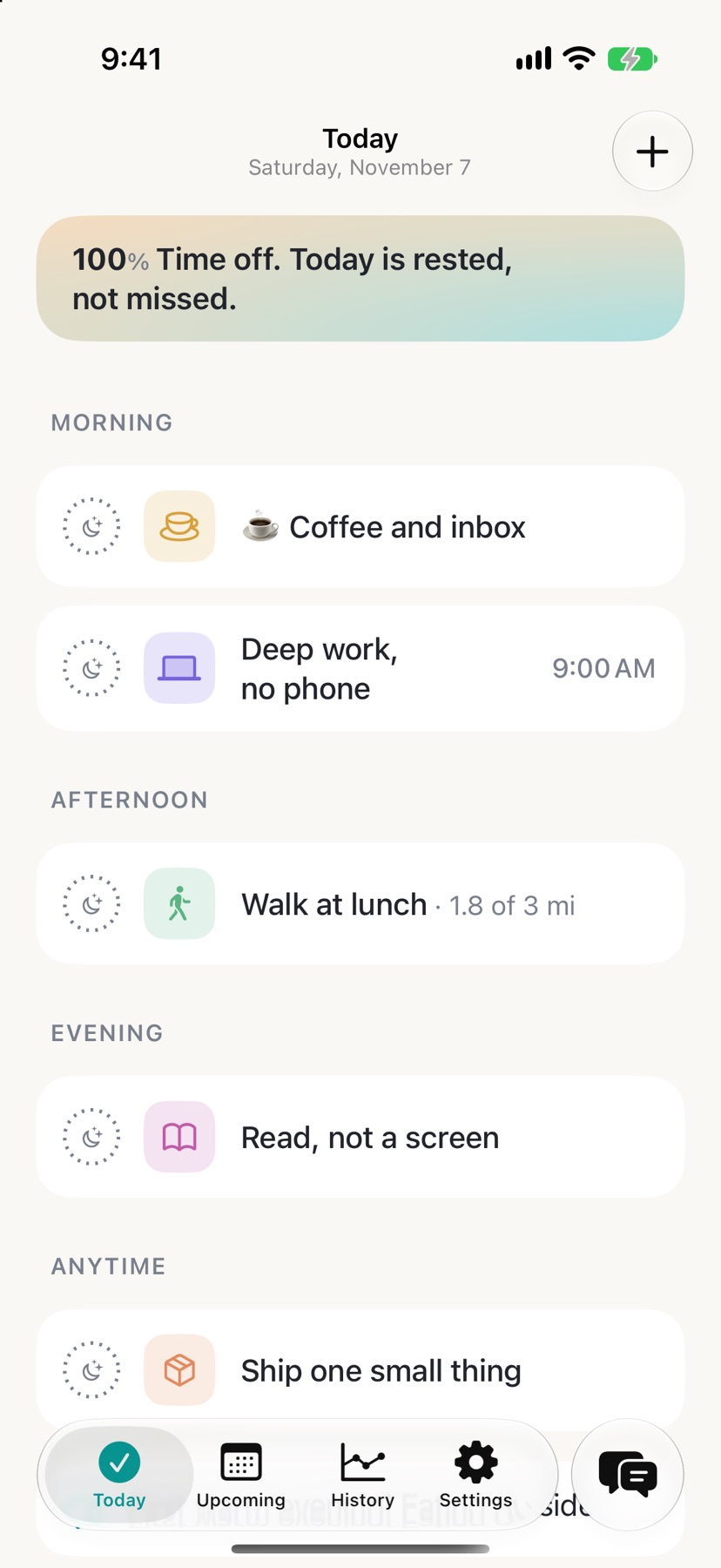
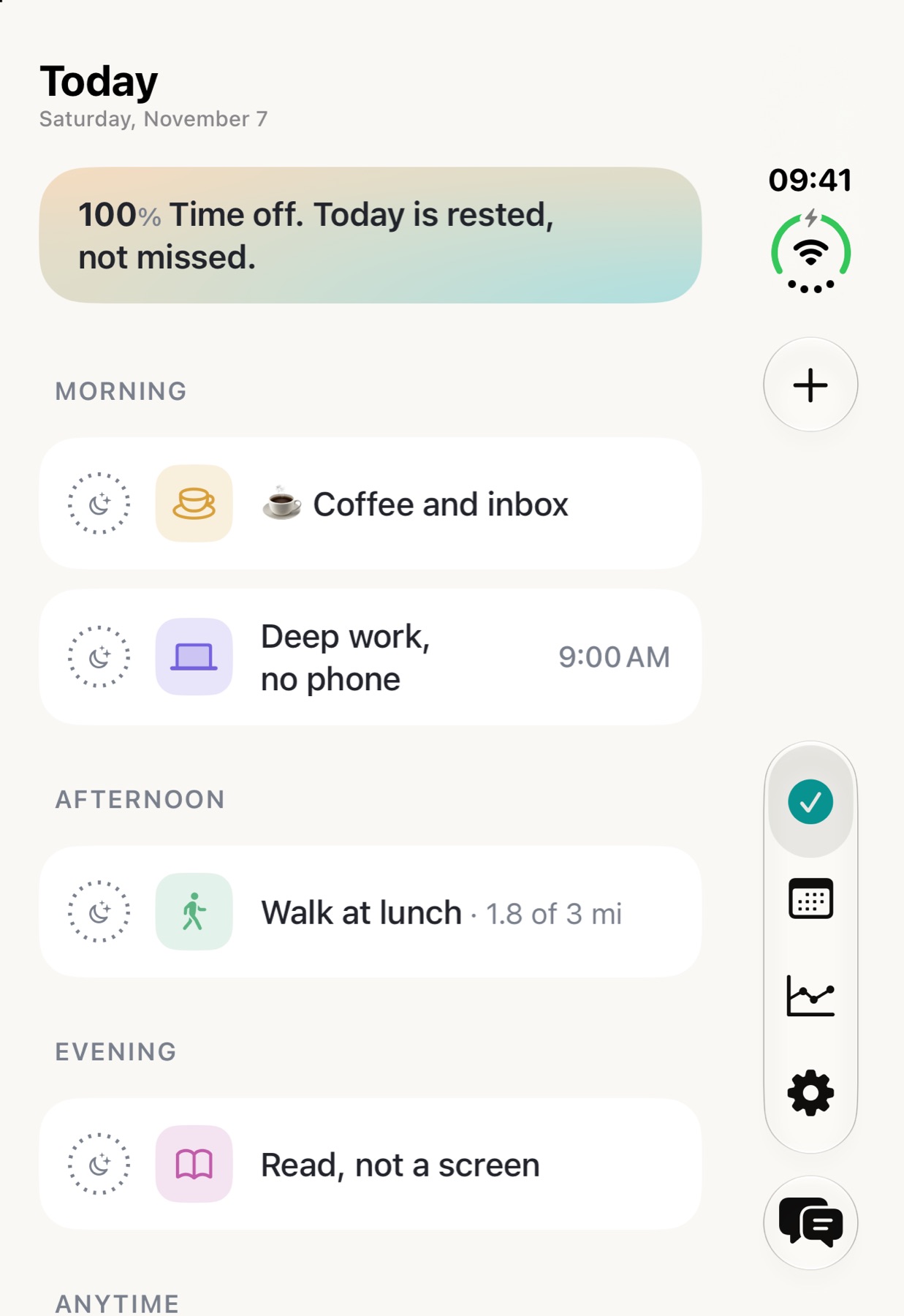
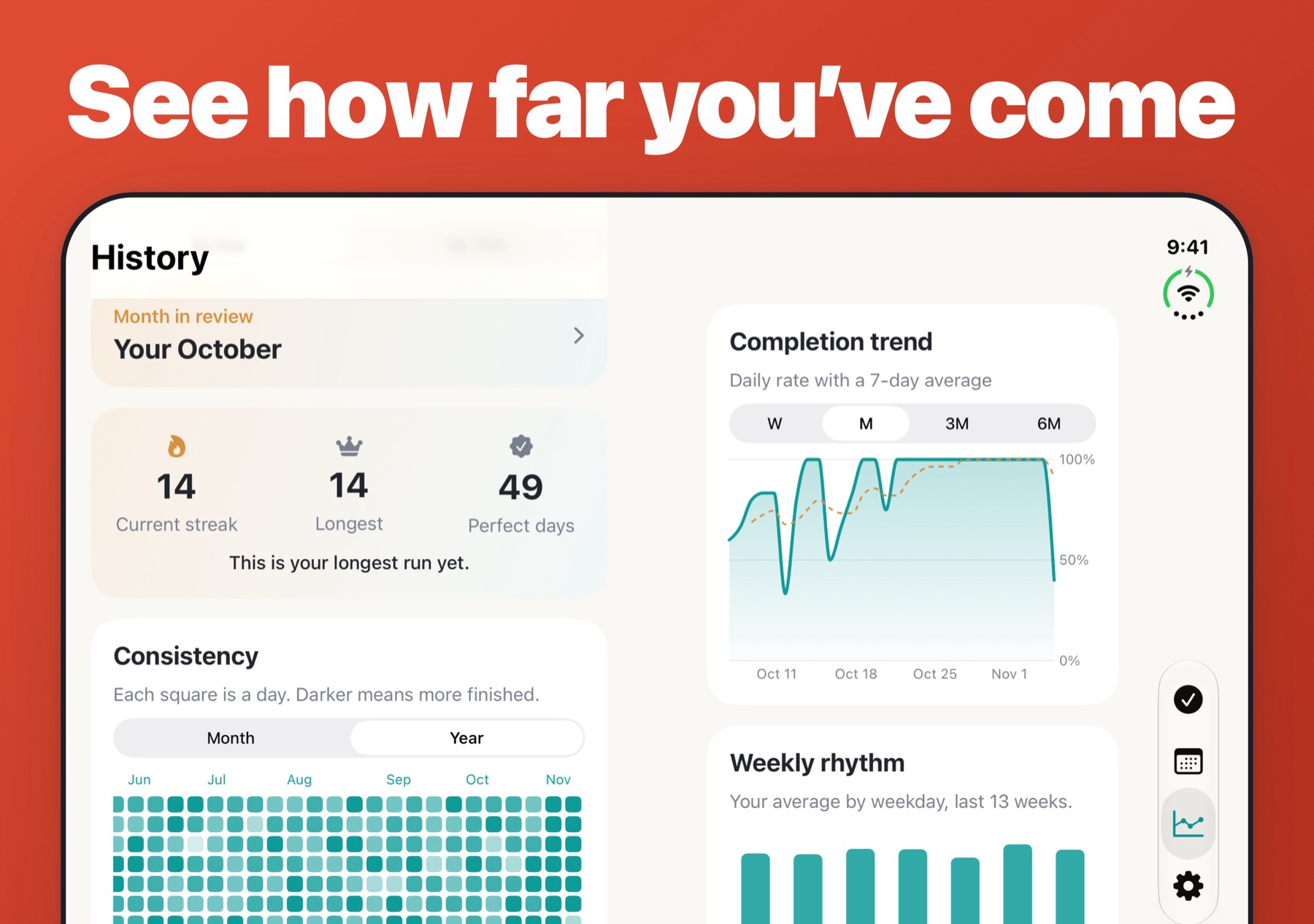
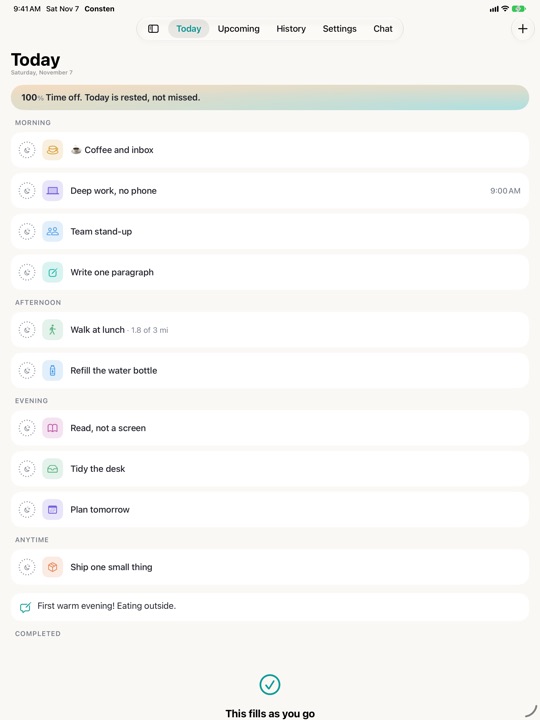
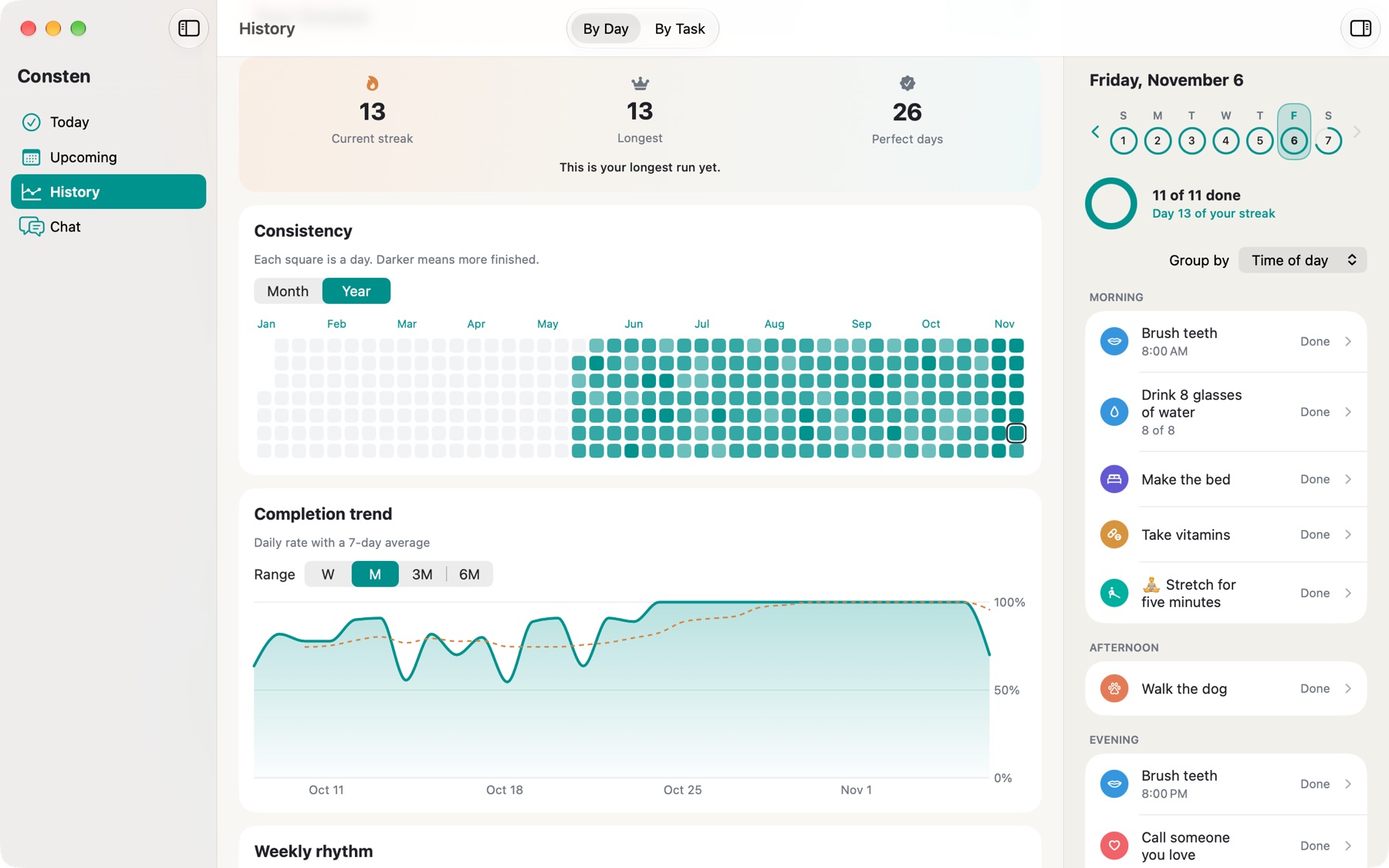
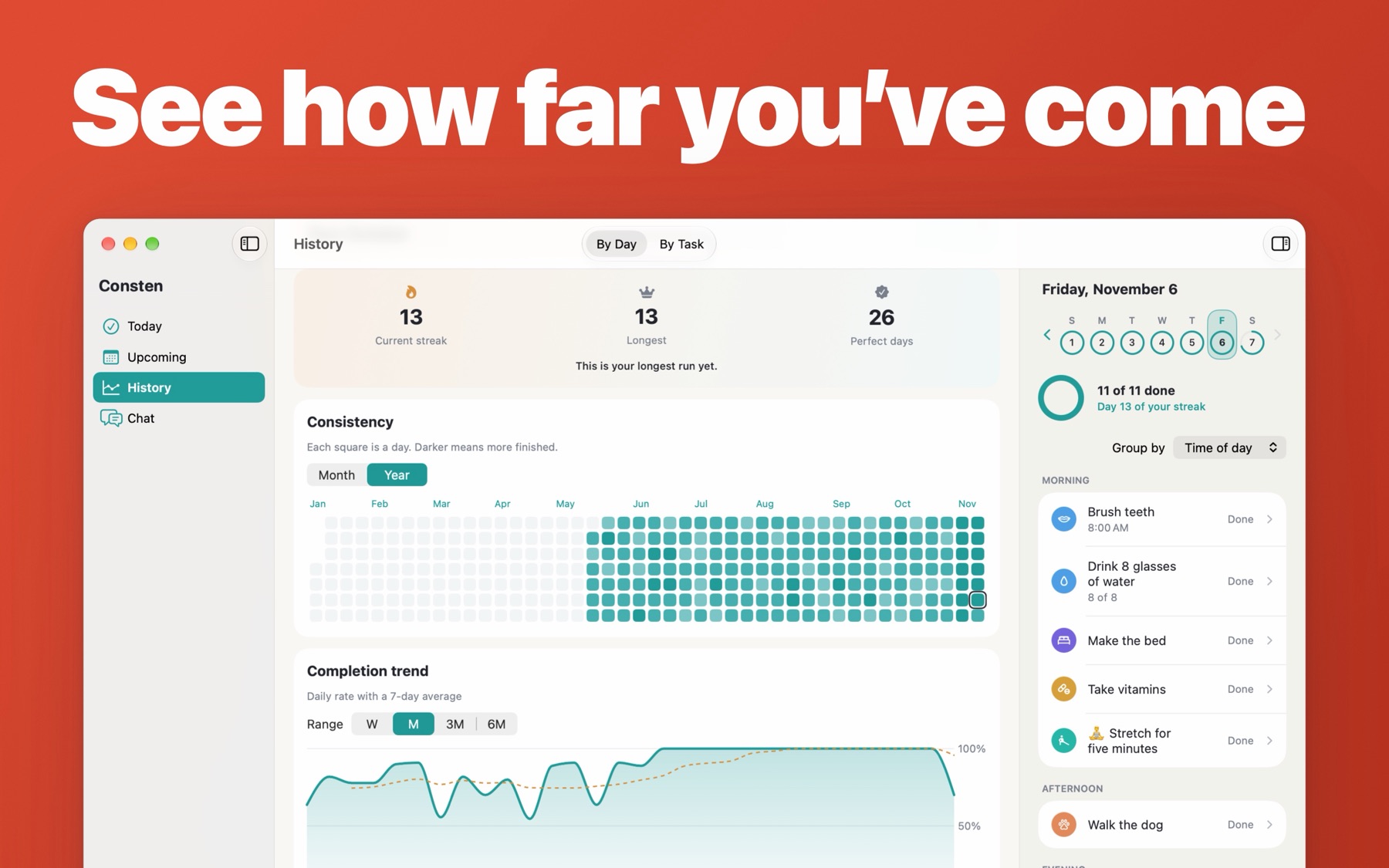
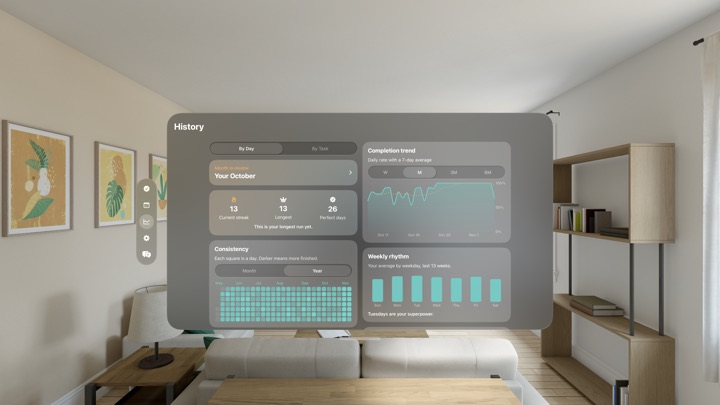
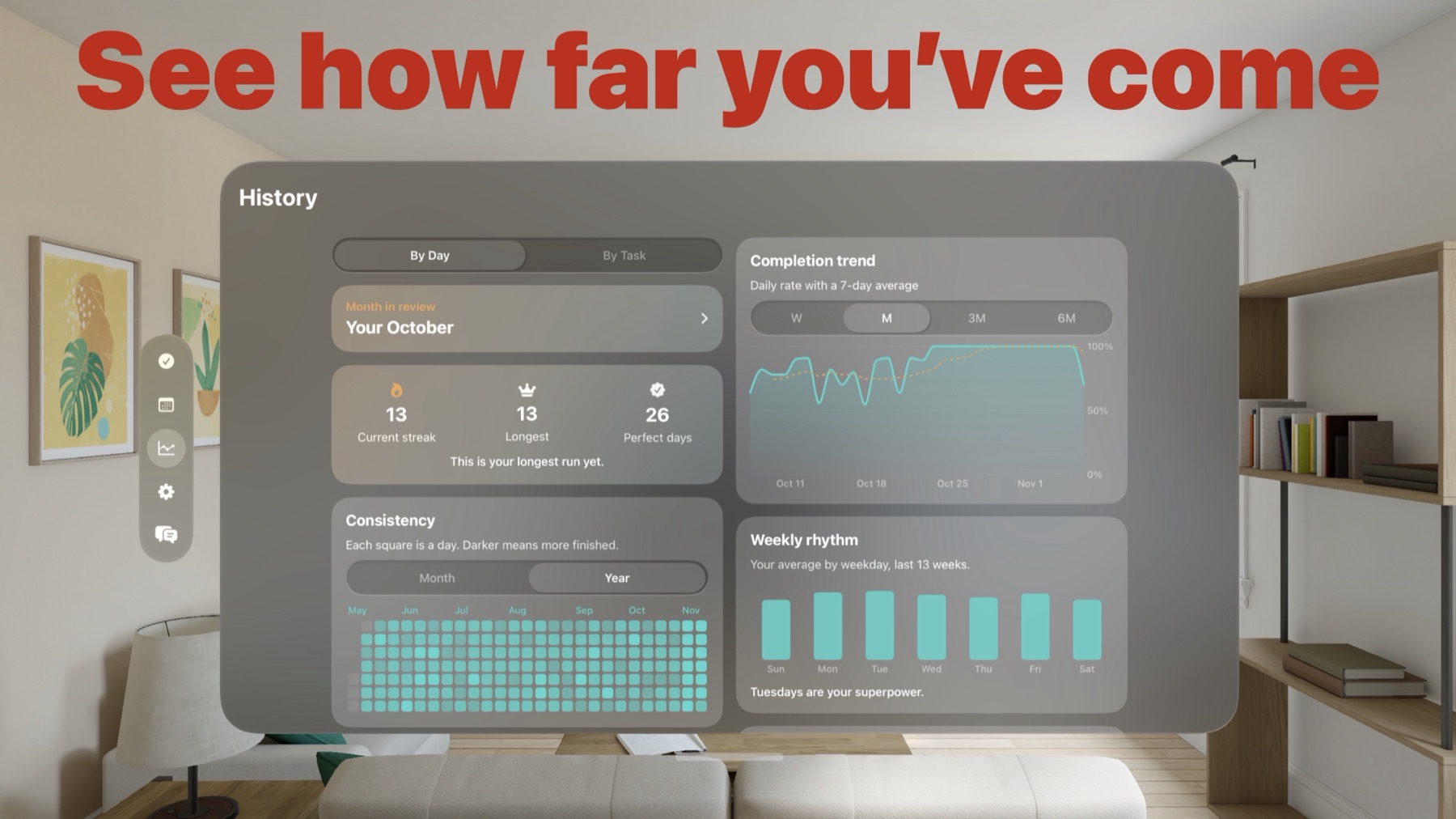
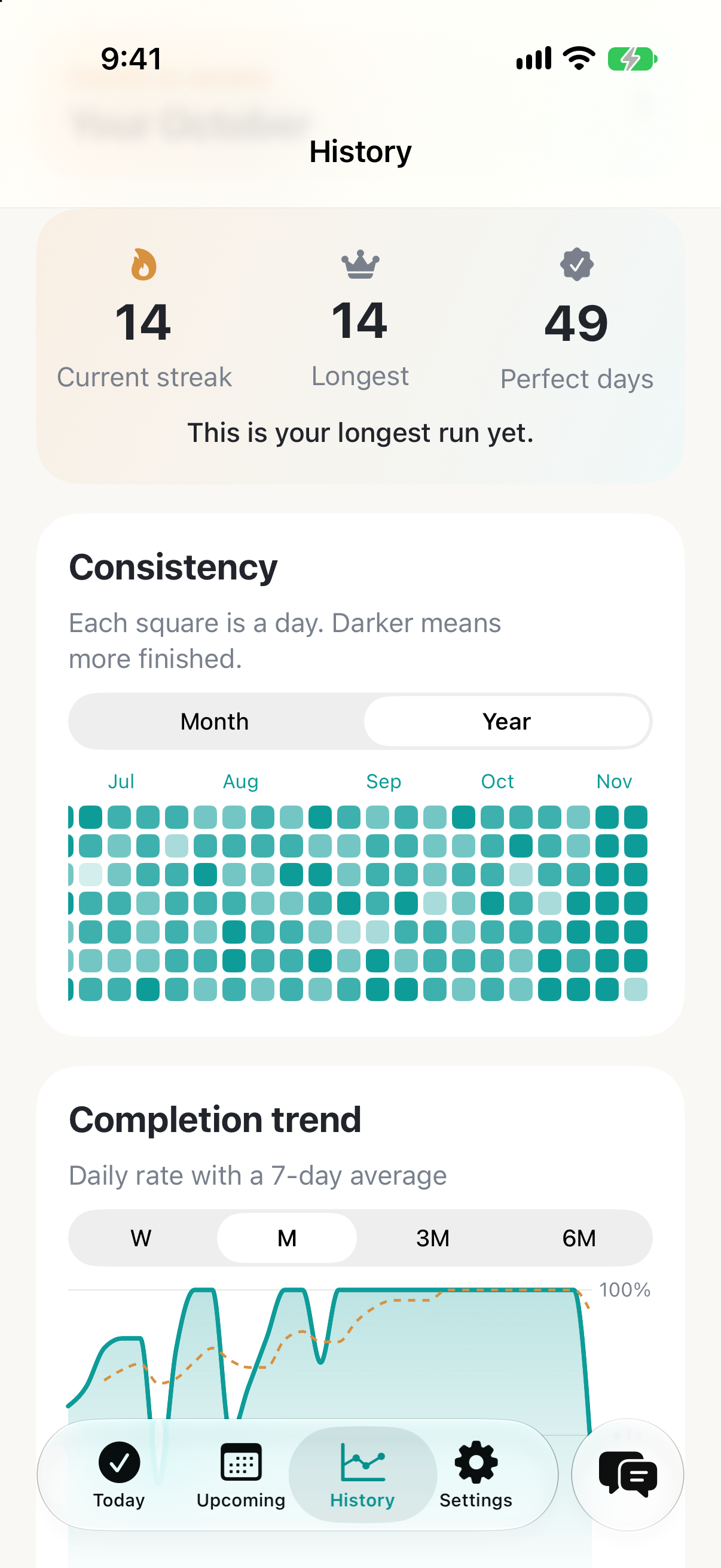
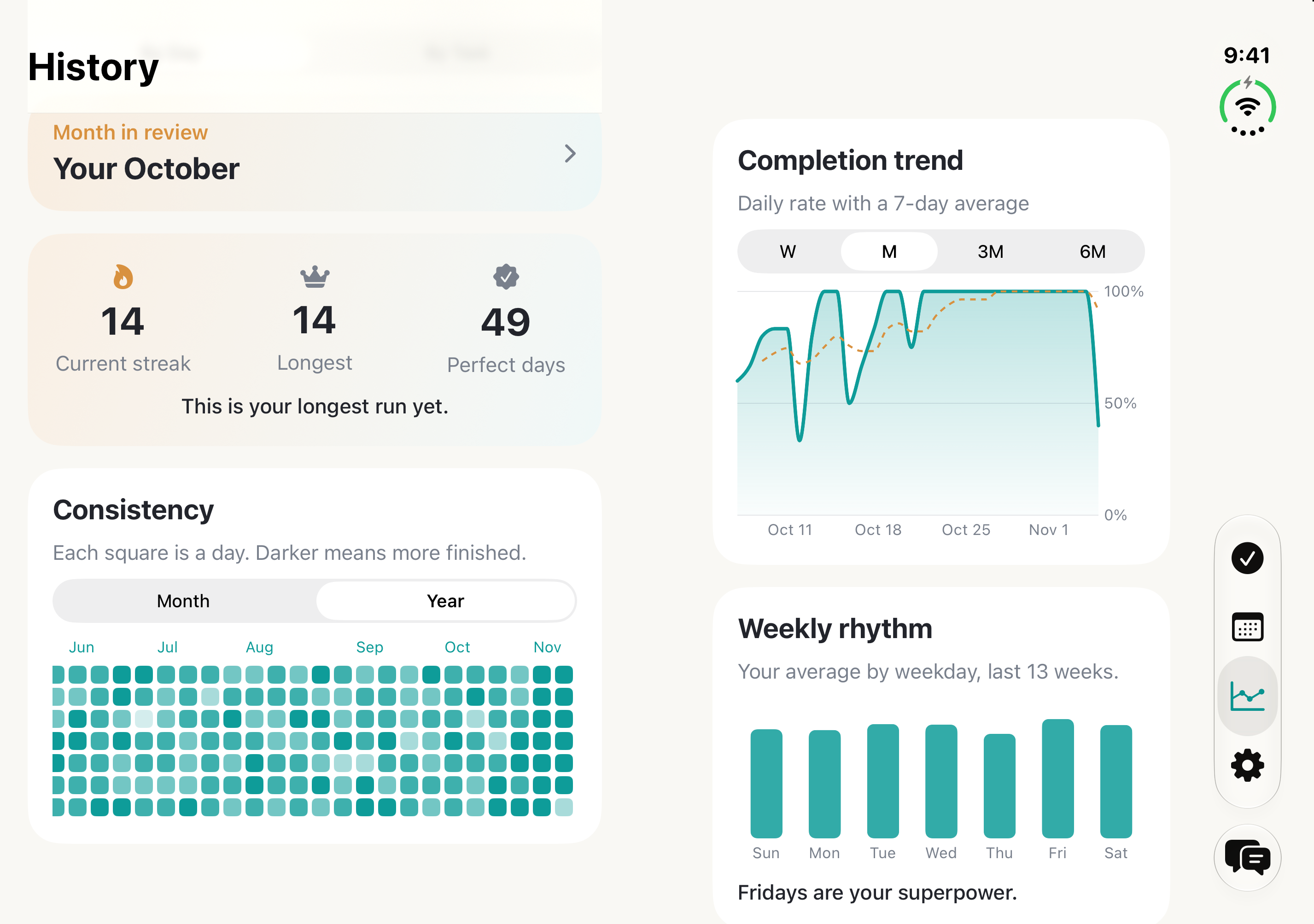
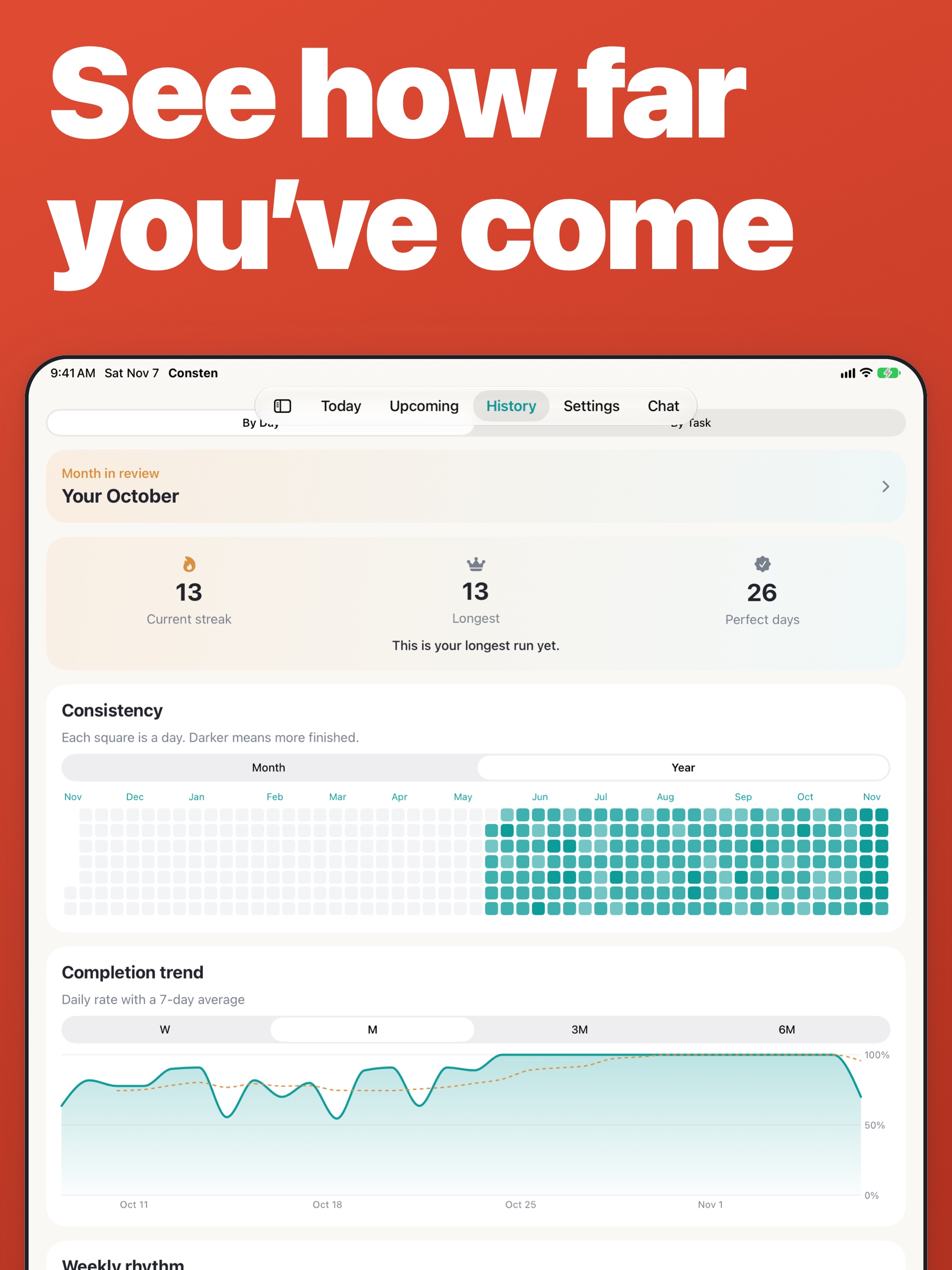
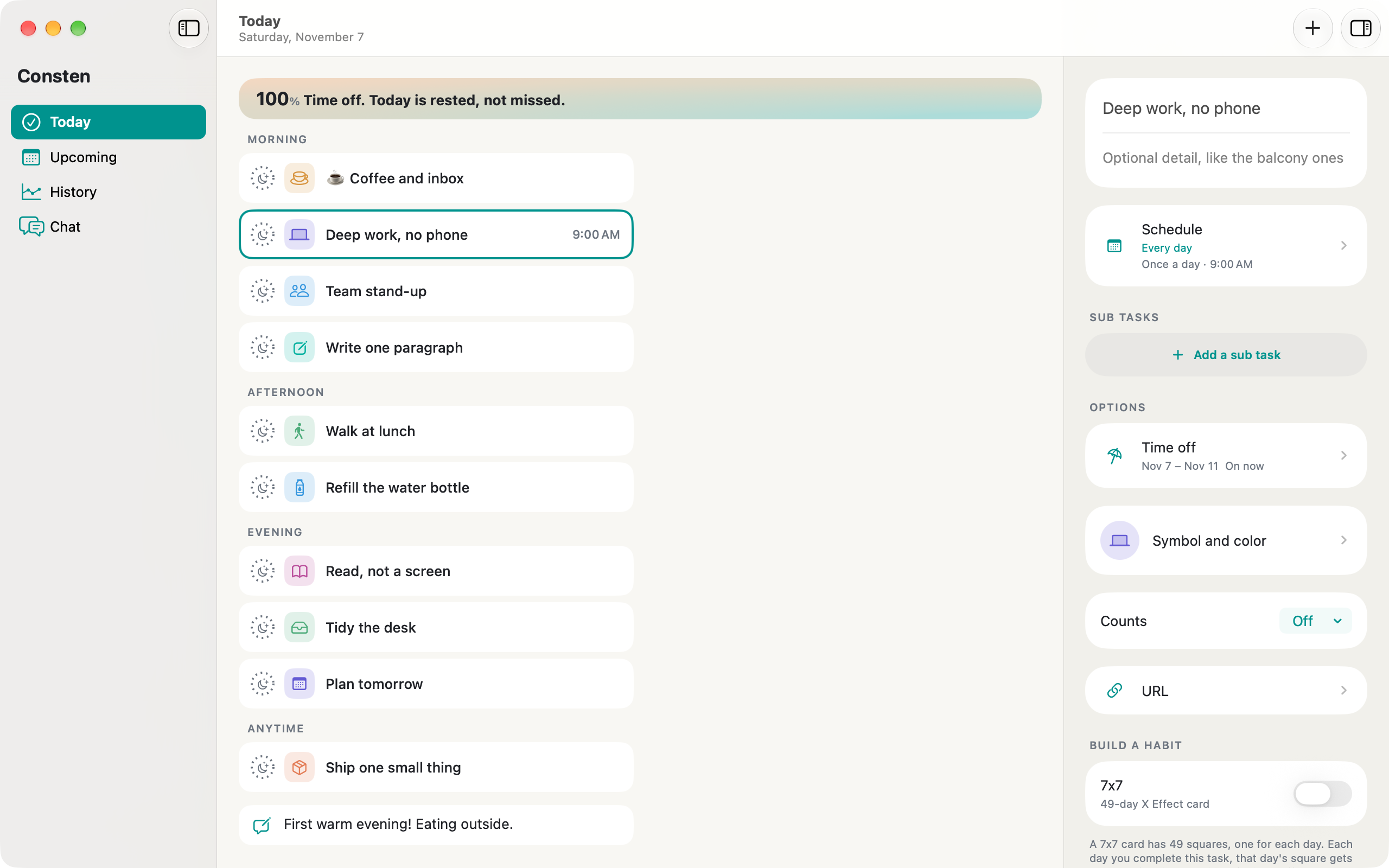
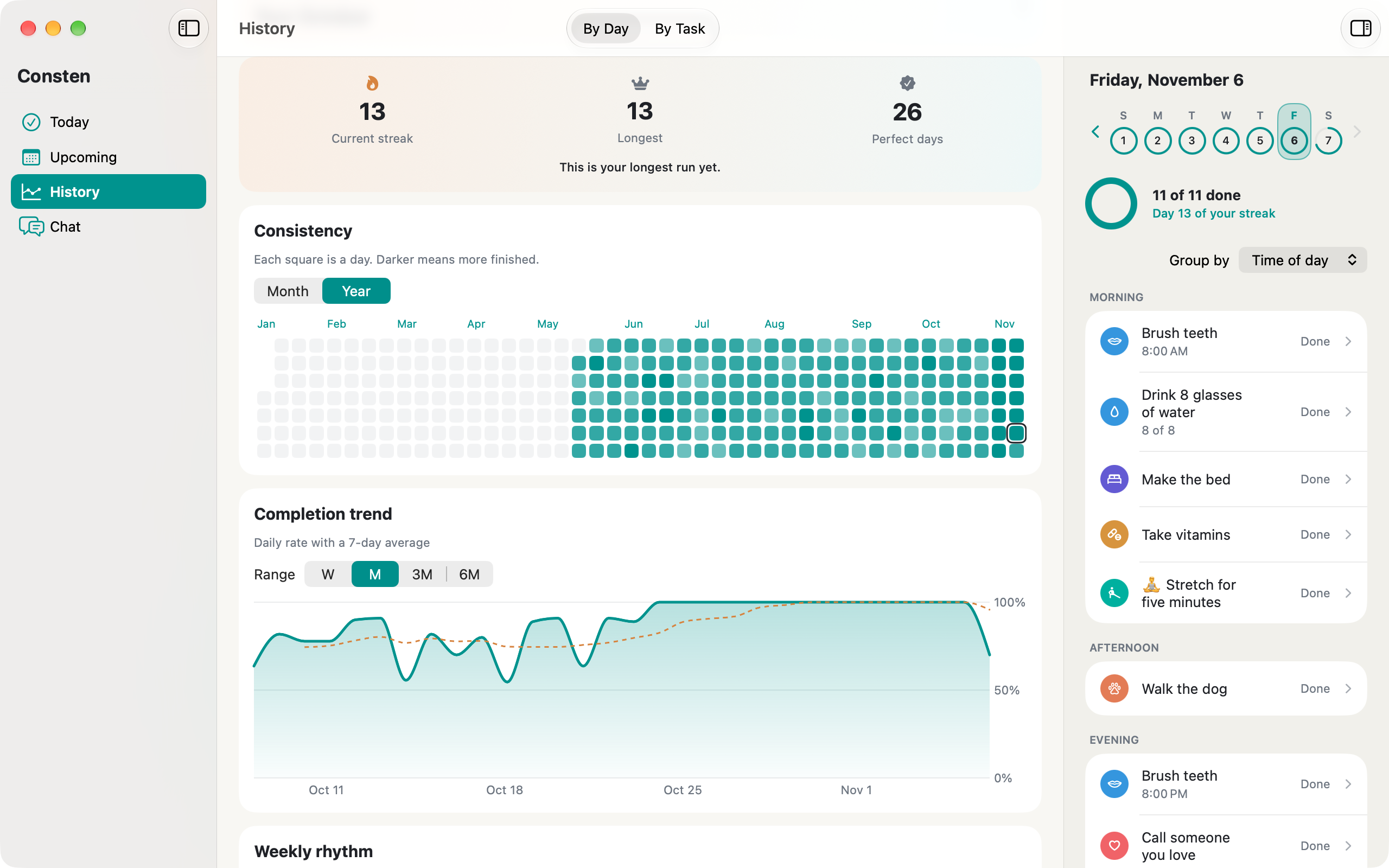
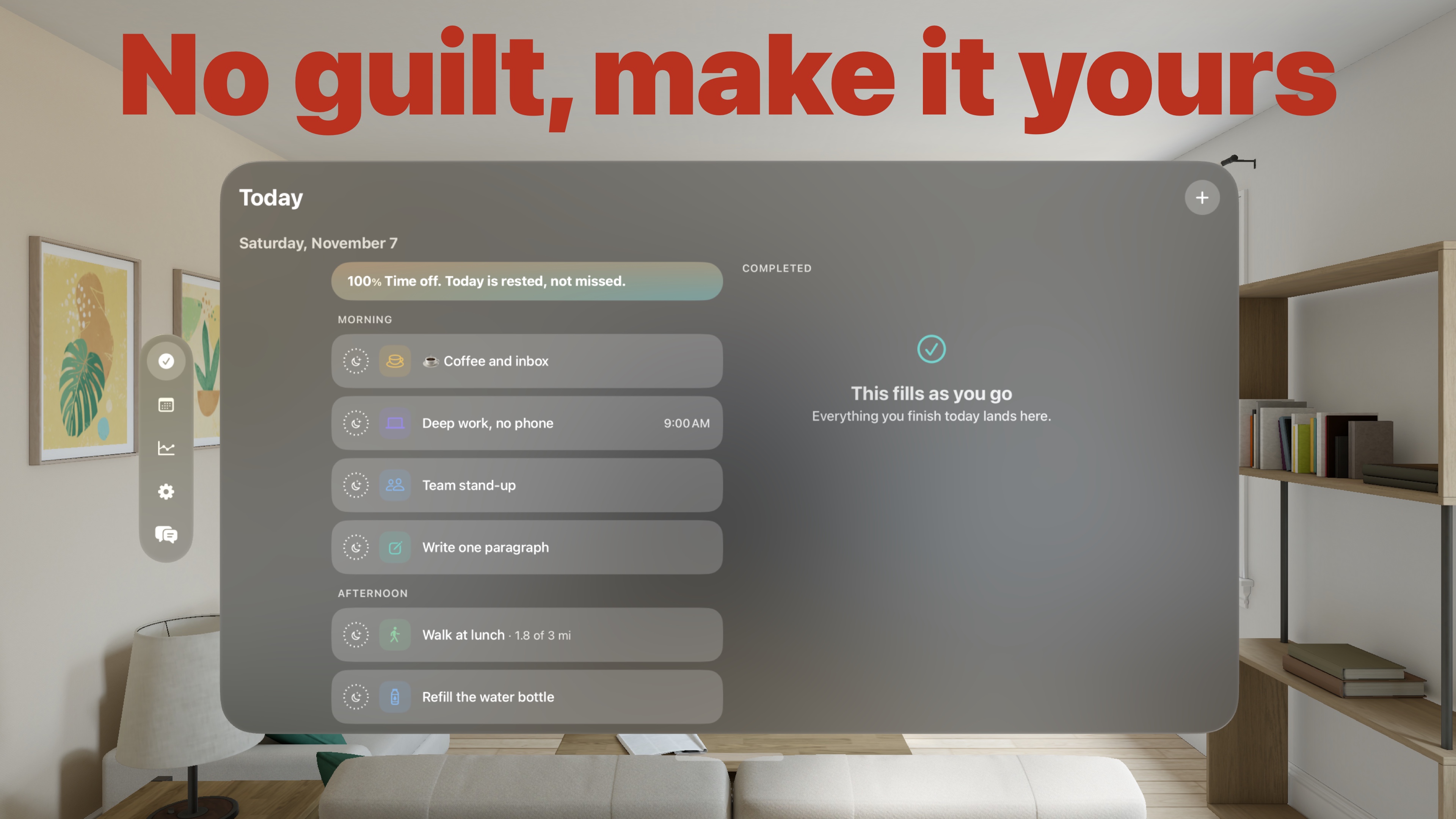
Consten began as a to-do app for me. I'd tried most of the popular ones, and plenty of smaller ones. I wanted stats that show progress without counting down to an achievement. And I wanted to rest a task or take time off and still keep an honest record, so past days can't be edited. Once it worked for me, I decided to make it something anyone could use.
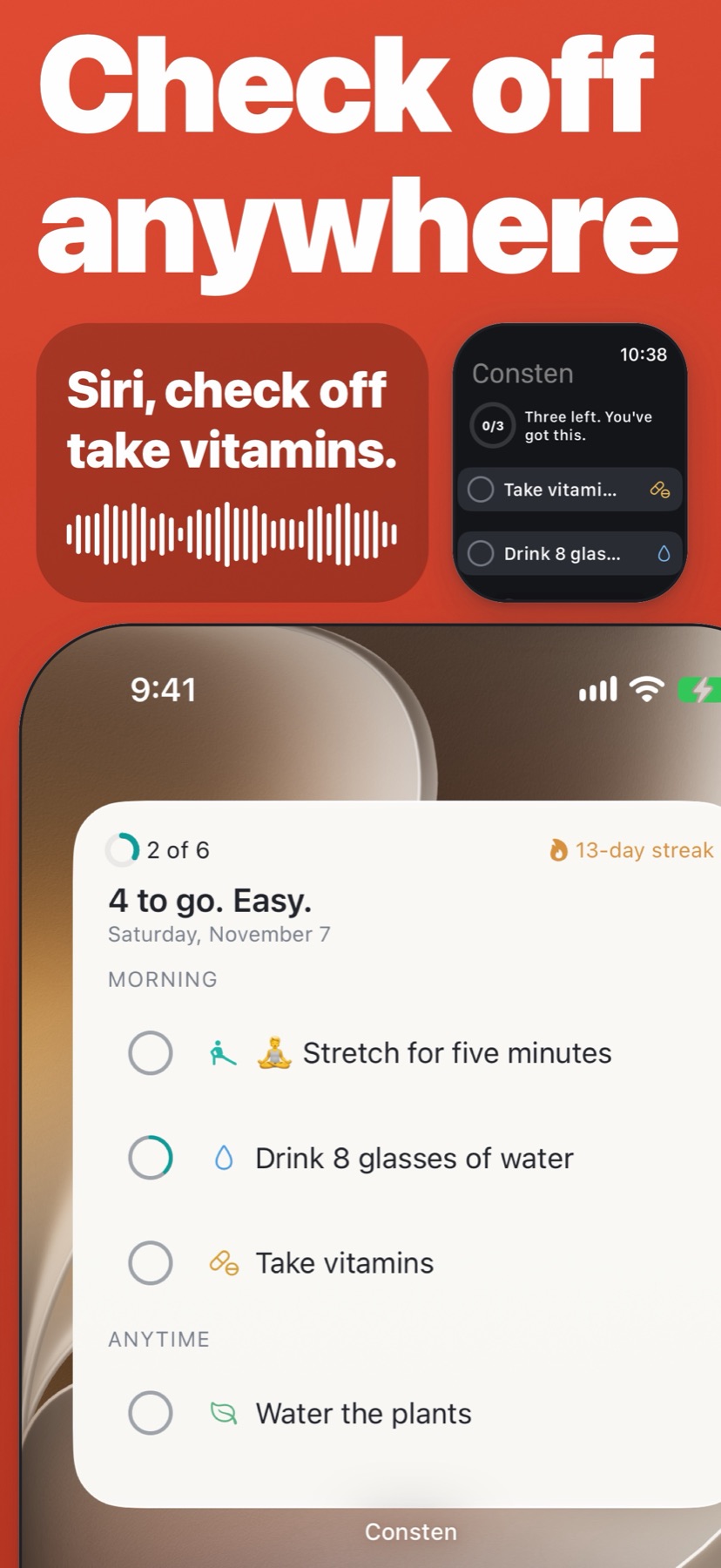
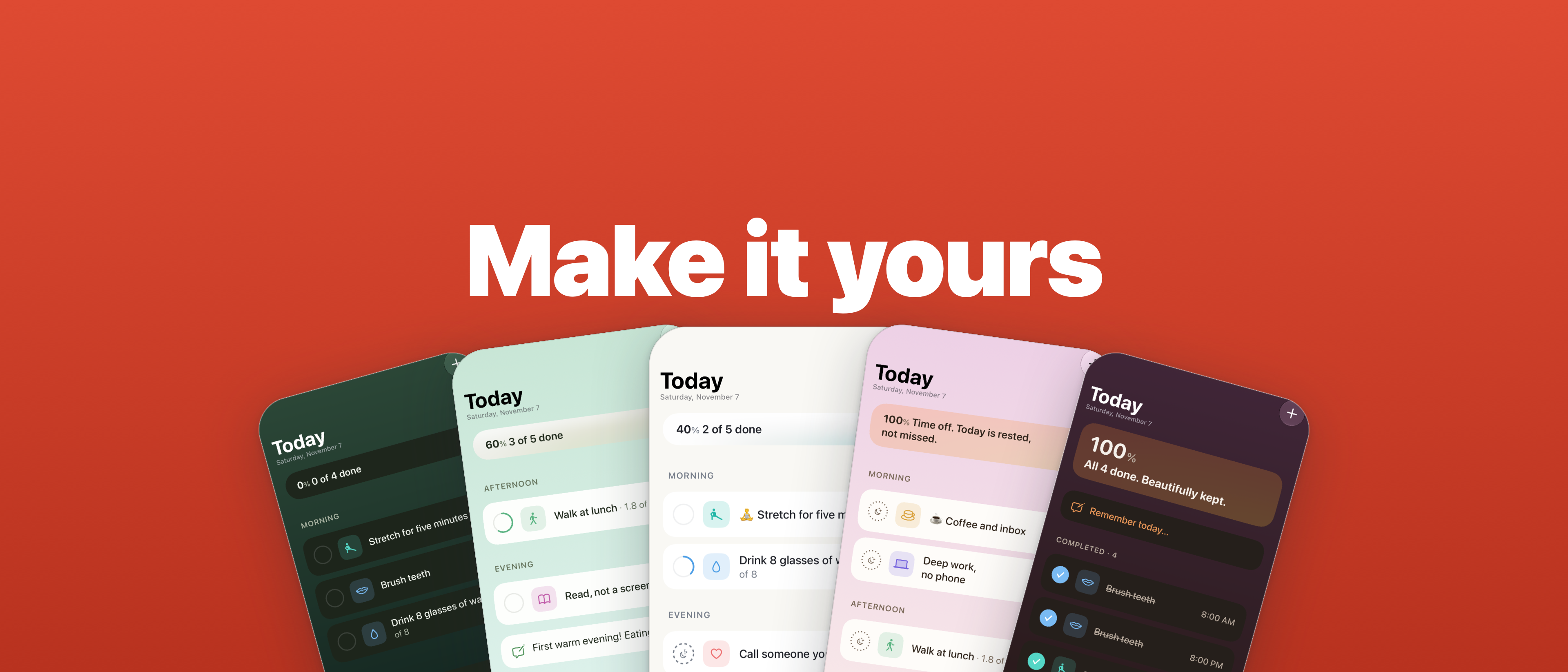
I've used a Mac since the move to Intel, and Apple's platforms mean a great deal to me. So Consten is native everywhere it runs. It uses widgets, Siri, Shortcuts and Control Center, so it fits however you like to work. I hope the care in it shows.
I want to make beautiful, functional apps you can use on any Apple platform. Not iPad apps on the Mac, and not Catalyst. A proper native experience, with proper platform integration.
Dan Edwards, developer of Consten
Fact sheet
Developer
Dan Edwards (Donkeyshin, LLC)
Released
October 12, 2026
Platforms
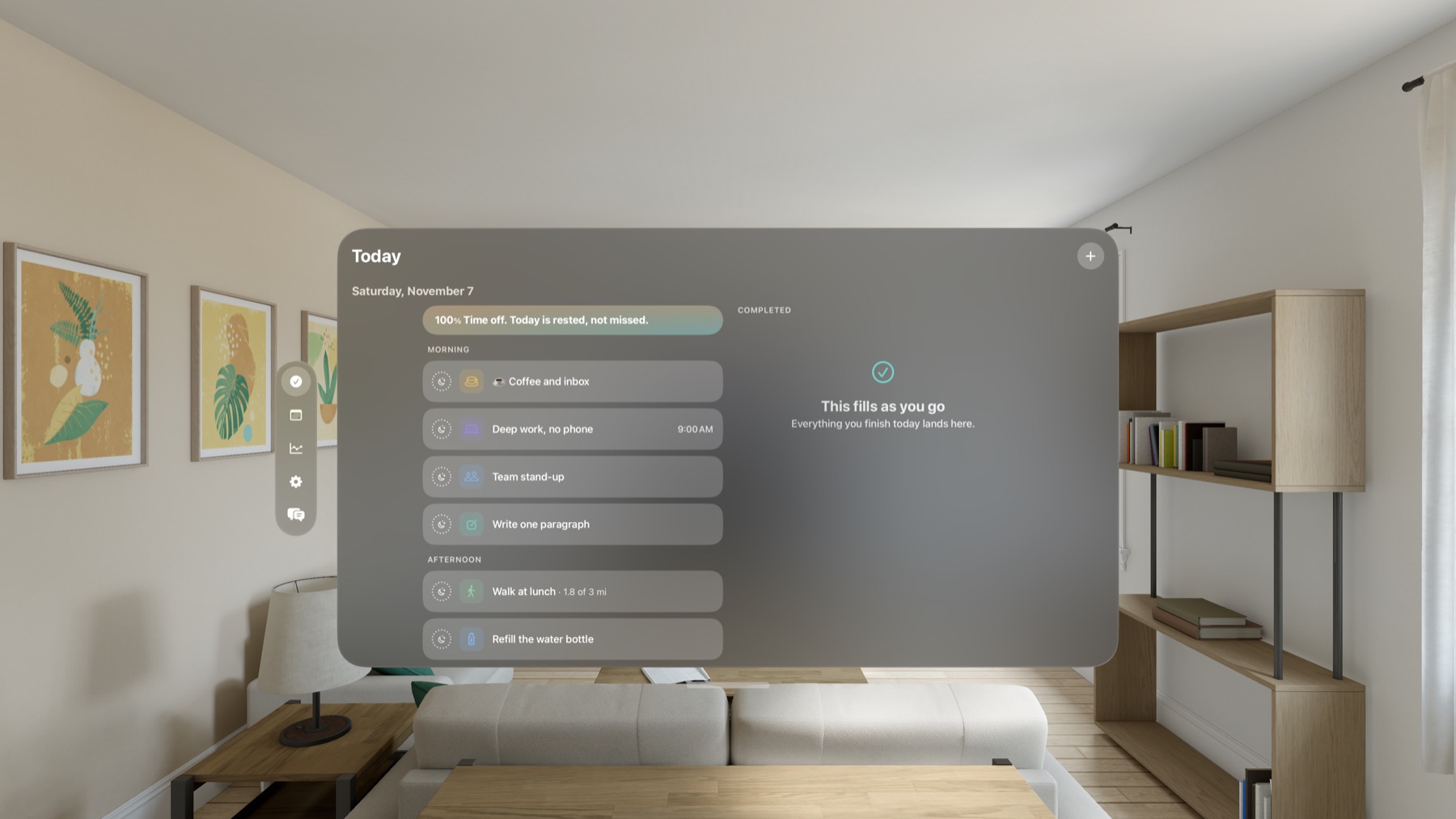
iPhone, iPad, Apple Watch, Mac and Apple Vision Pro
Requires
iOS, iPadOS, watchOS, macOS or visionOS 26 or newer
Price
Free to download. A 14-day free trial with no payment details, then $2.99 a month in the United States. Family Sharing included.
Languages
English, French, German, Italian, Japanese, Korean, Portuguese, Russian, Spanish, and Simplified or Traditional Chinese
Privacy
No ads and no tracking. Works offline. Sync is optional and off until you turn it on.
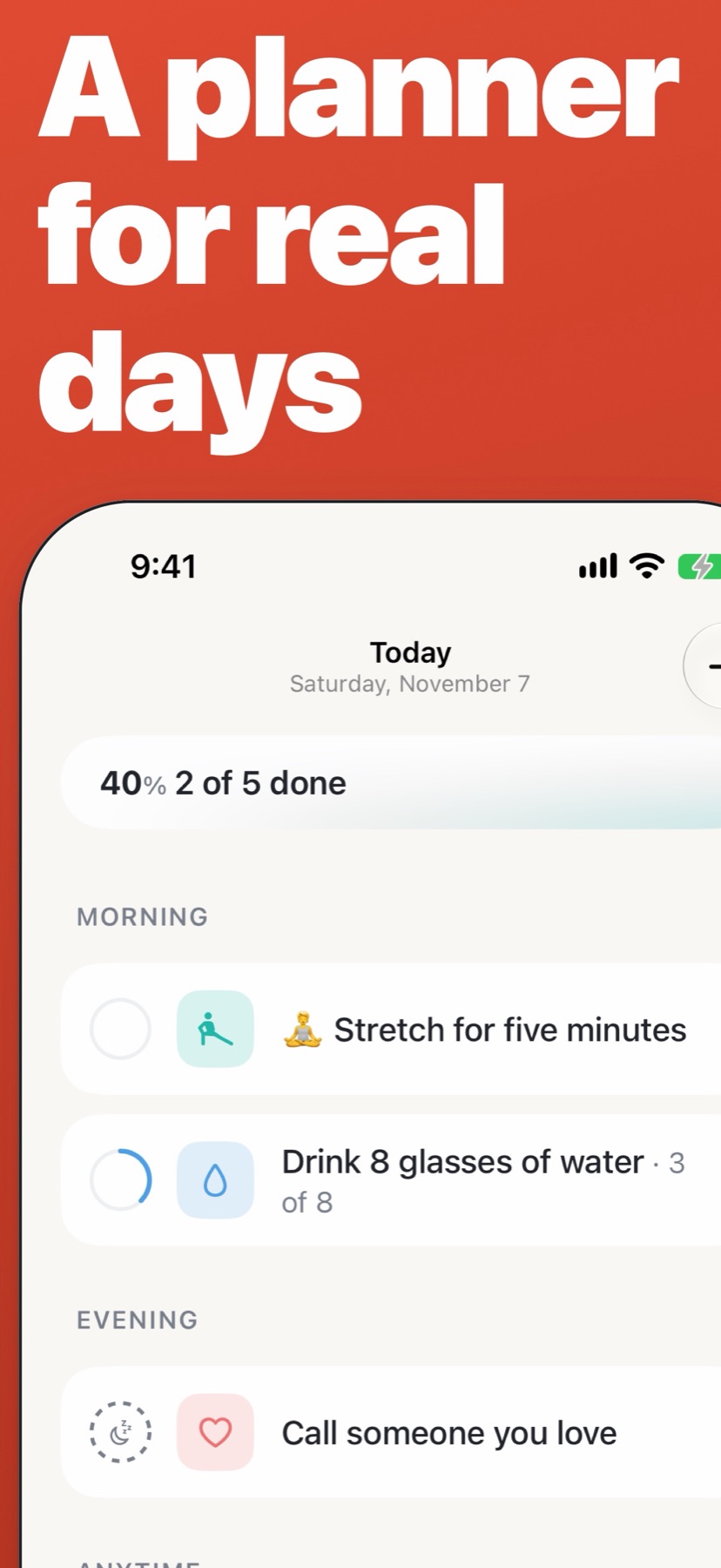
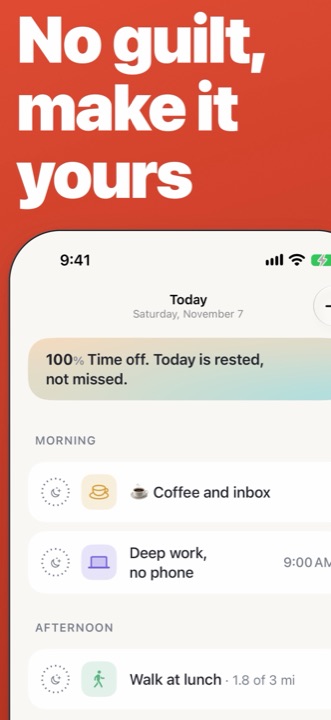
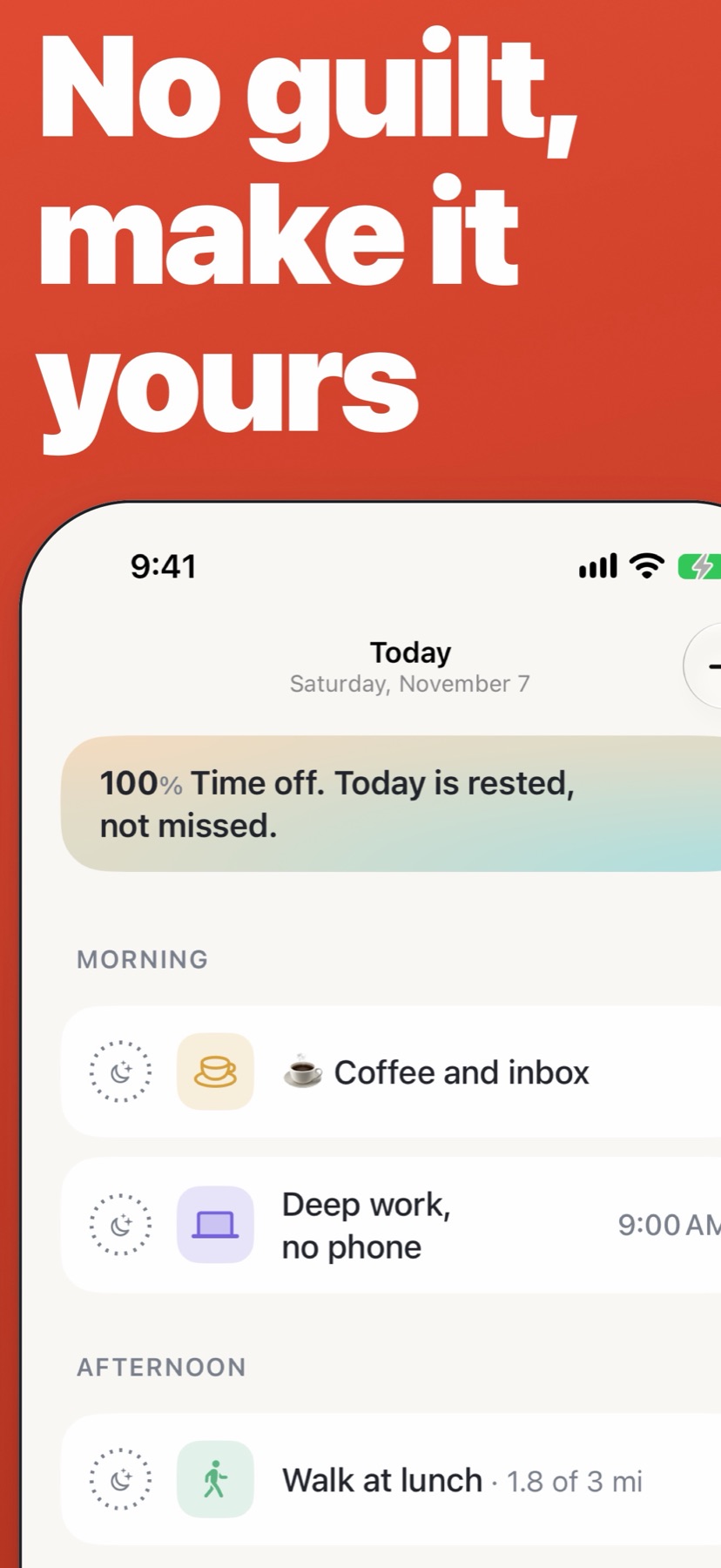
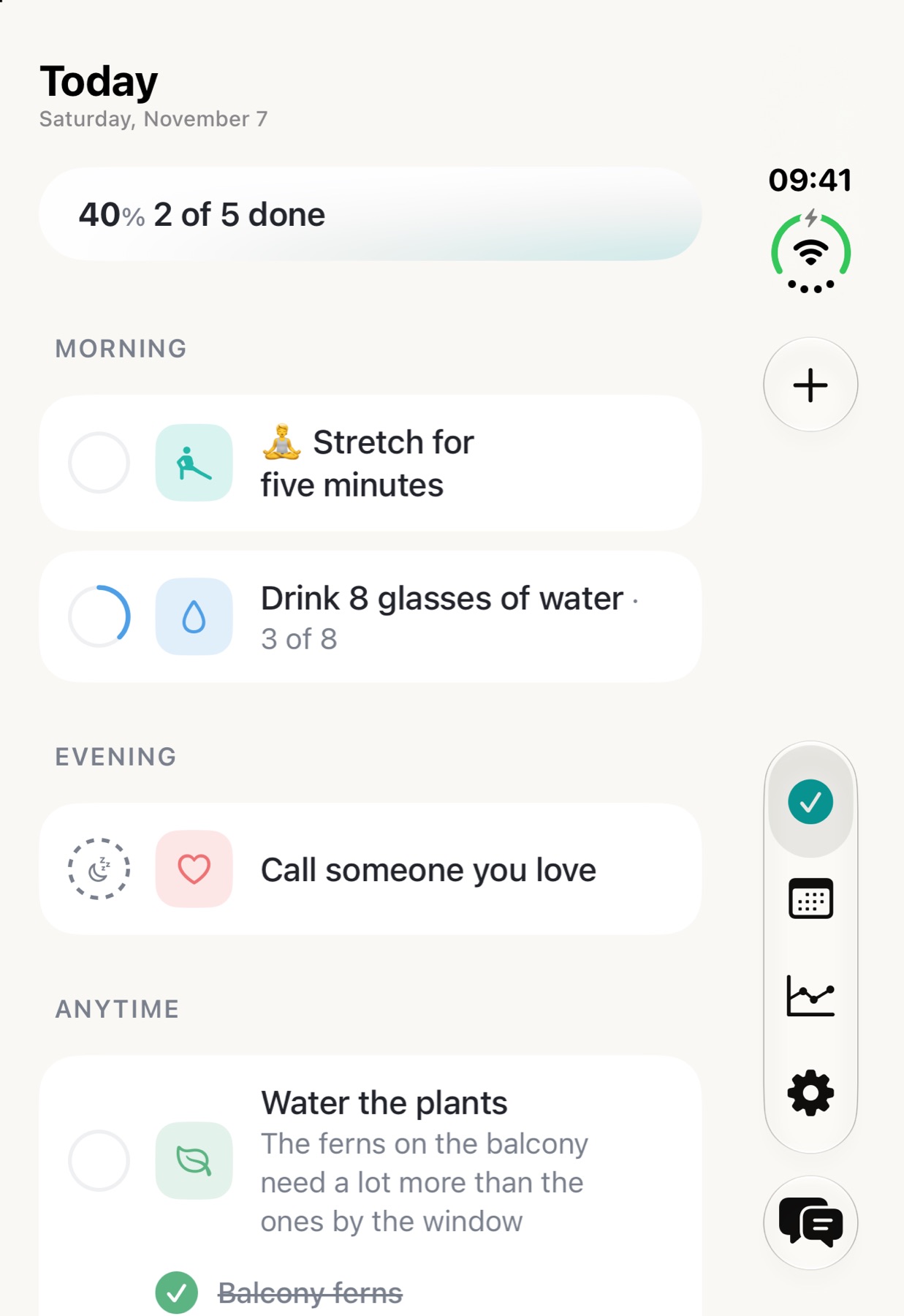
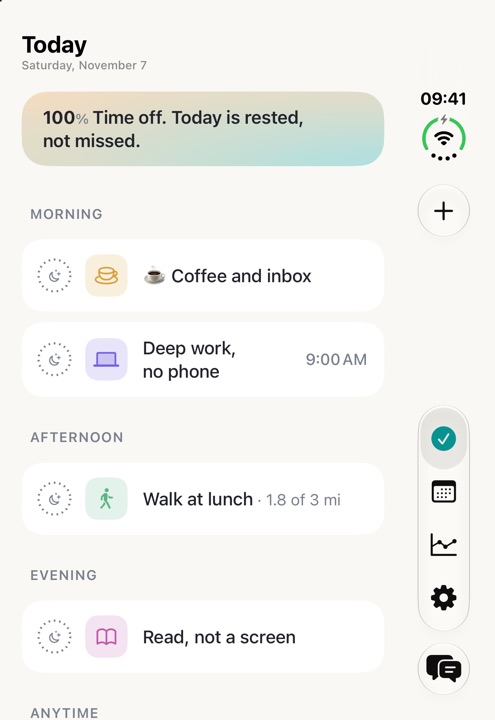
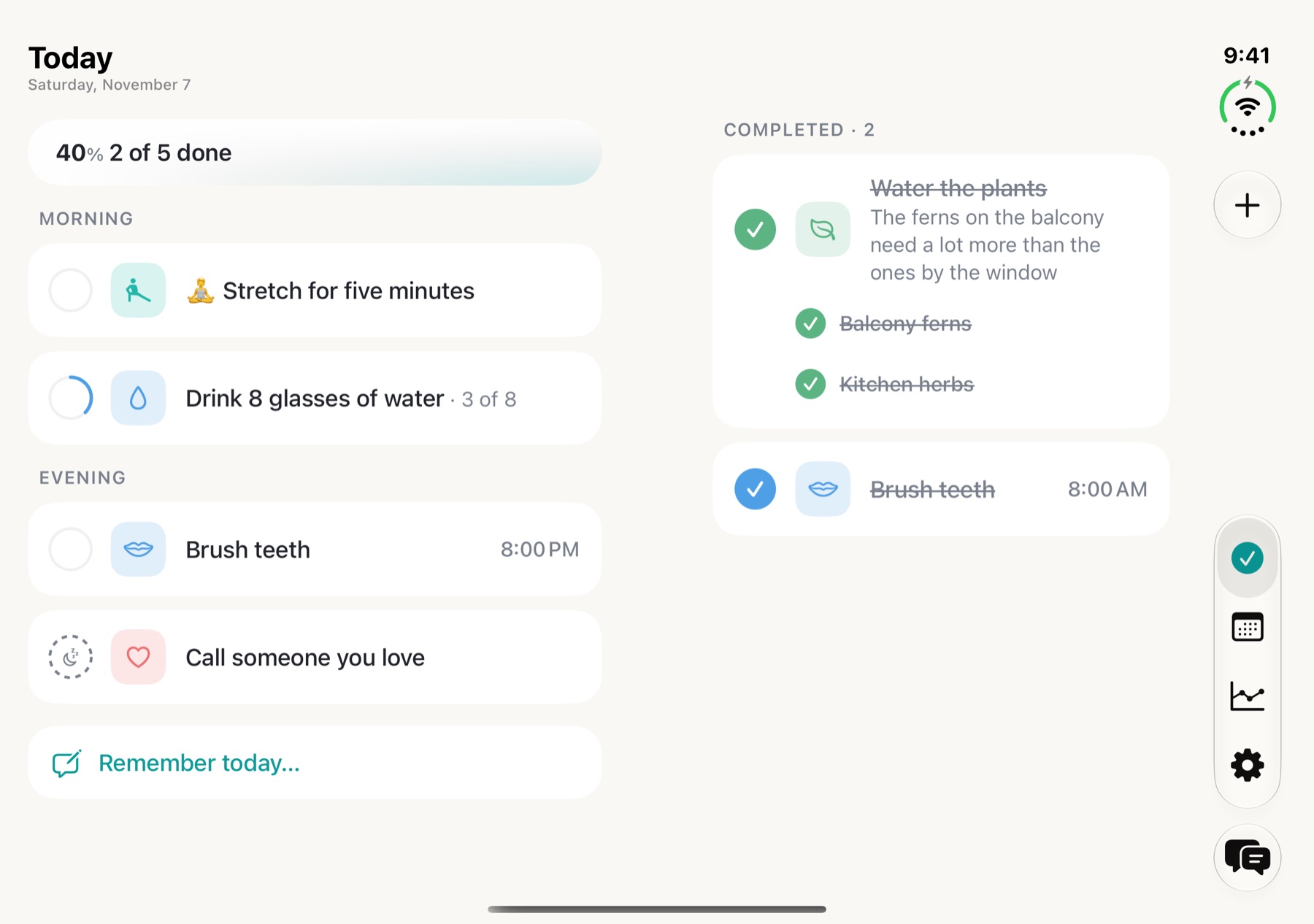
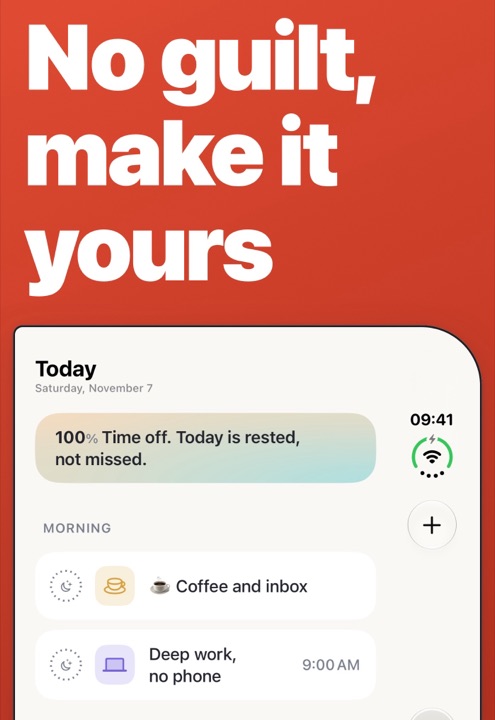
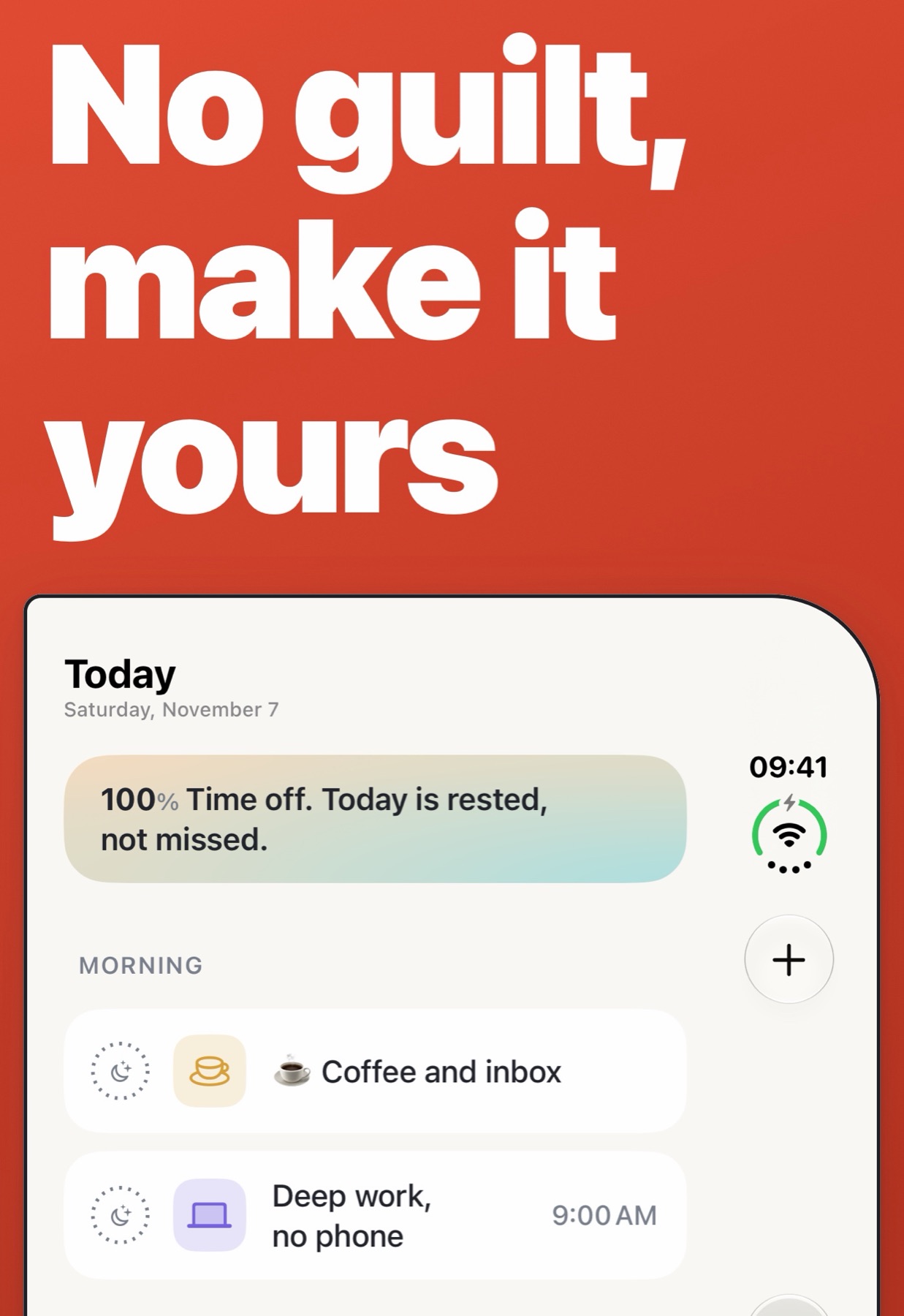
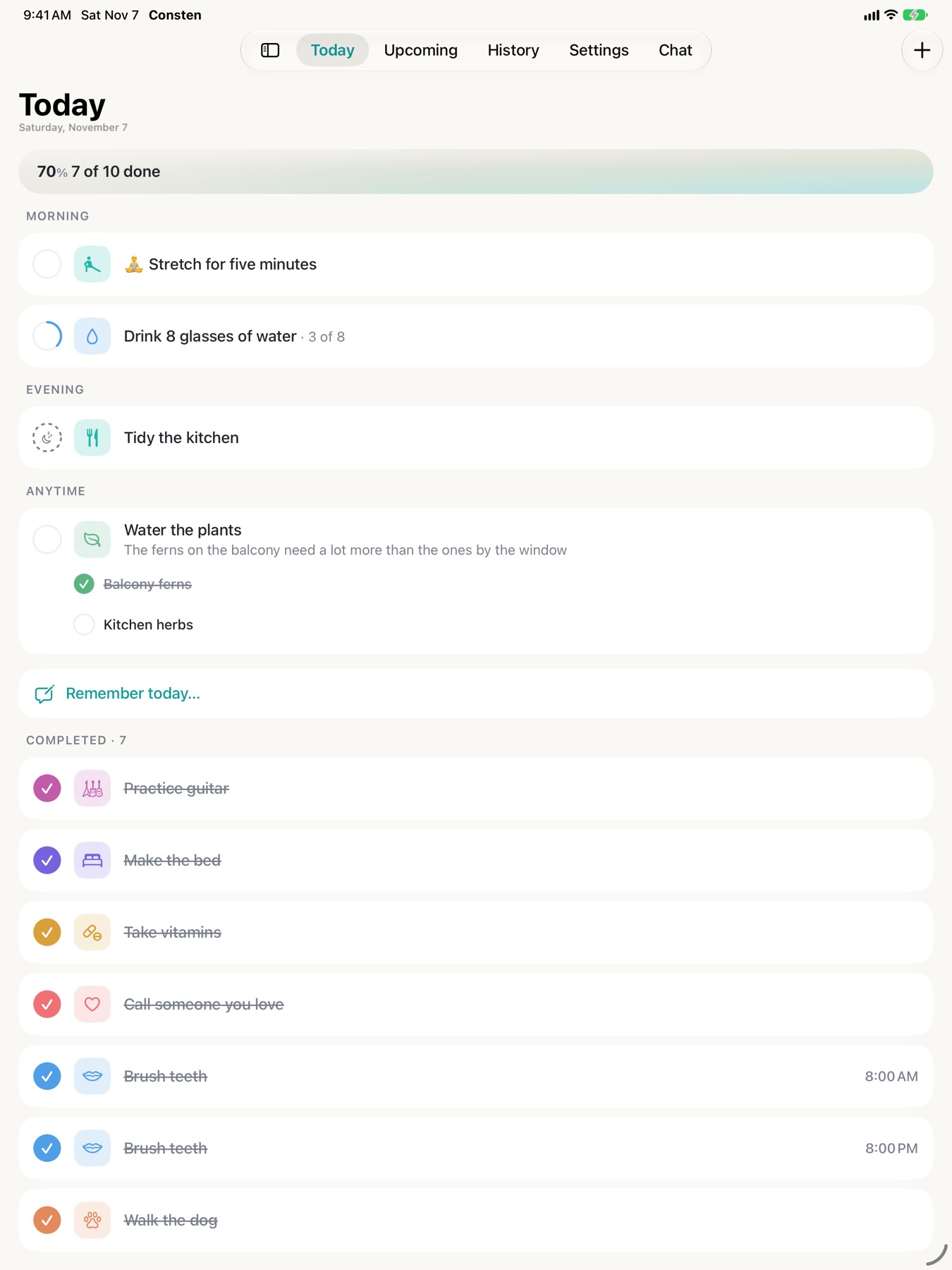
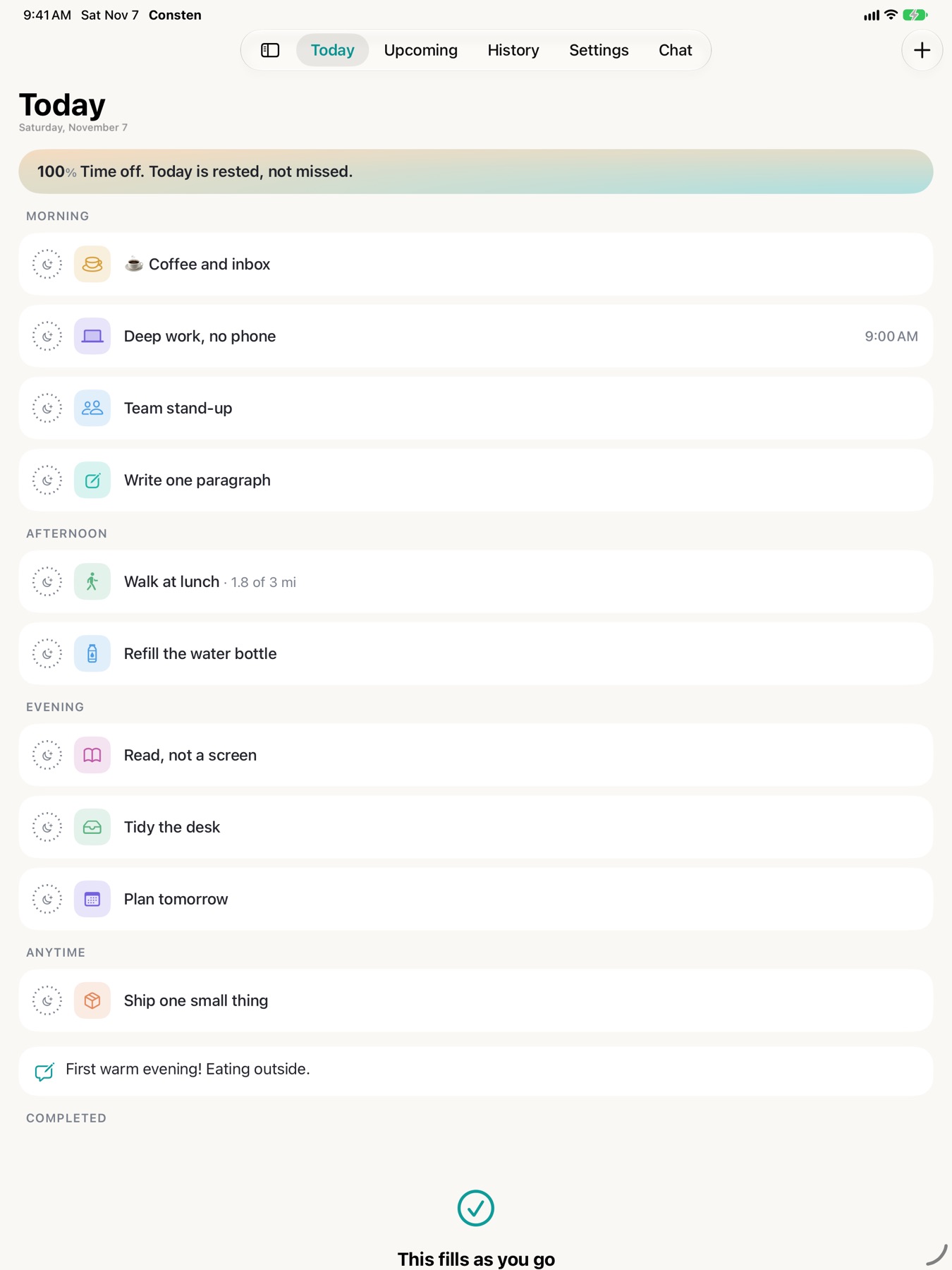
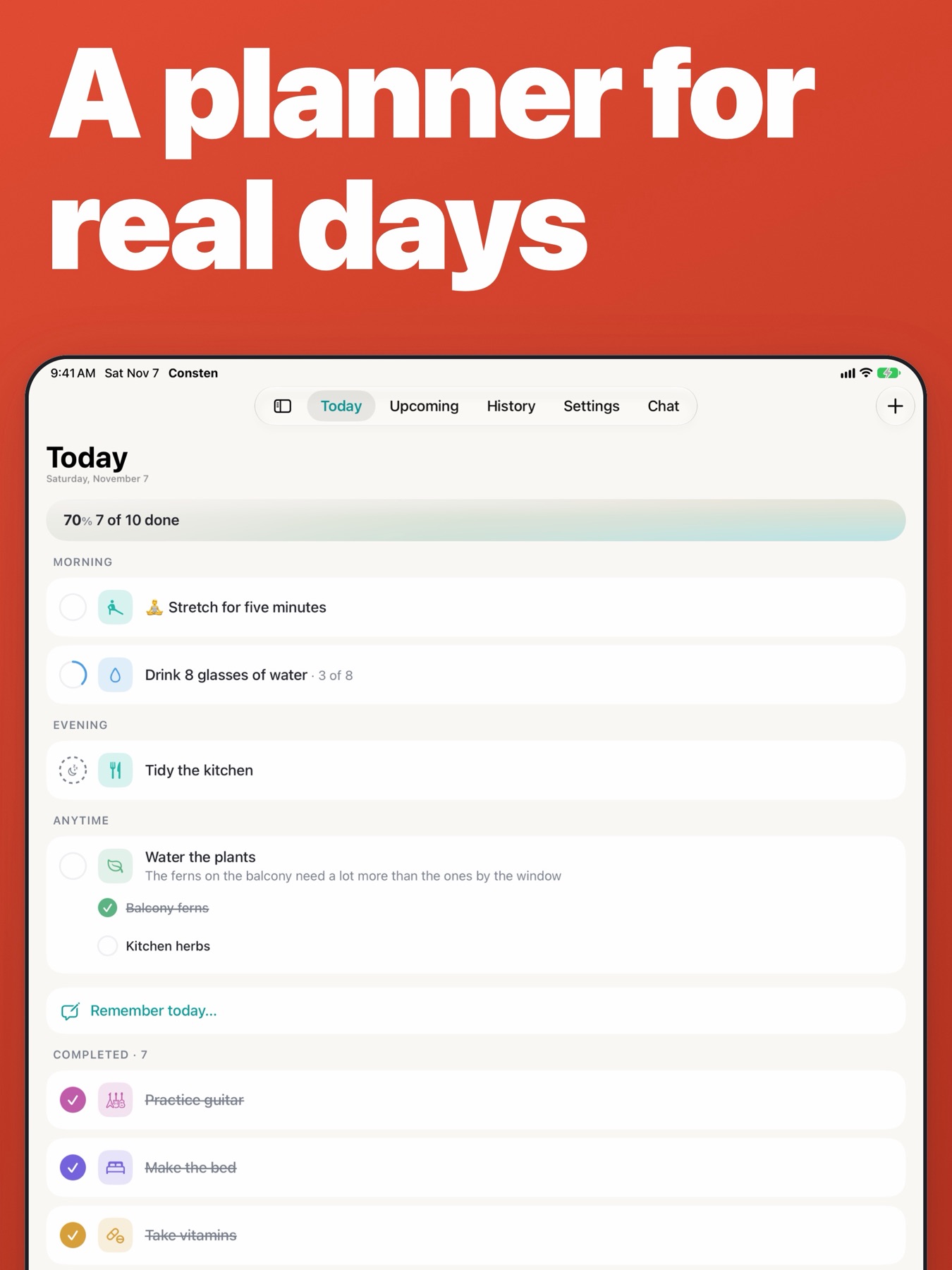
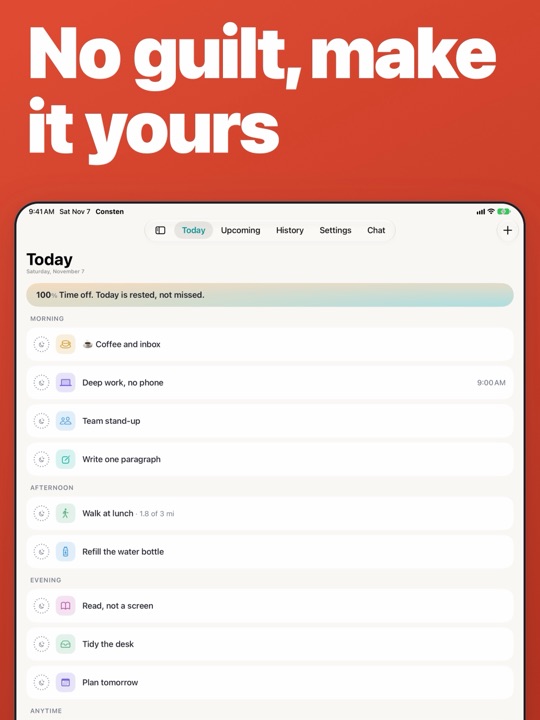
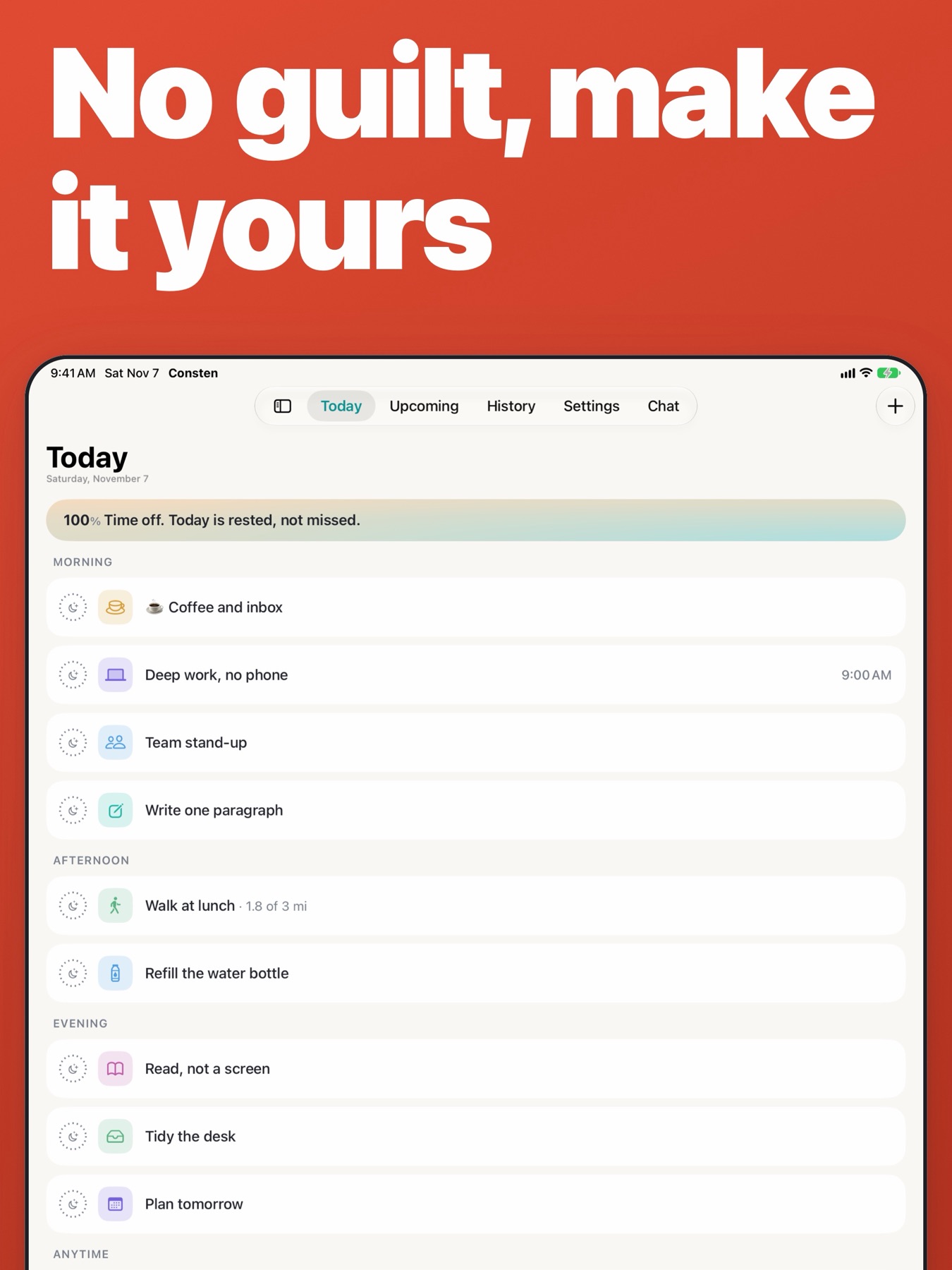
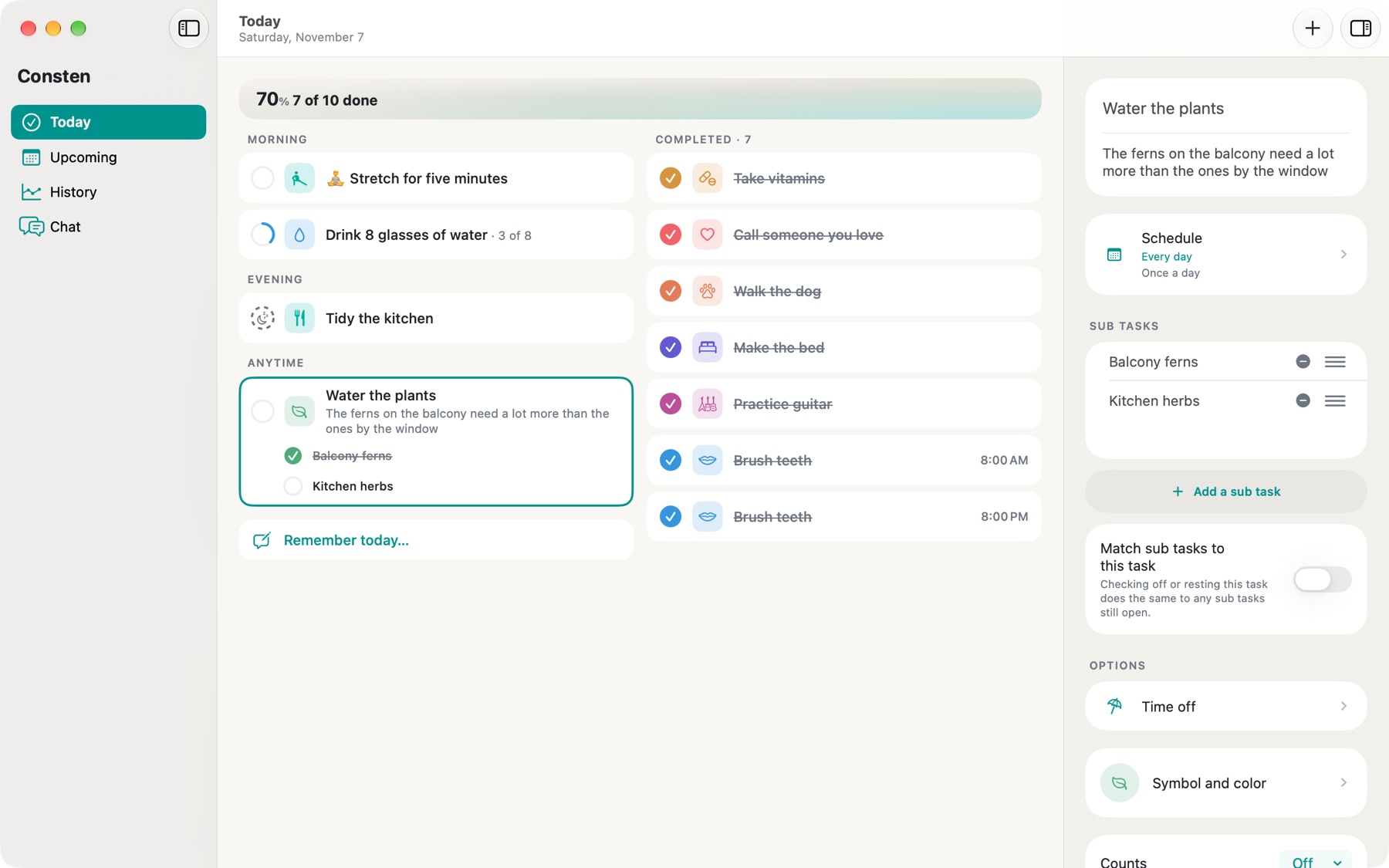
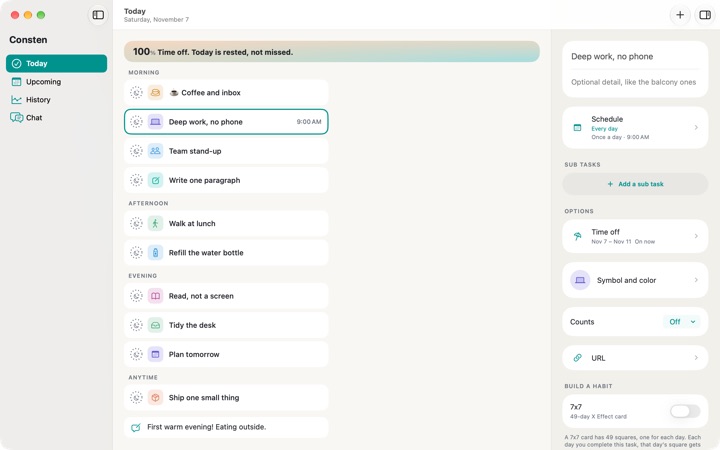
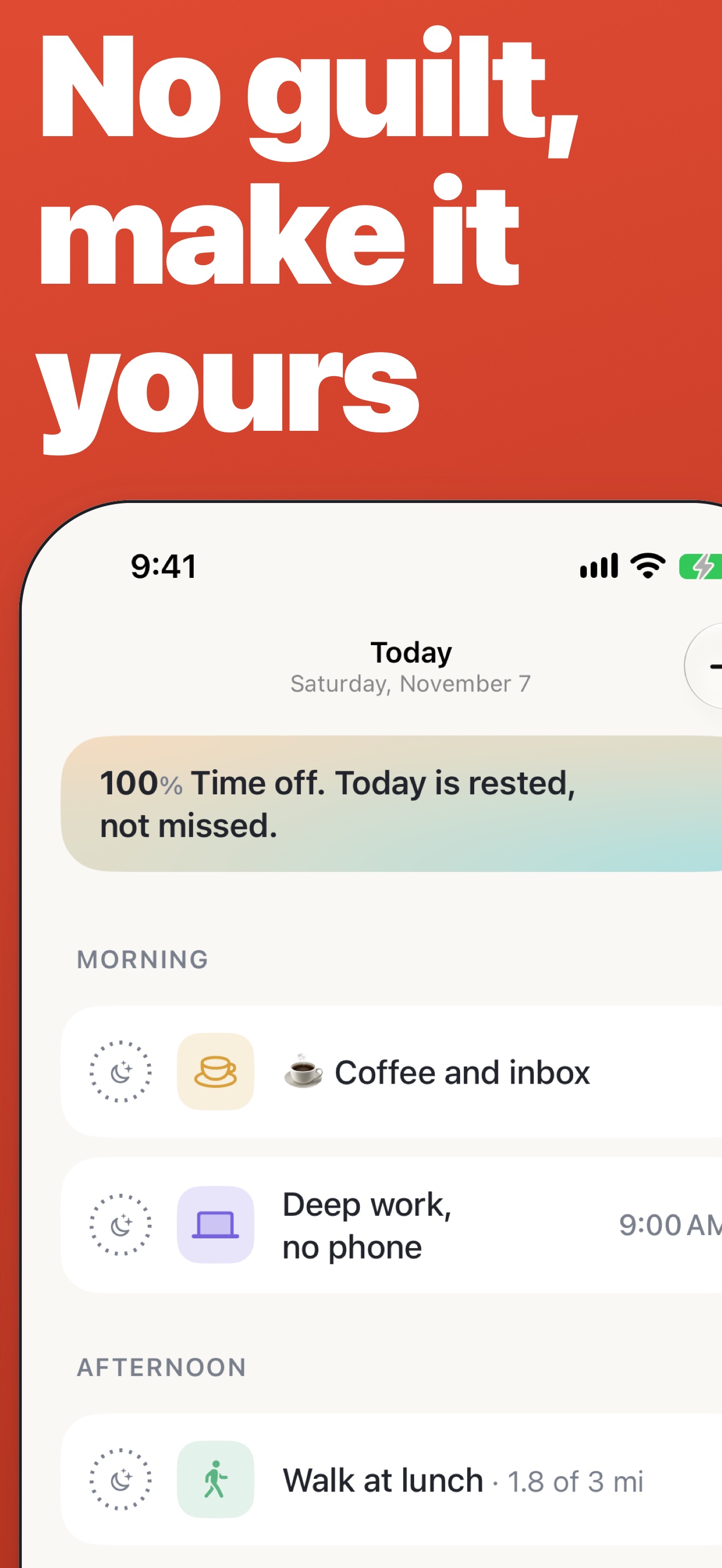
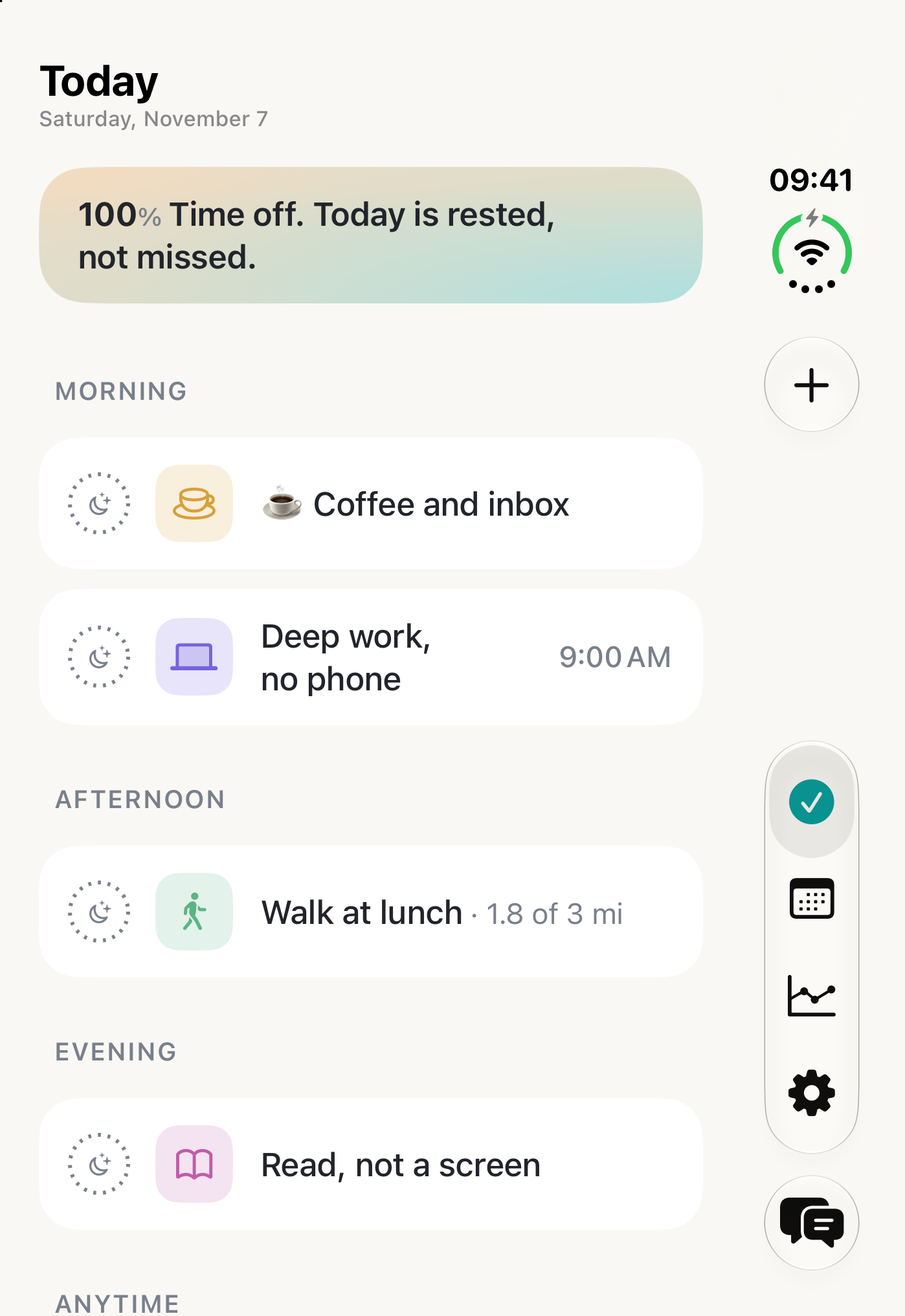
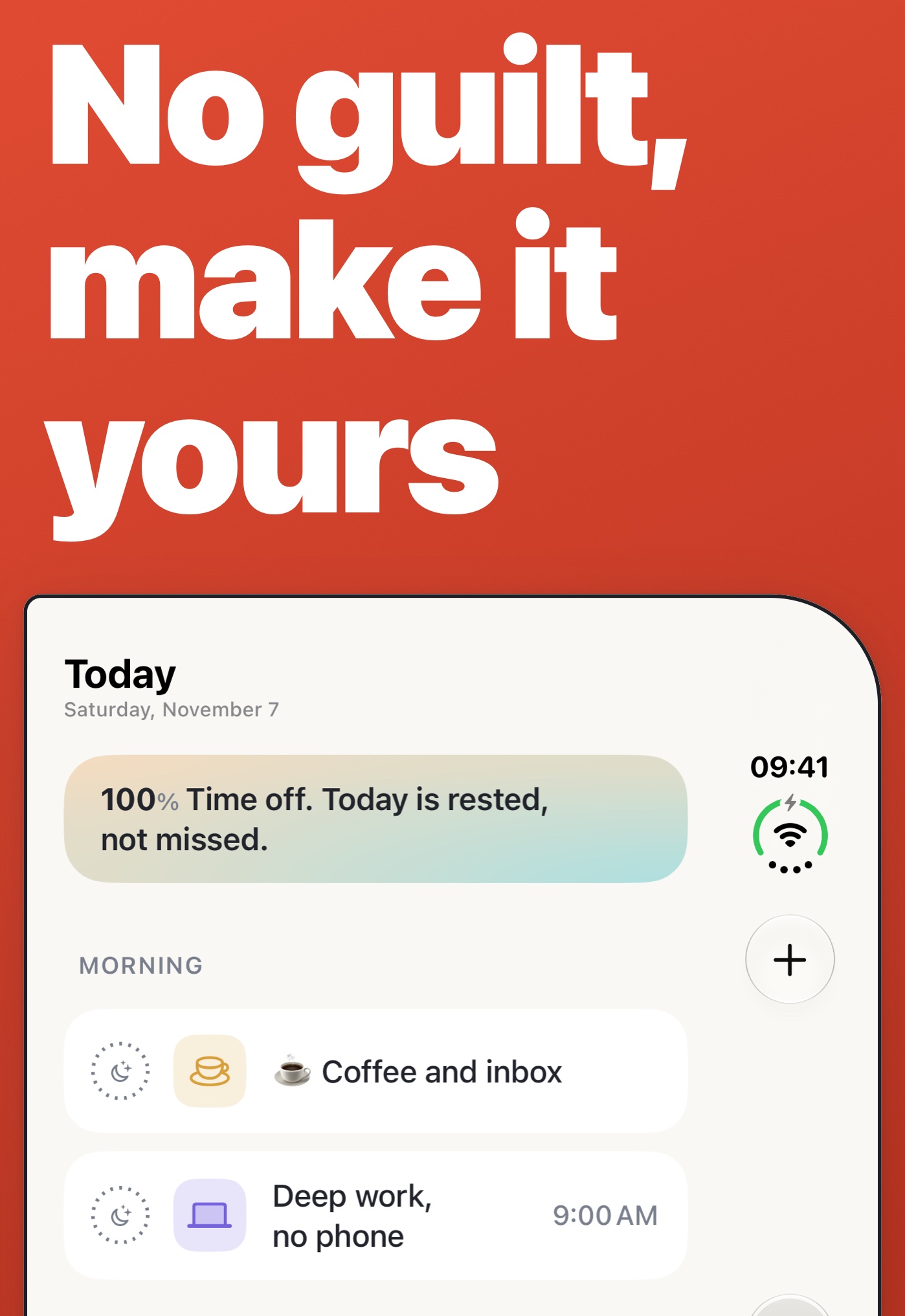
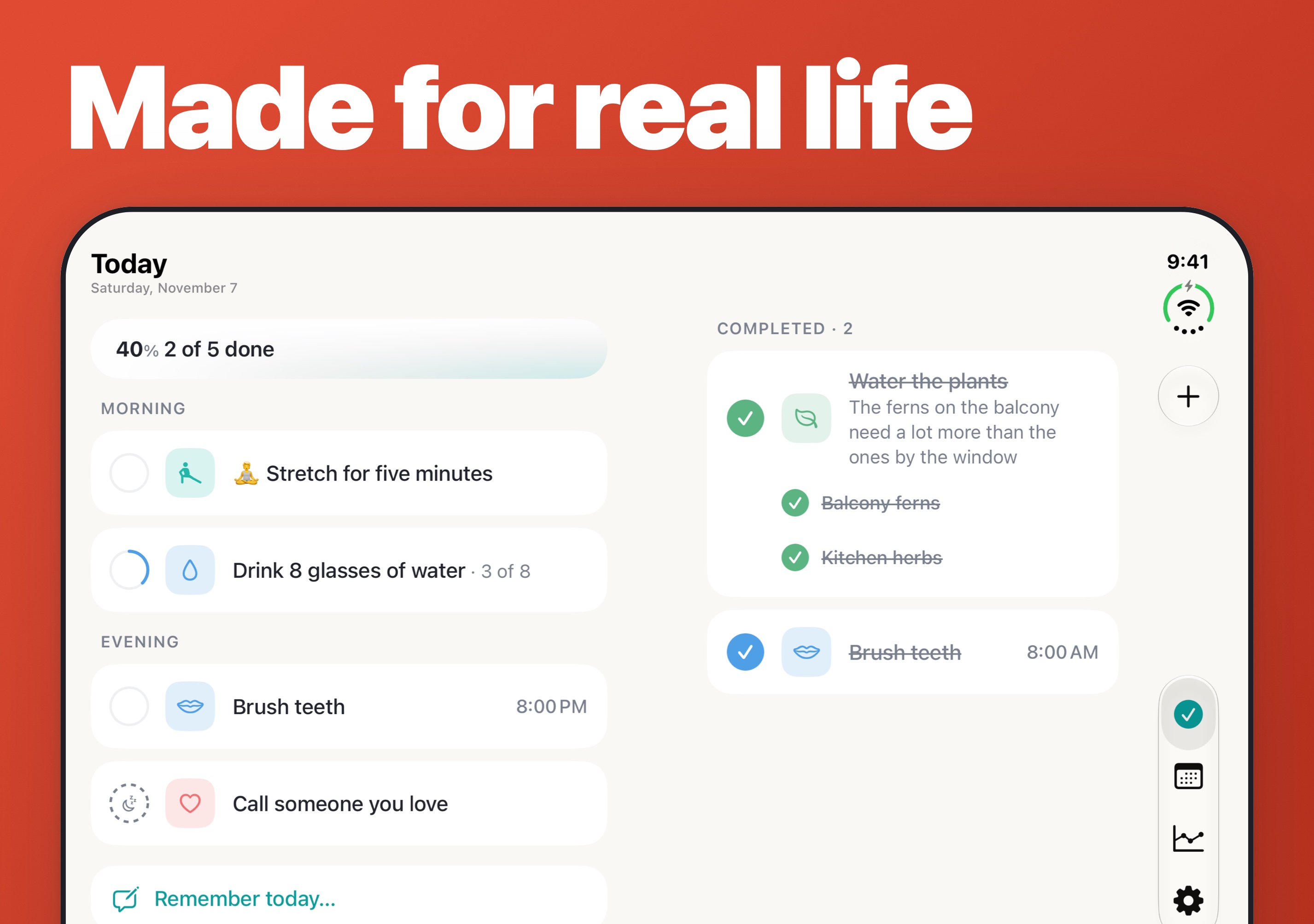
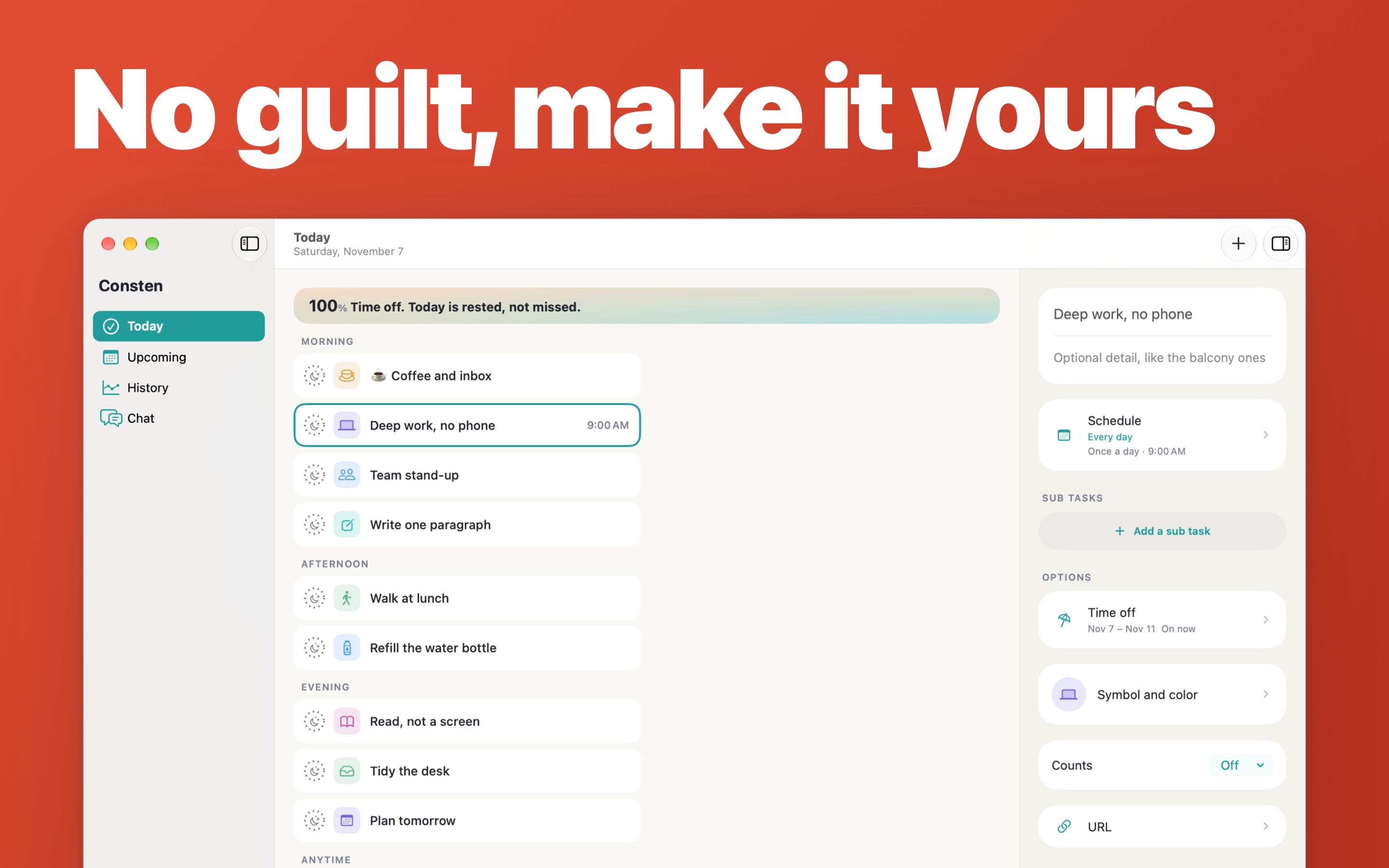
Consten is a daily task tracker for most Apple platforms. Missed days stay missed, never a failure. Rest and time off never break a streak. Fully customizable, from themes to functionality.
Longer description
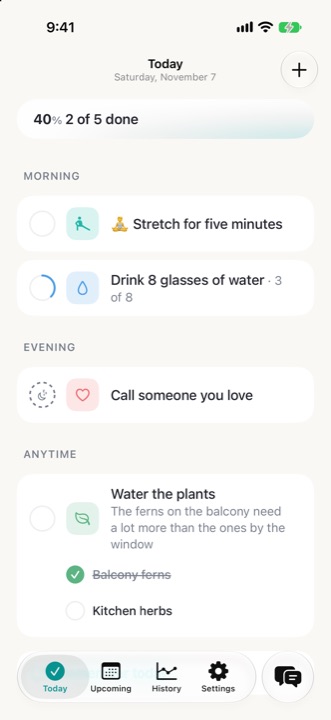
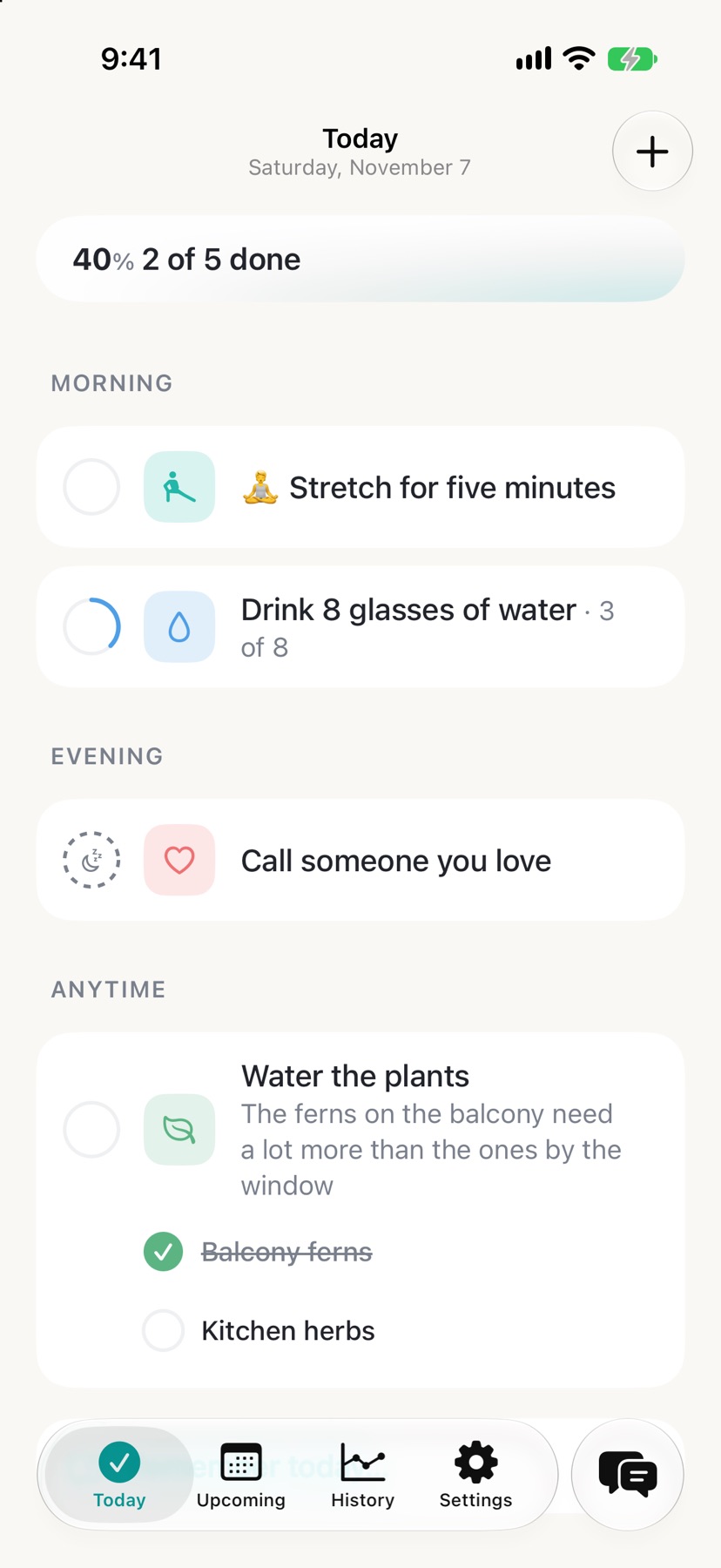
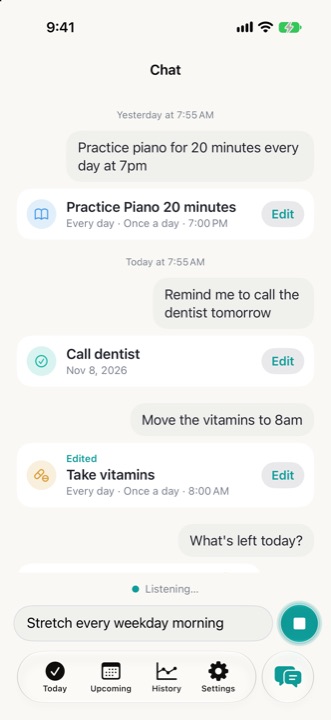
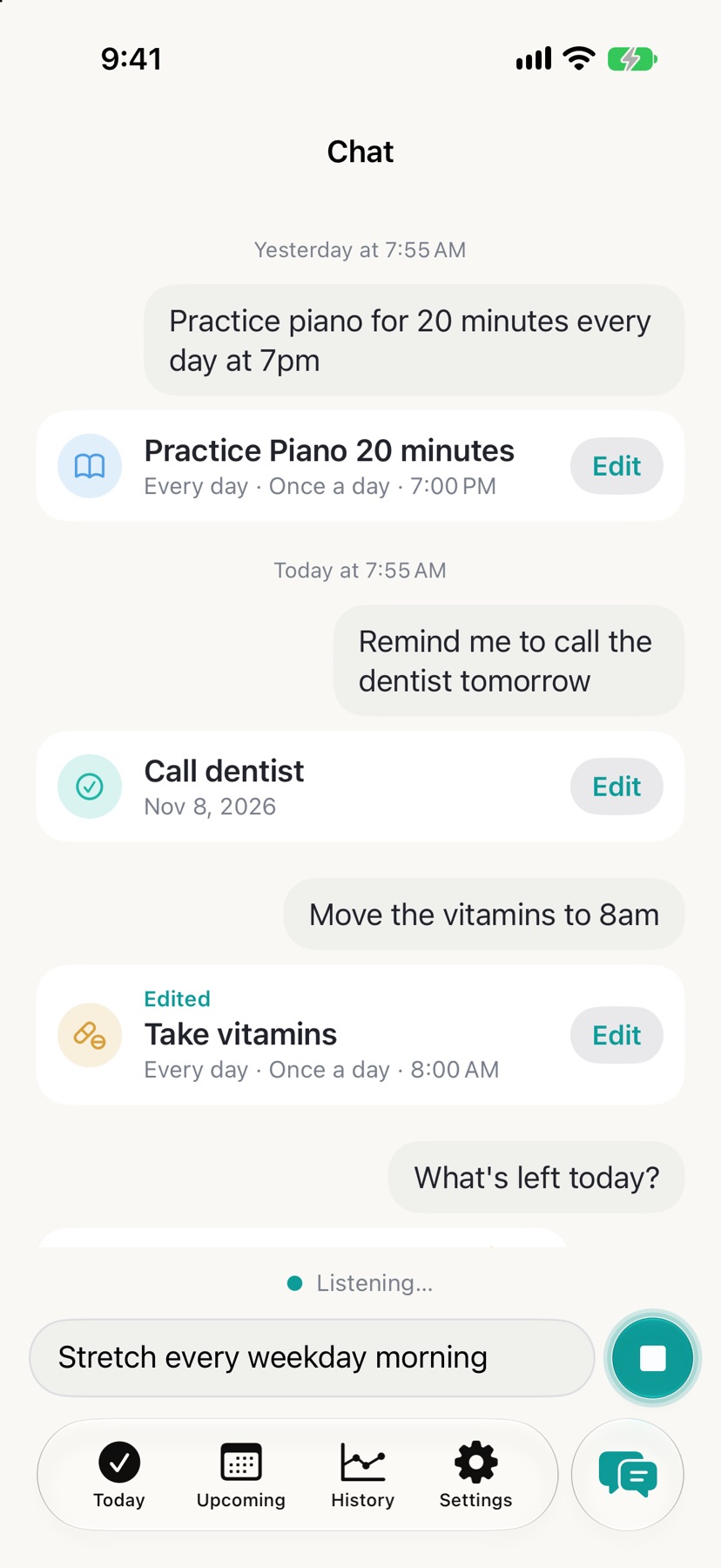
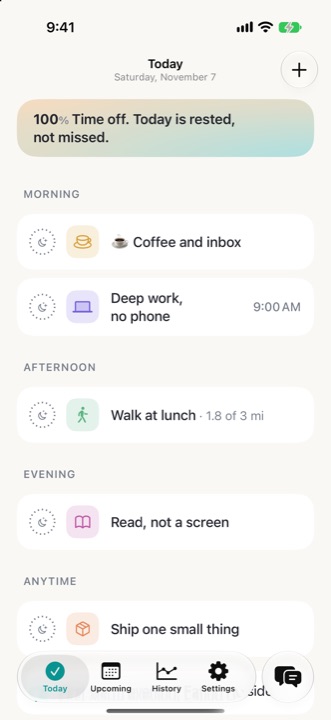
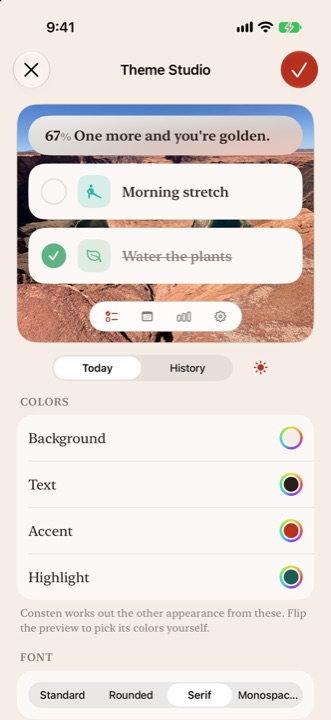
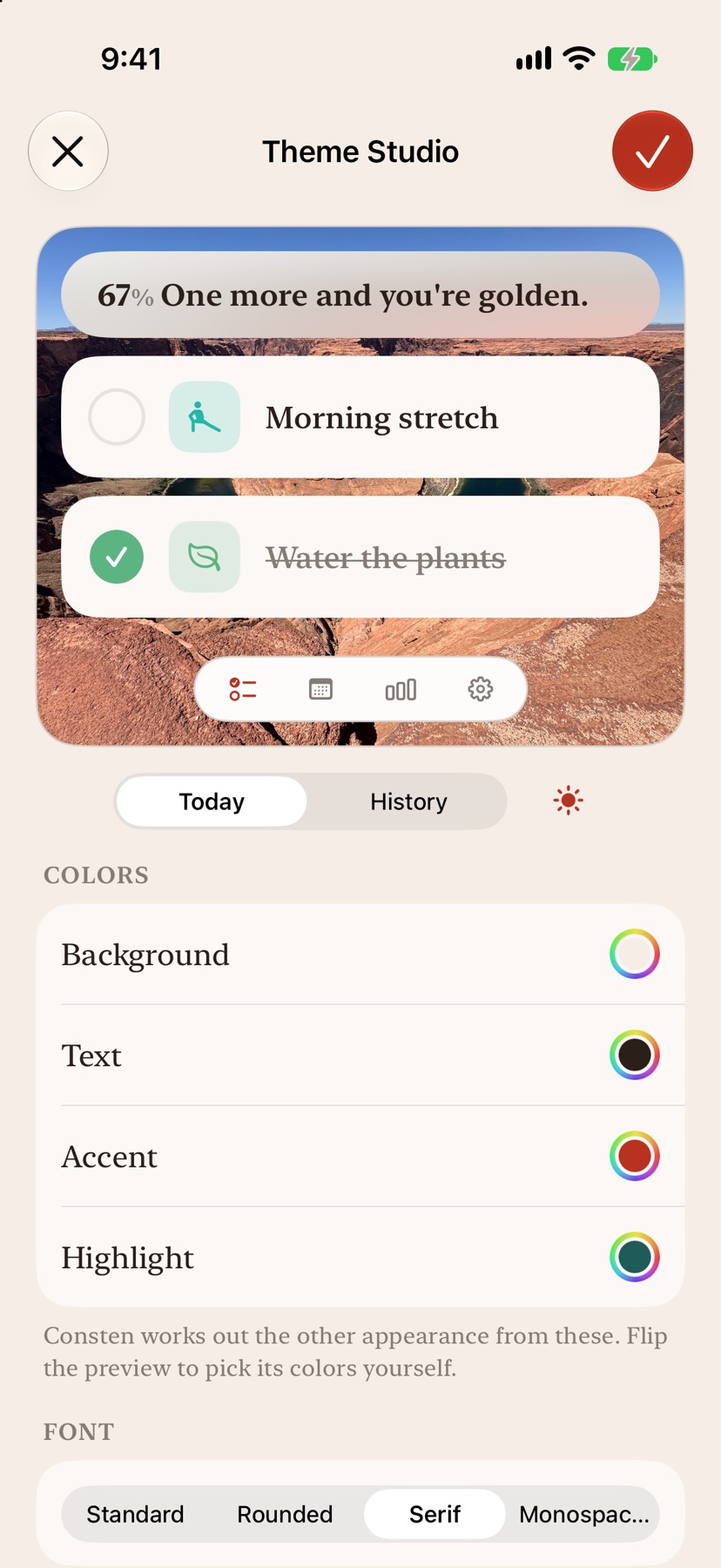
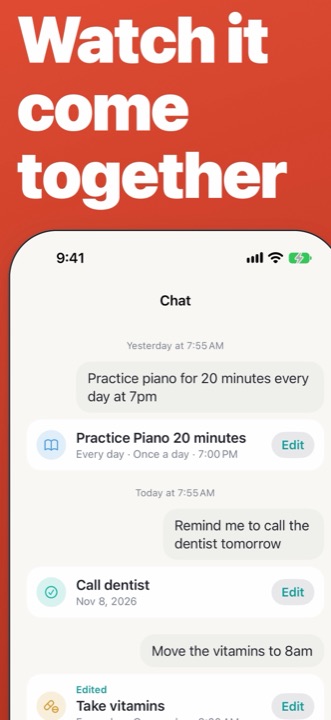
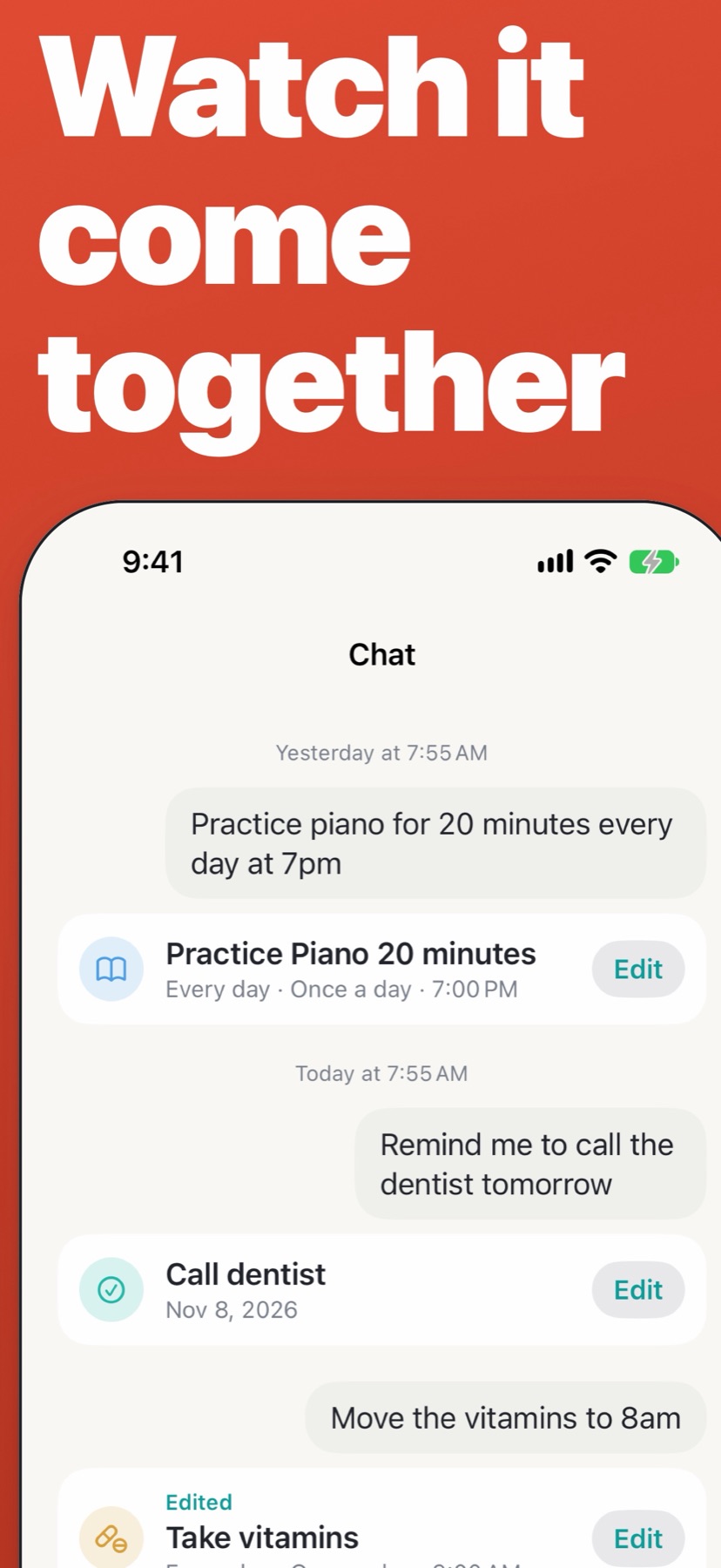
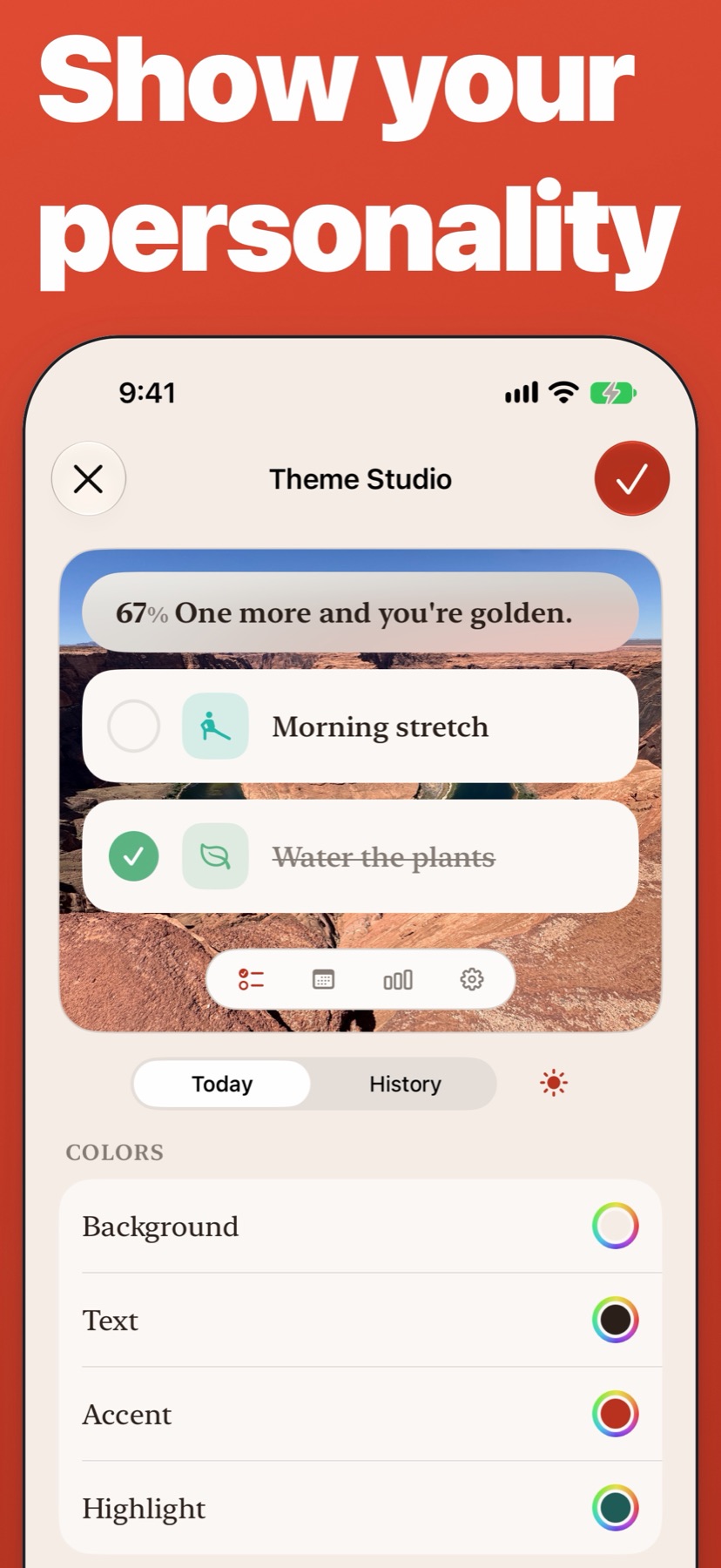
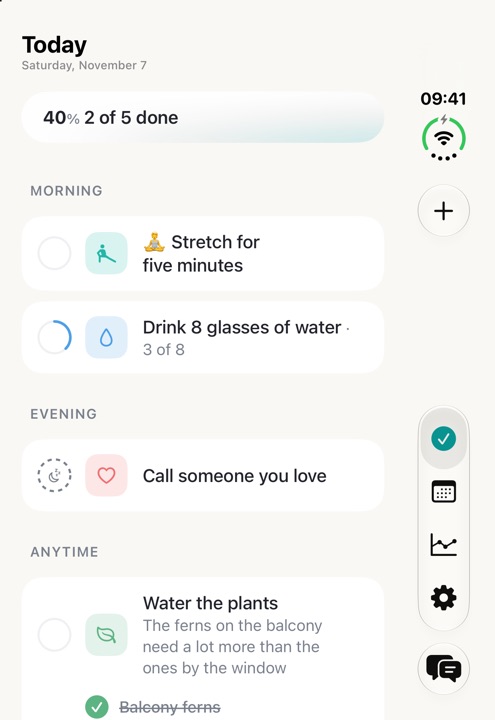
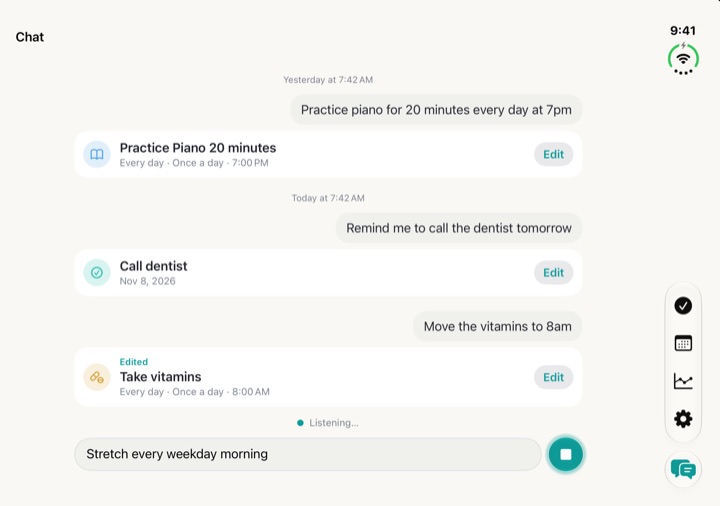
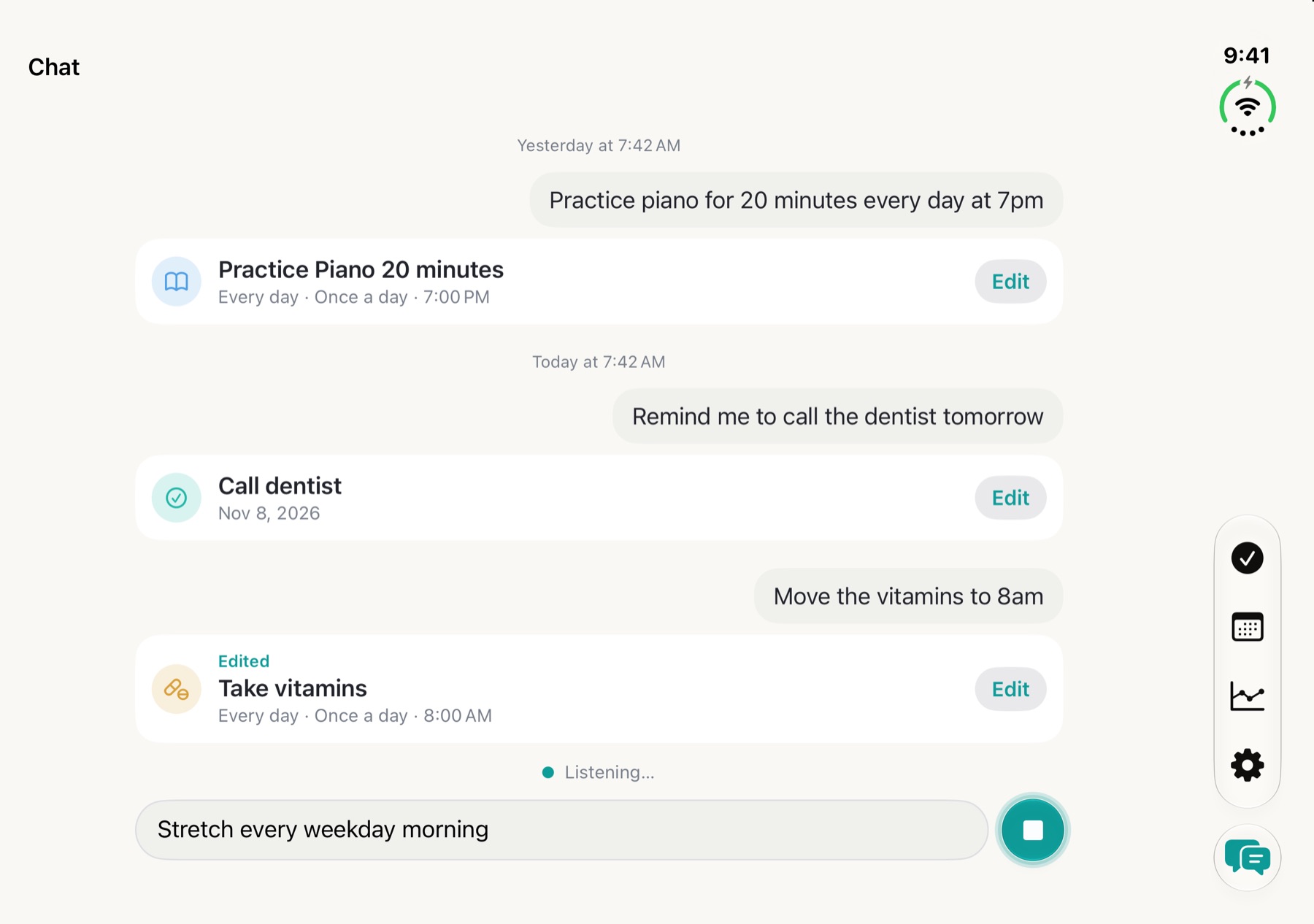
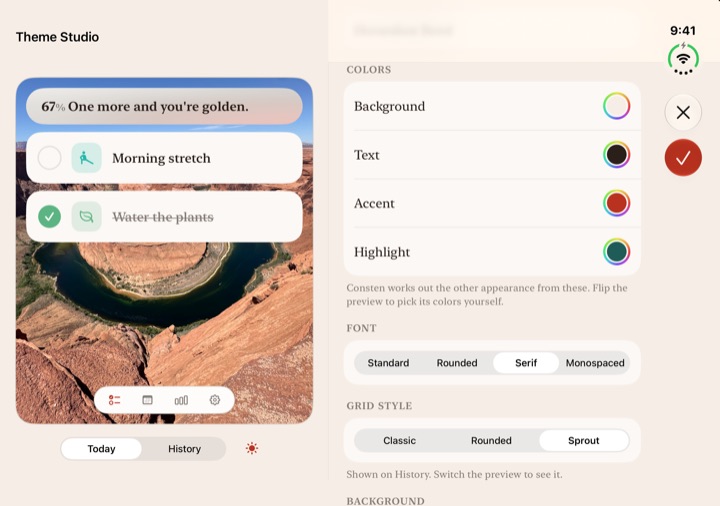
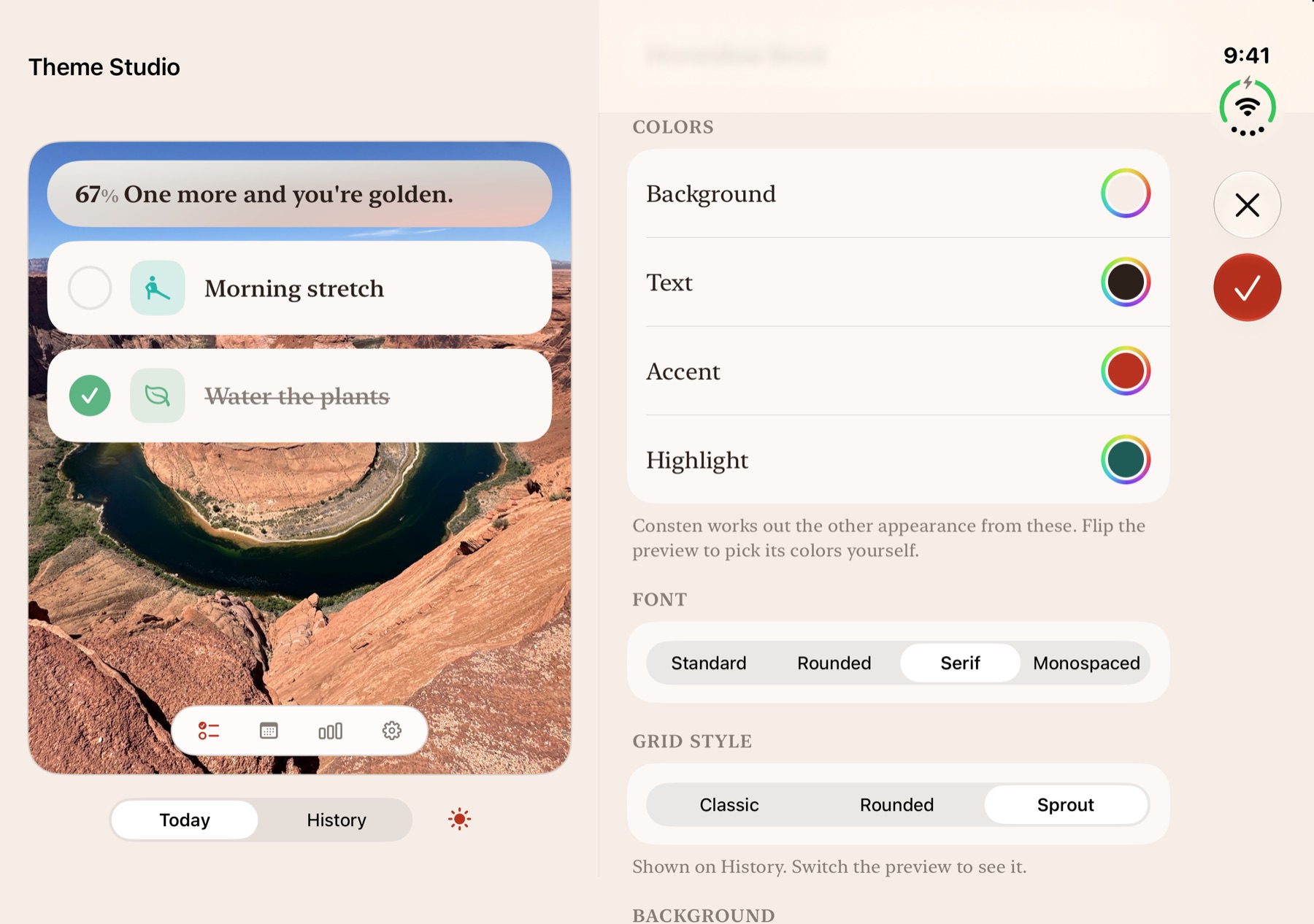
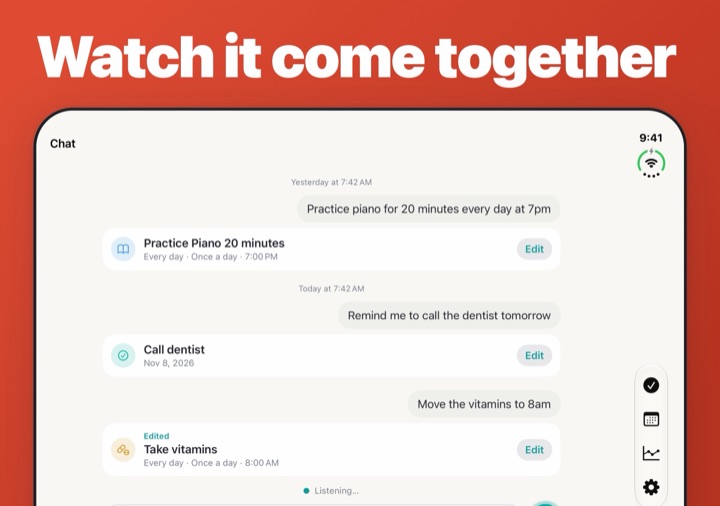
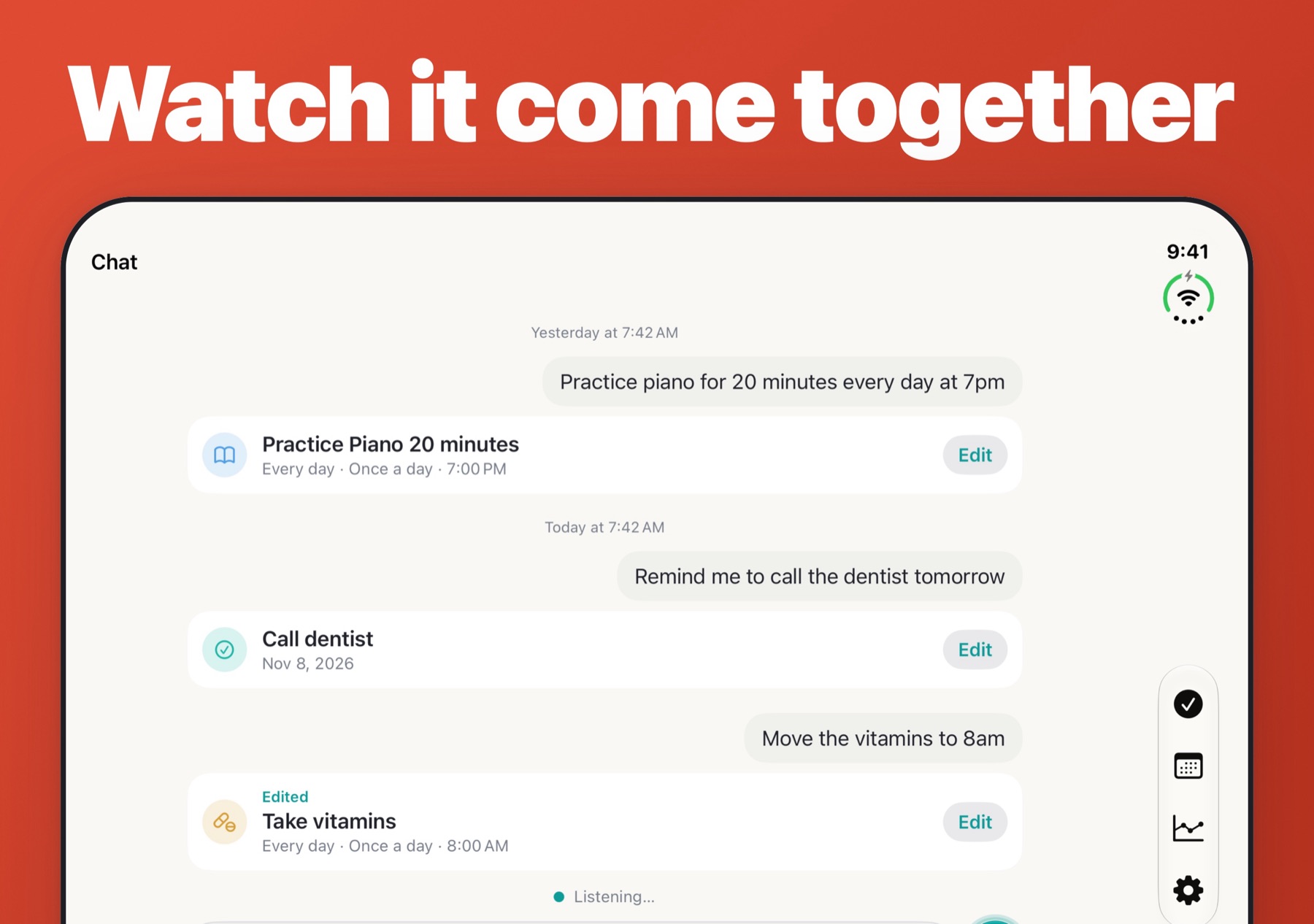
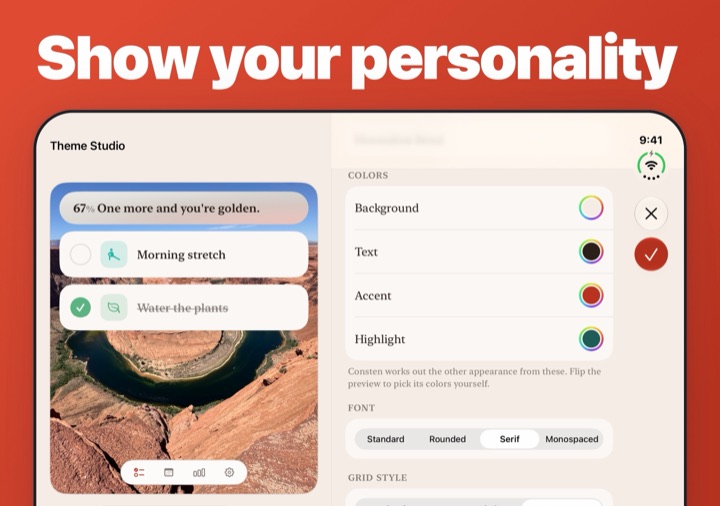
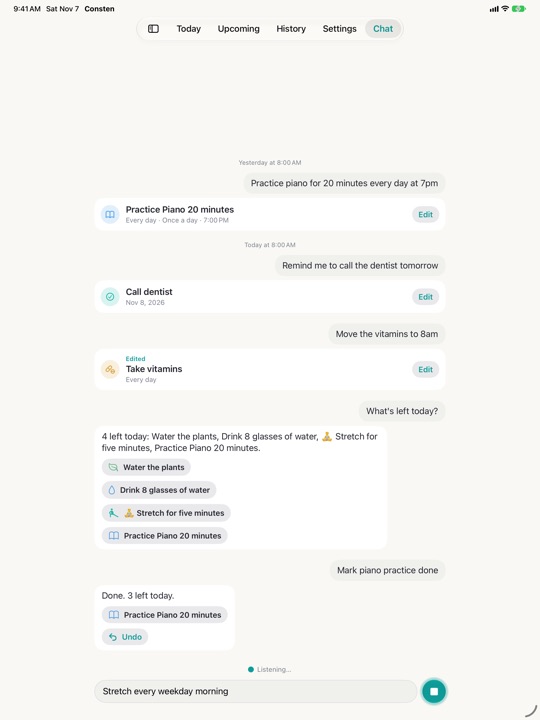
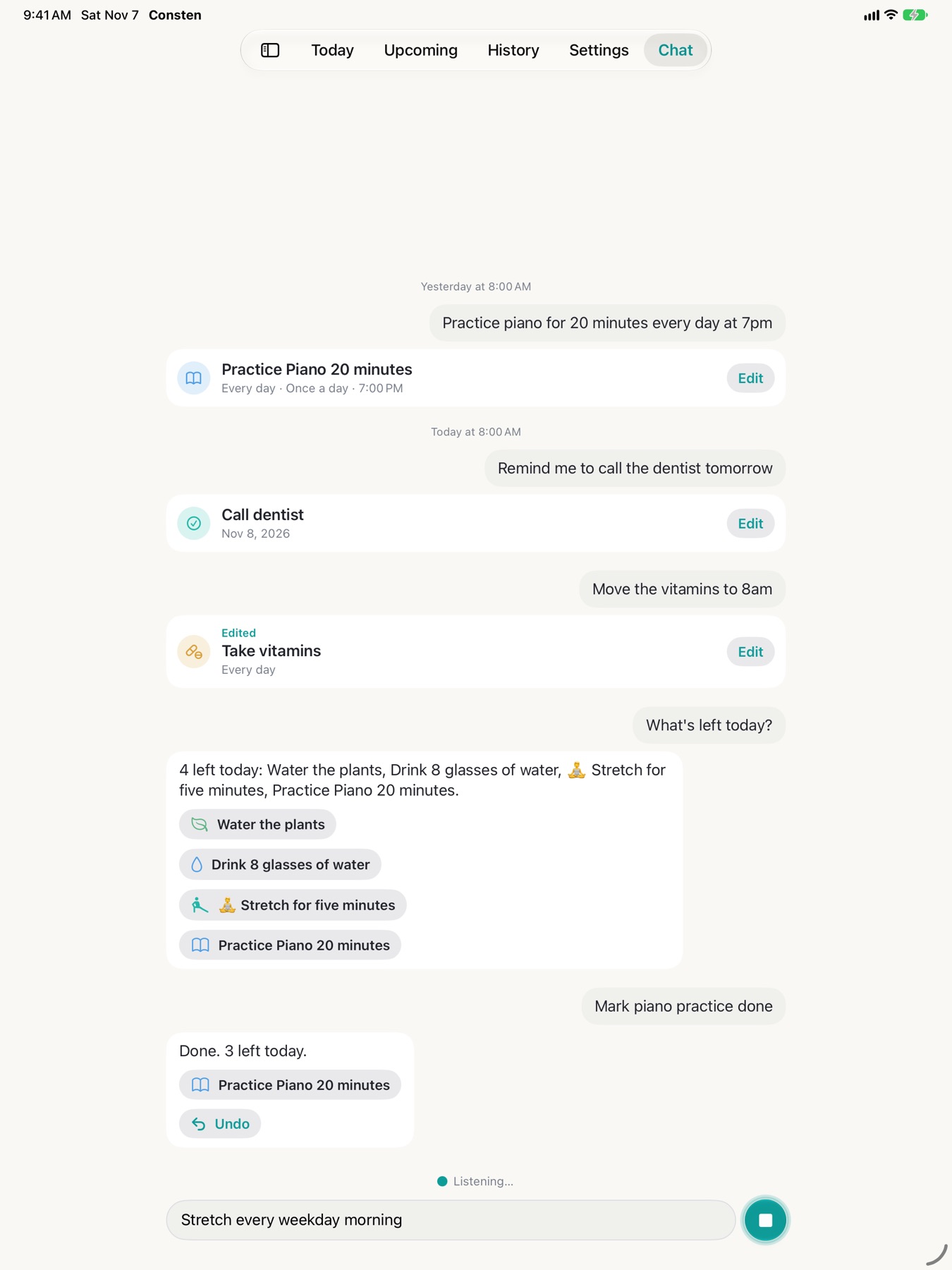
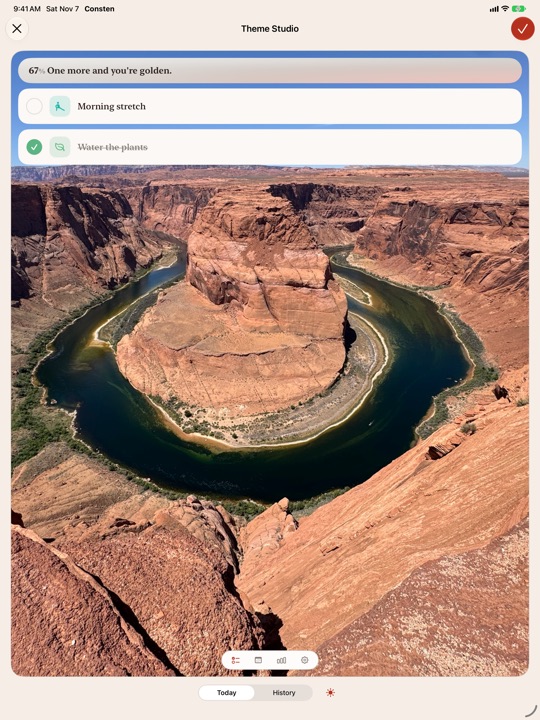
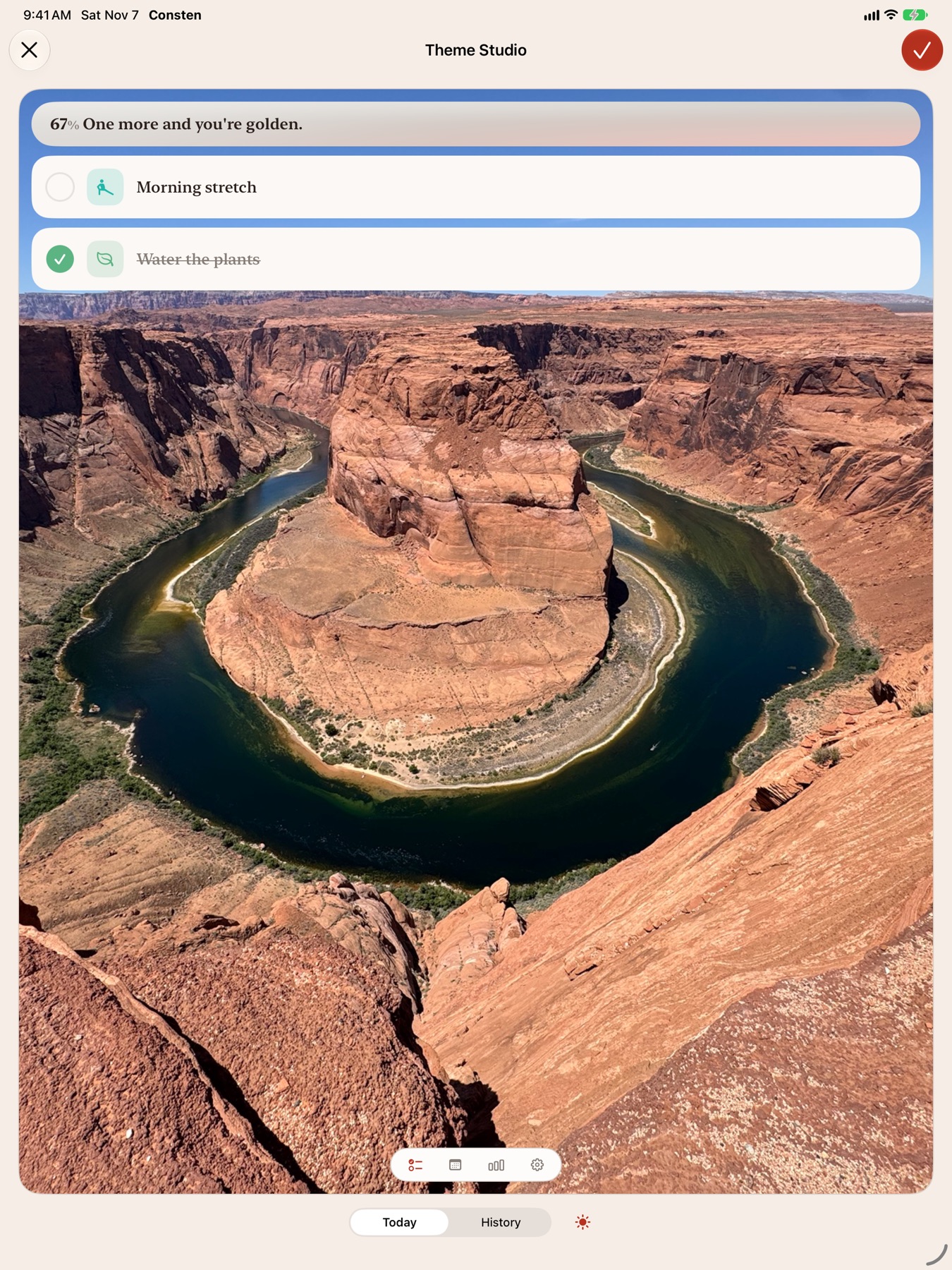
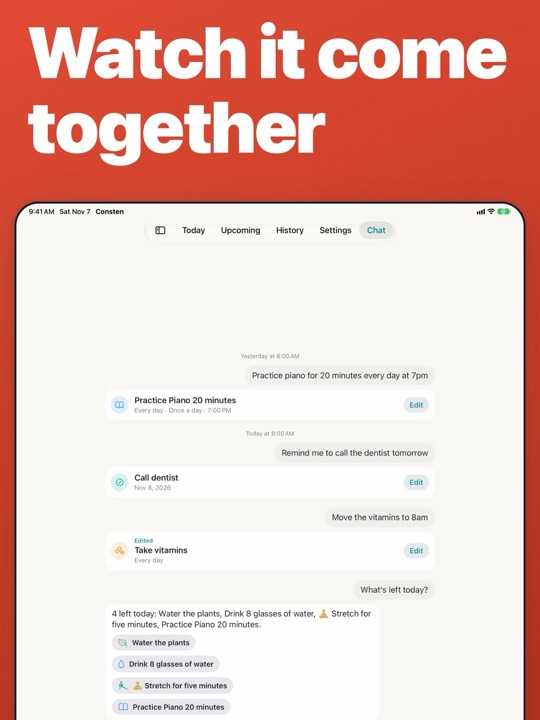
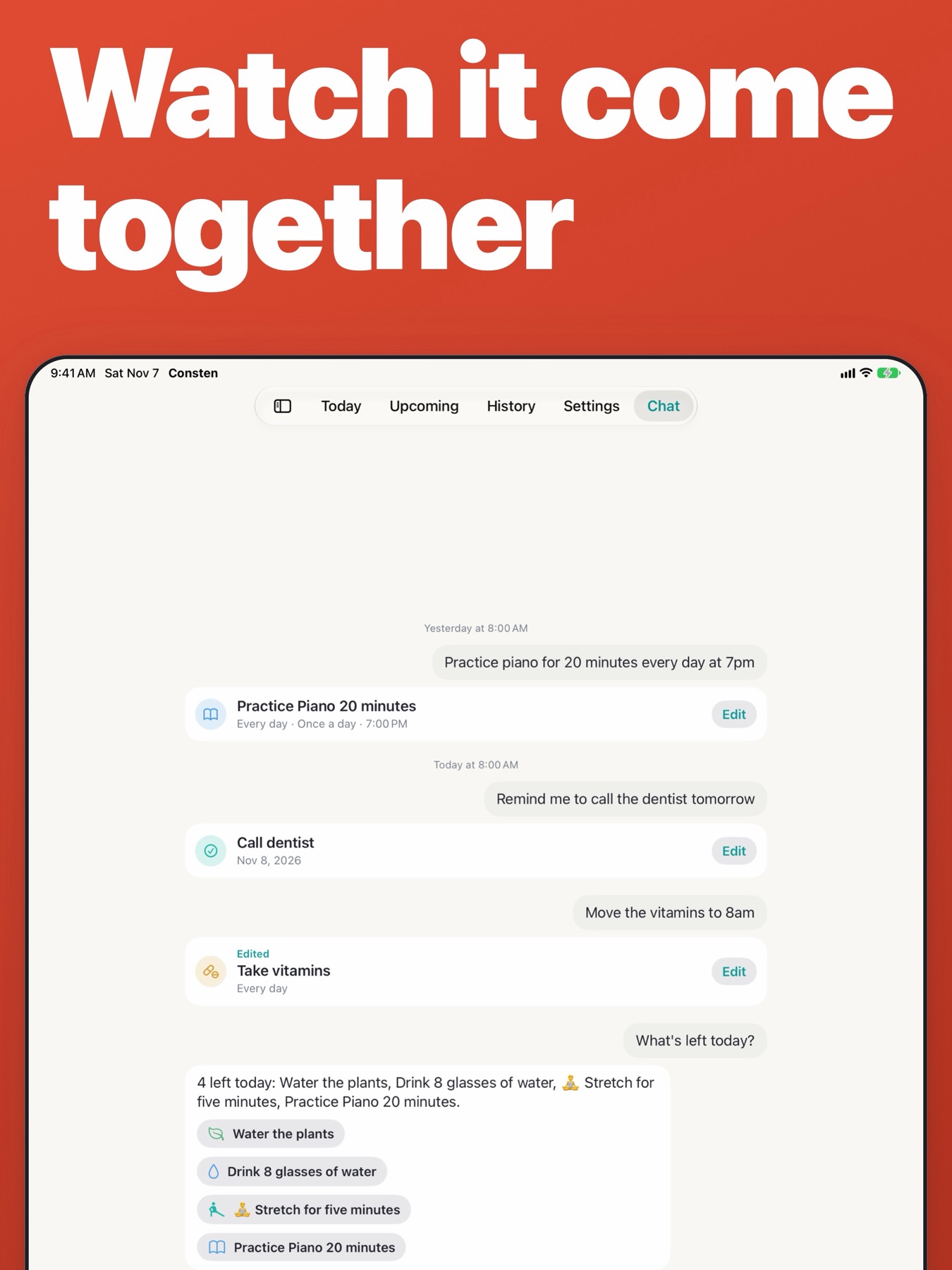
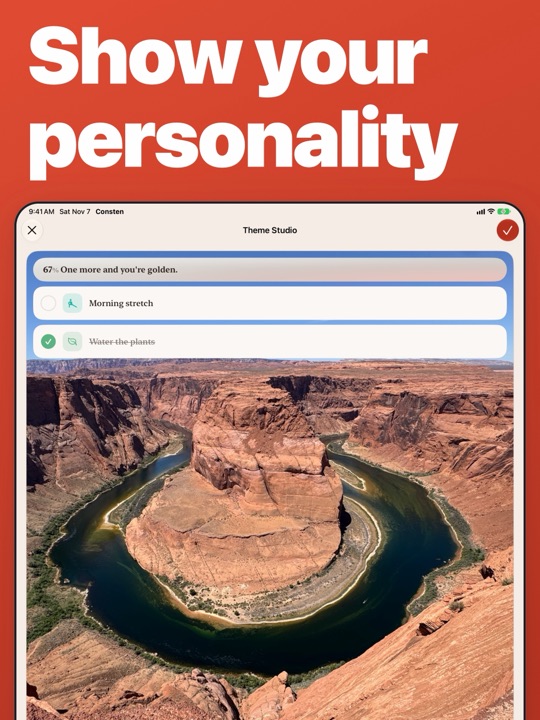
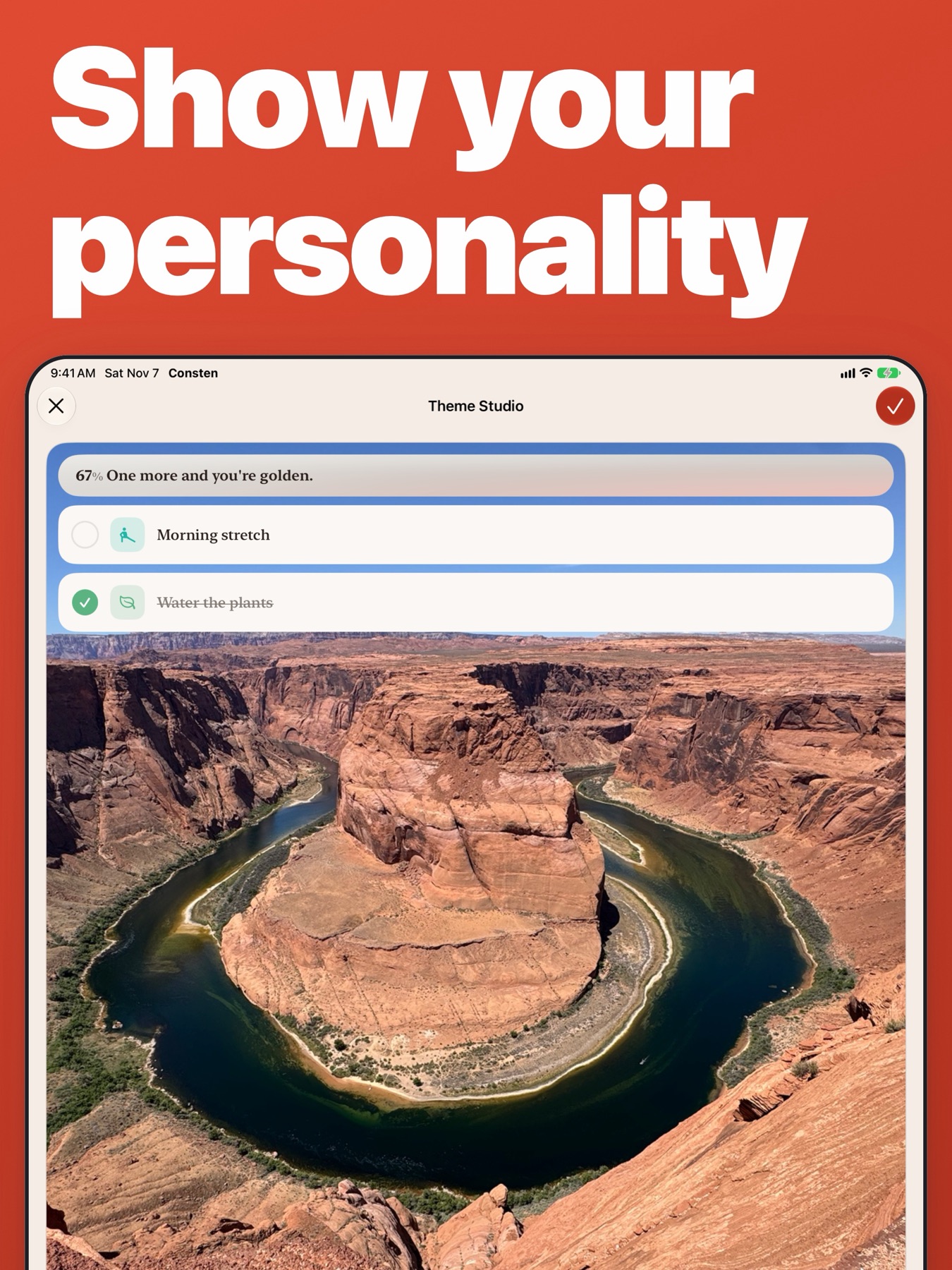
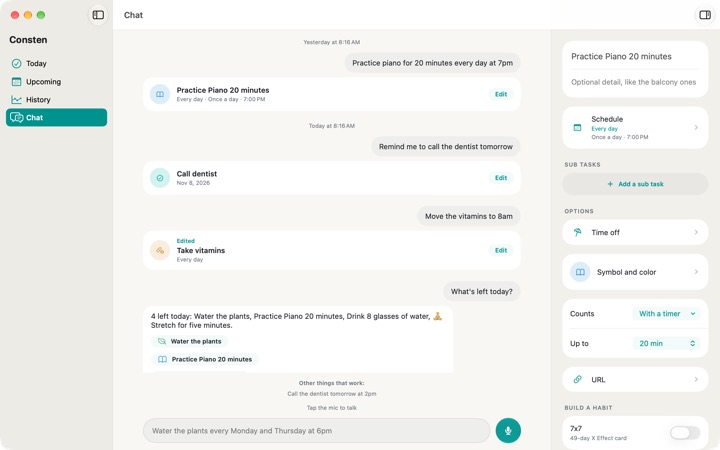
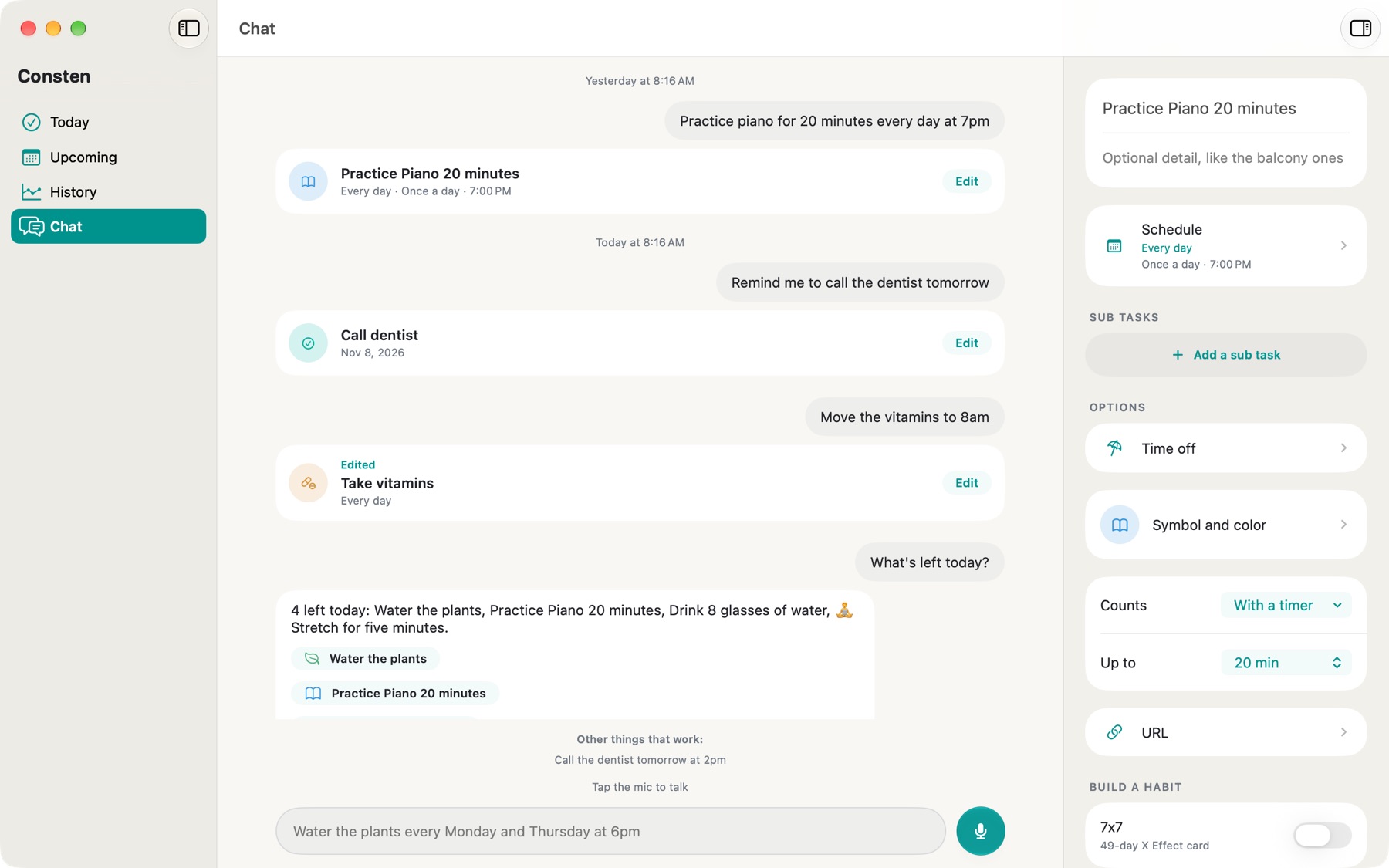
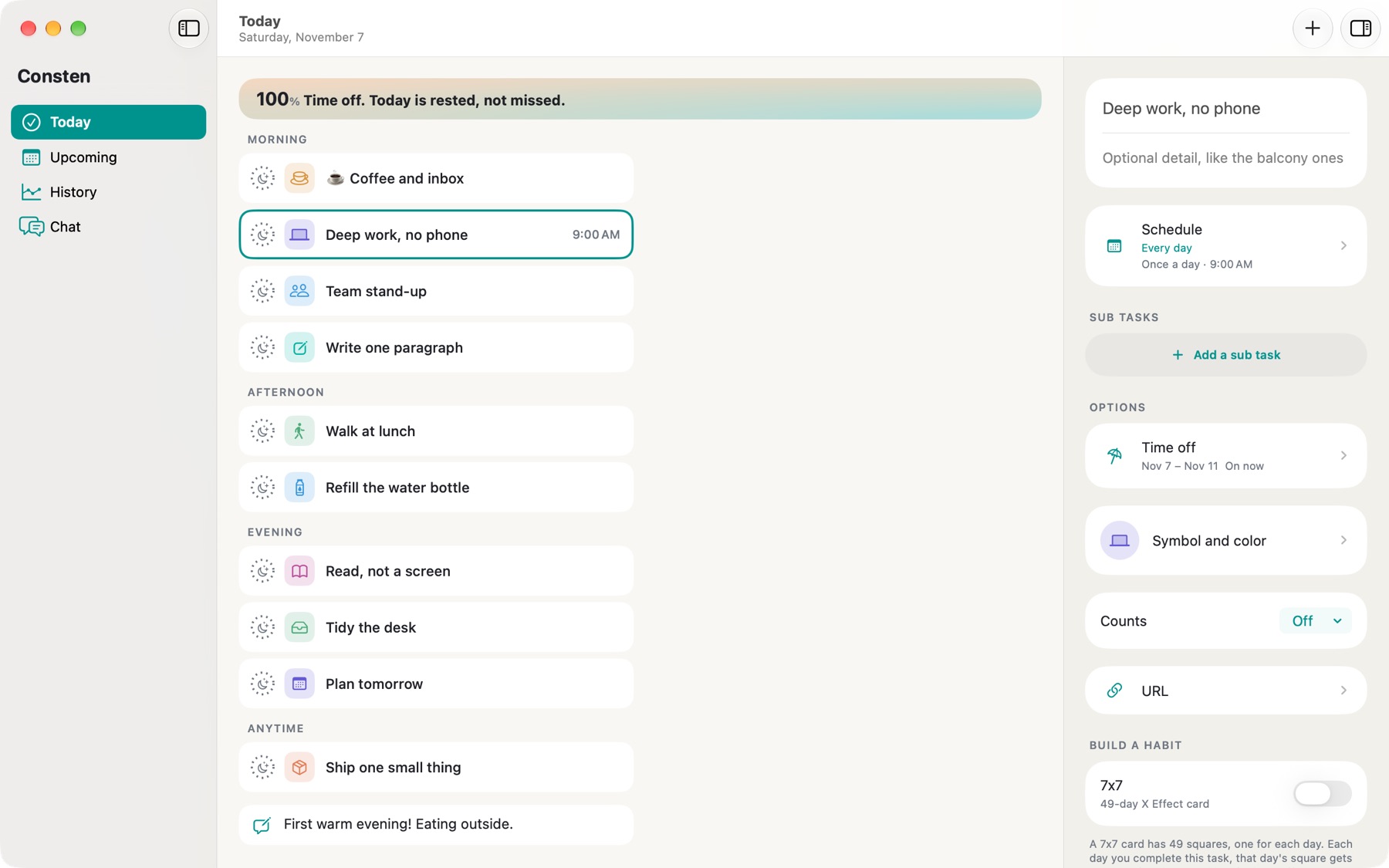
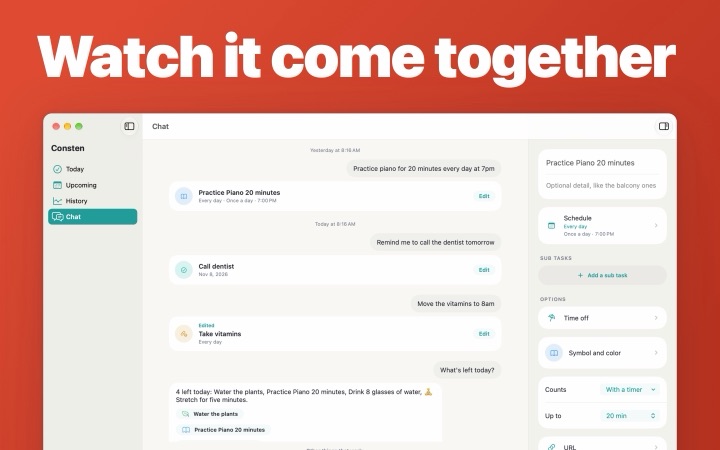
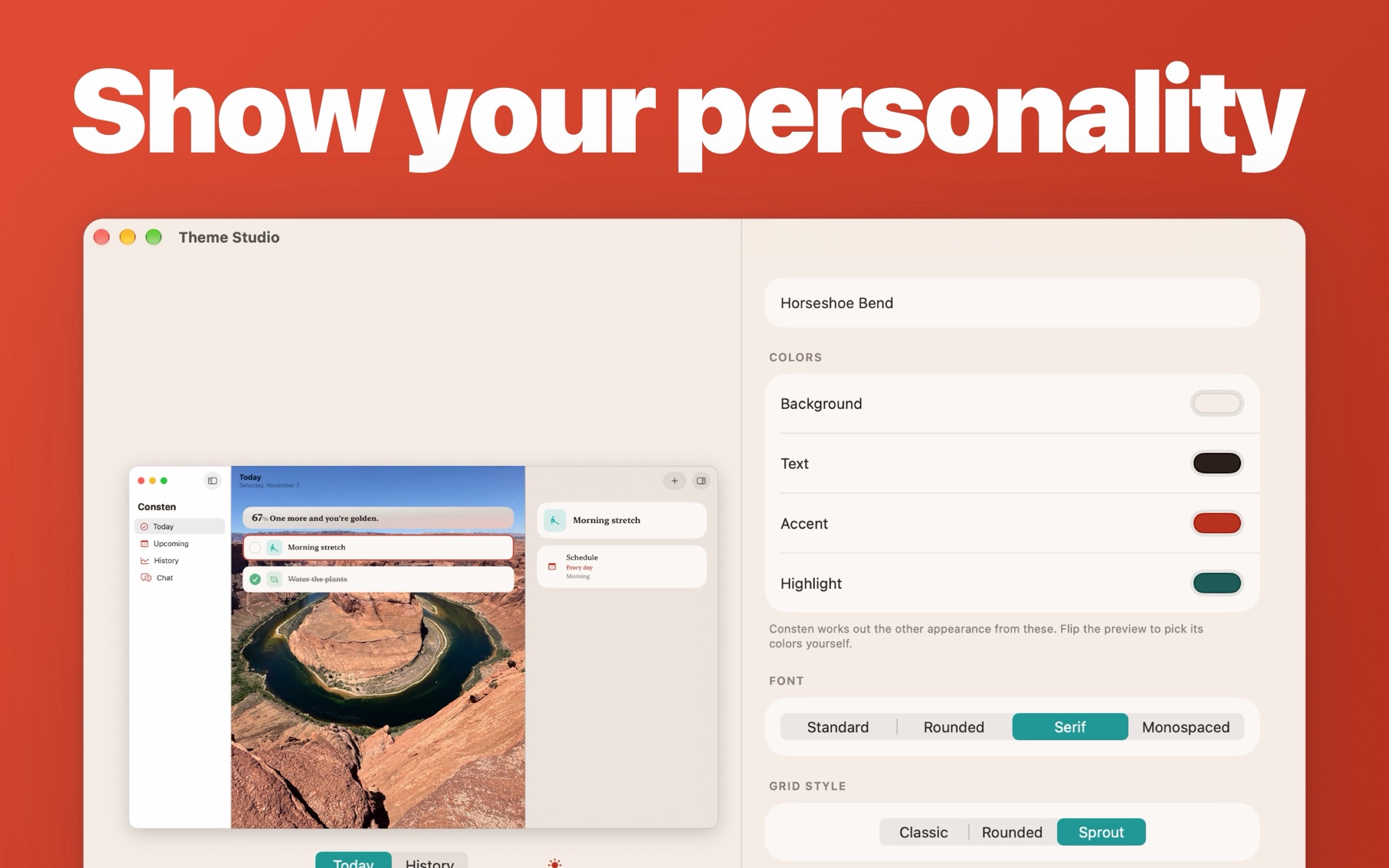
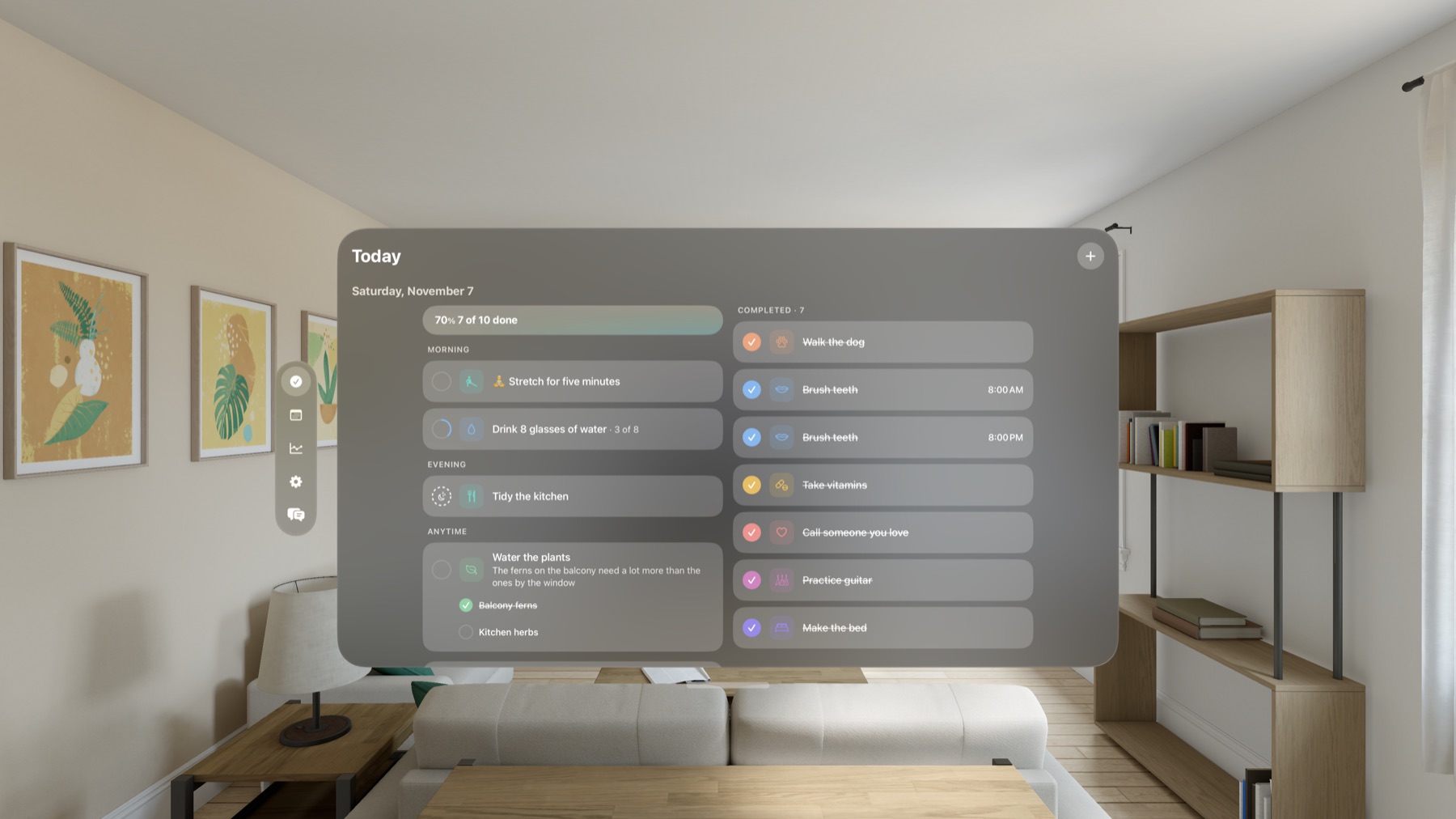
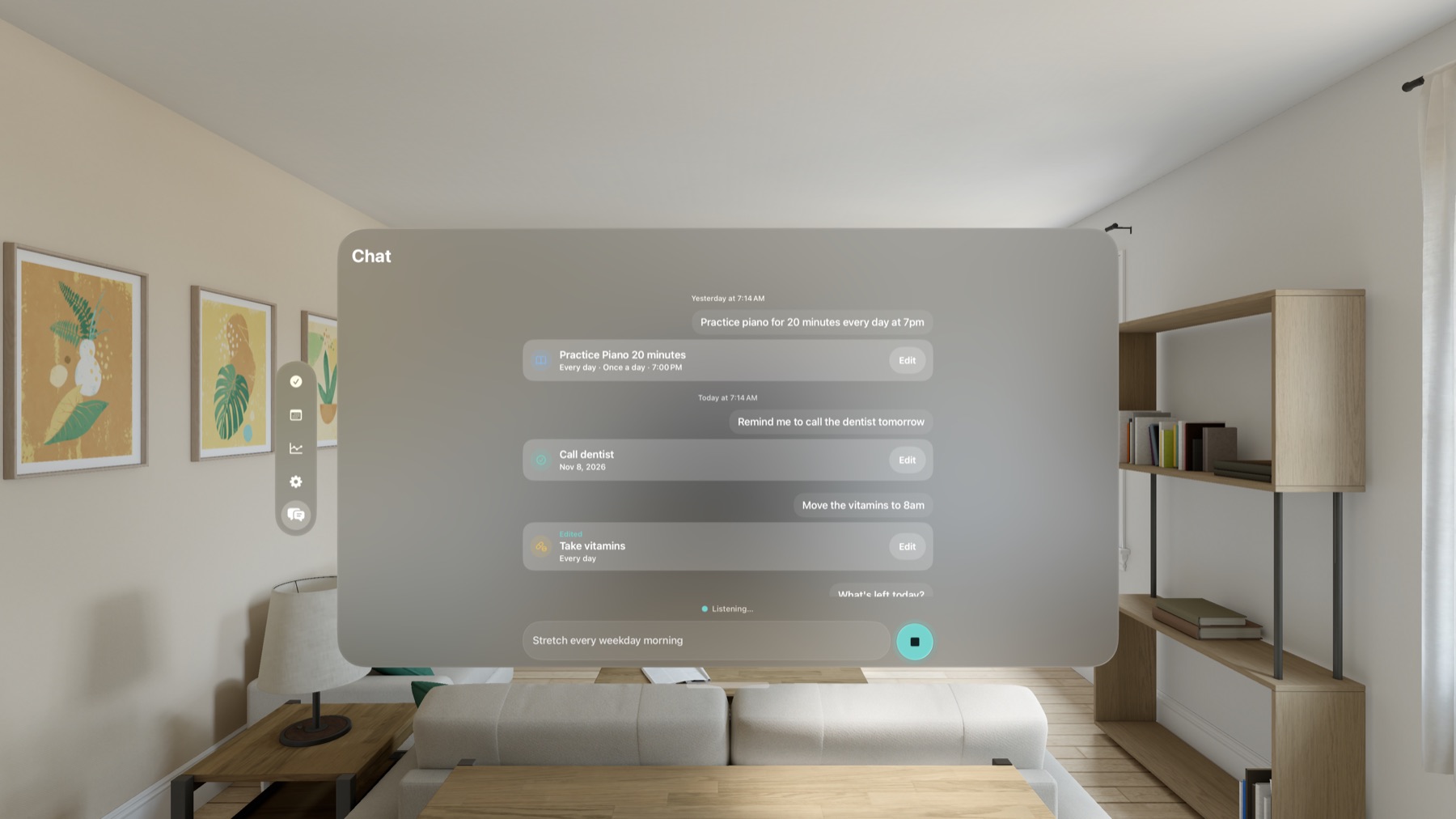
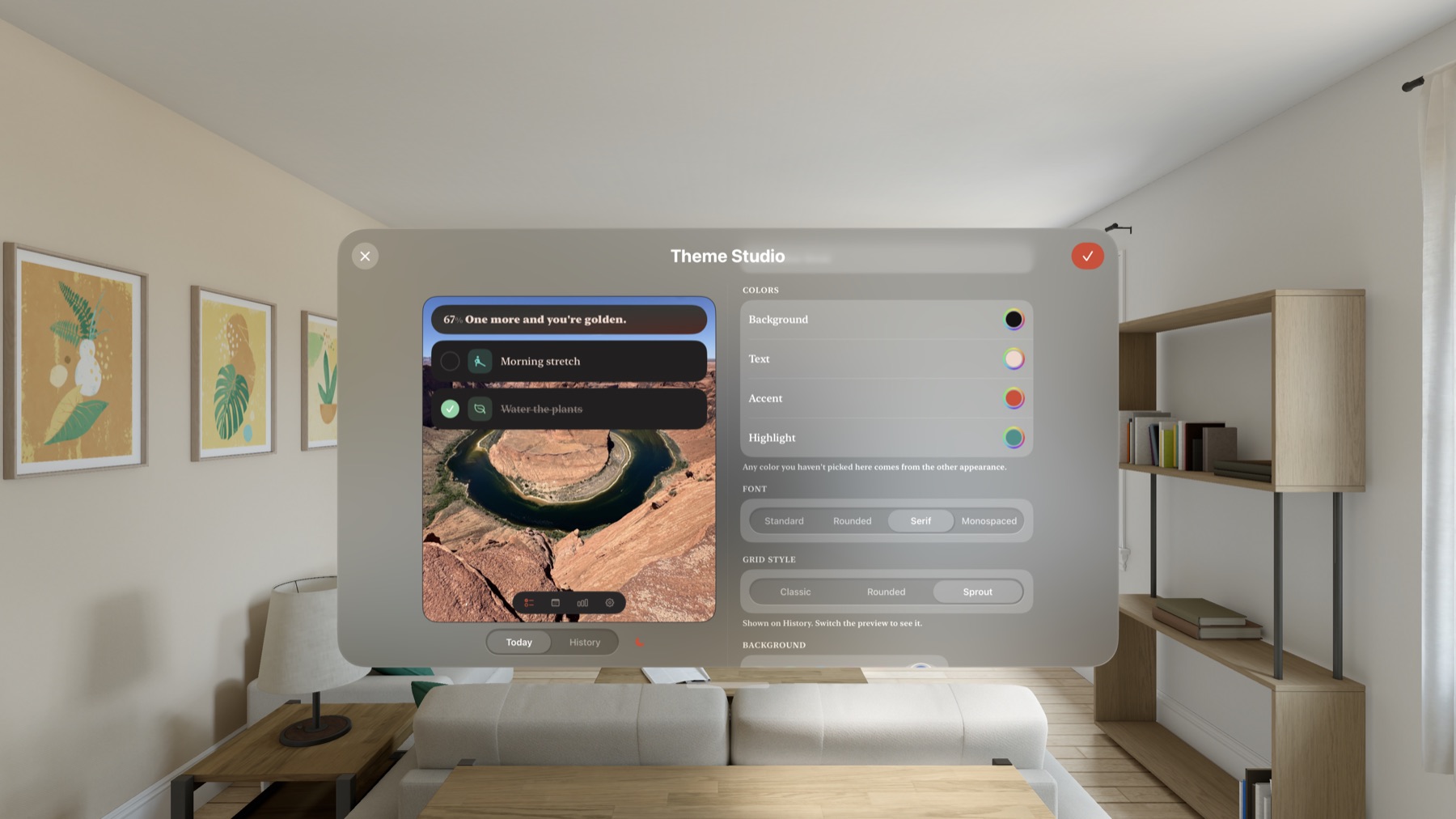
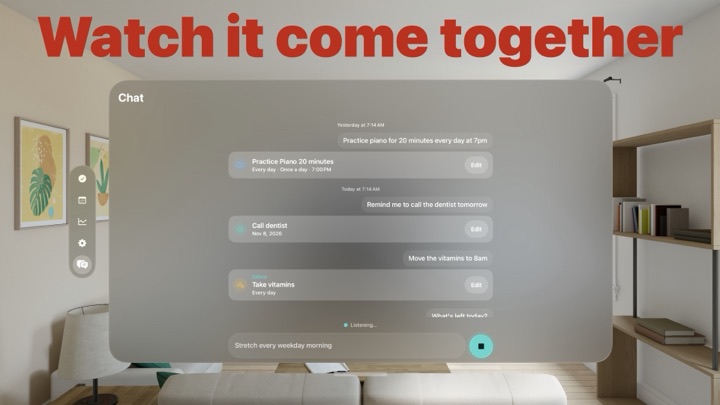
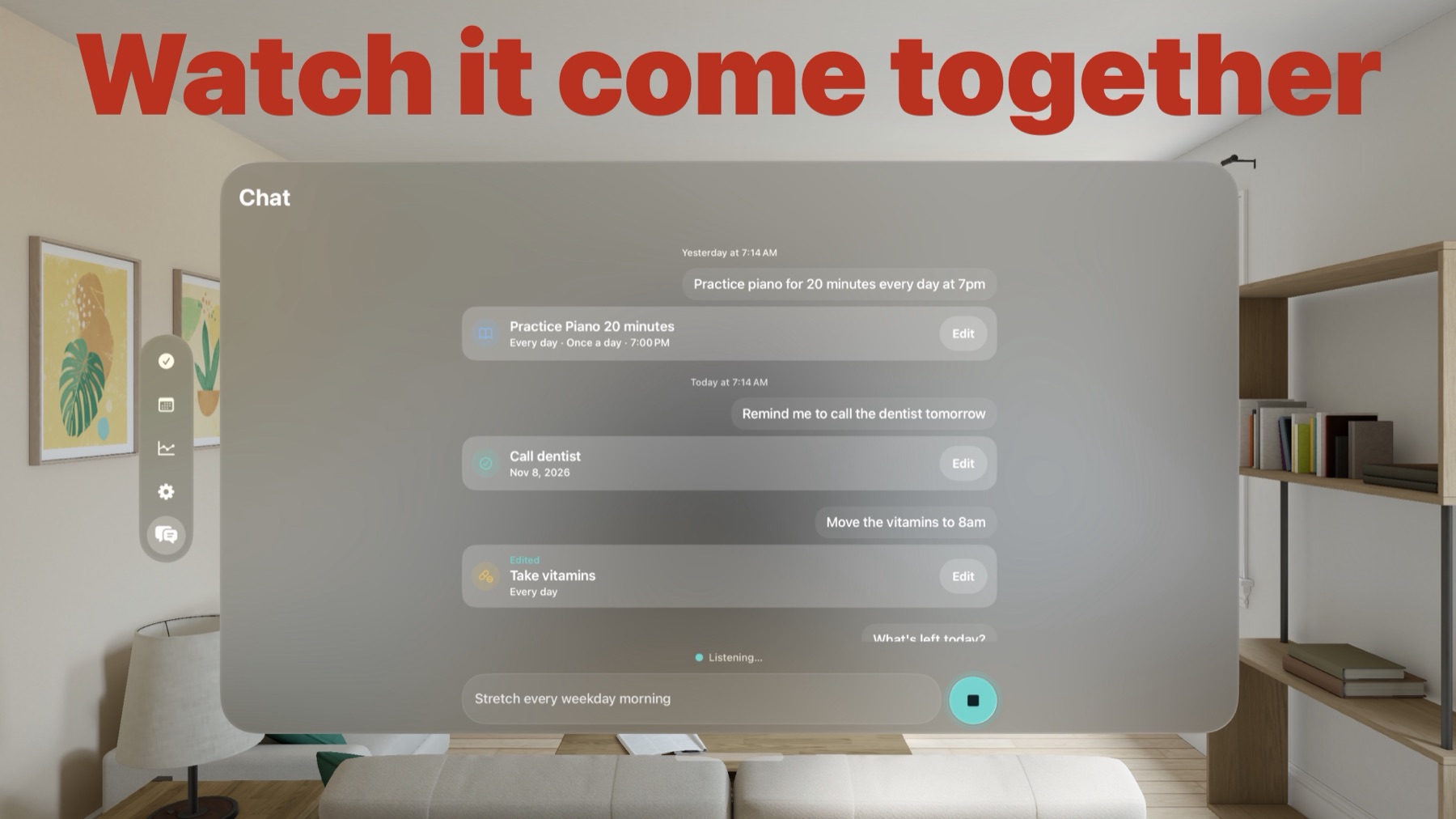
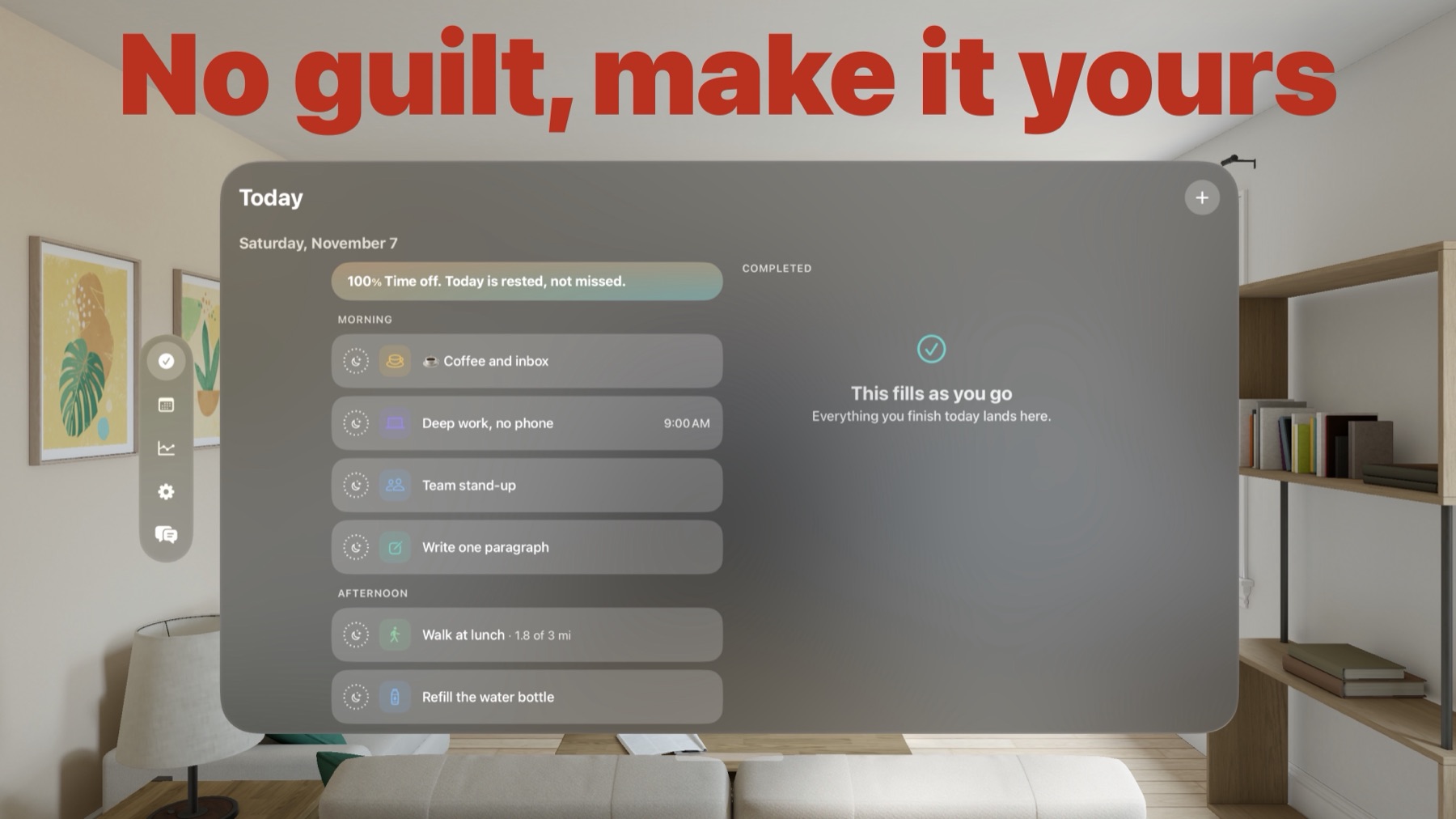
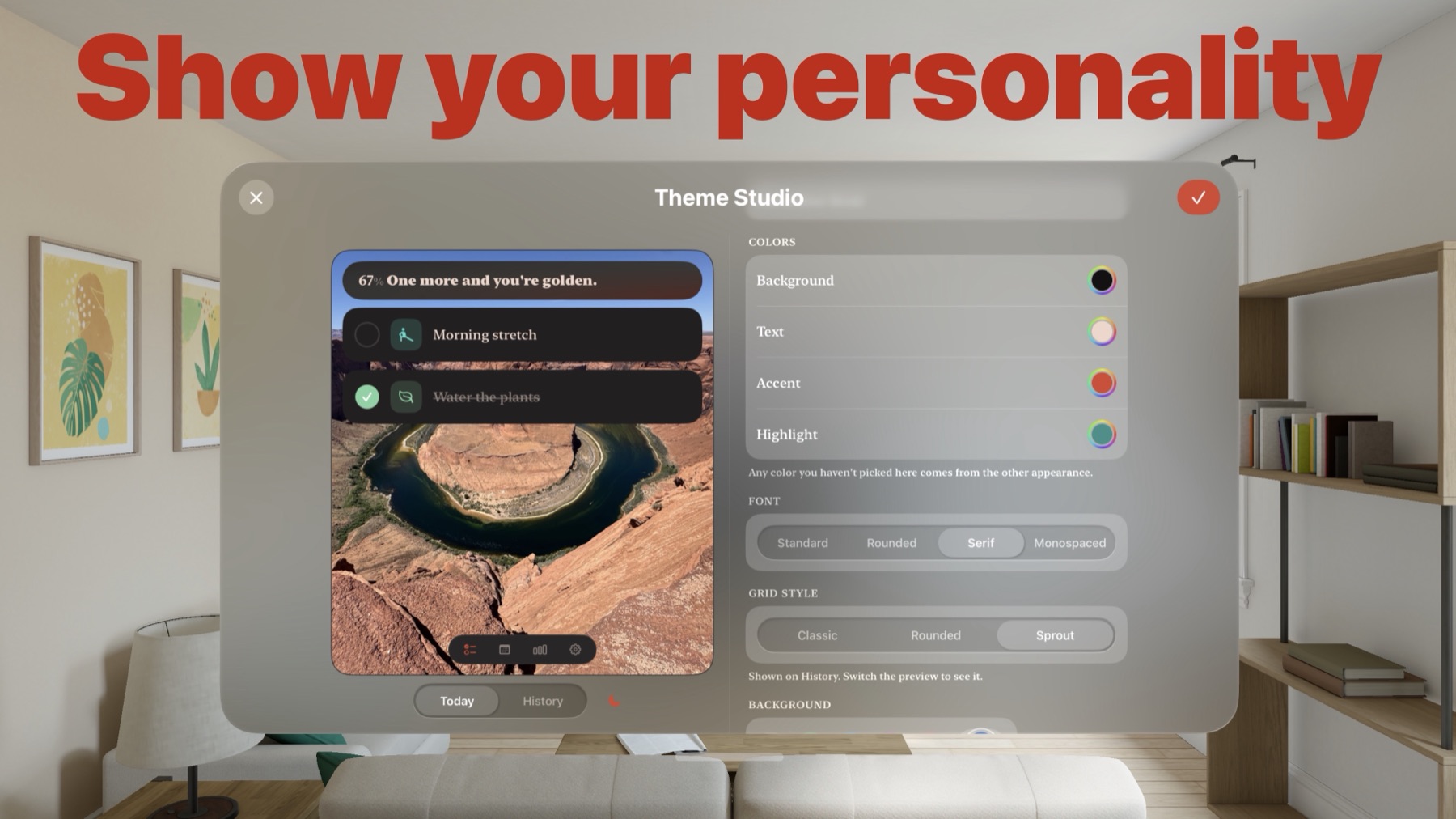
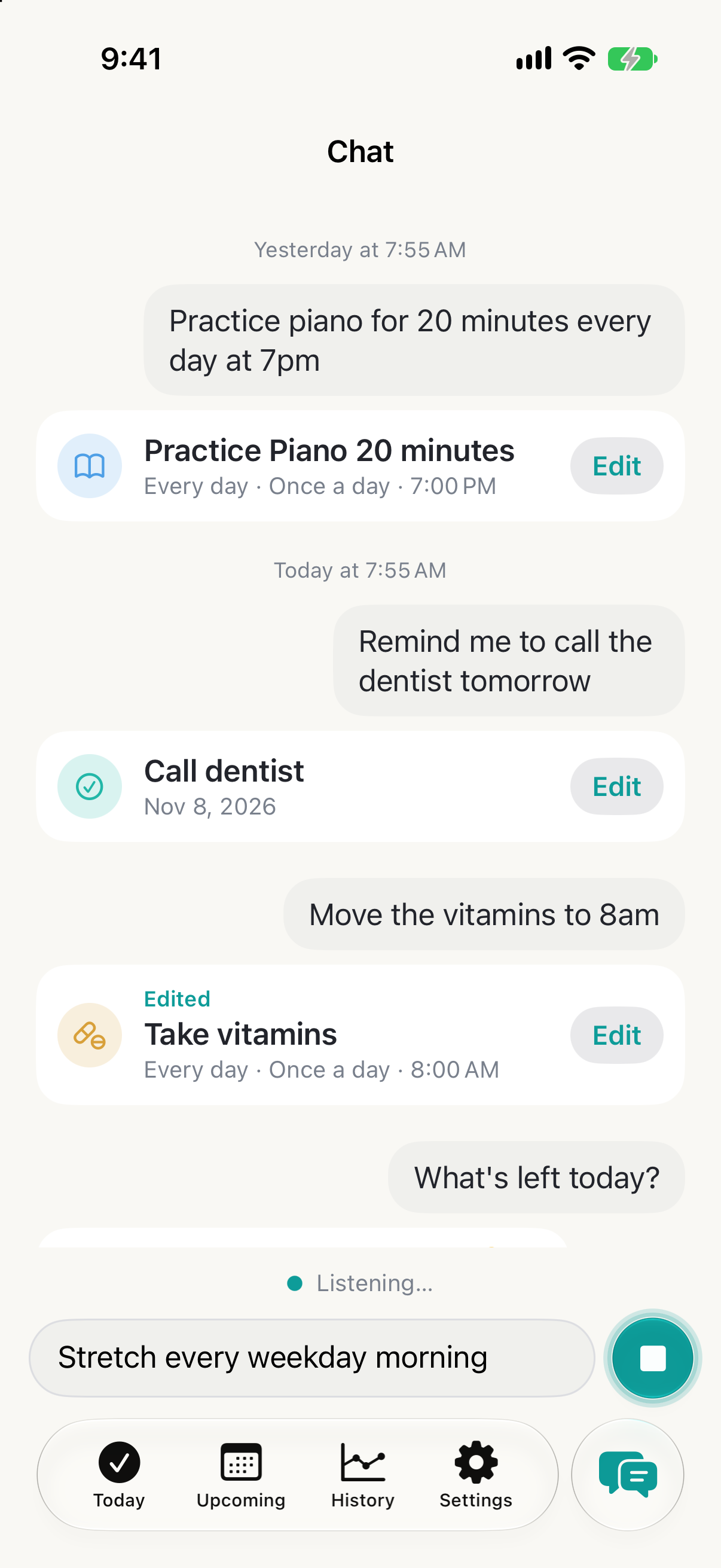
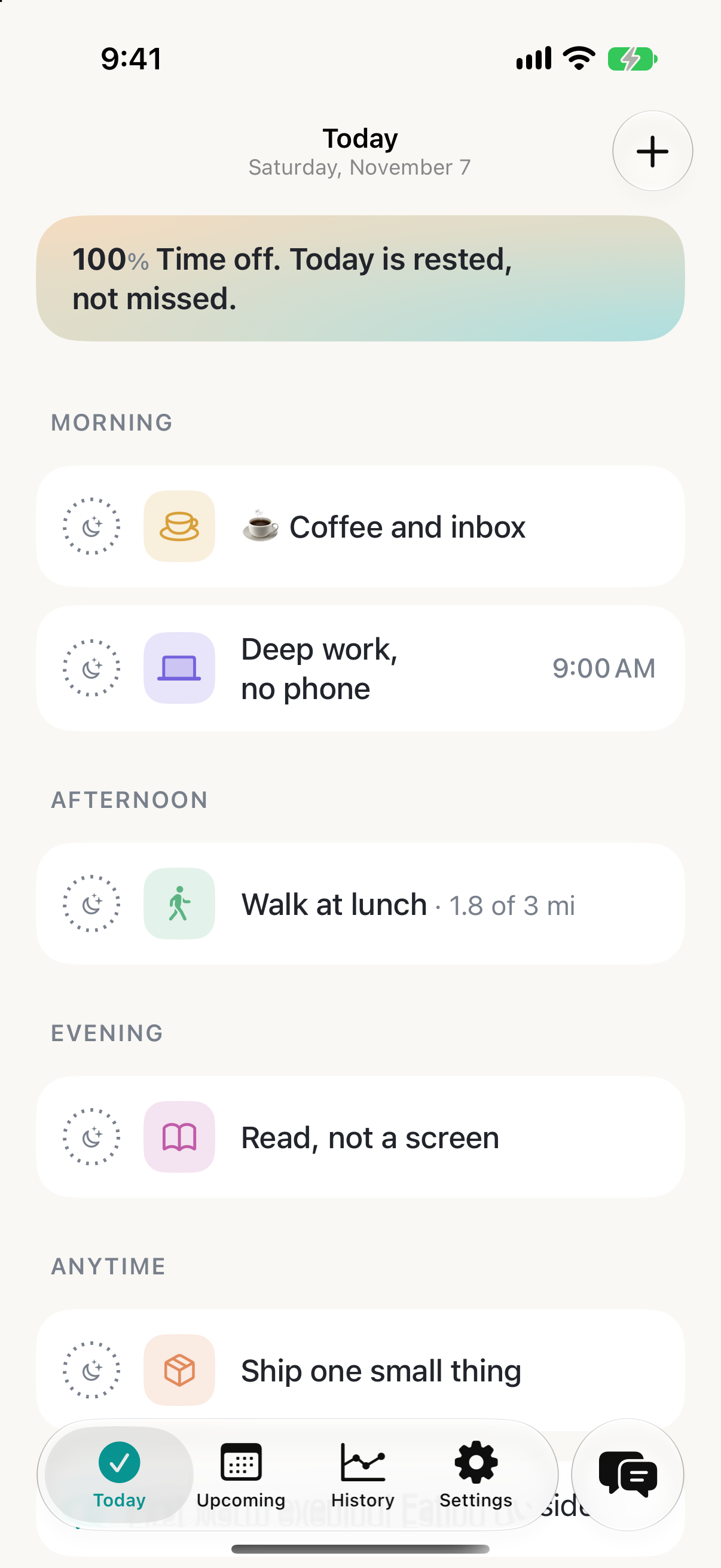
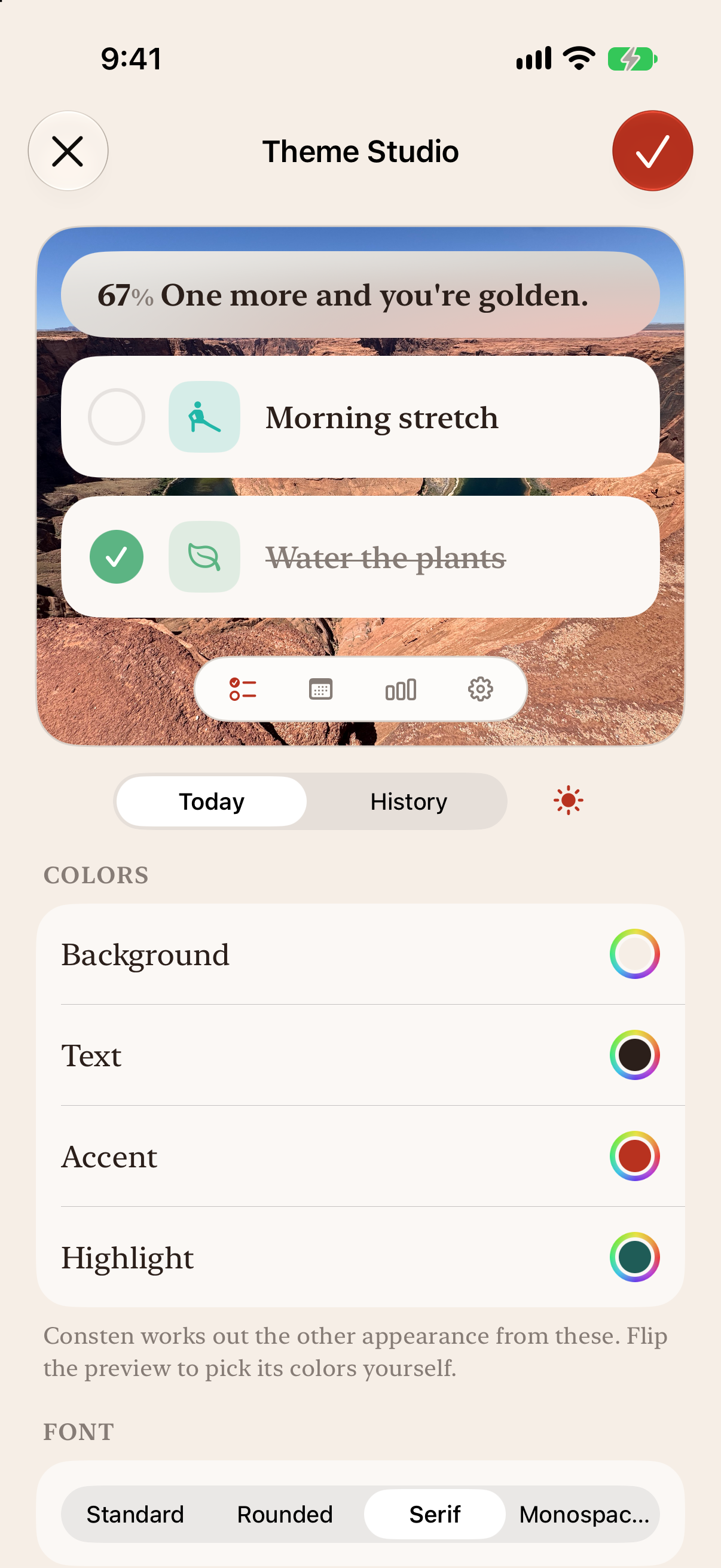
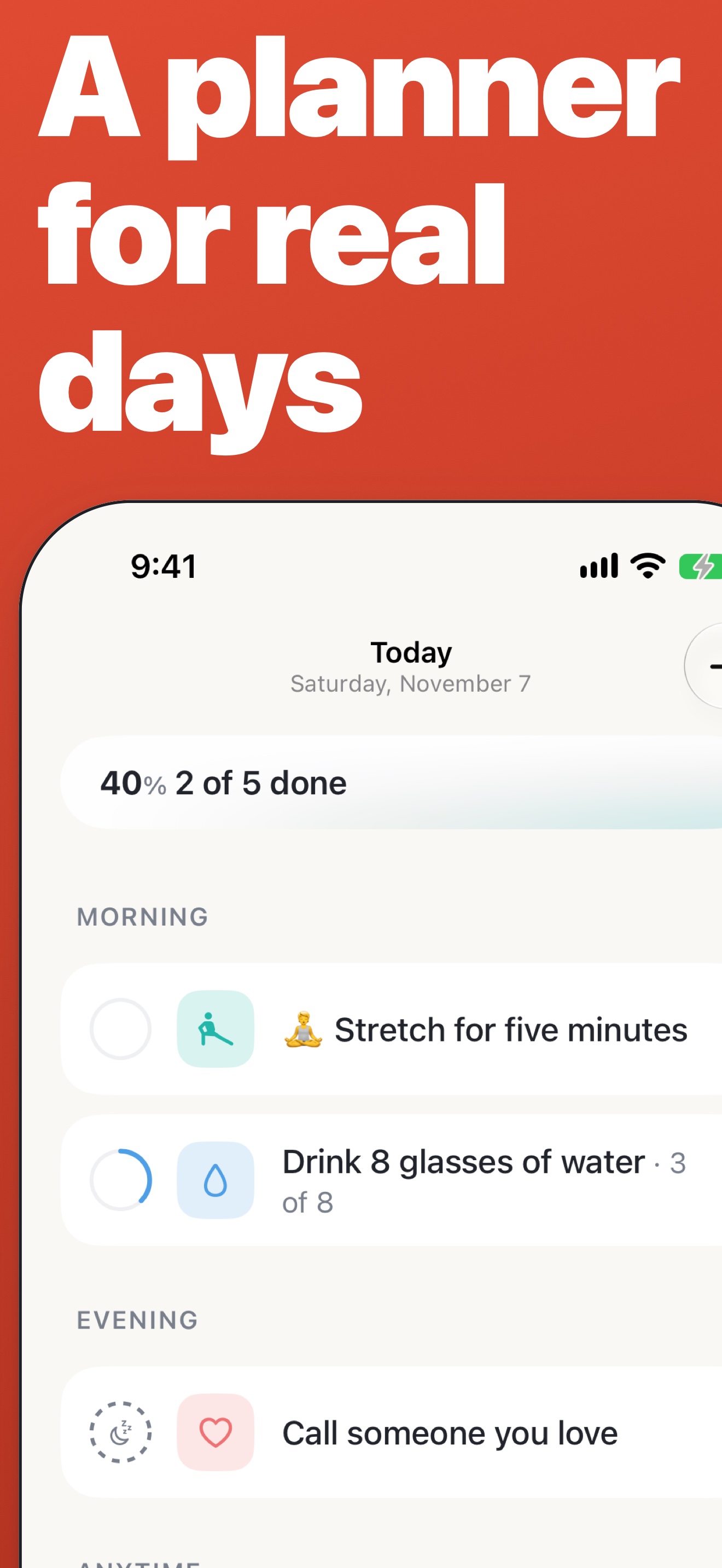
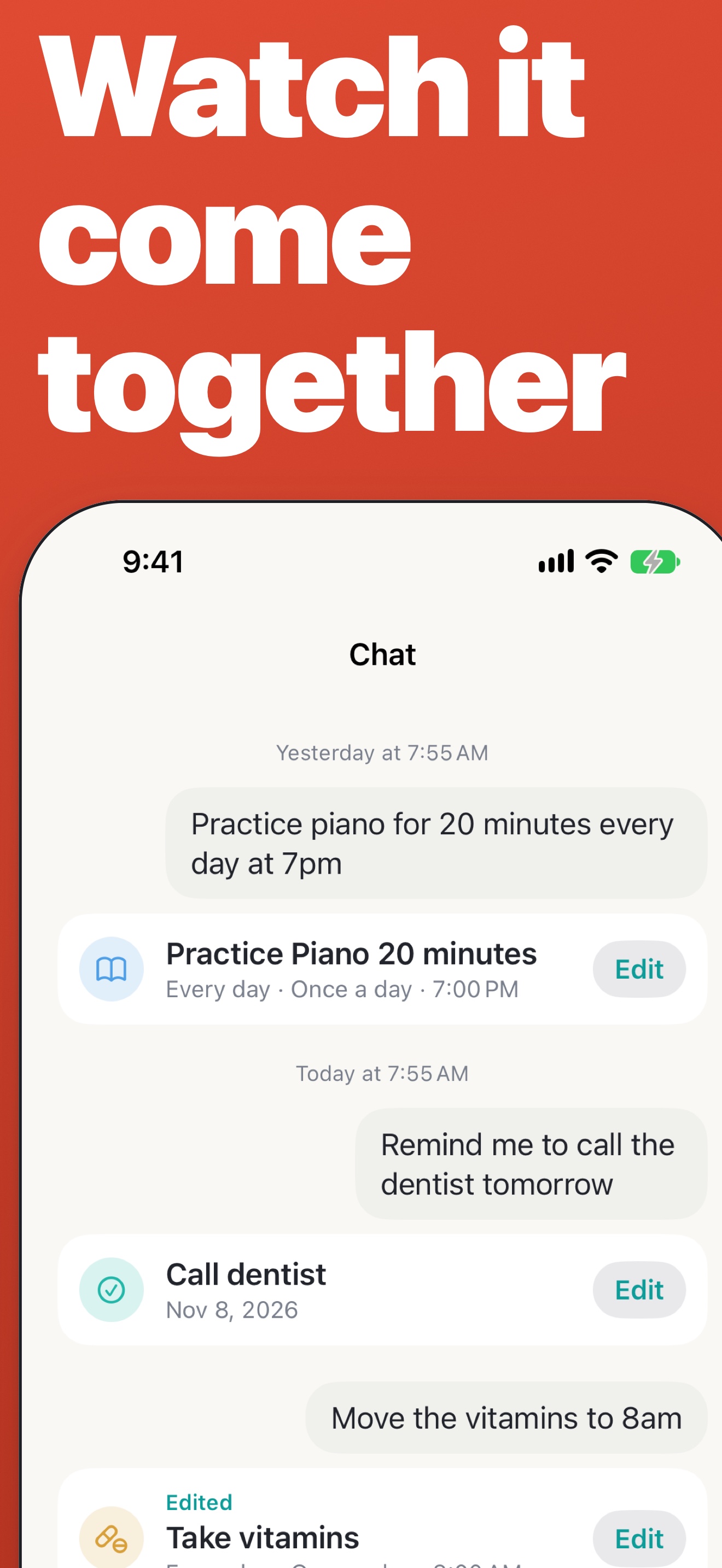
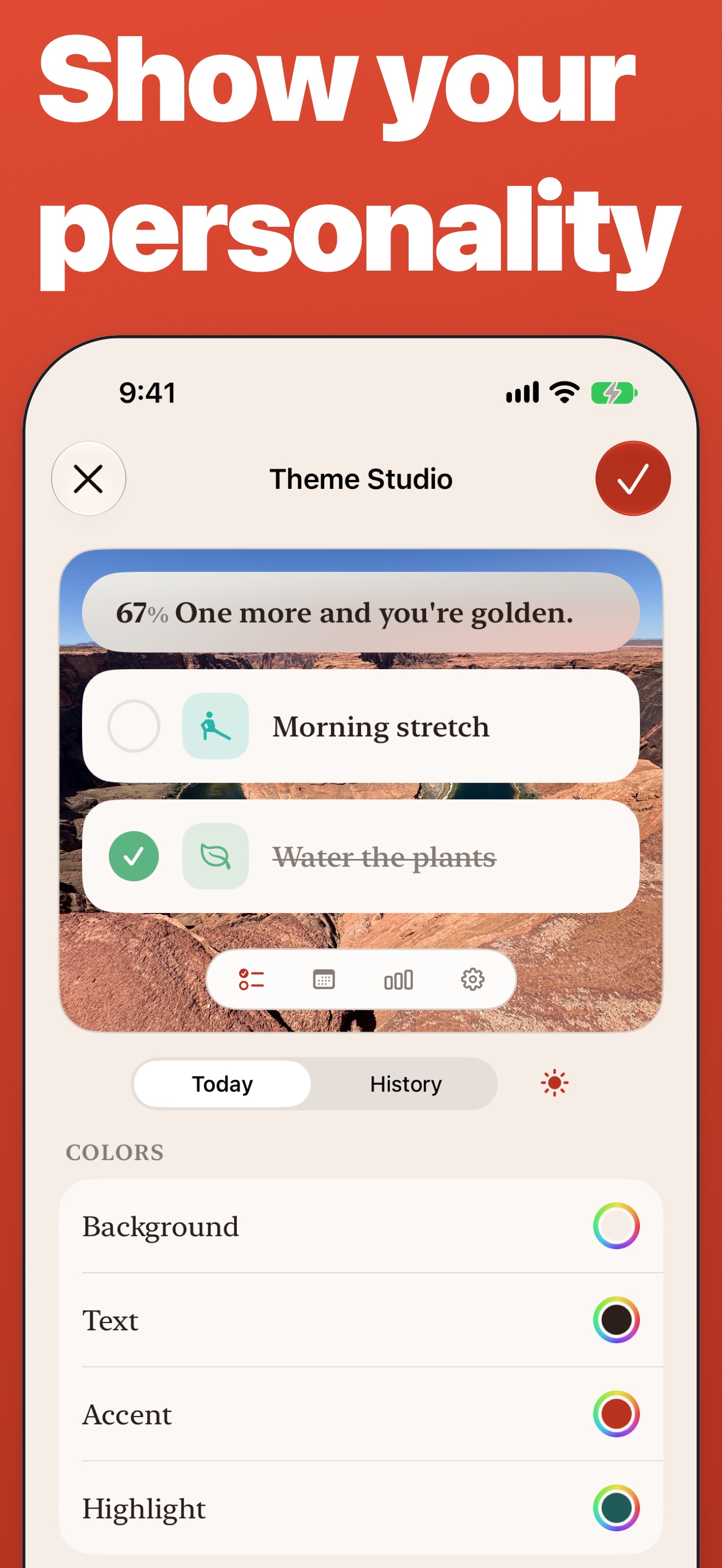
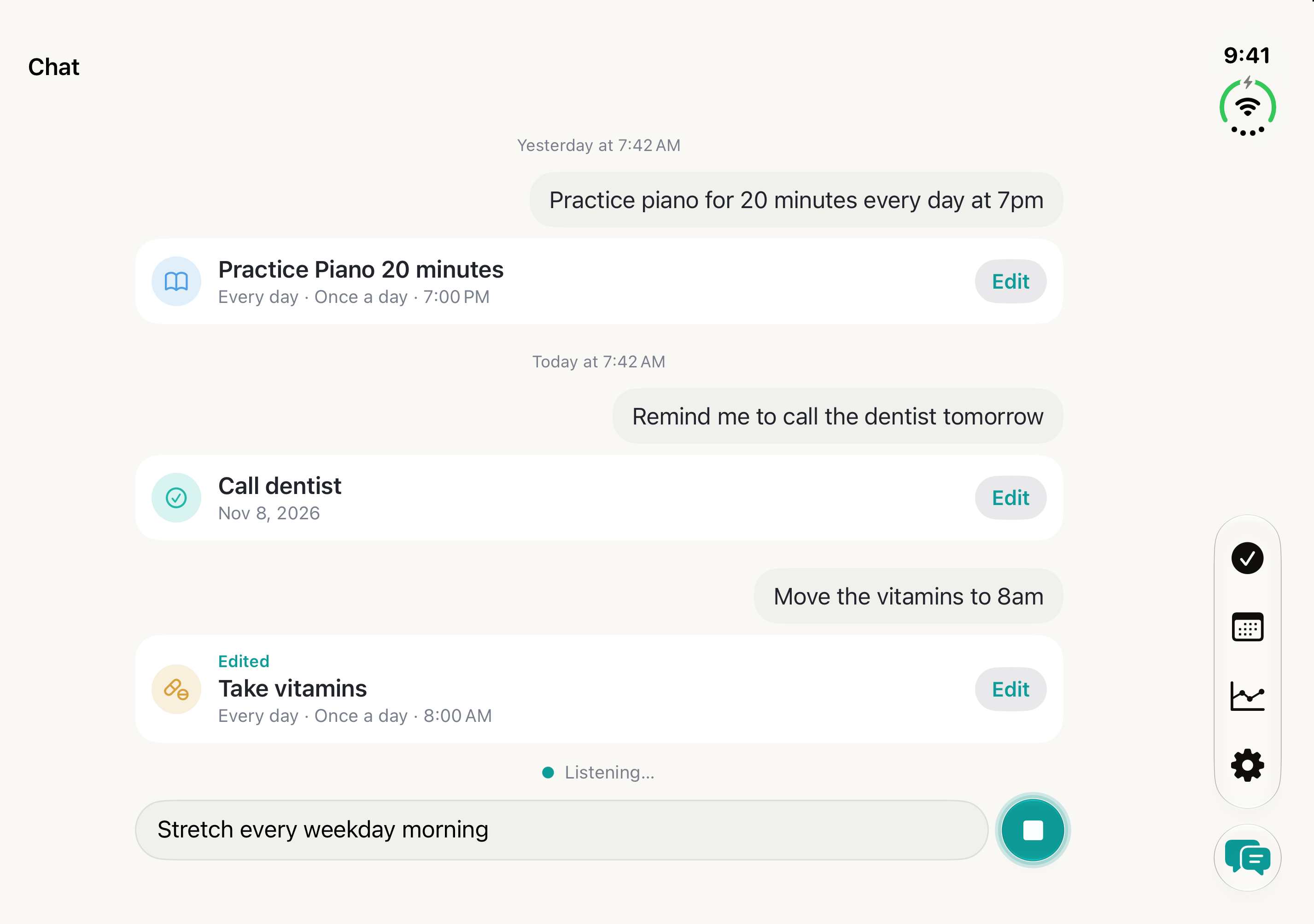
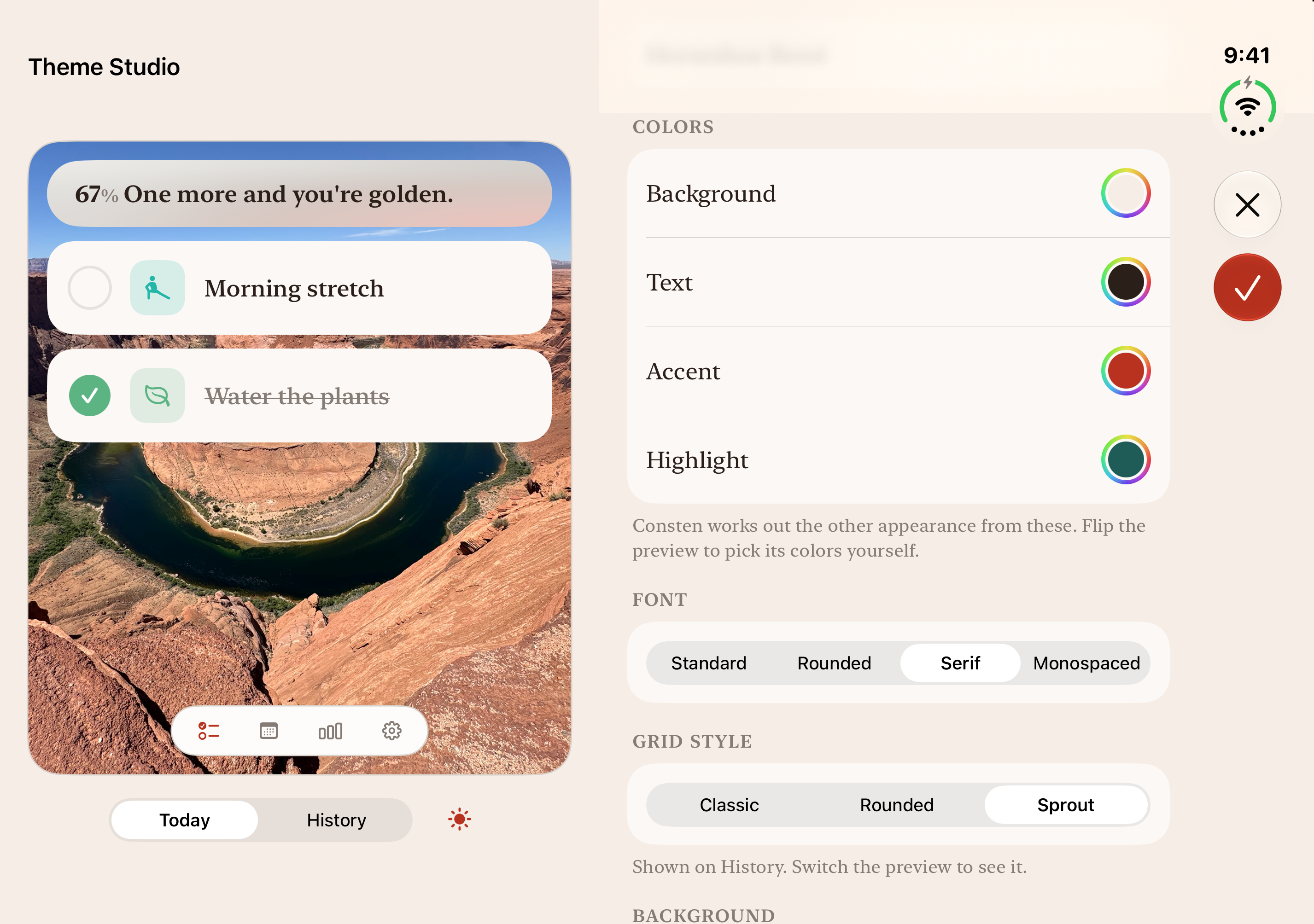
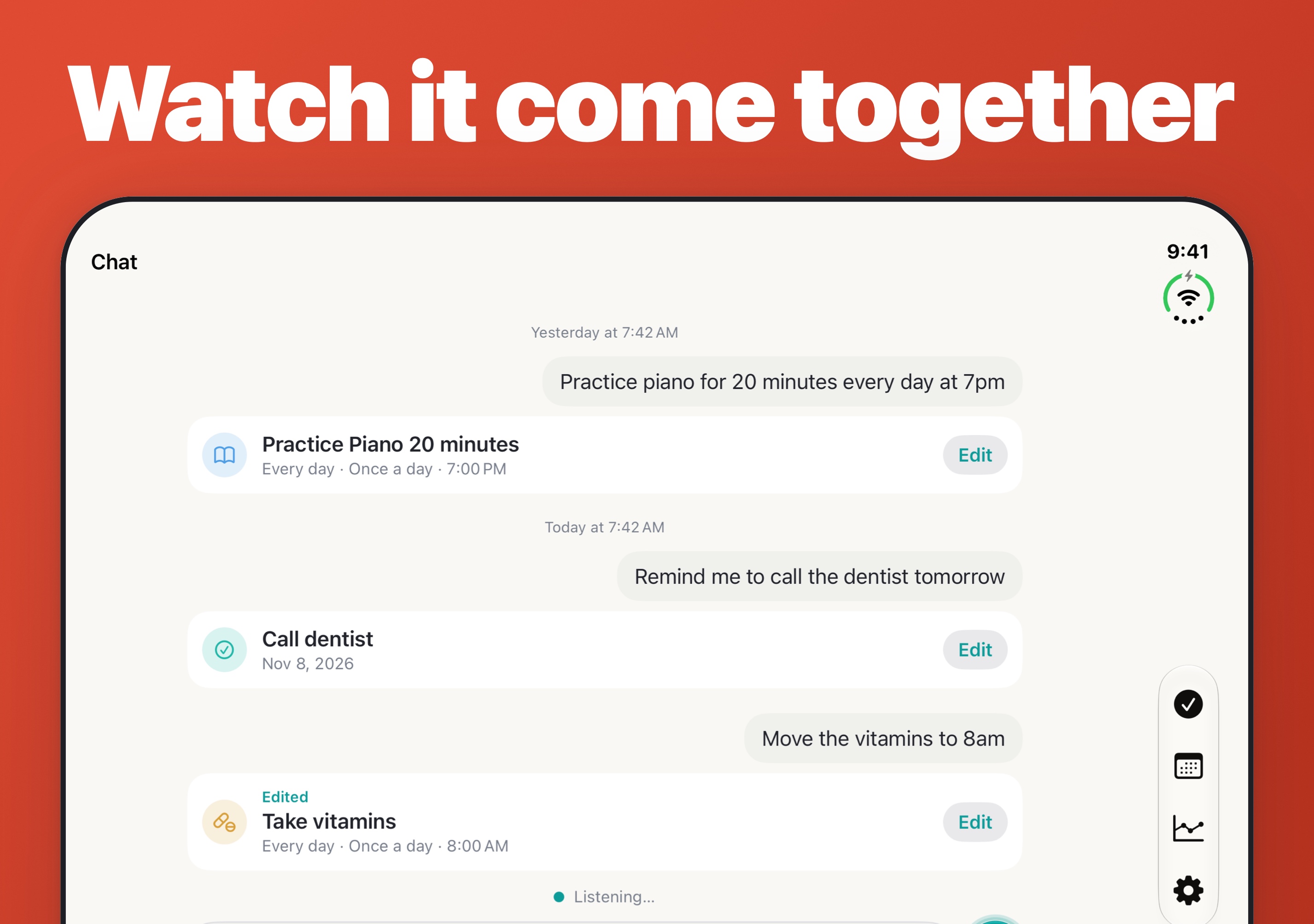
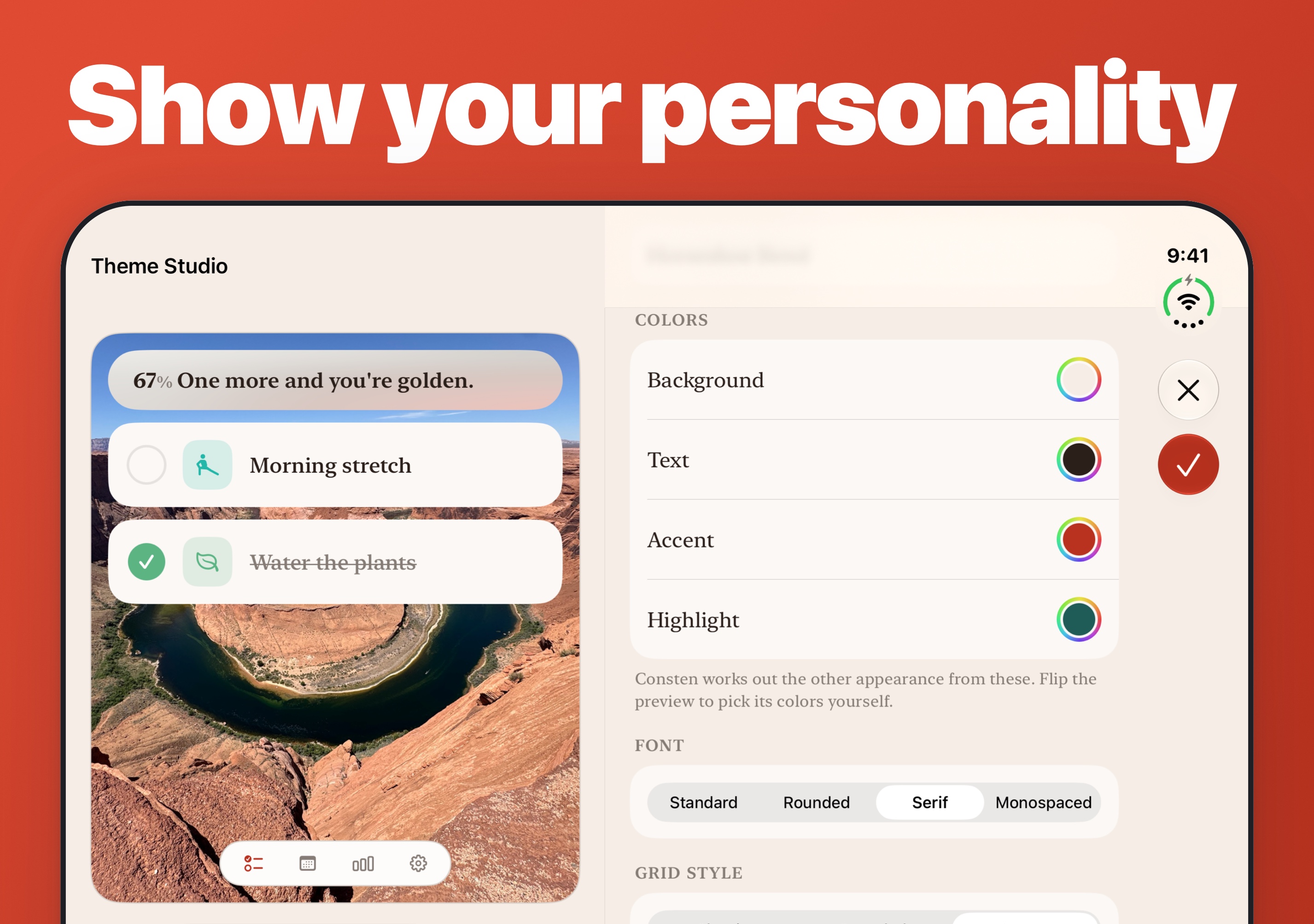
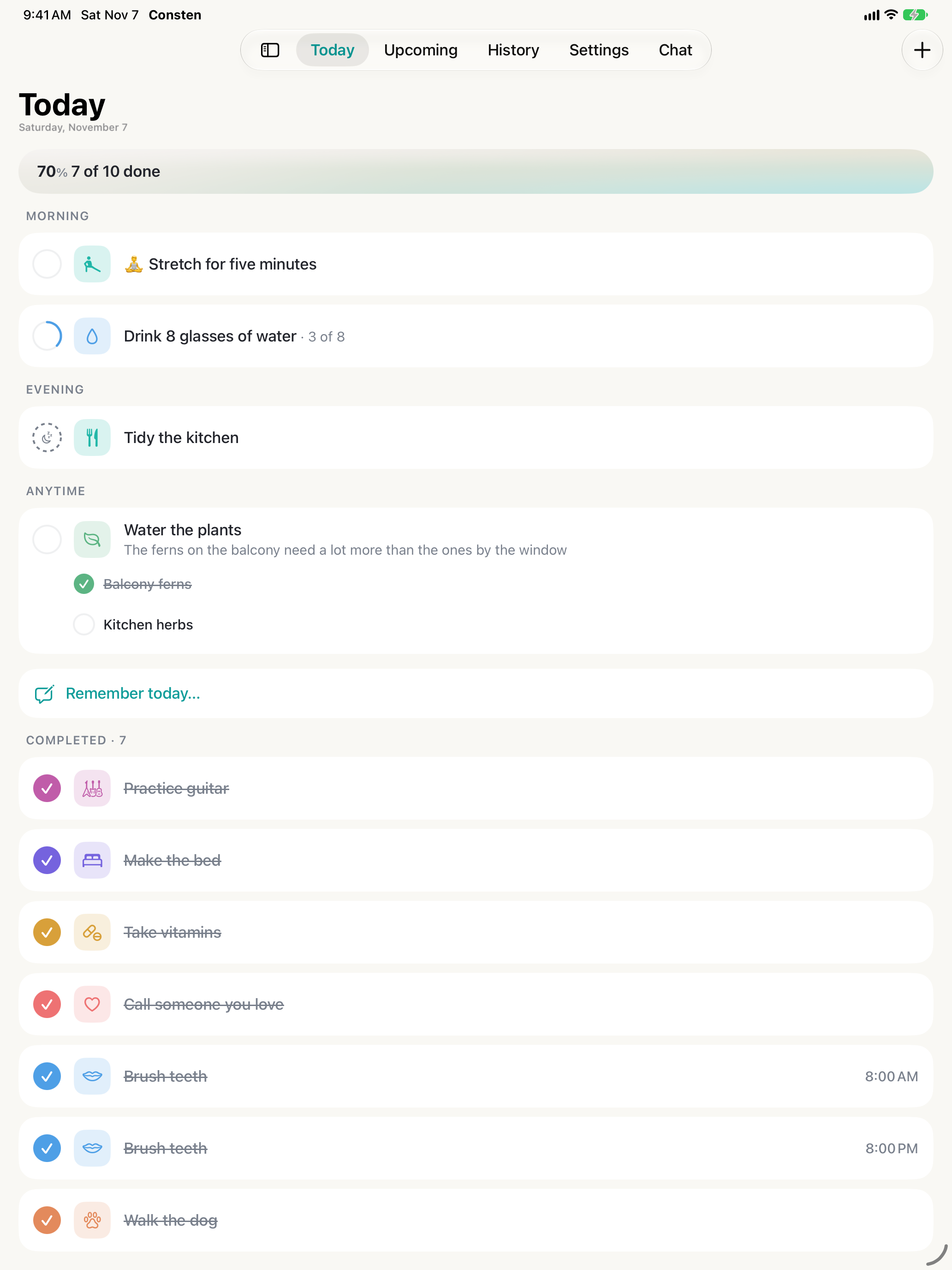
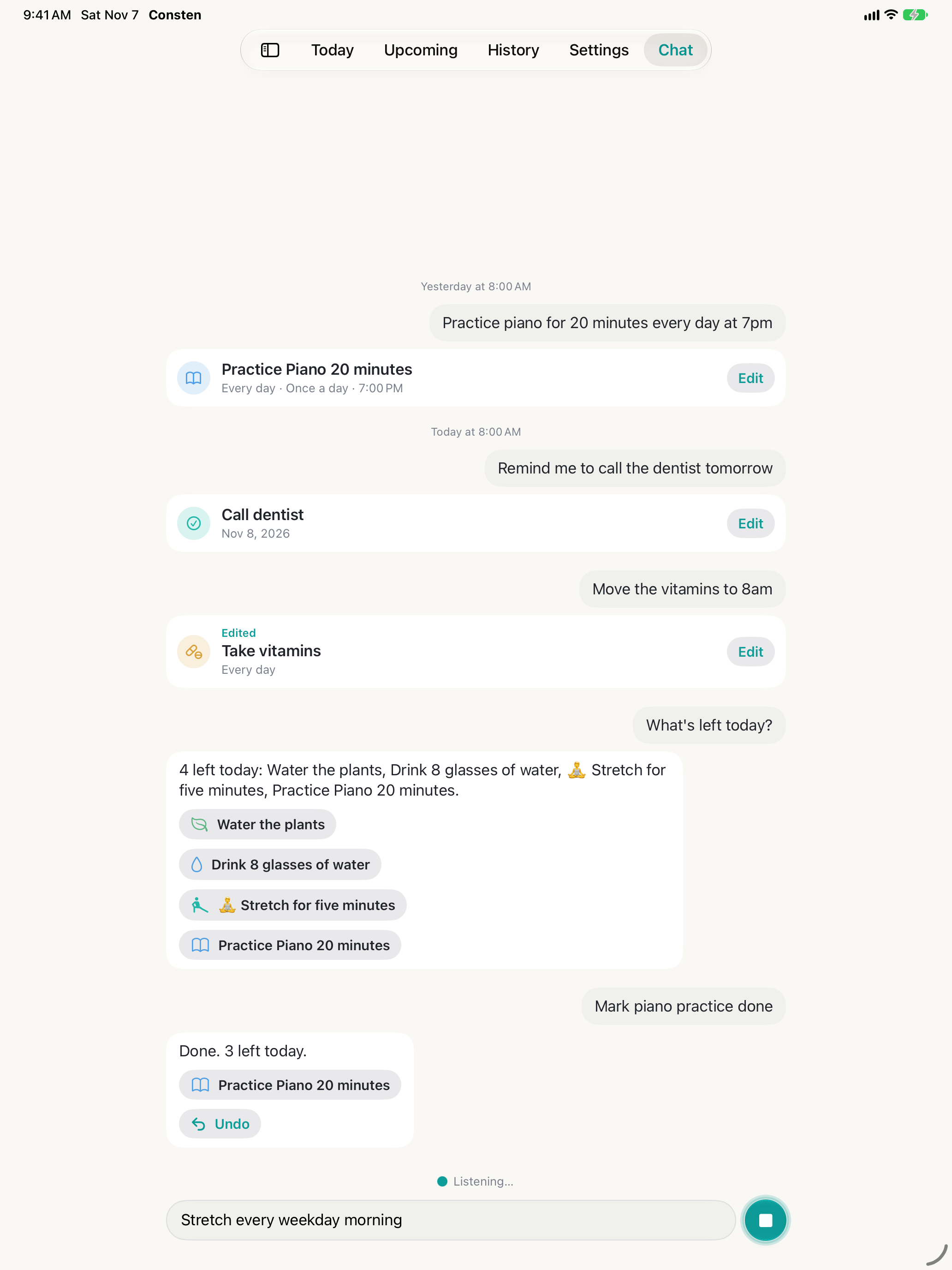
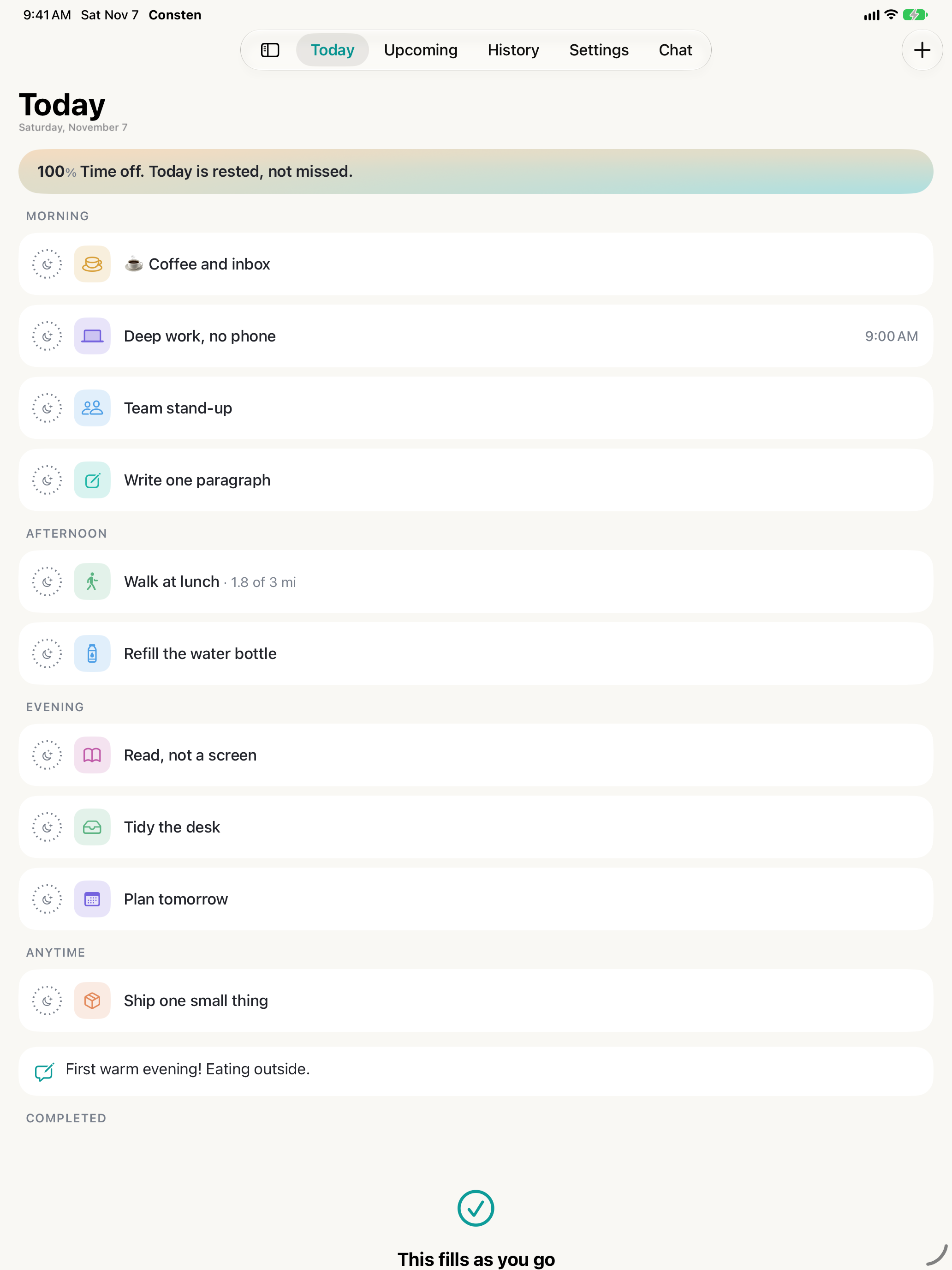
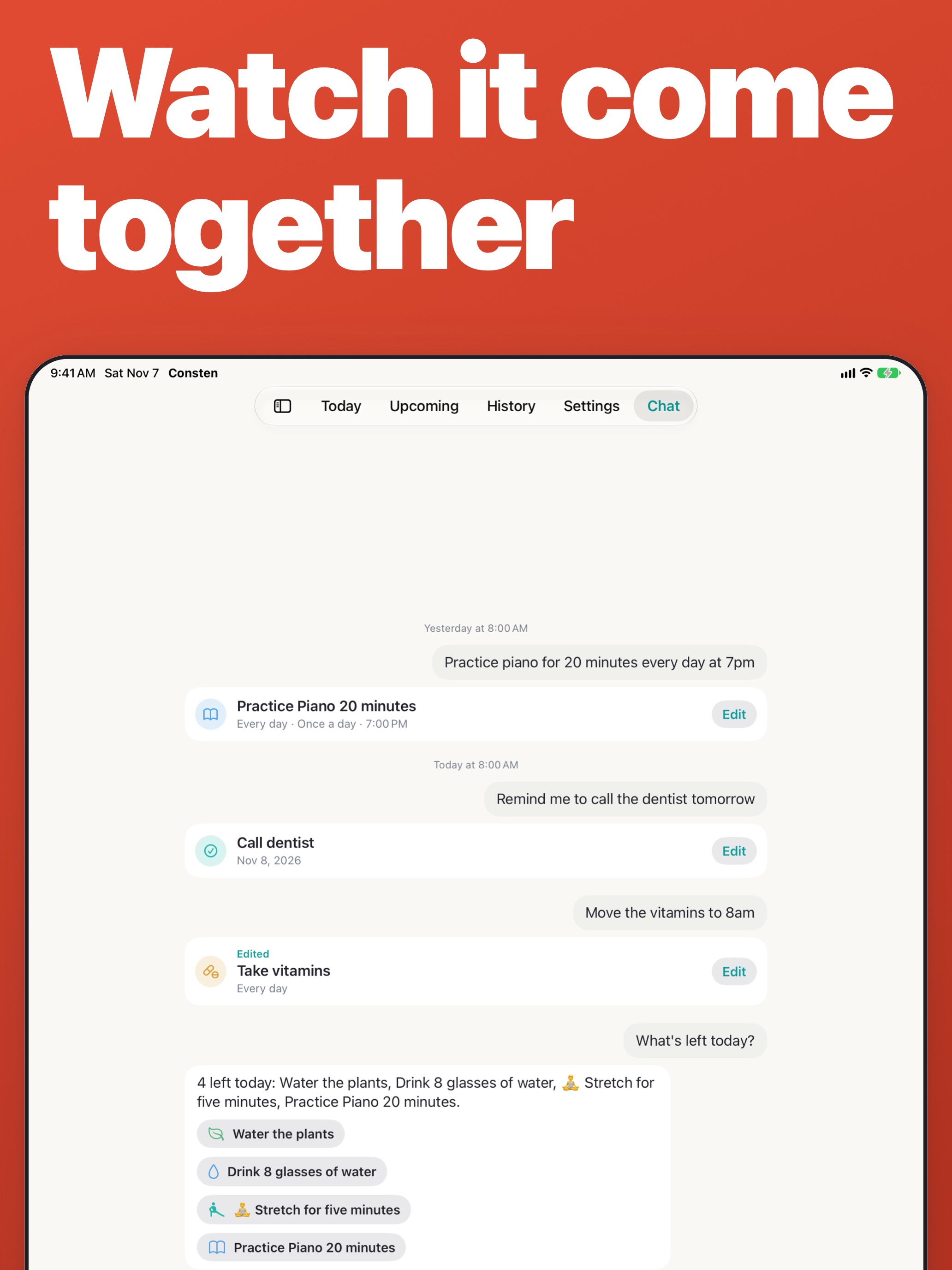
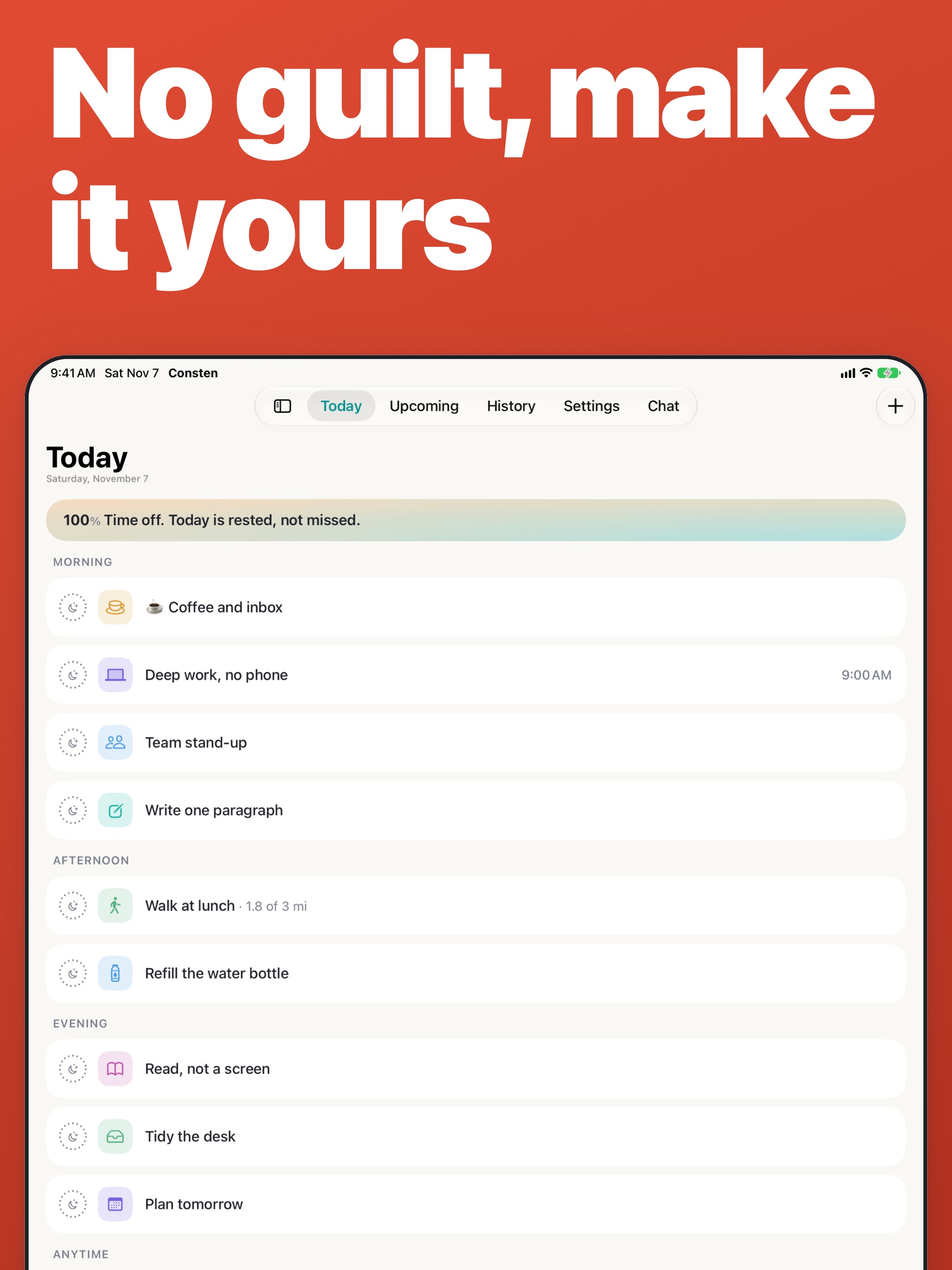
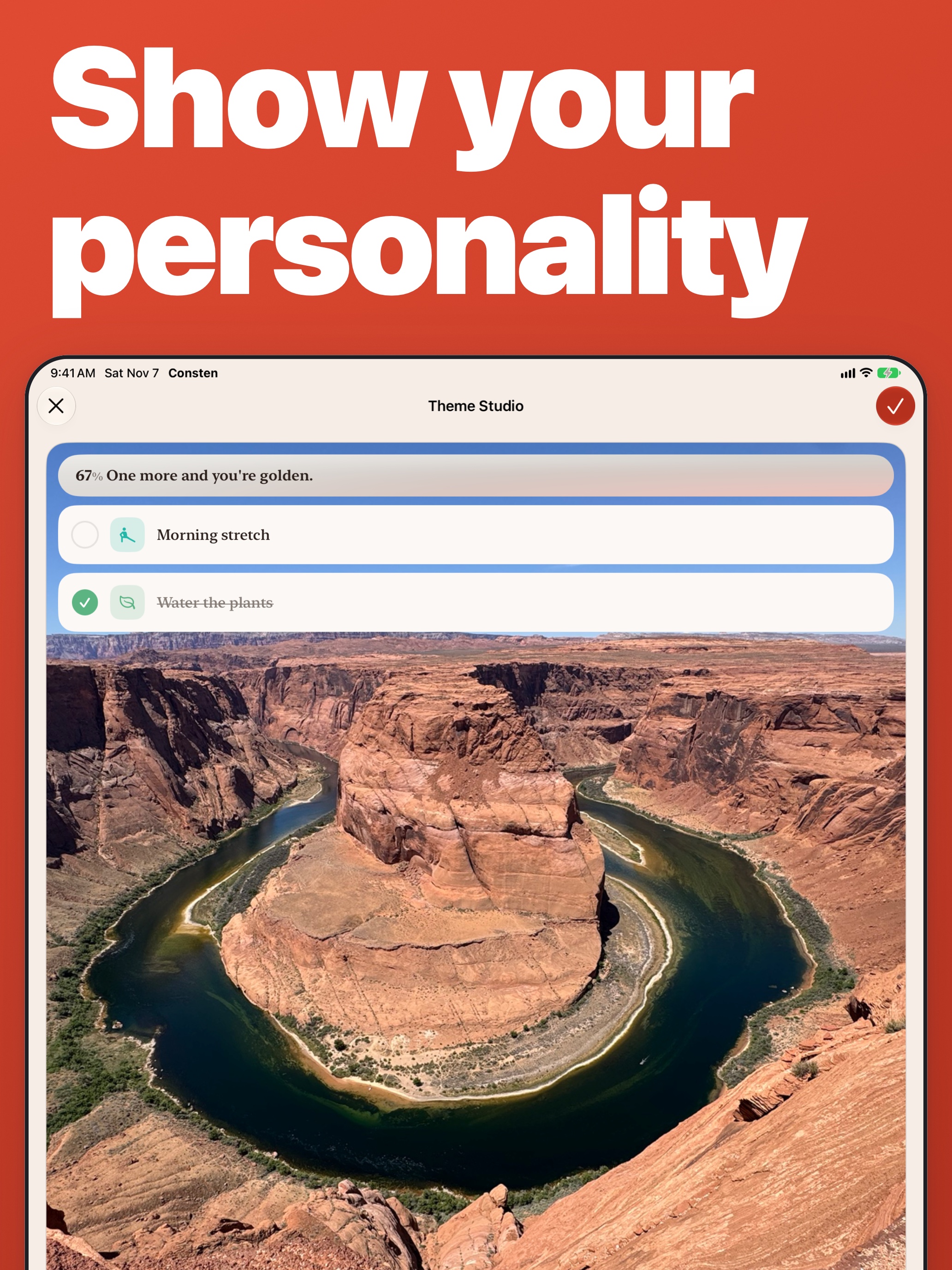
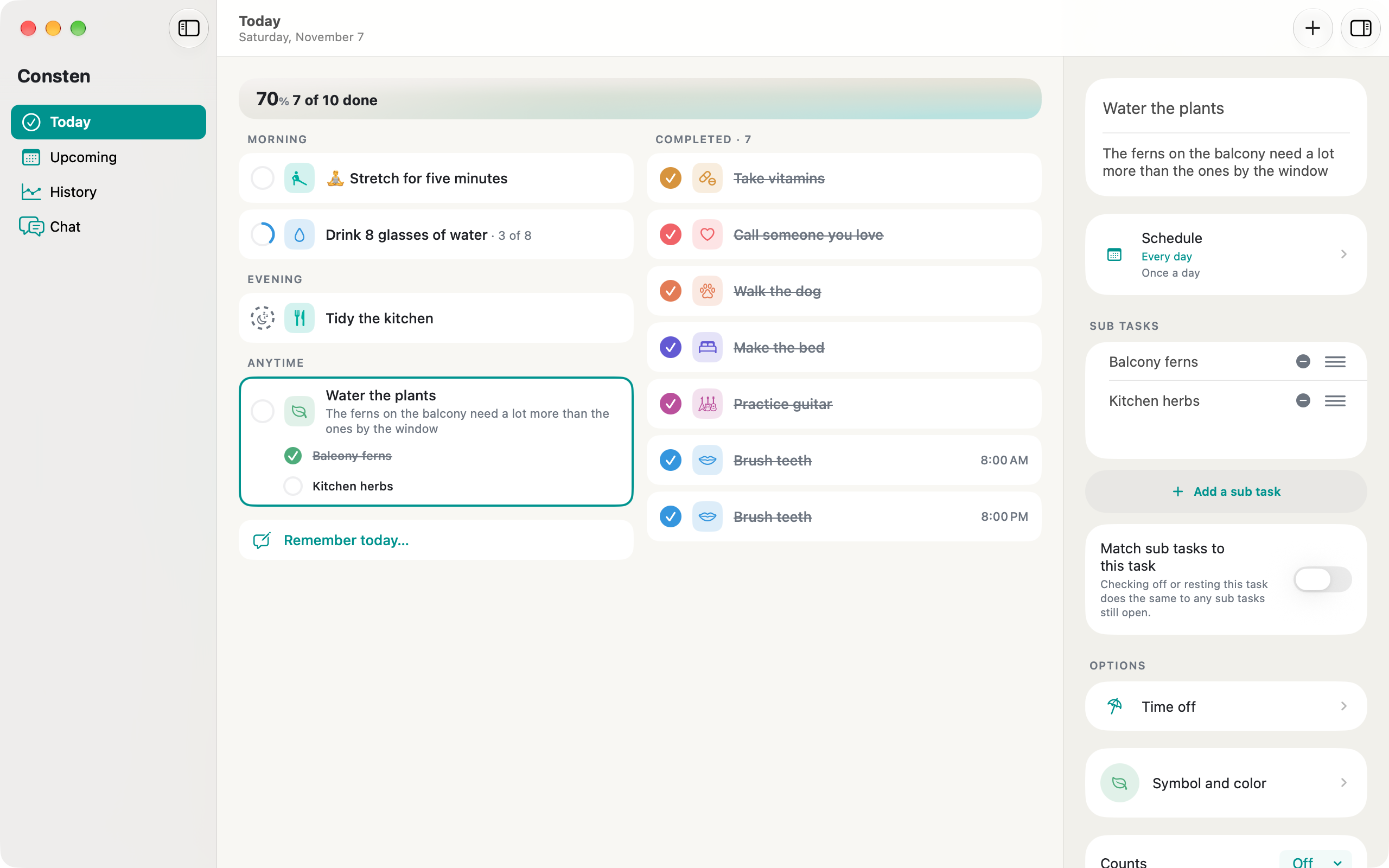
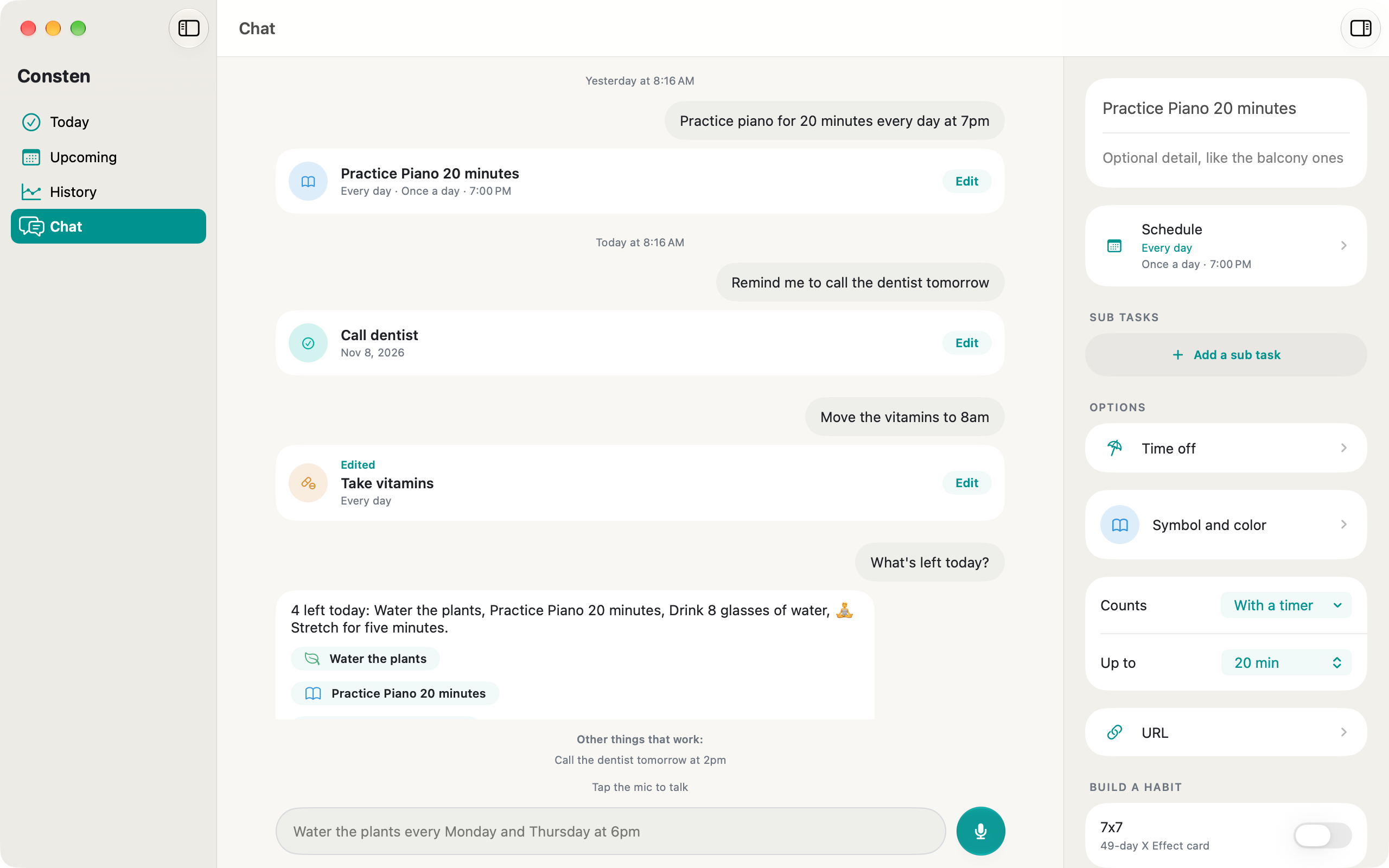
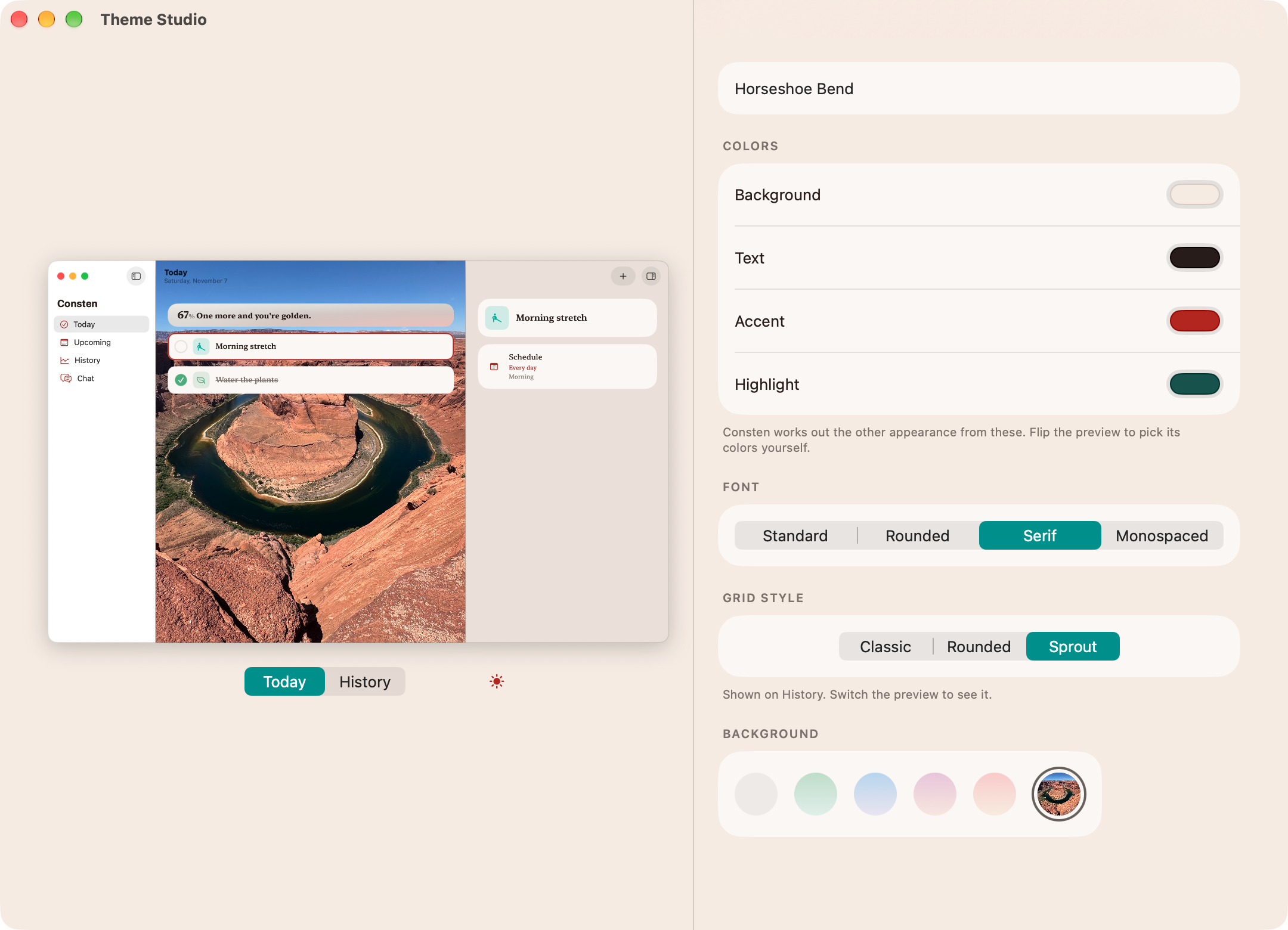
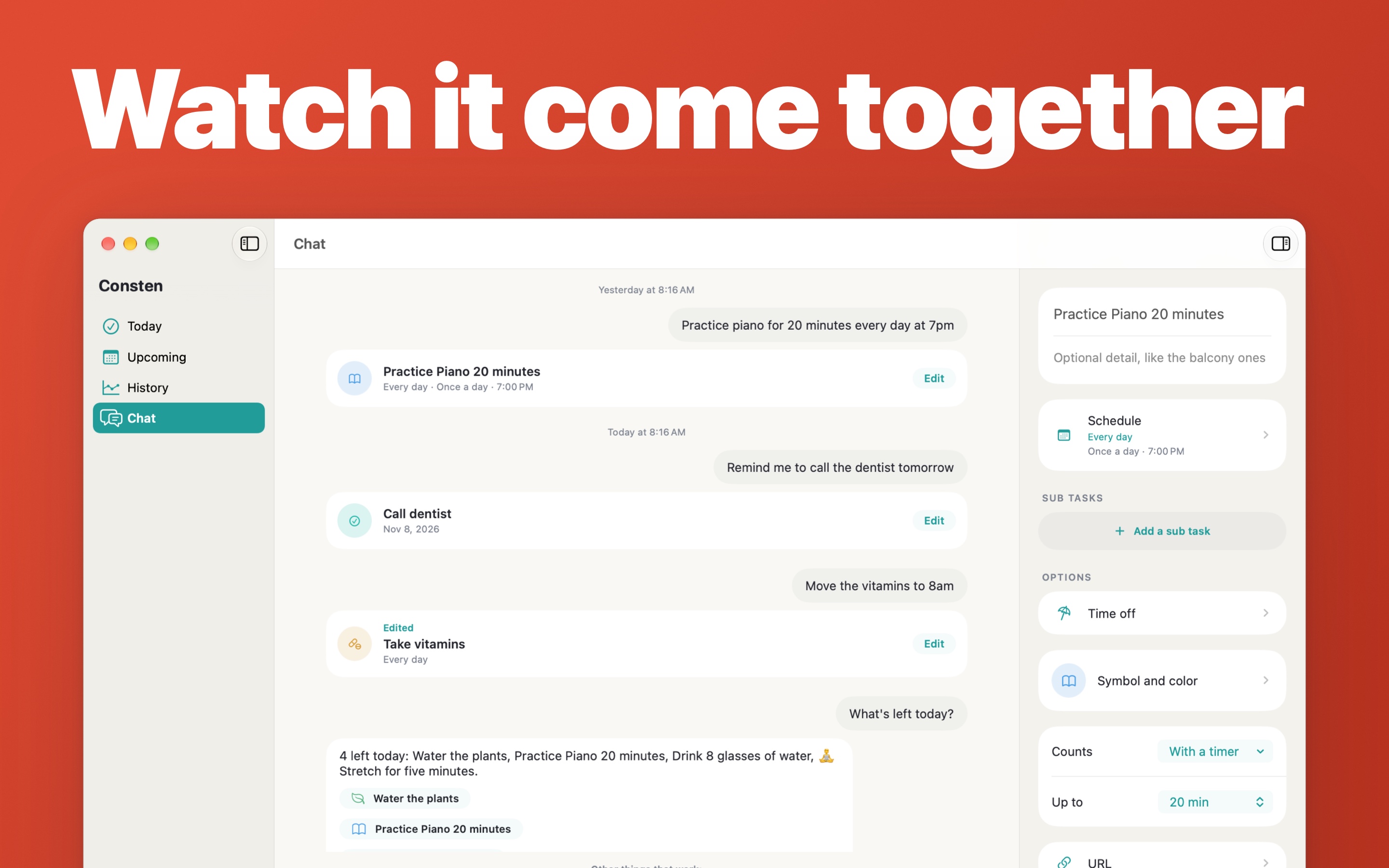
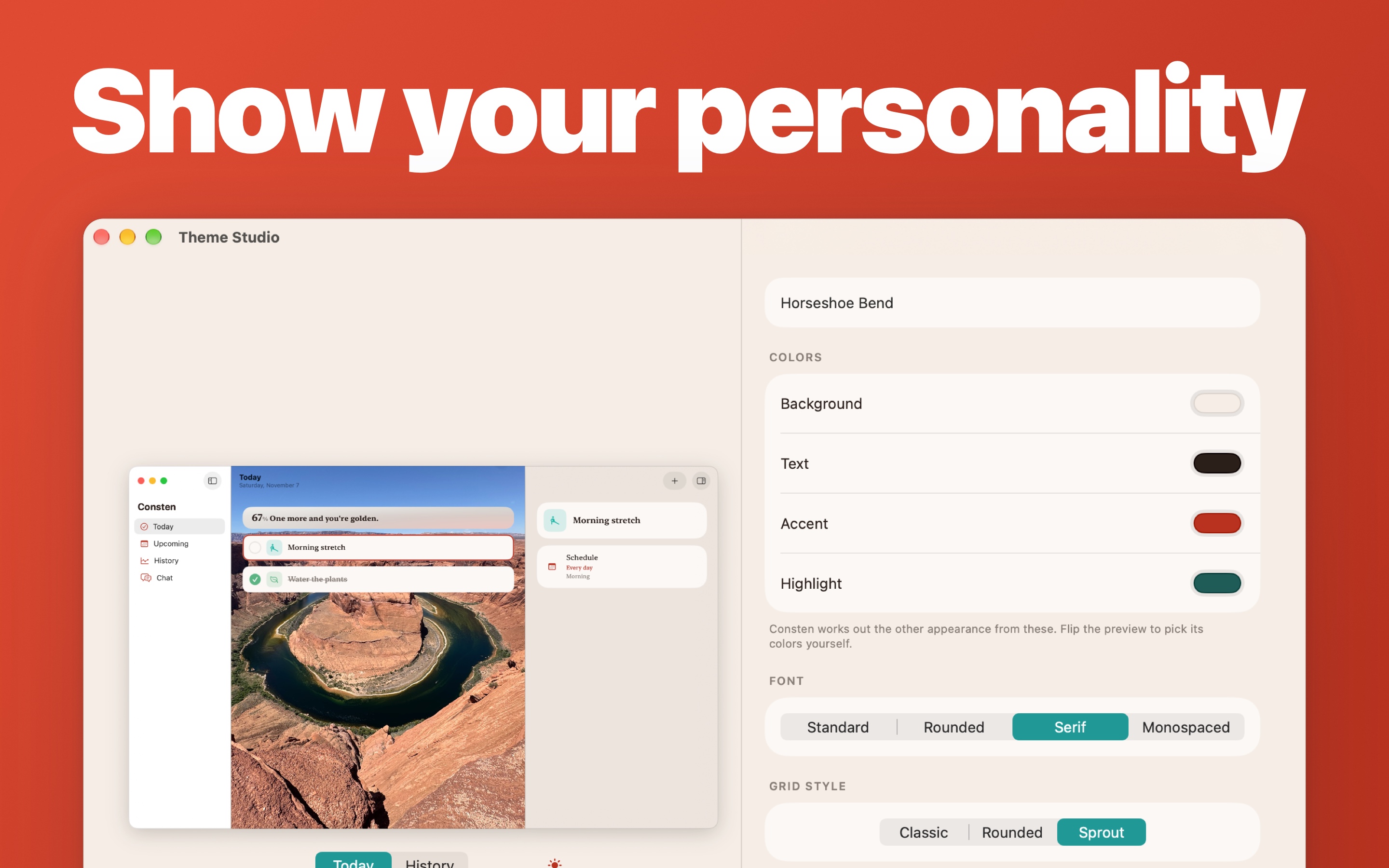
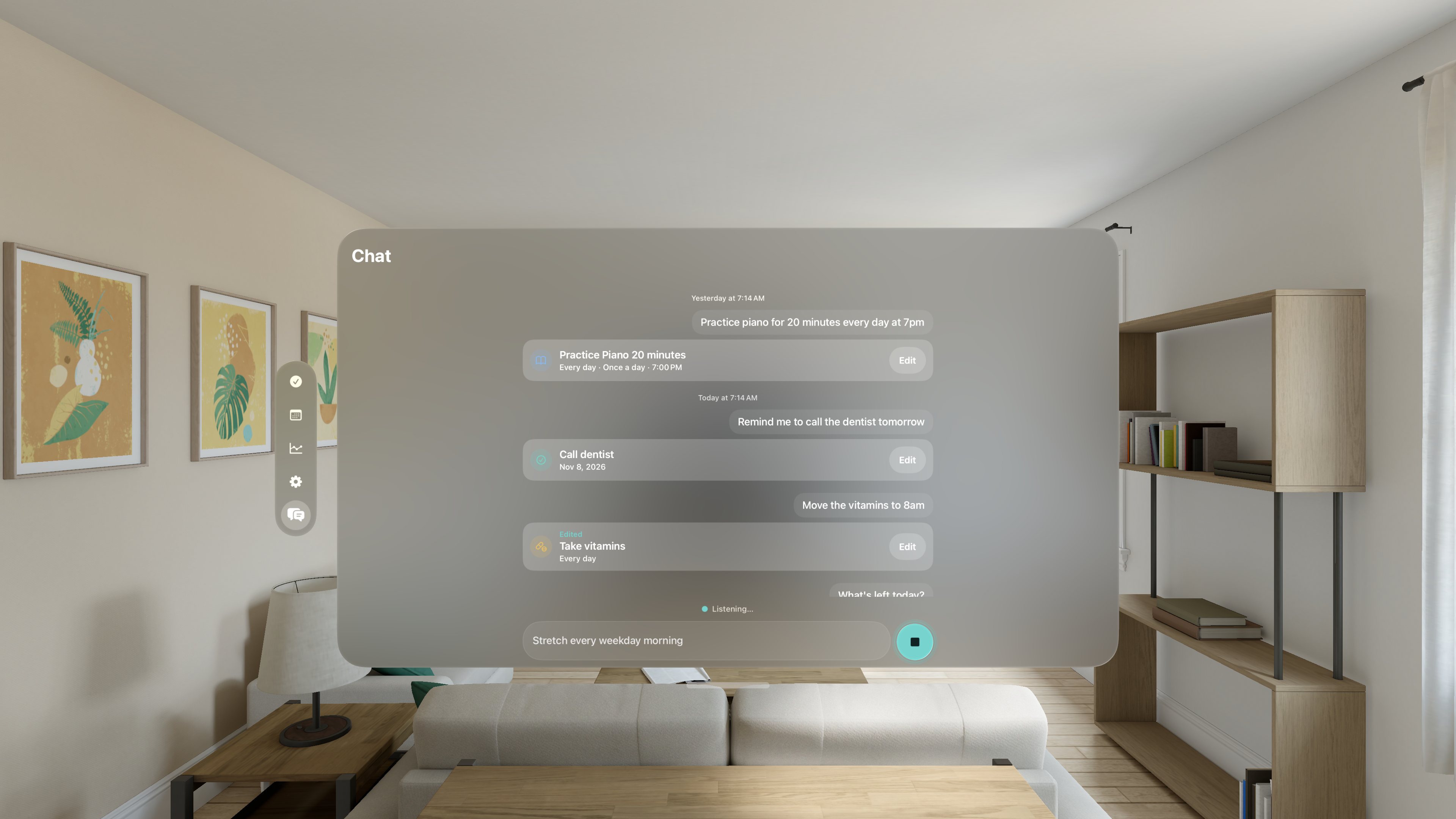
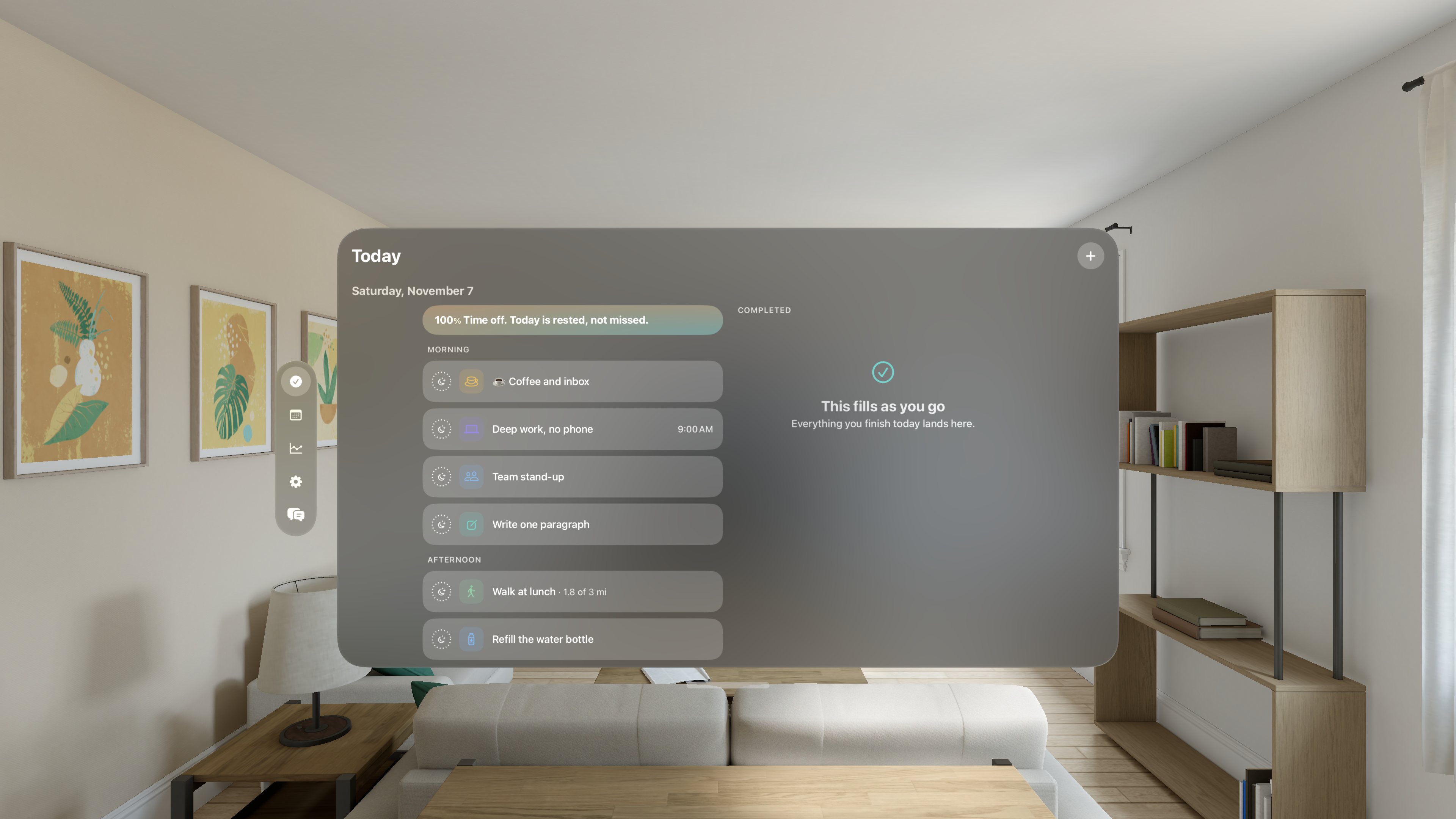
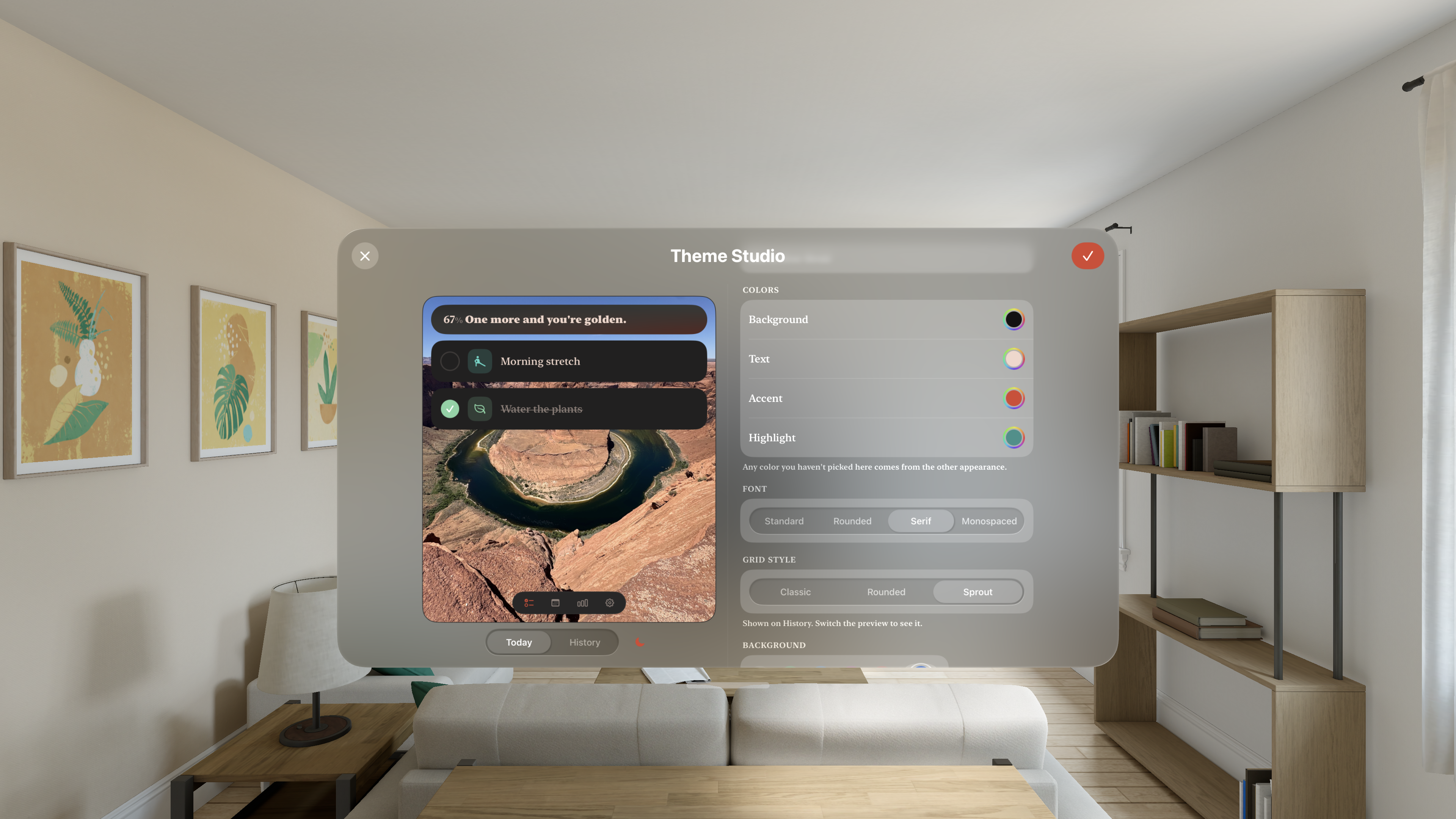
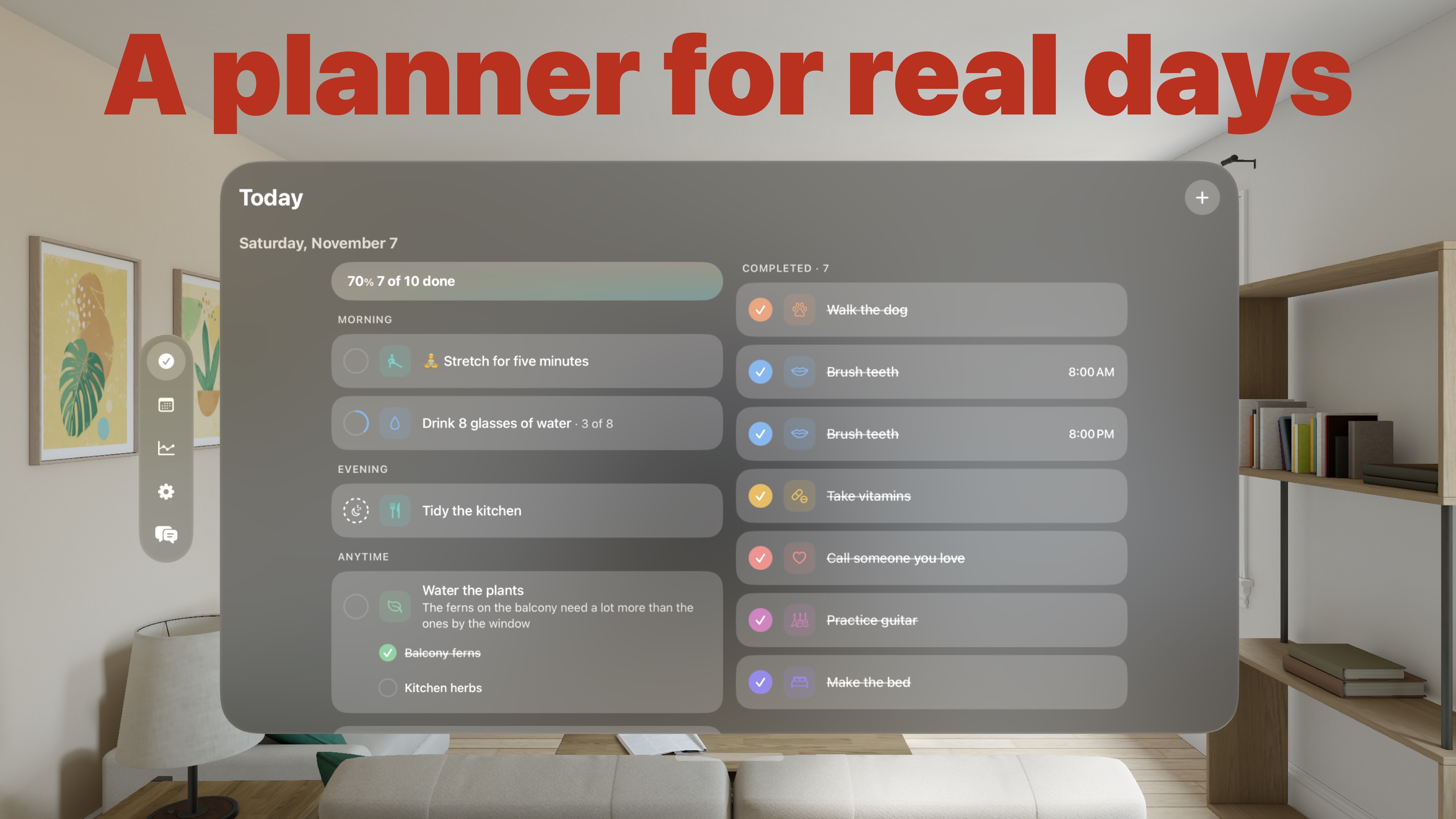
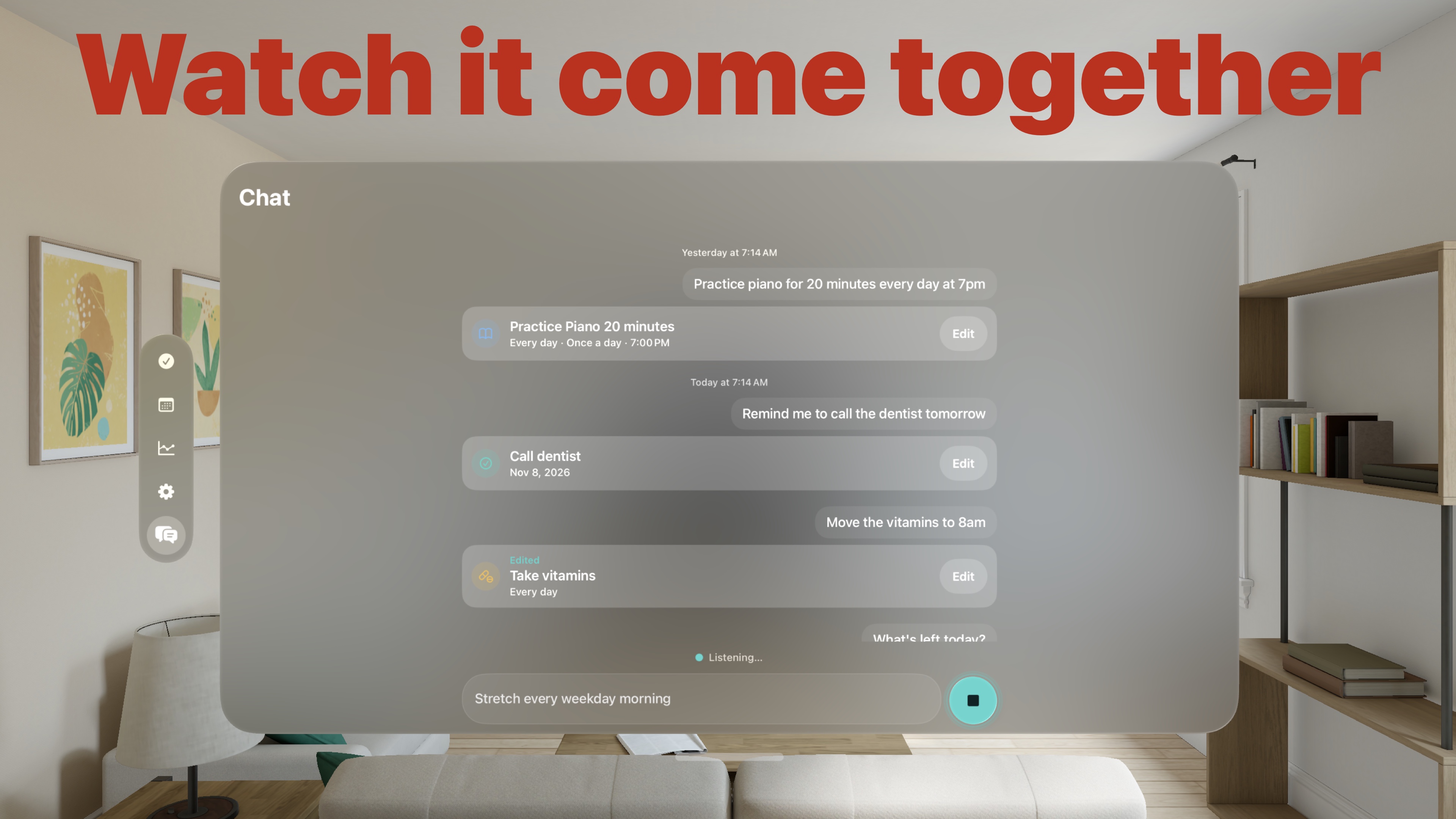
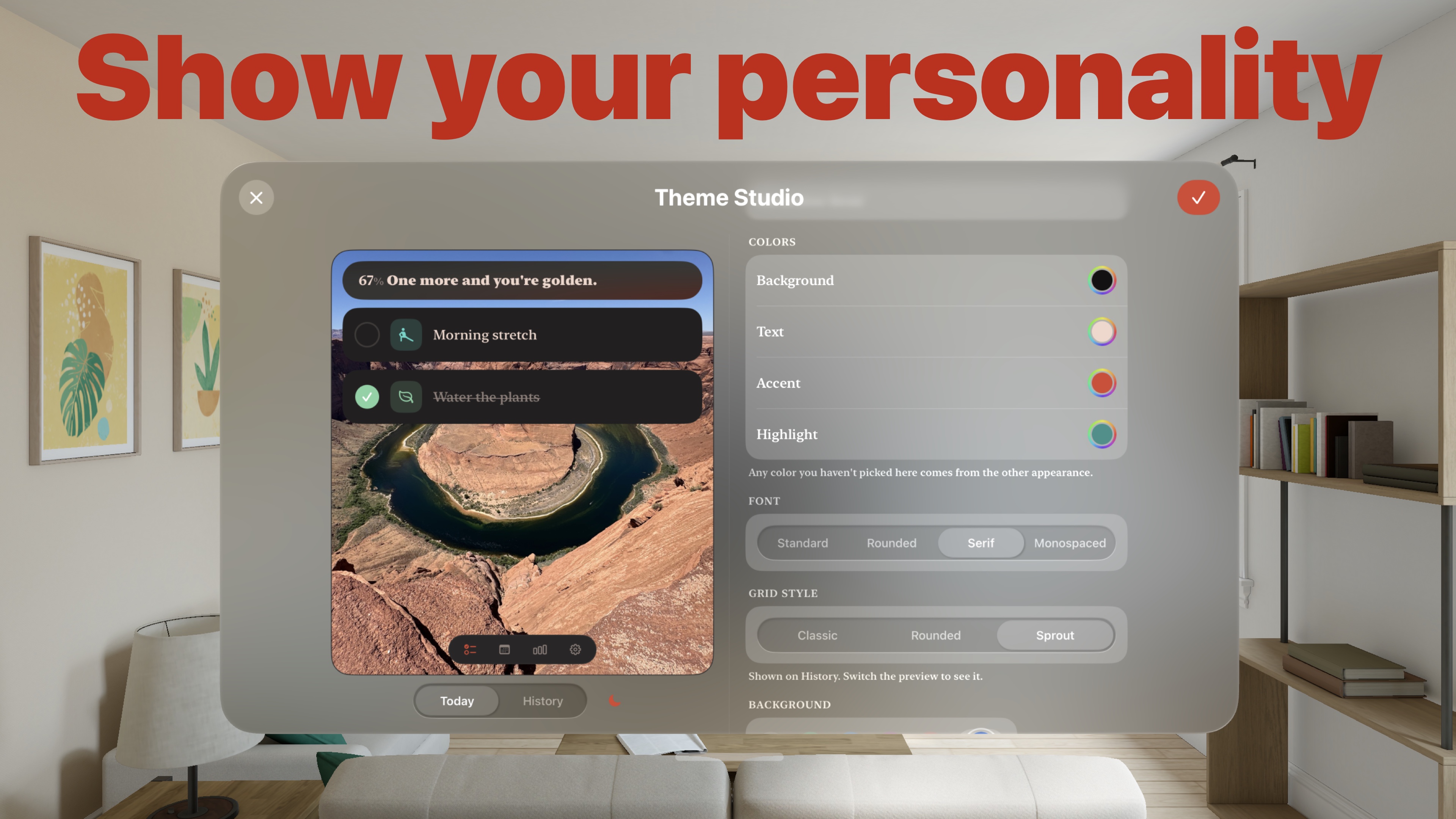
Consten splits the day however you choose, and fills in as you check things off. Rest days and time off never break a streak. Tell Chat "Stretch every weekday morning," and Chat sets up the task, repeat and all. Reminders stay off by default, but are there if you want them. Create your own themes, and switch them by time of day or with a Focus. Every editing feature is free to try for 14 days, with no payment details.
Use either description as written, or cut it to fit.
Features by platform
iPhone, iPad, Mac and Apple Vision Pro
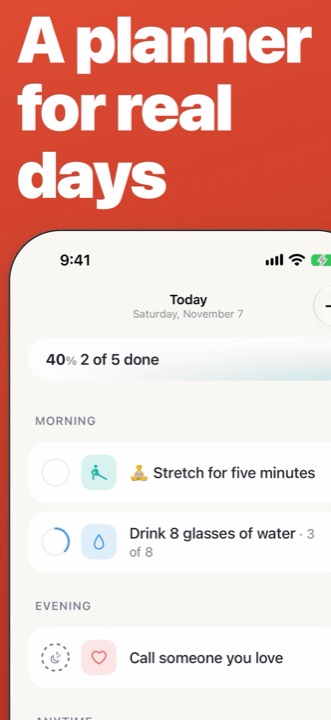
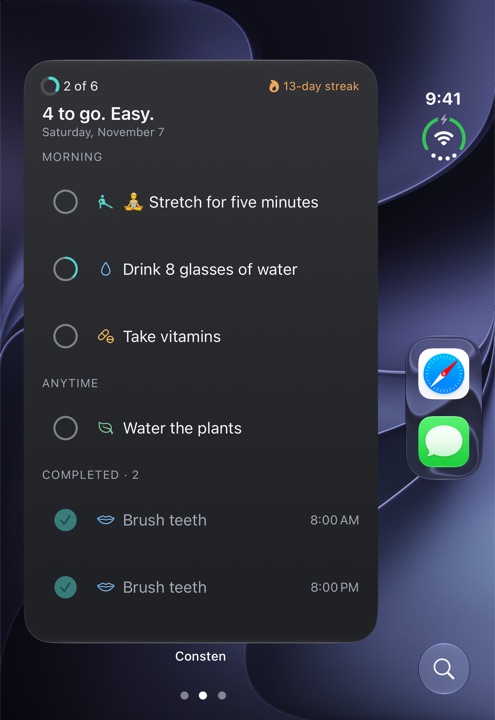
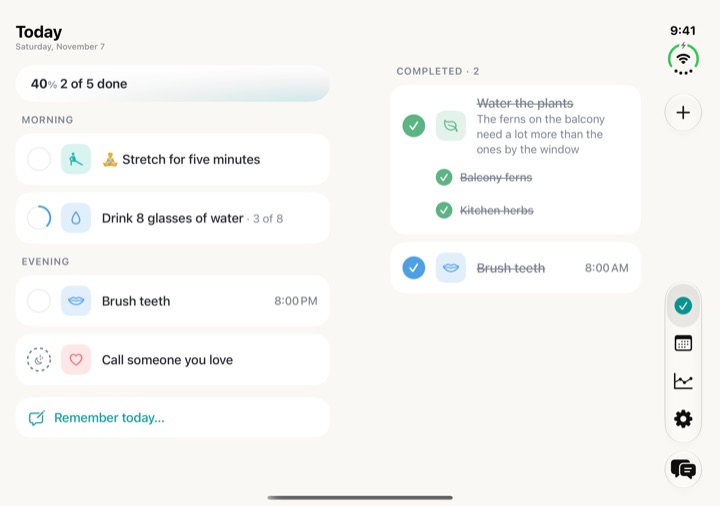
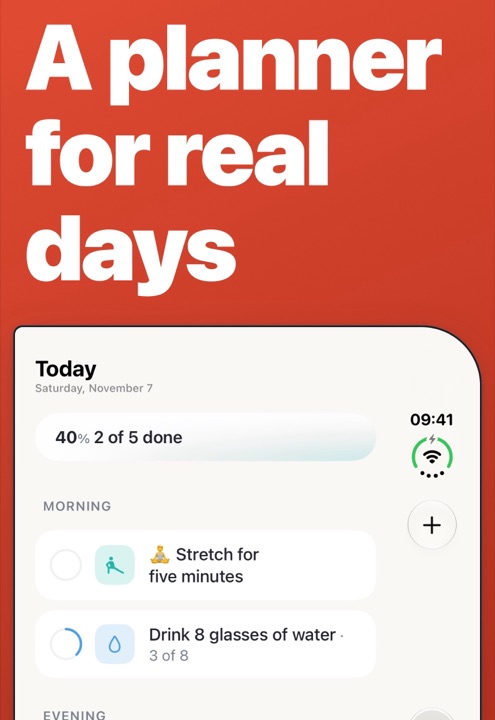
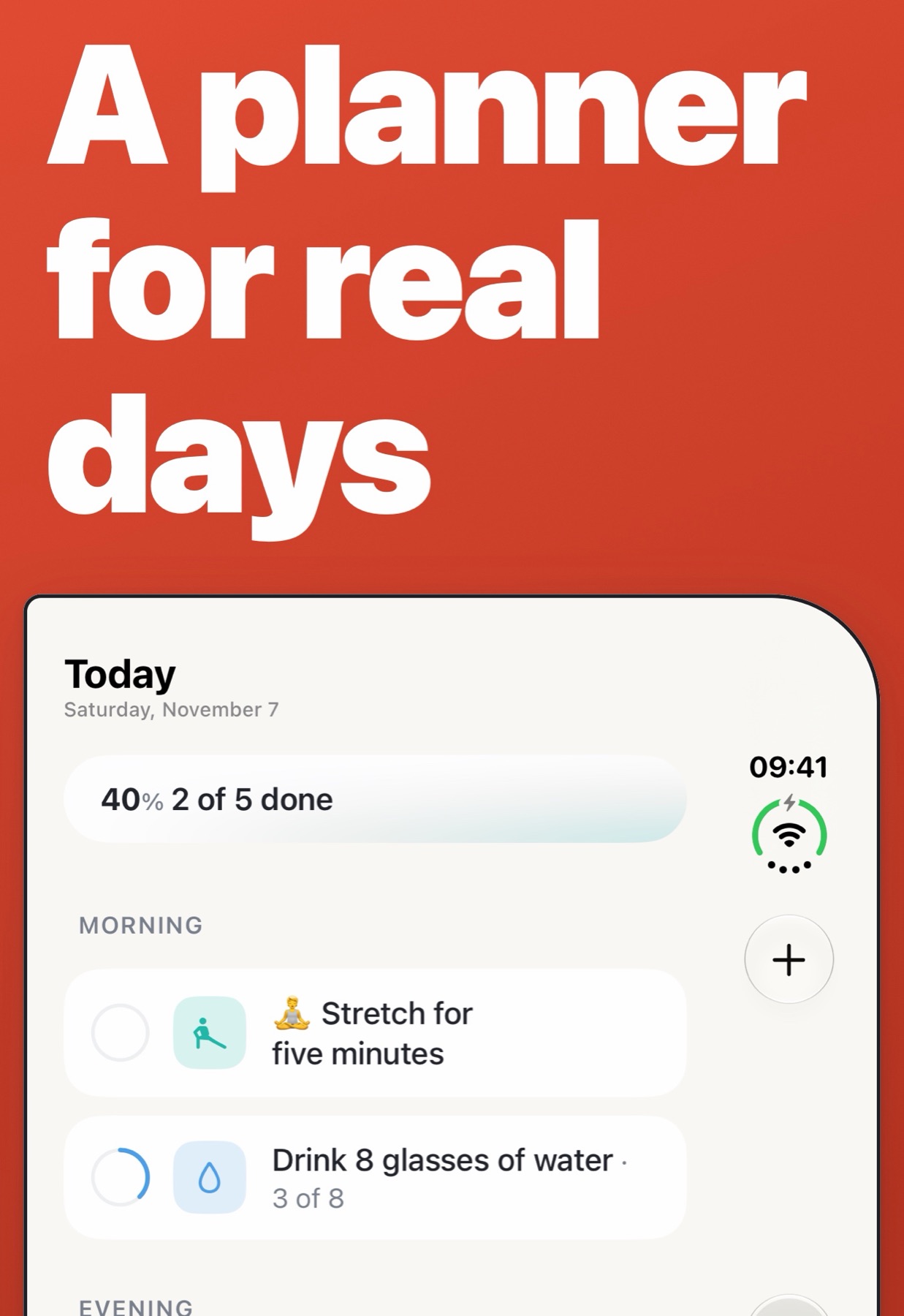
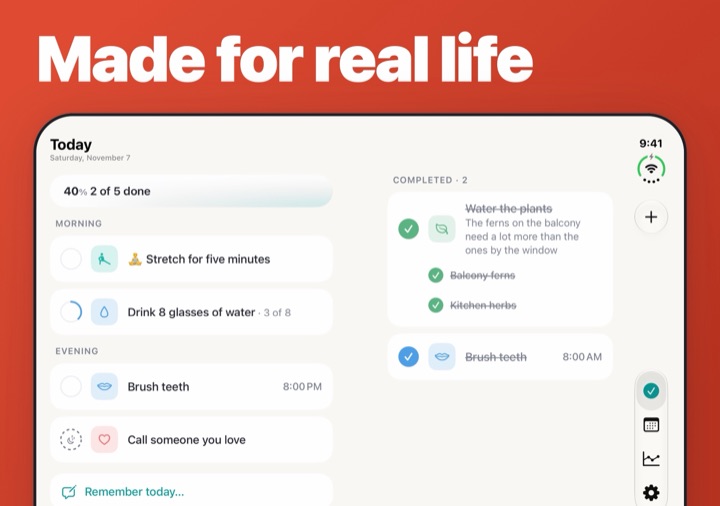
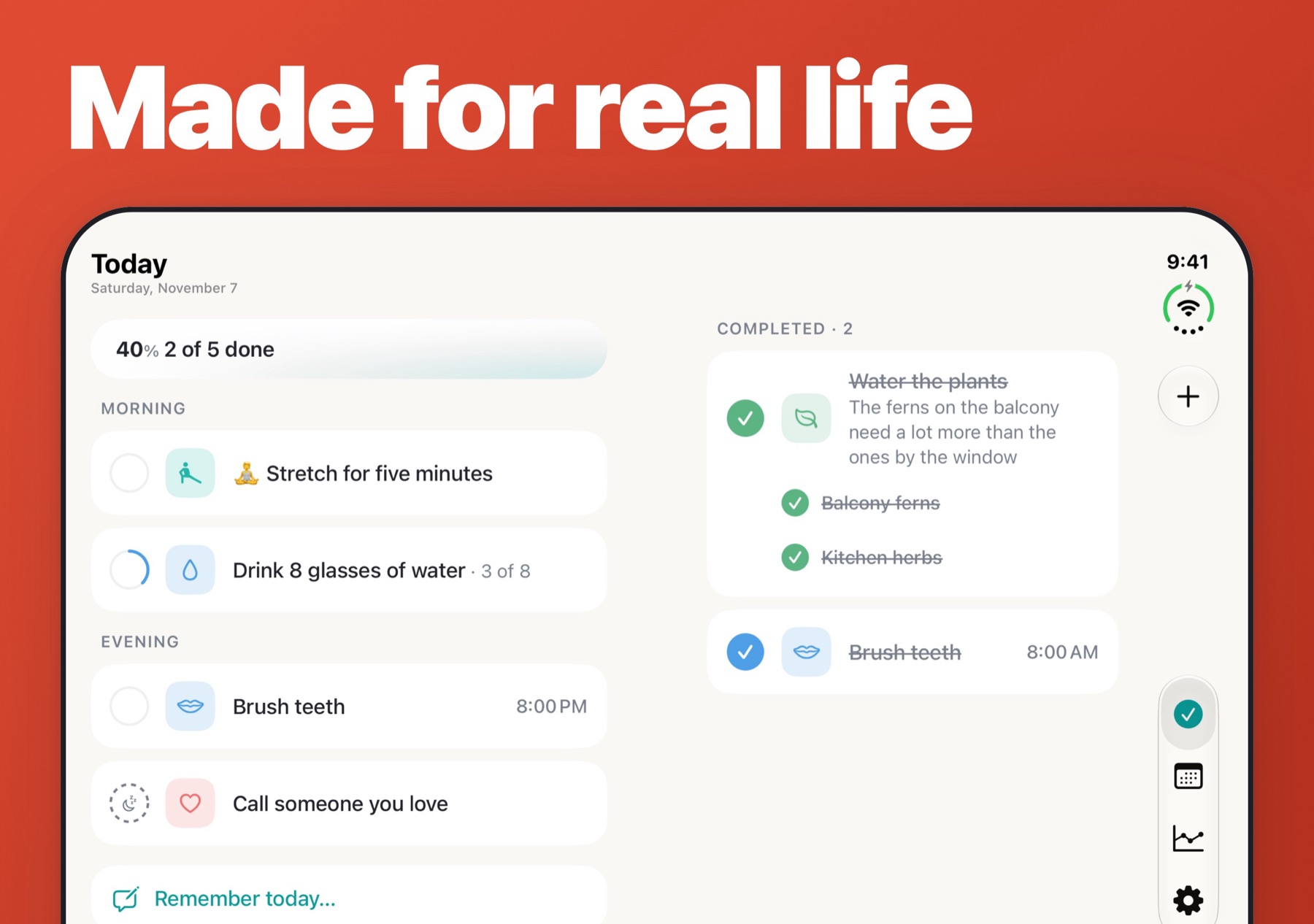
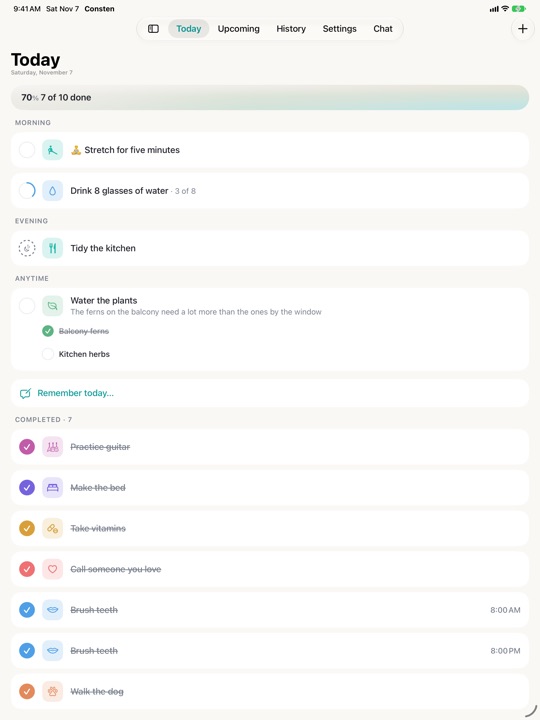
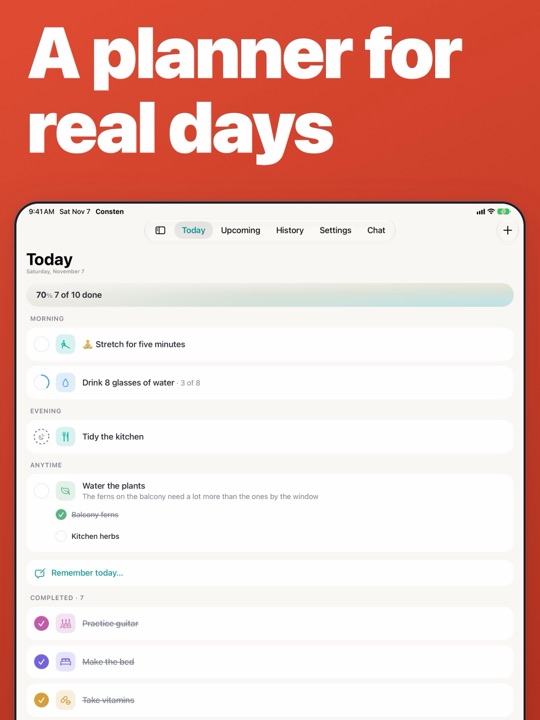
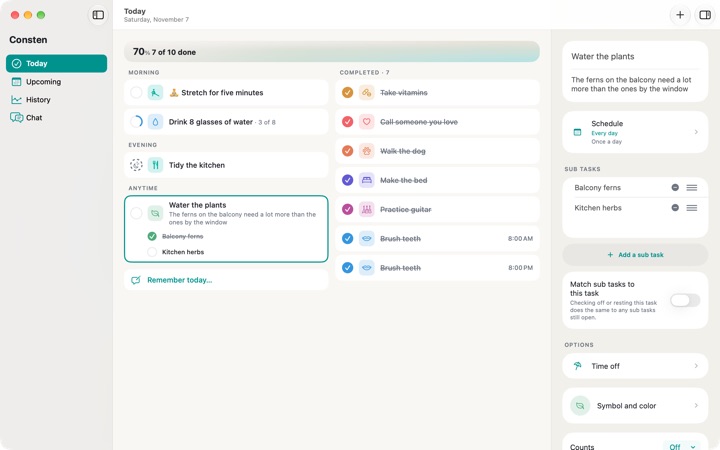
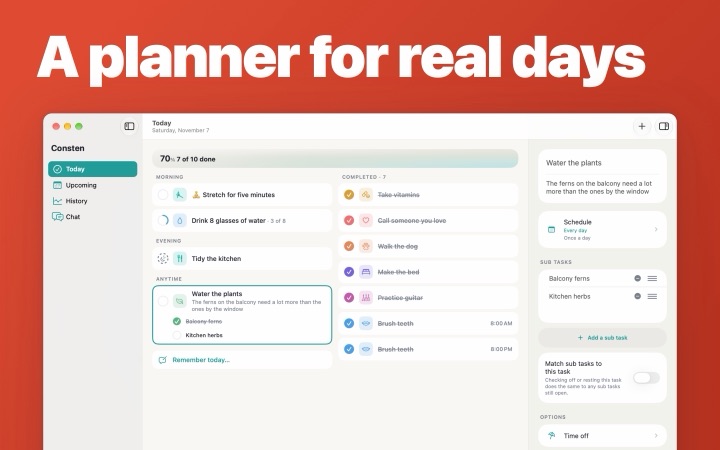
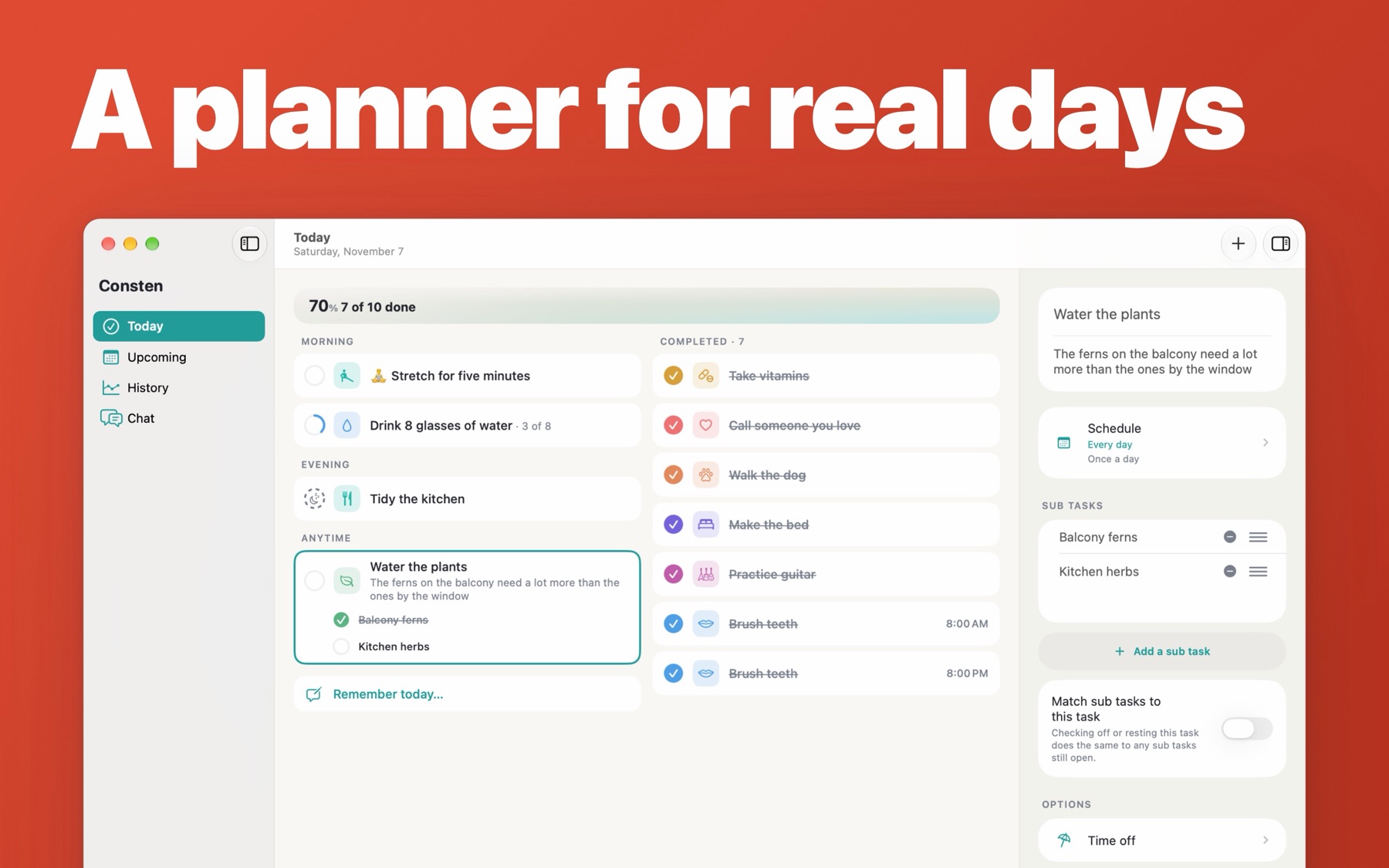
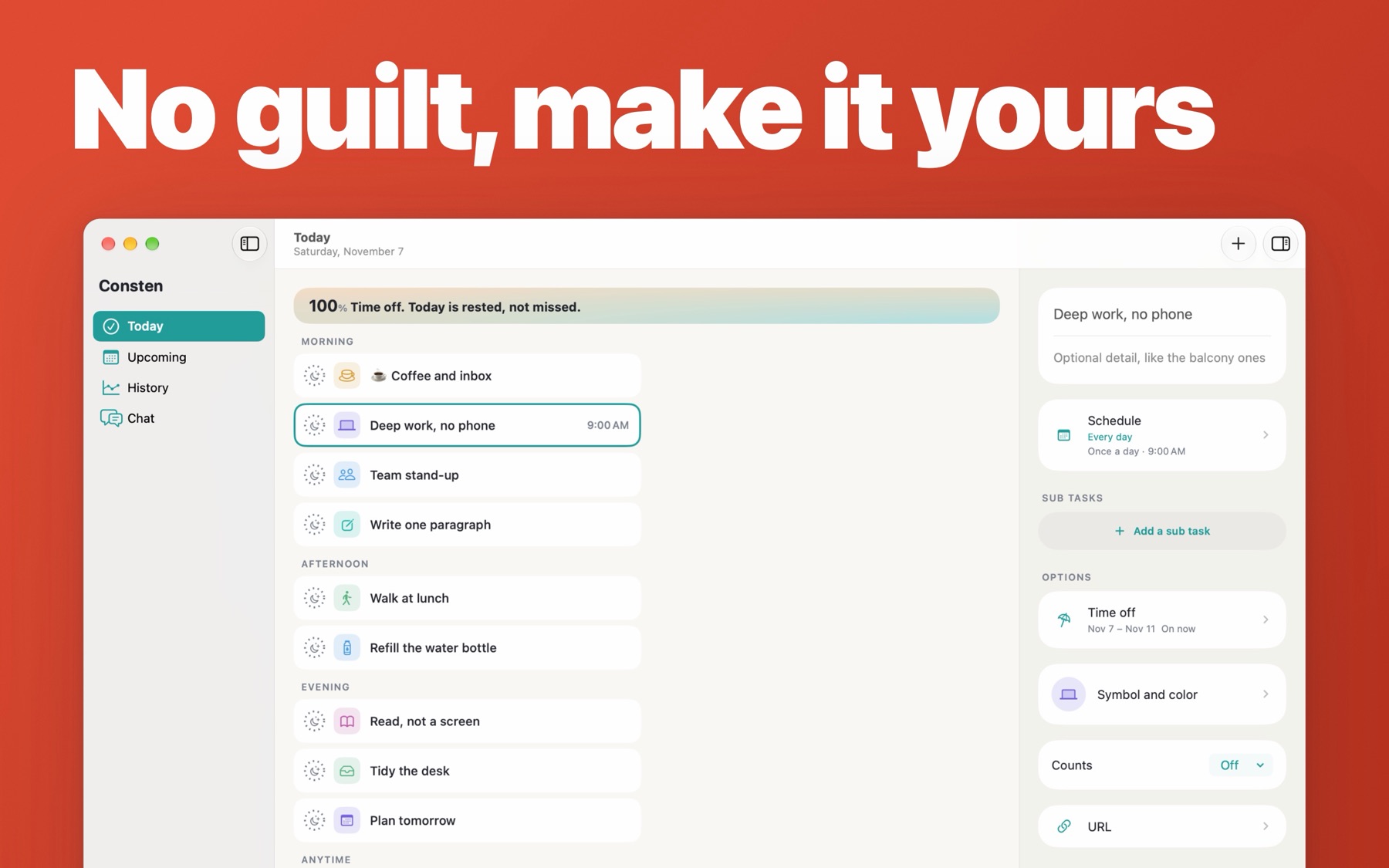
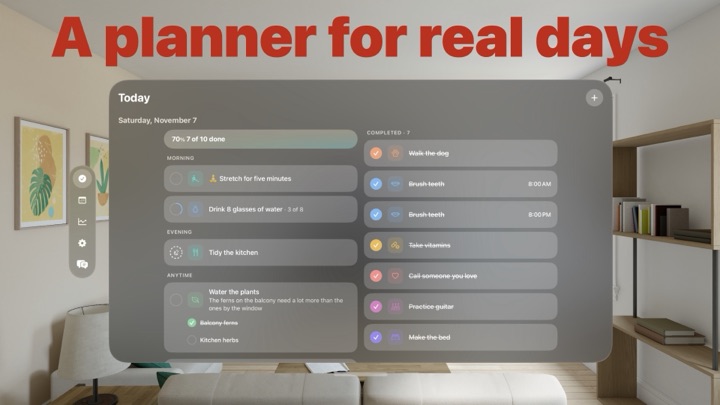
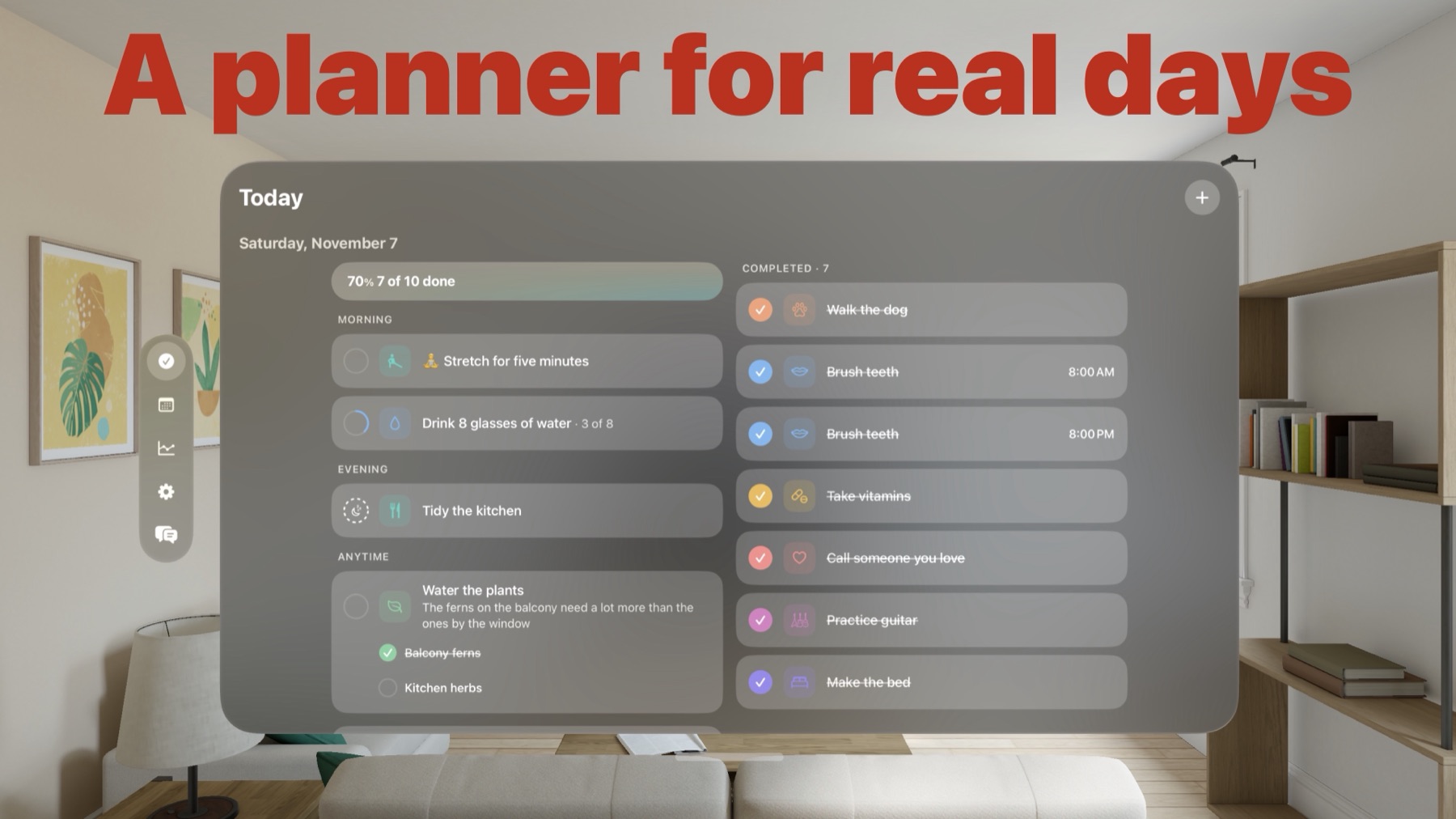
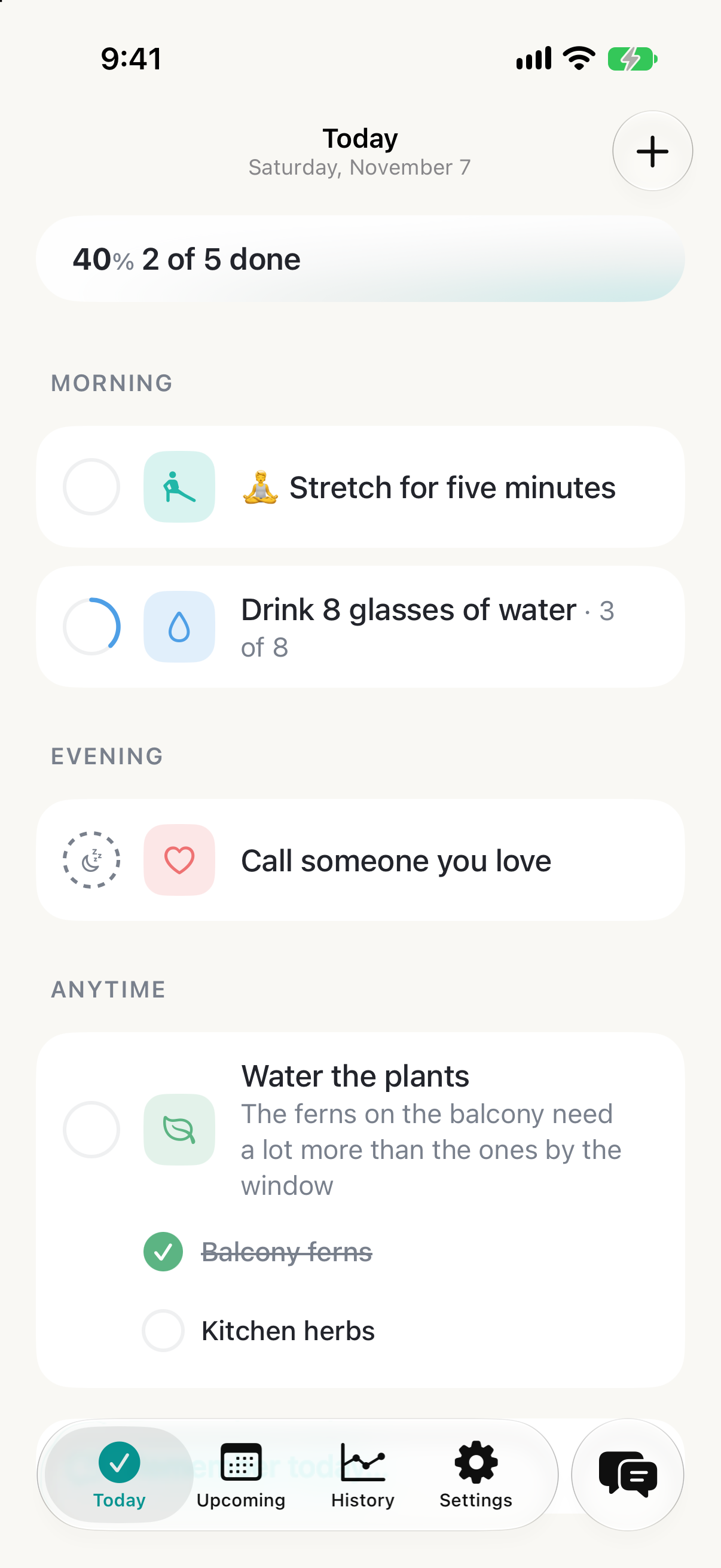
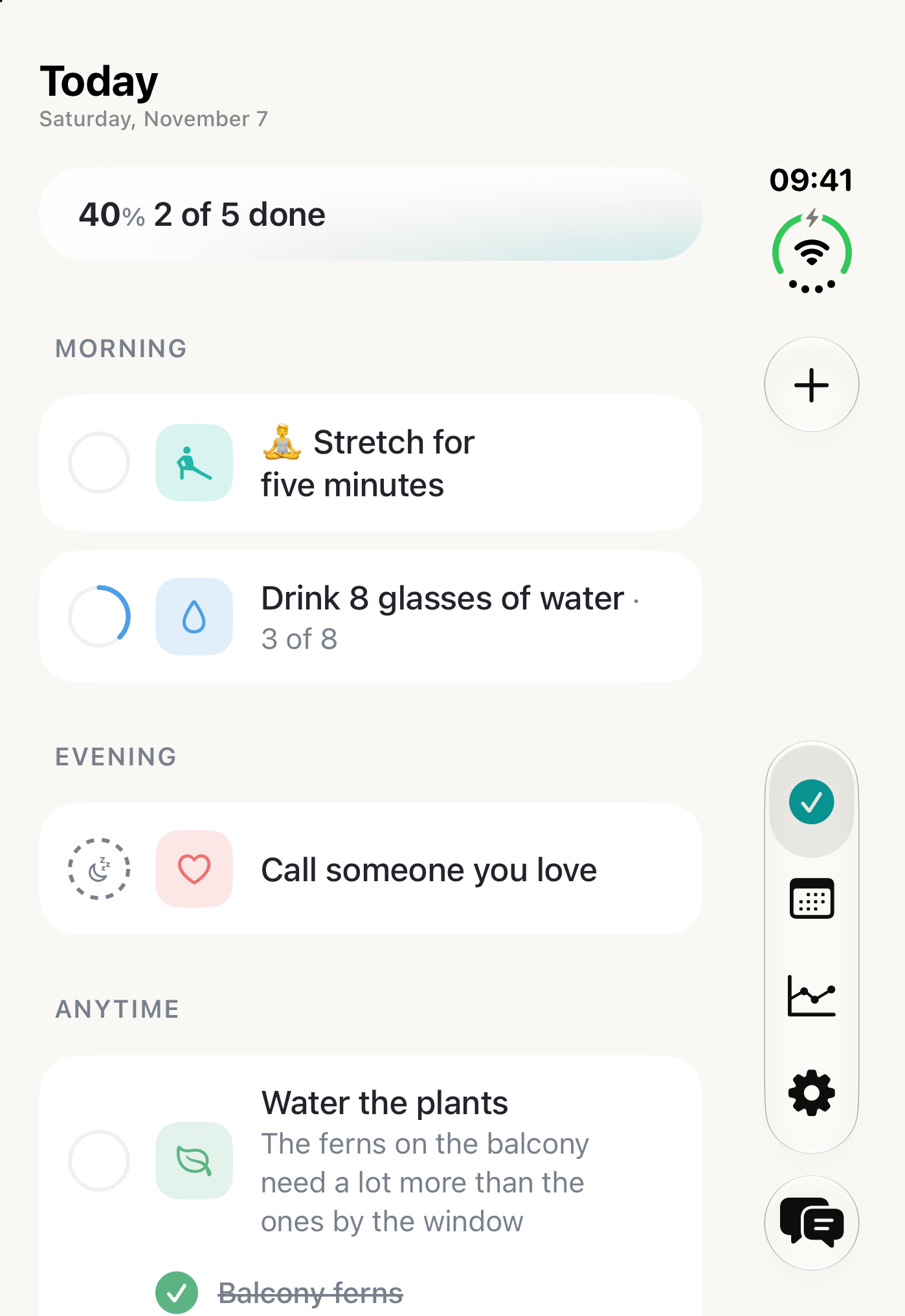
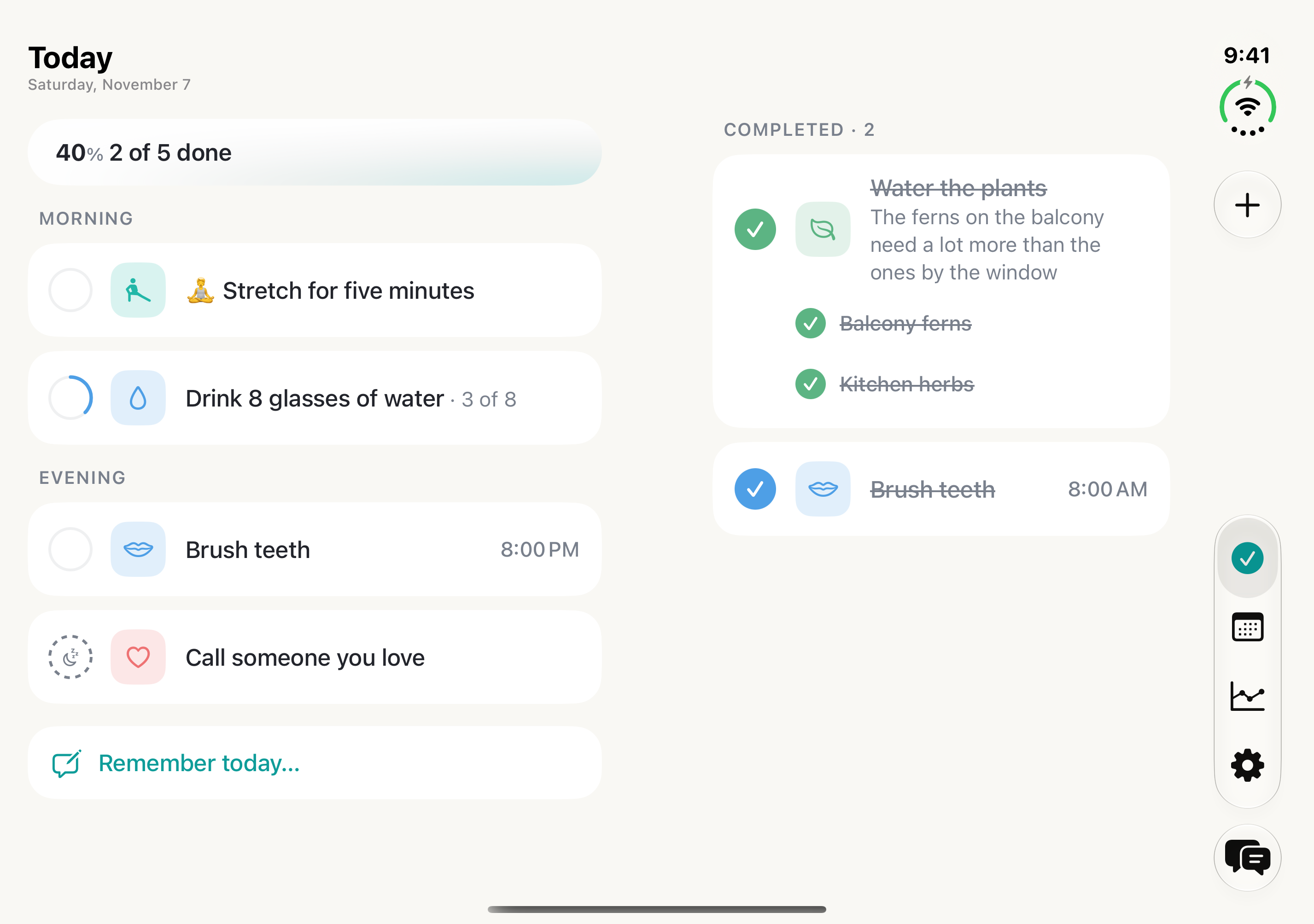
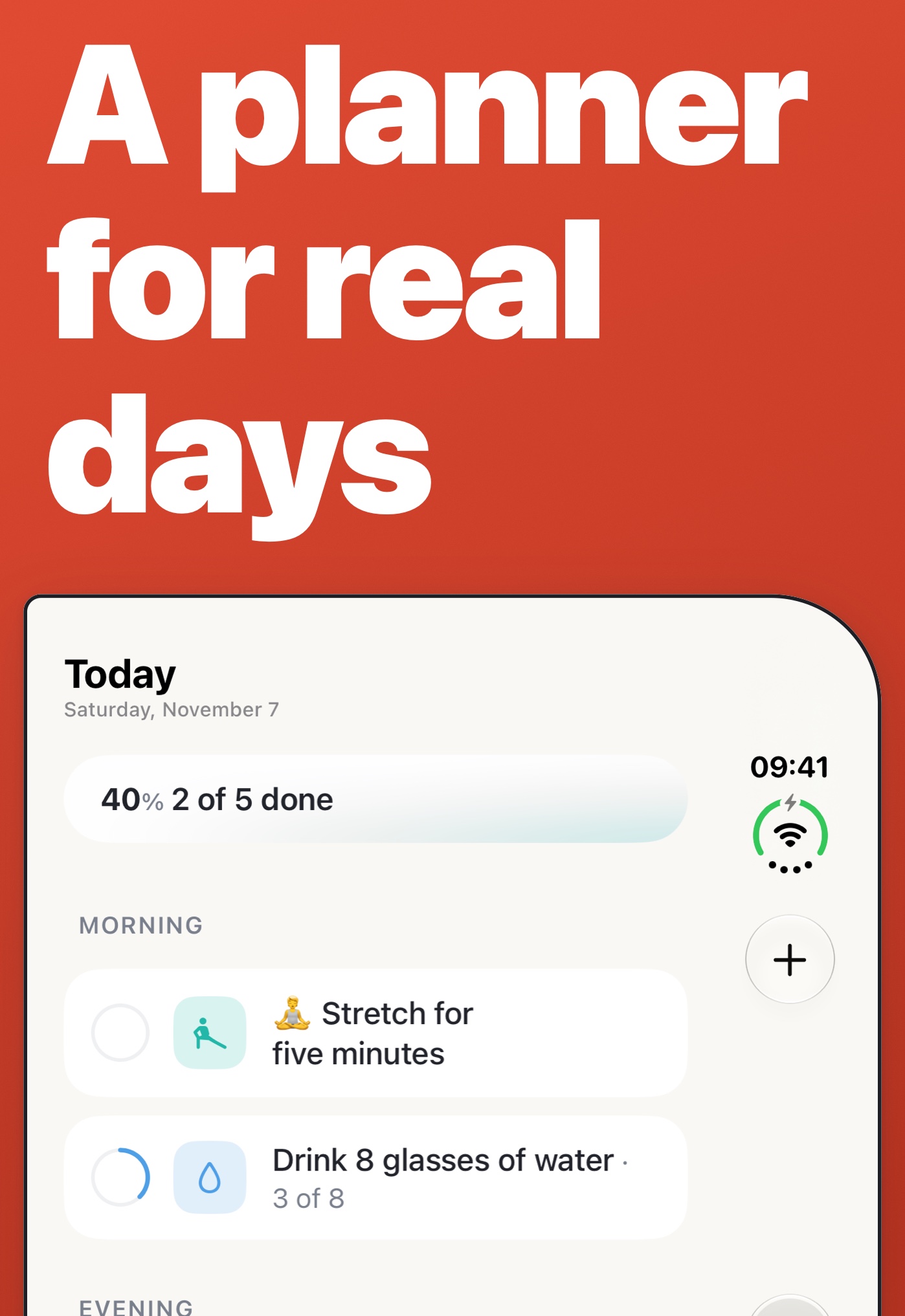
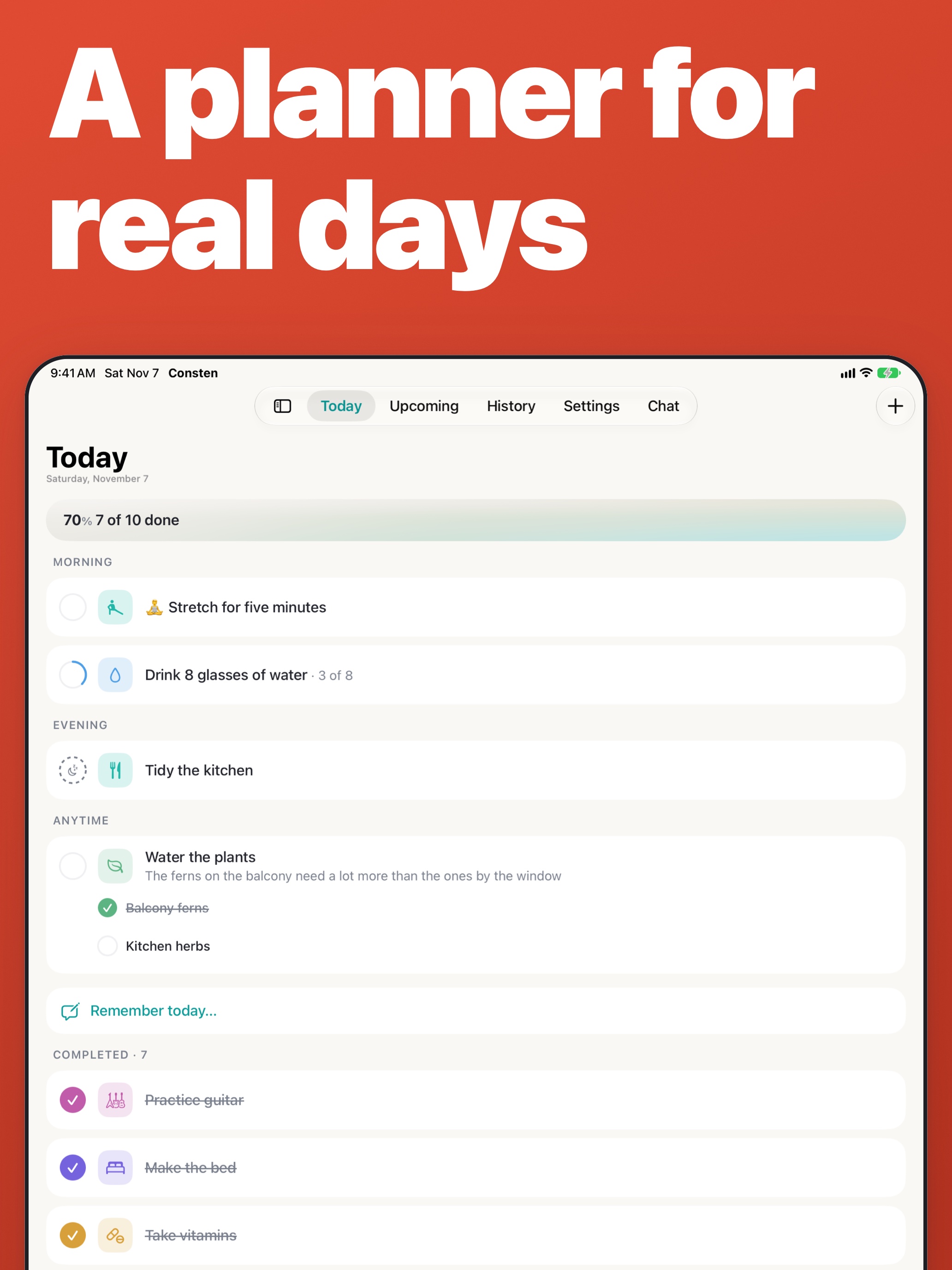
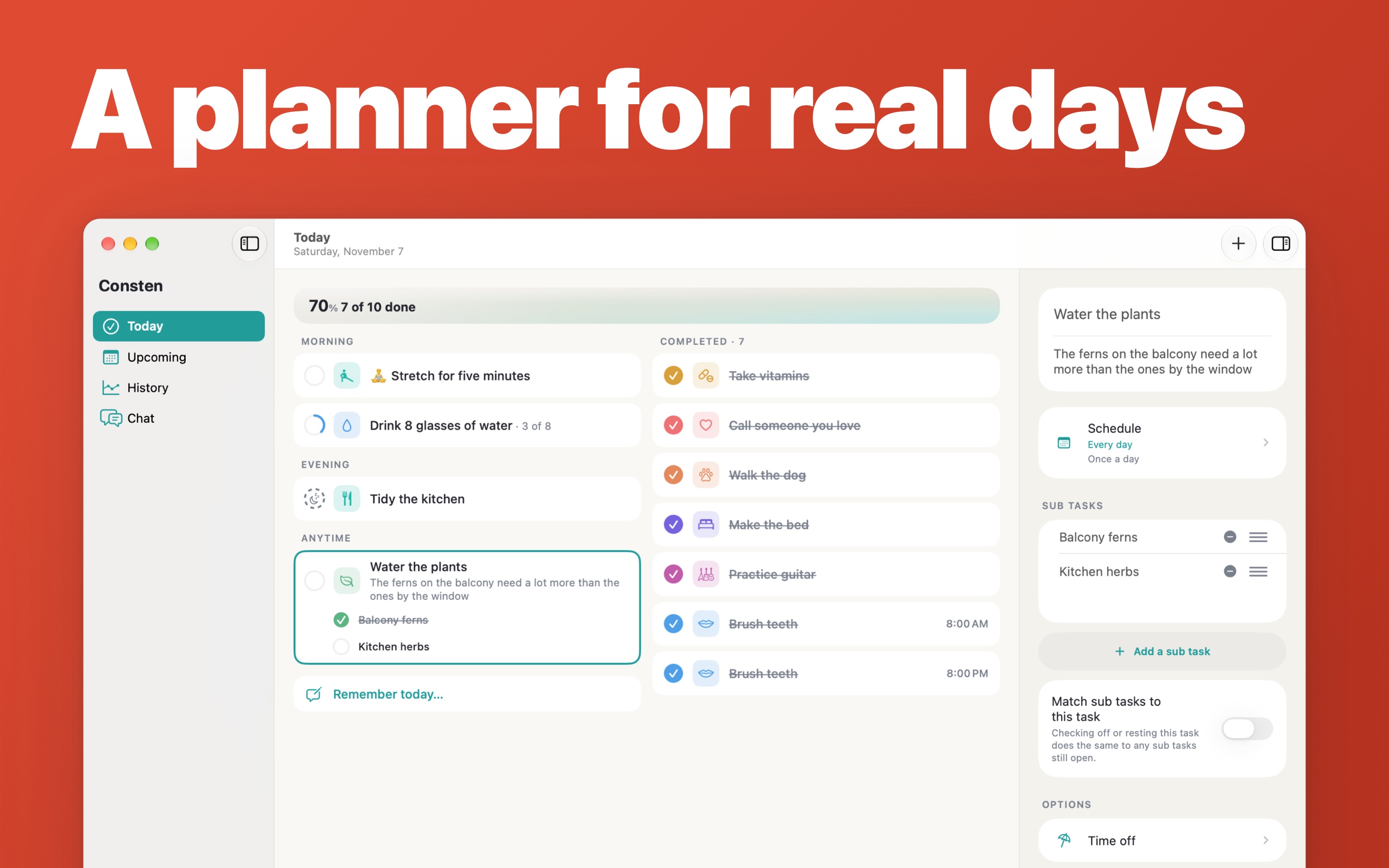
Plan by morning, afternoon and evening
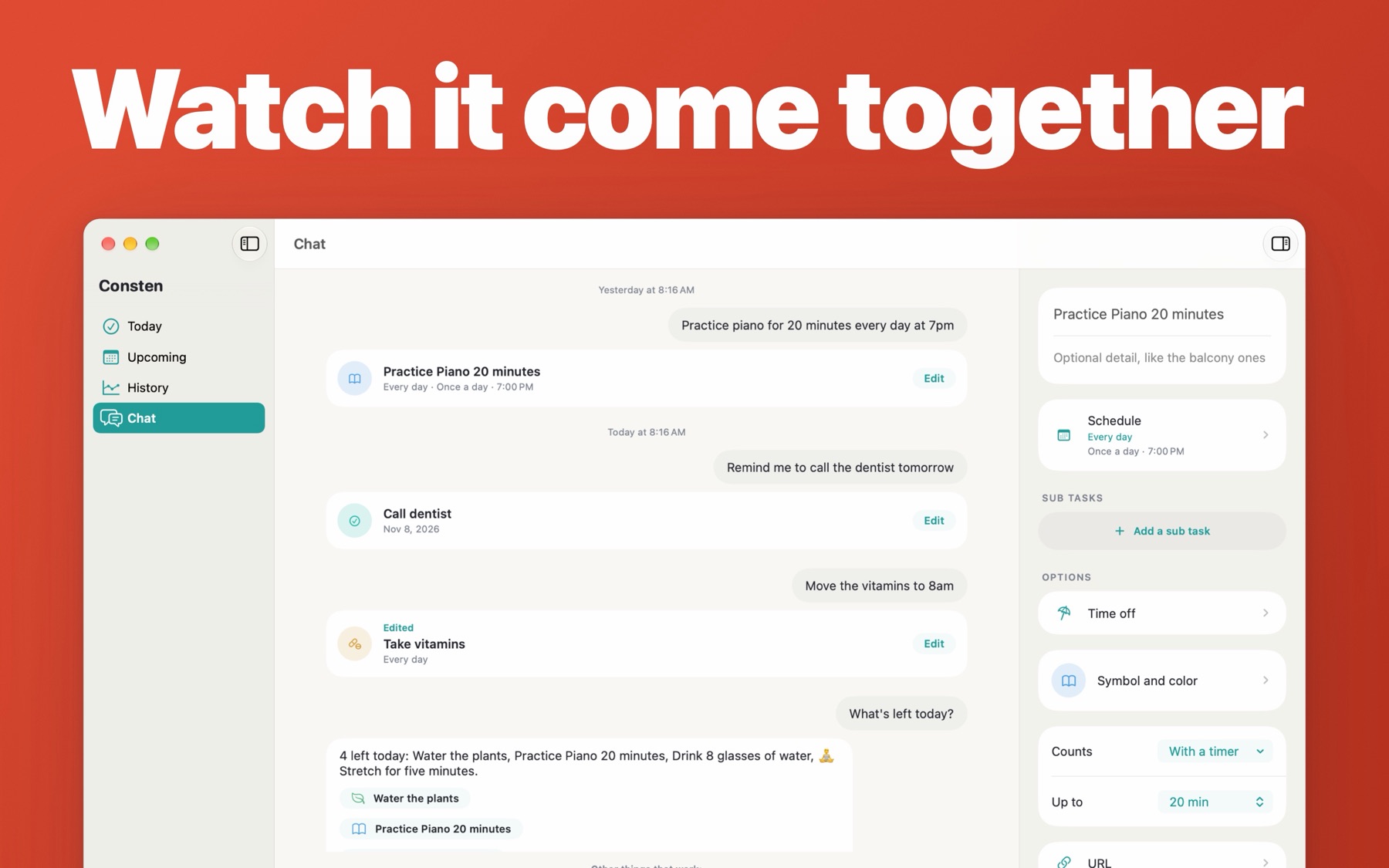
Say or type what to do, and Chat makes the tasks
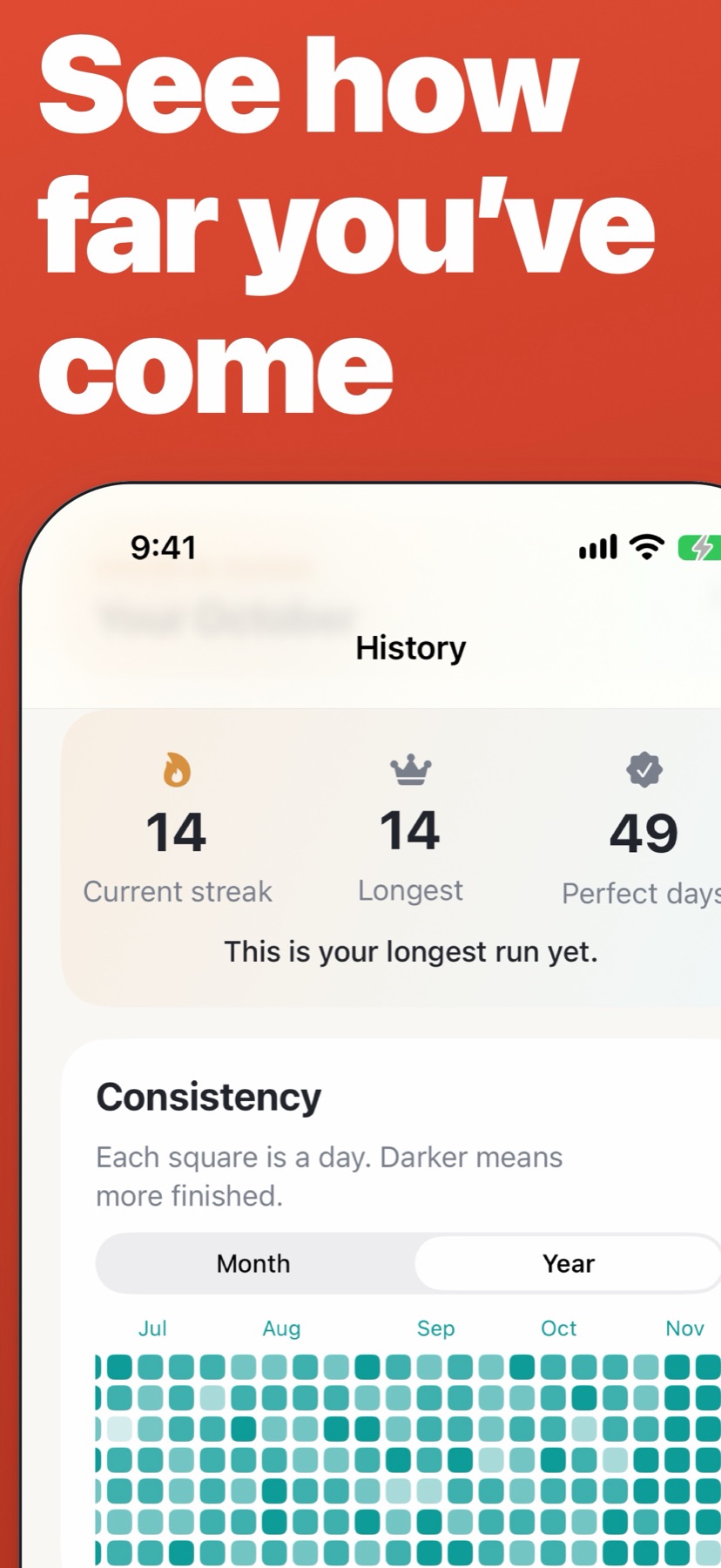
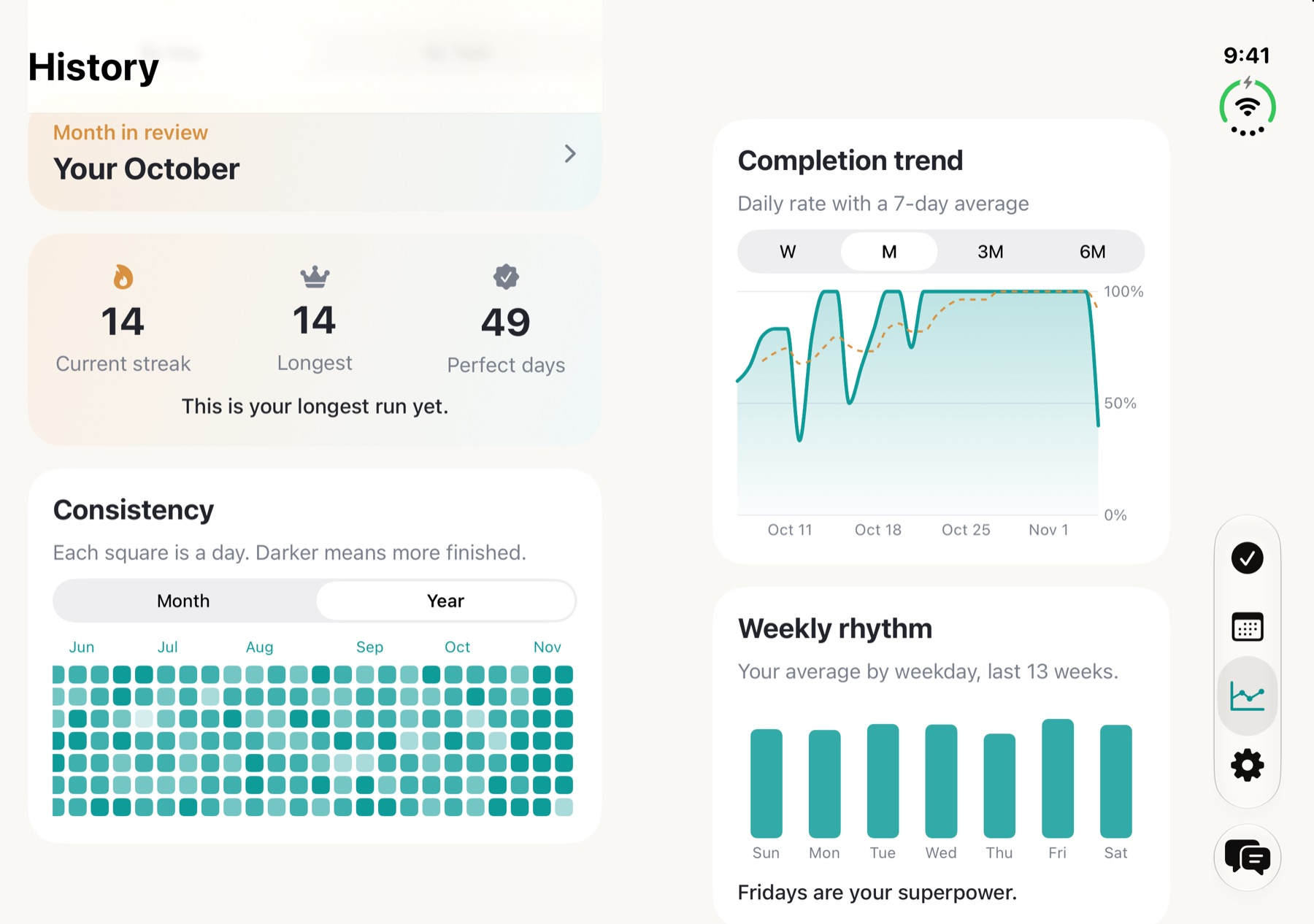
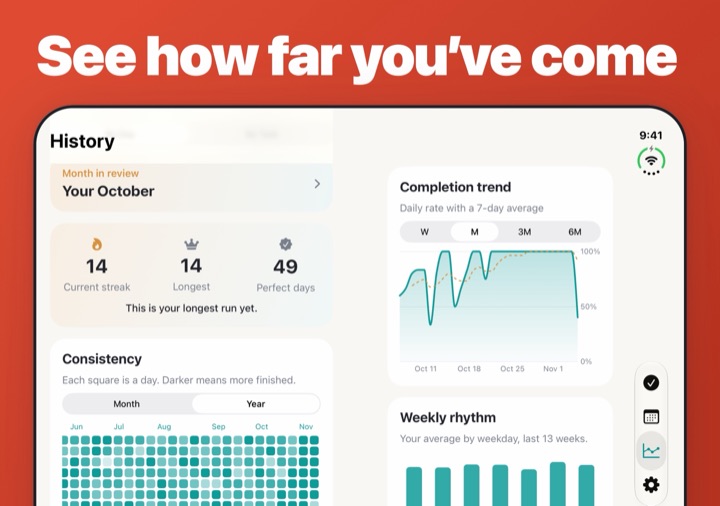
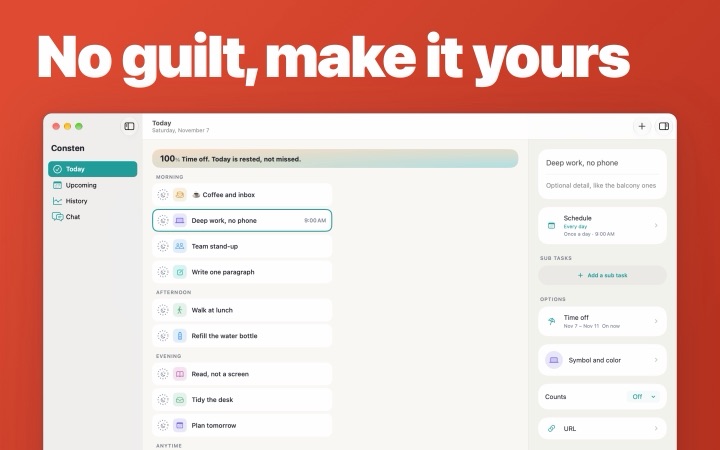
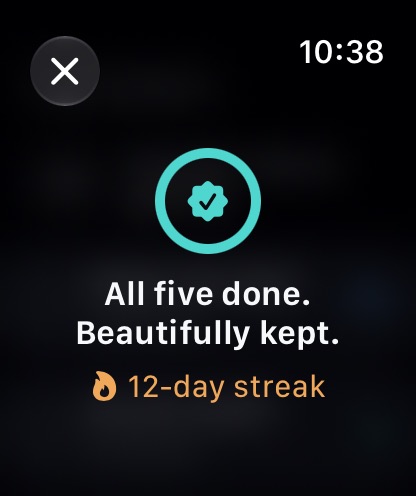
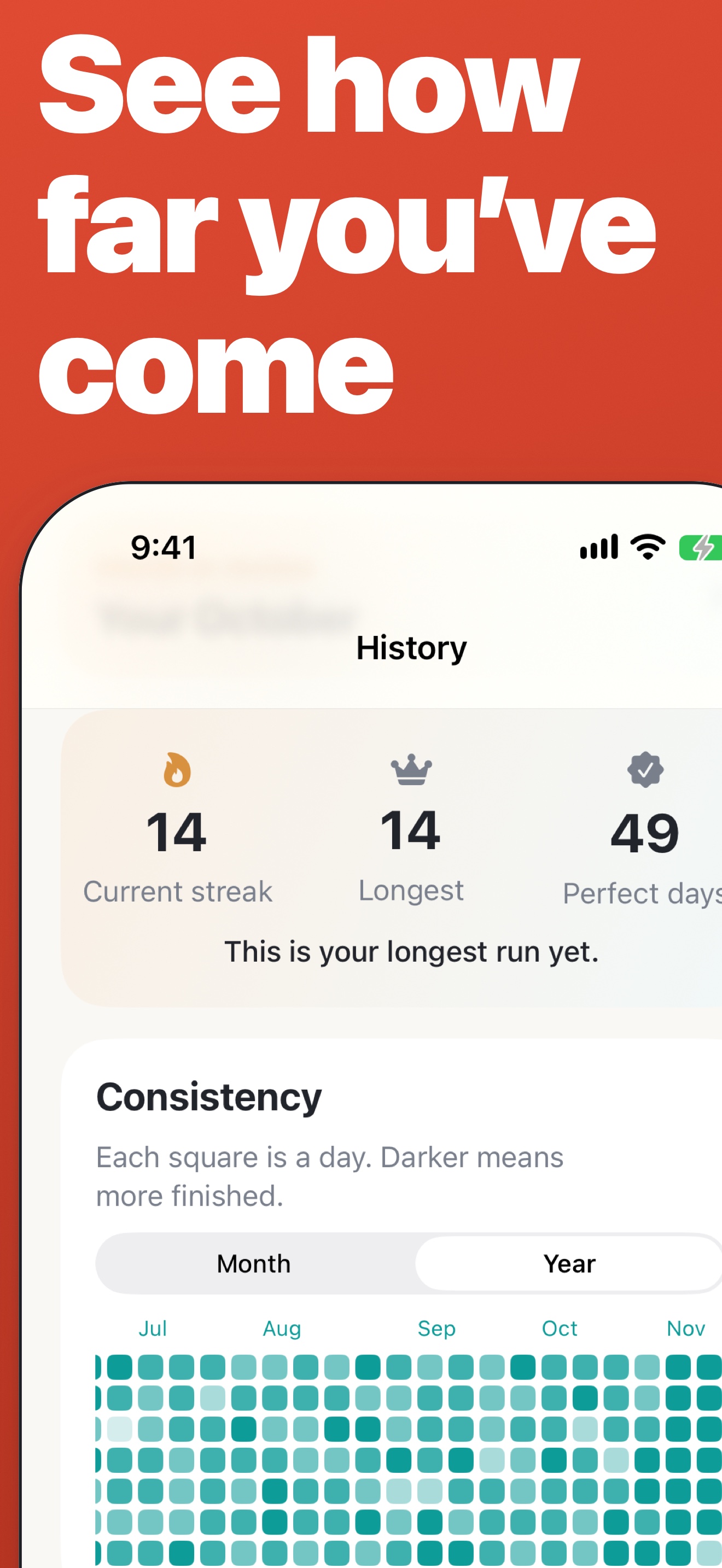
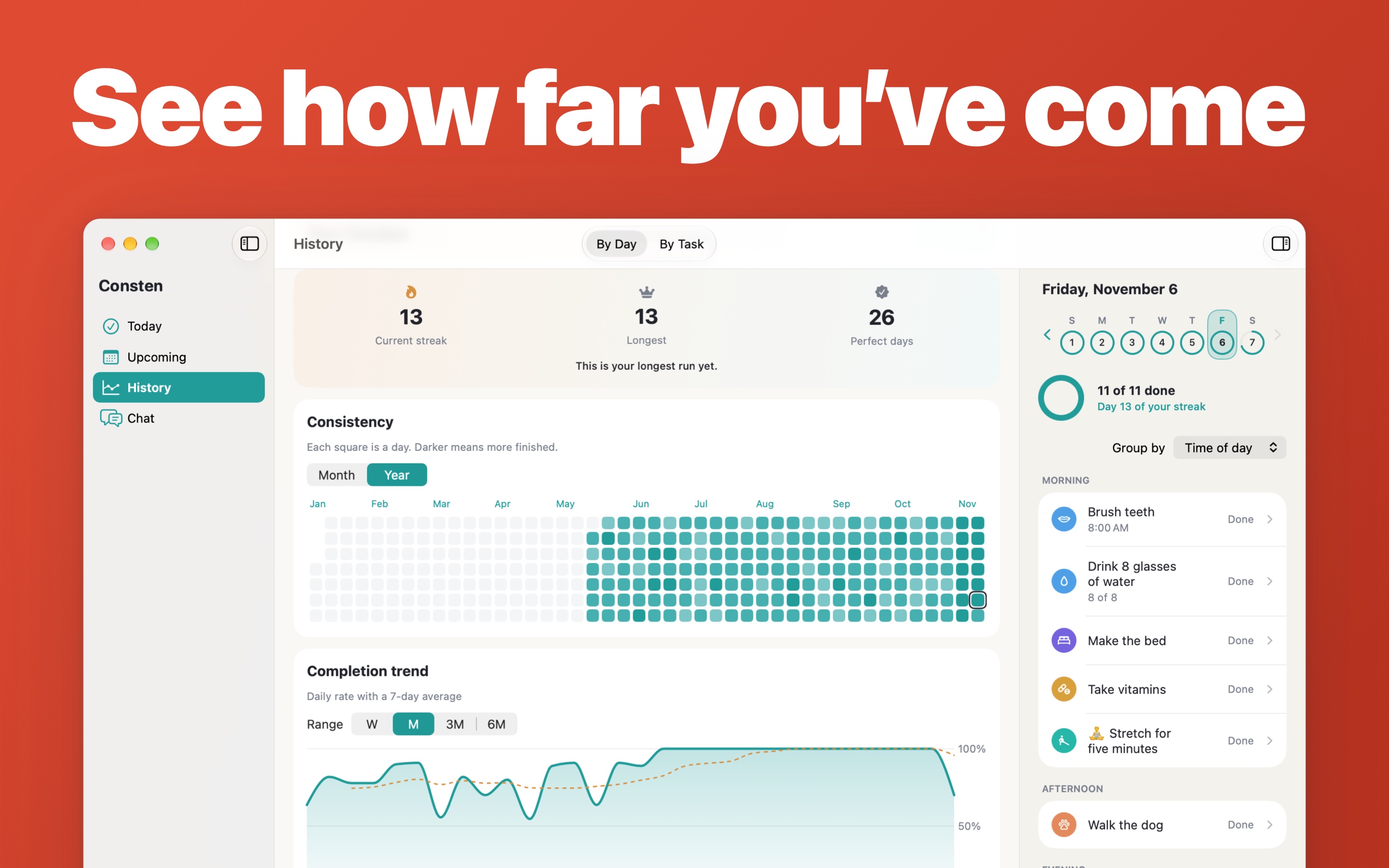
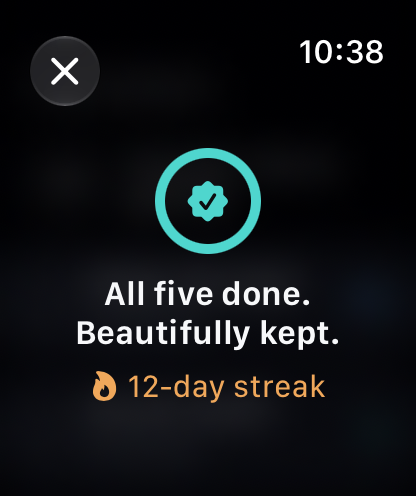
Rest days and time off keep your streak
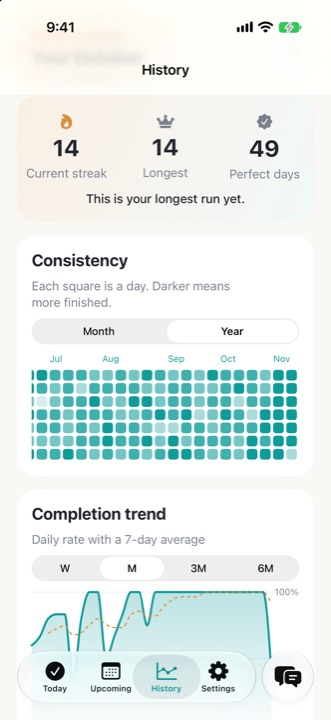
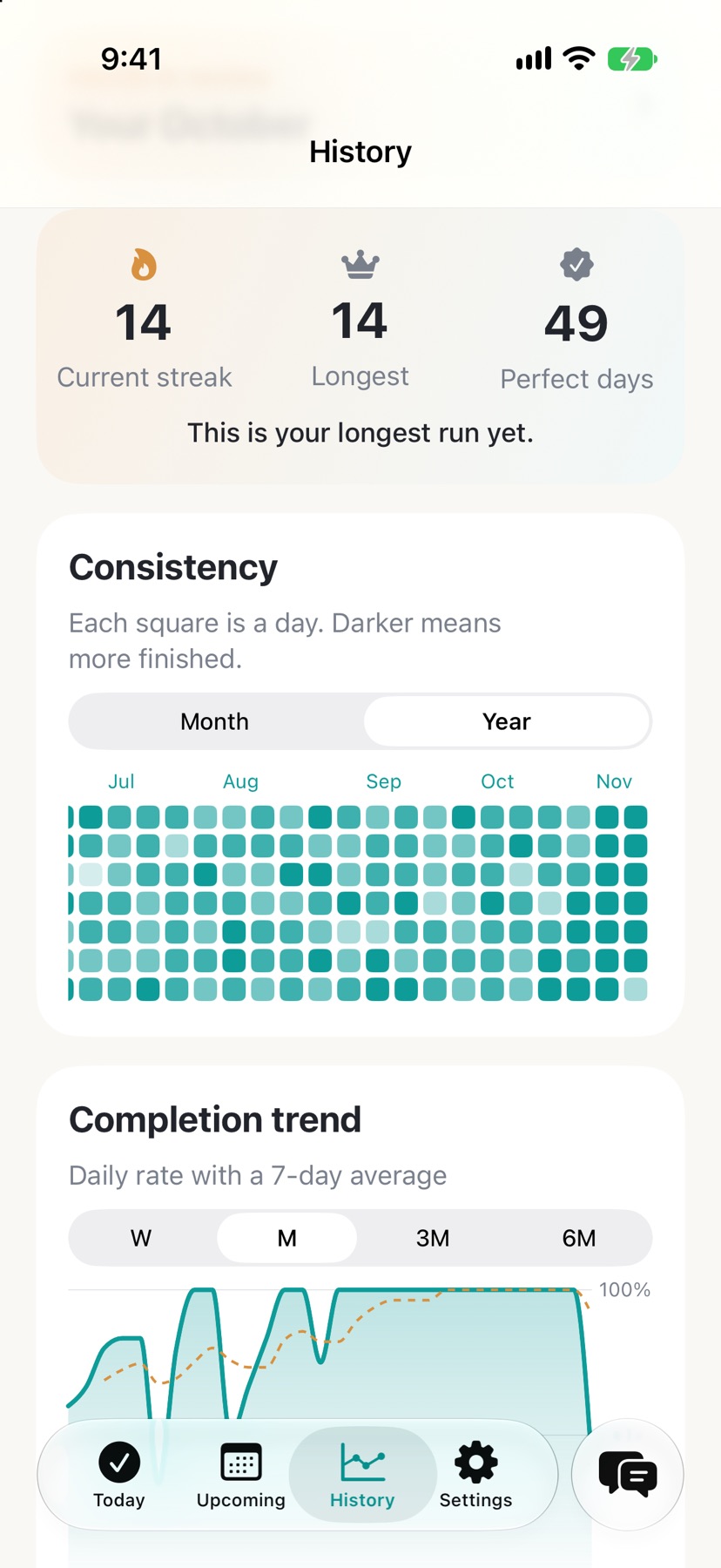
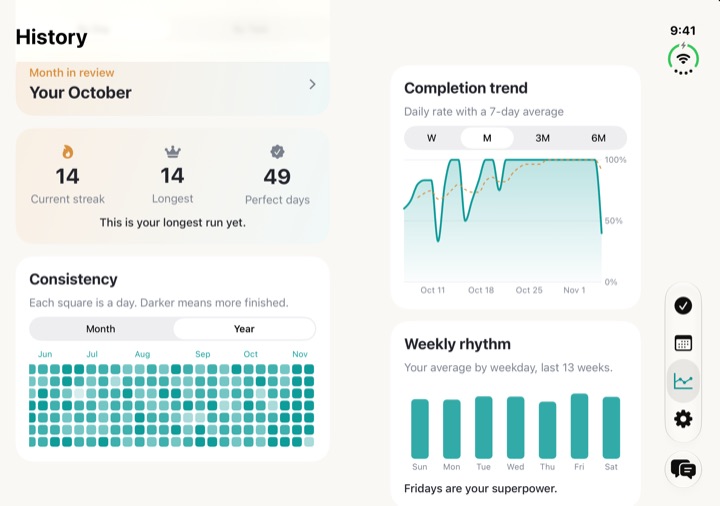
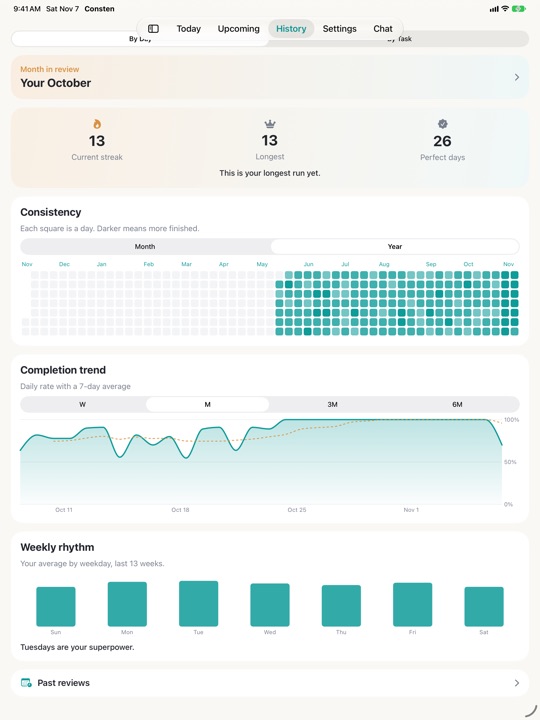
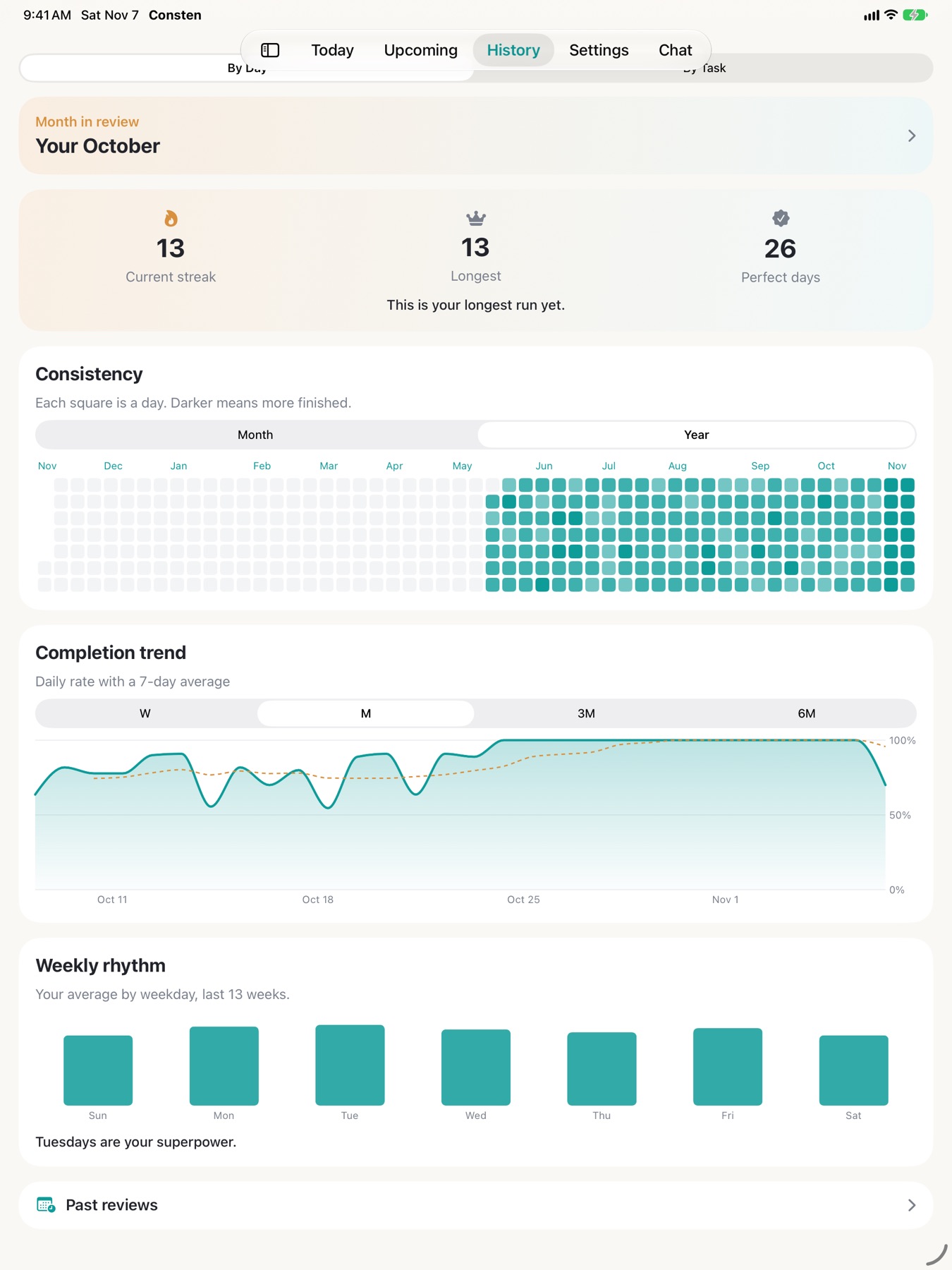
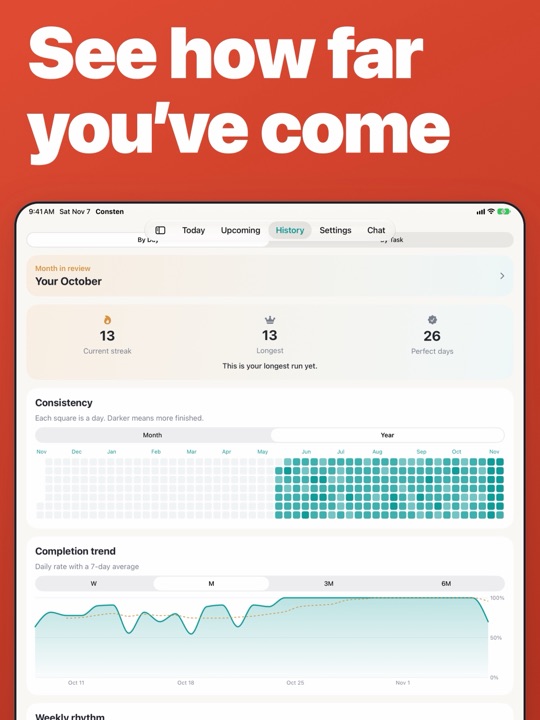
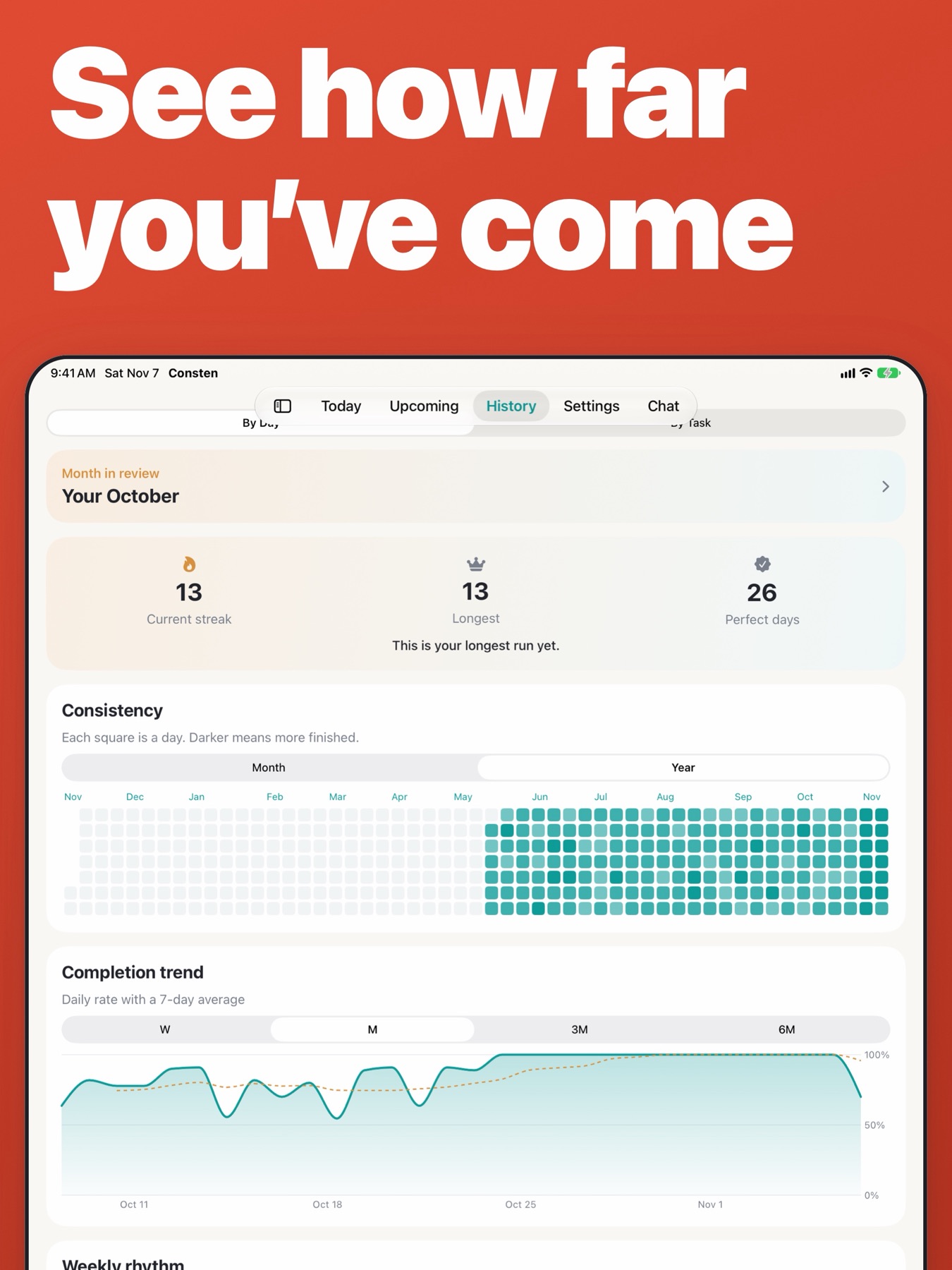
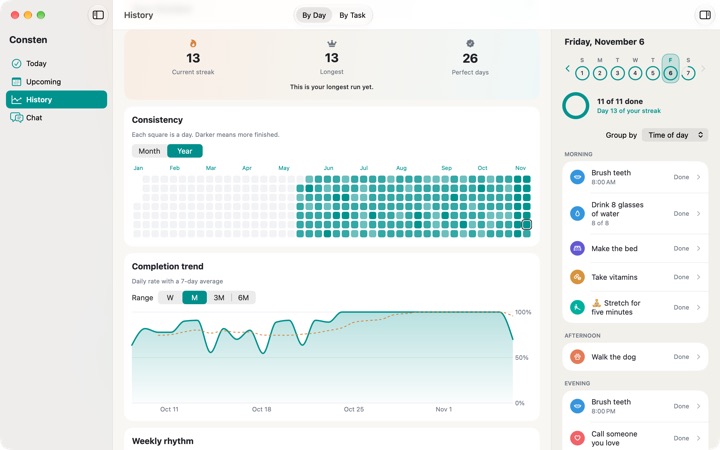
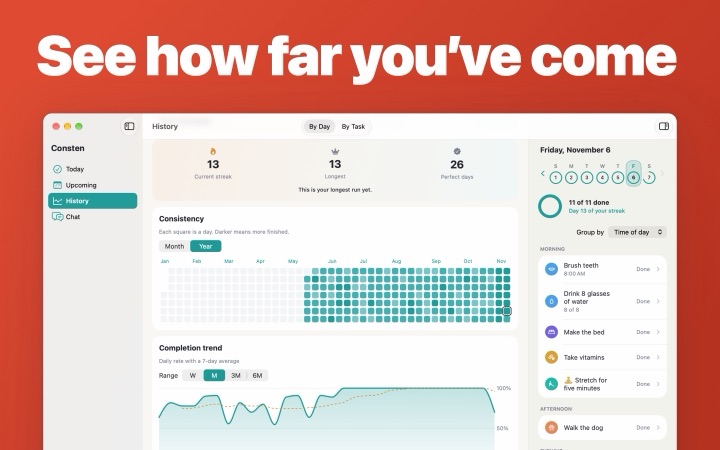
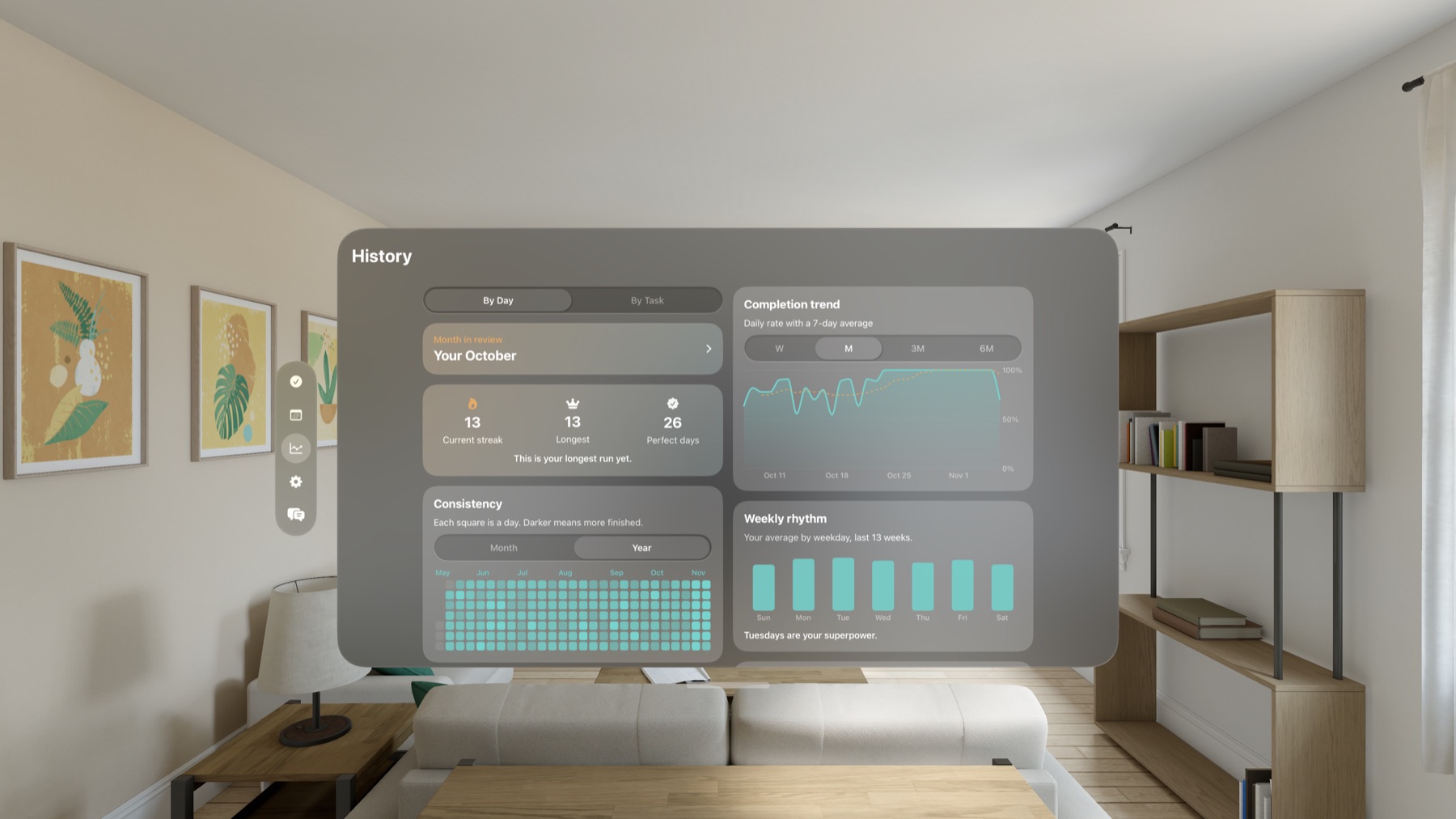
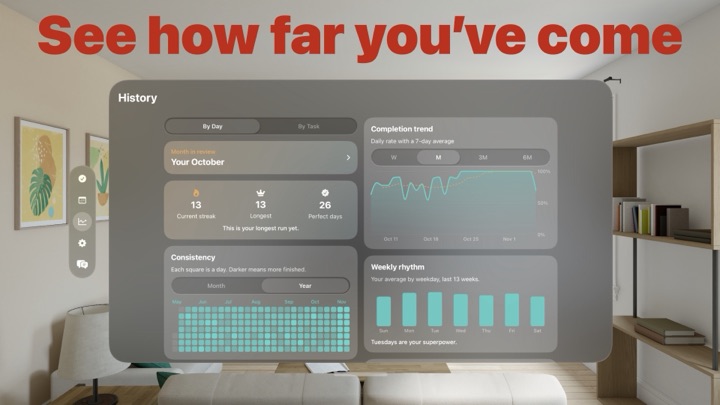
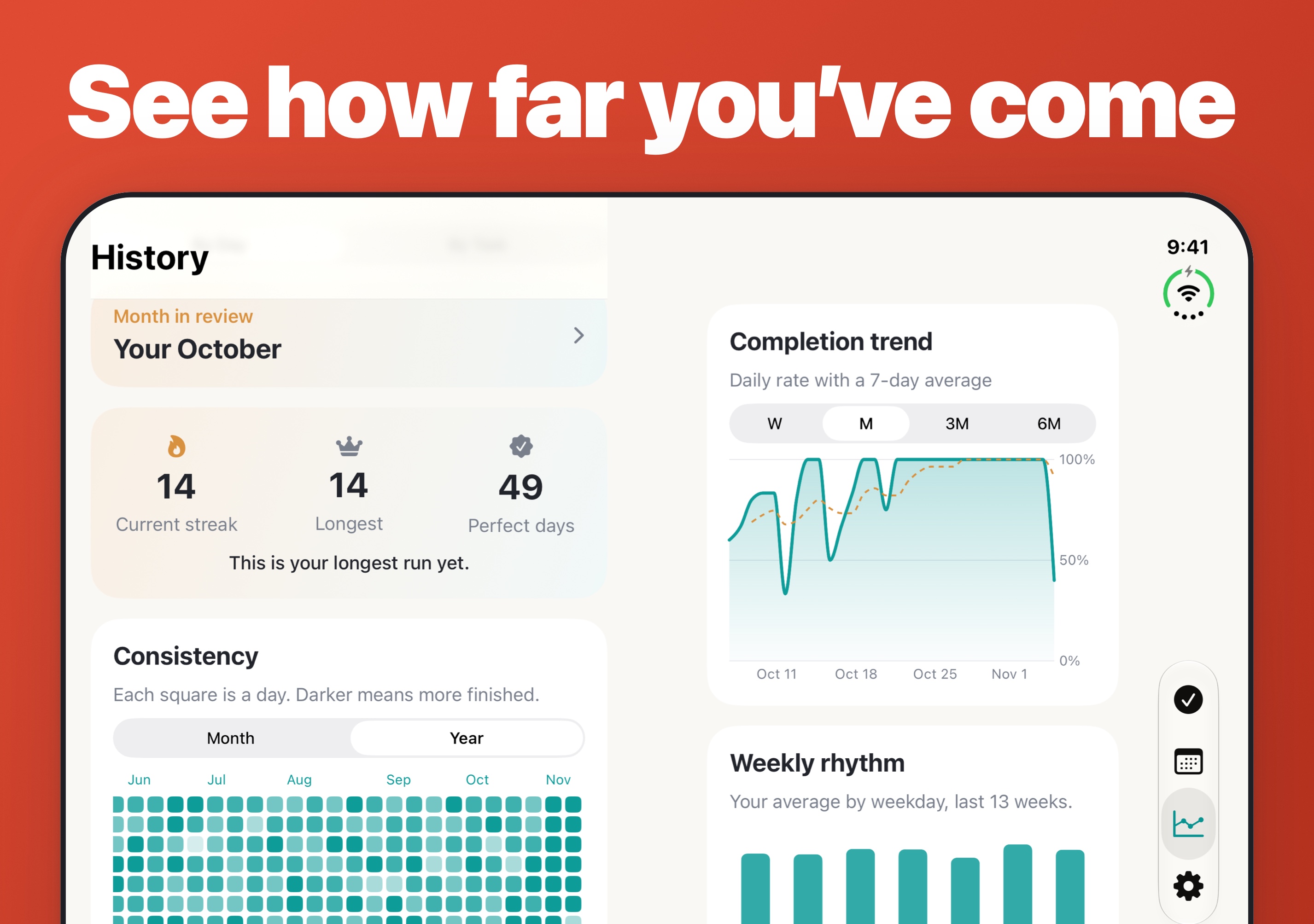
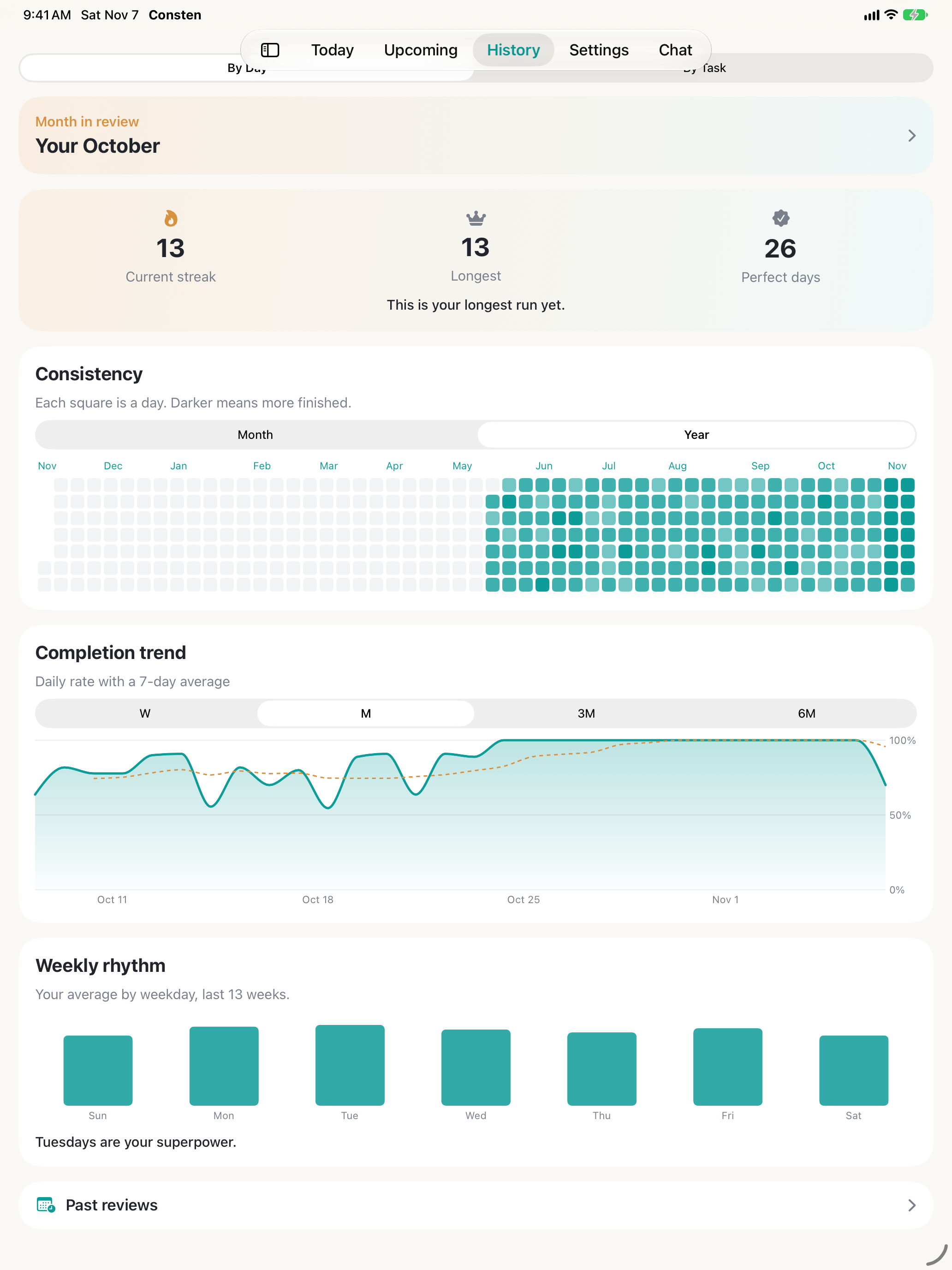
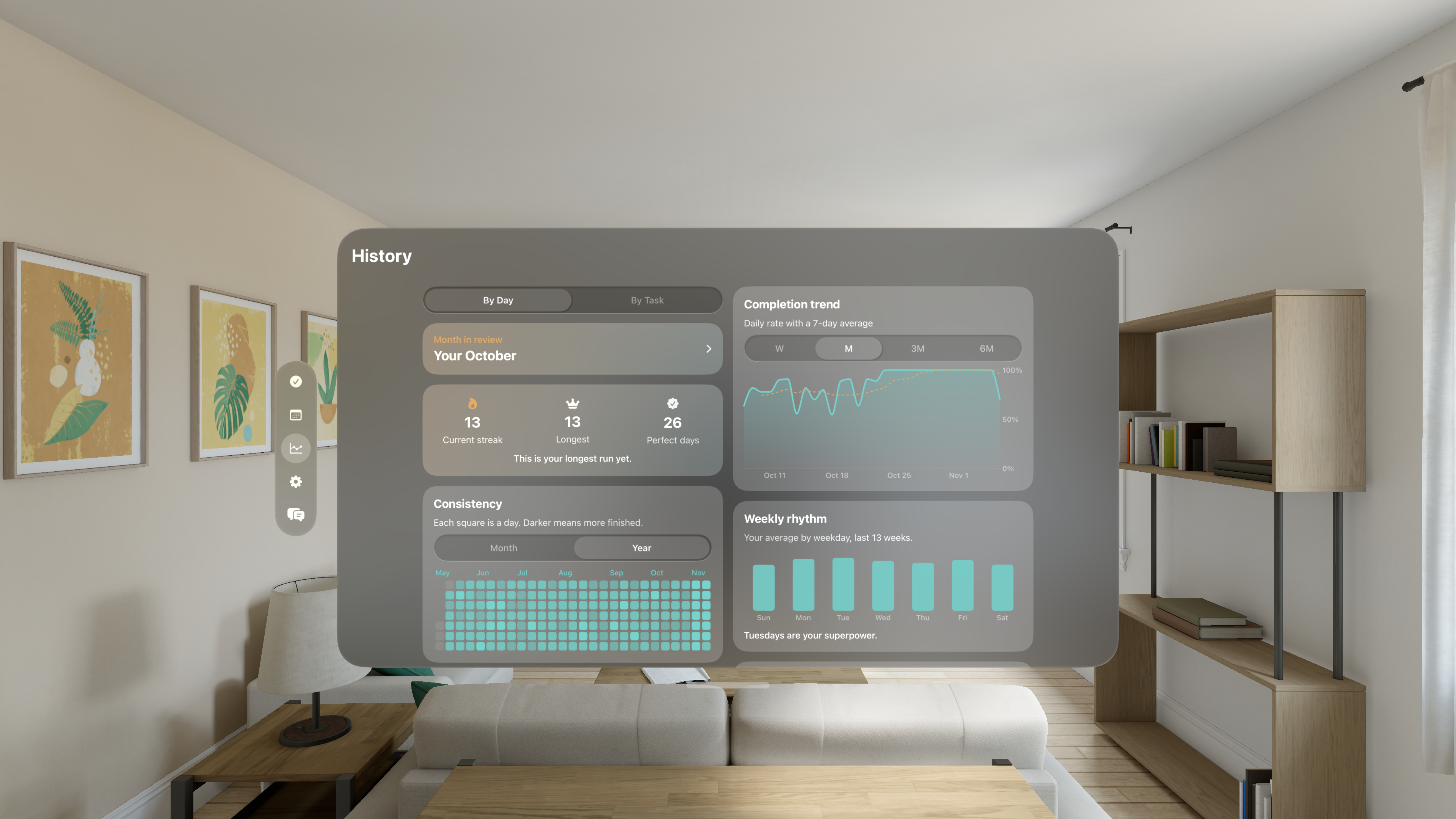
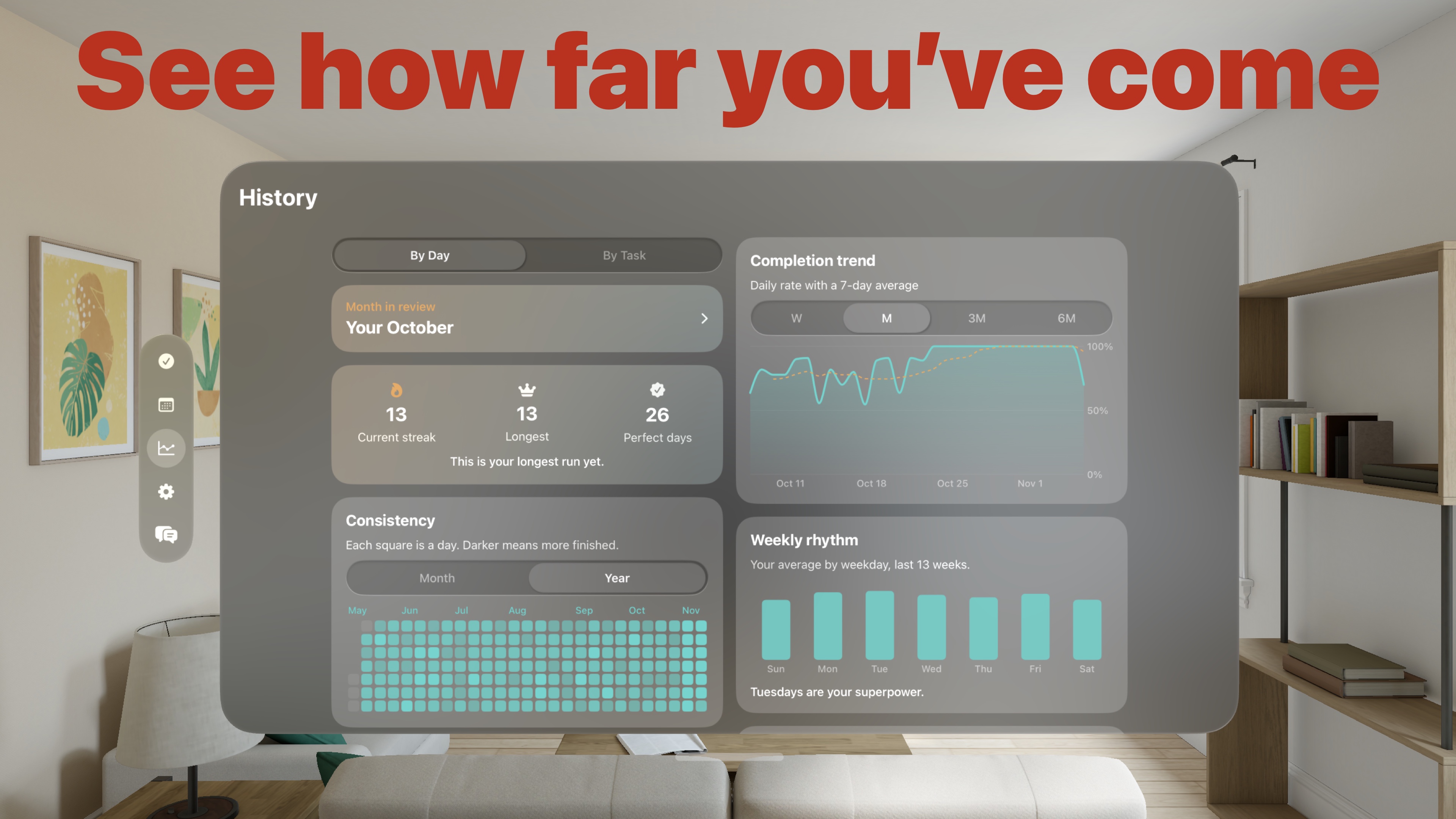
A full history to look back on
Count things, like glasses of water
Break a task into smaller steps
7x7: a card of 49 squares for an everyday habit
Give a task a timer that checks it off when time's up
Repeat tasks the way your week works
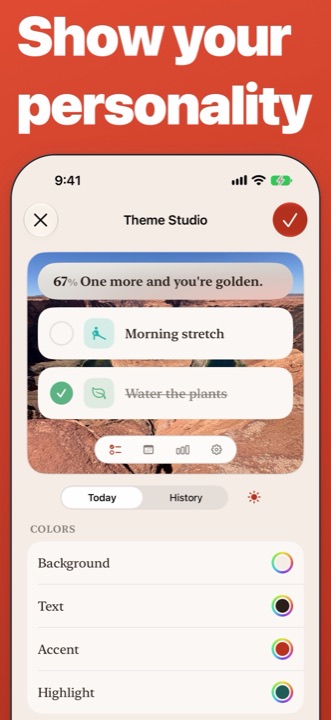
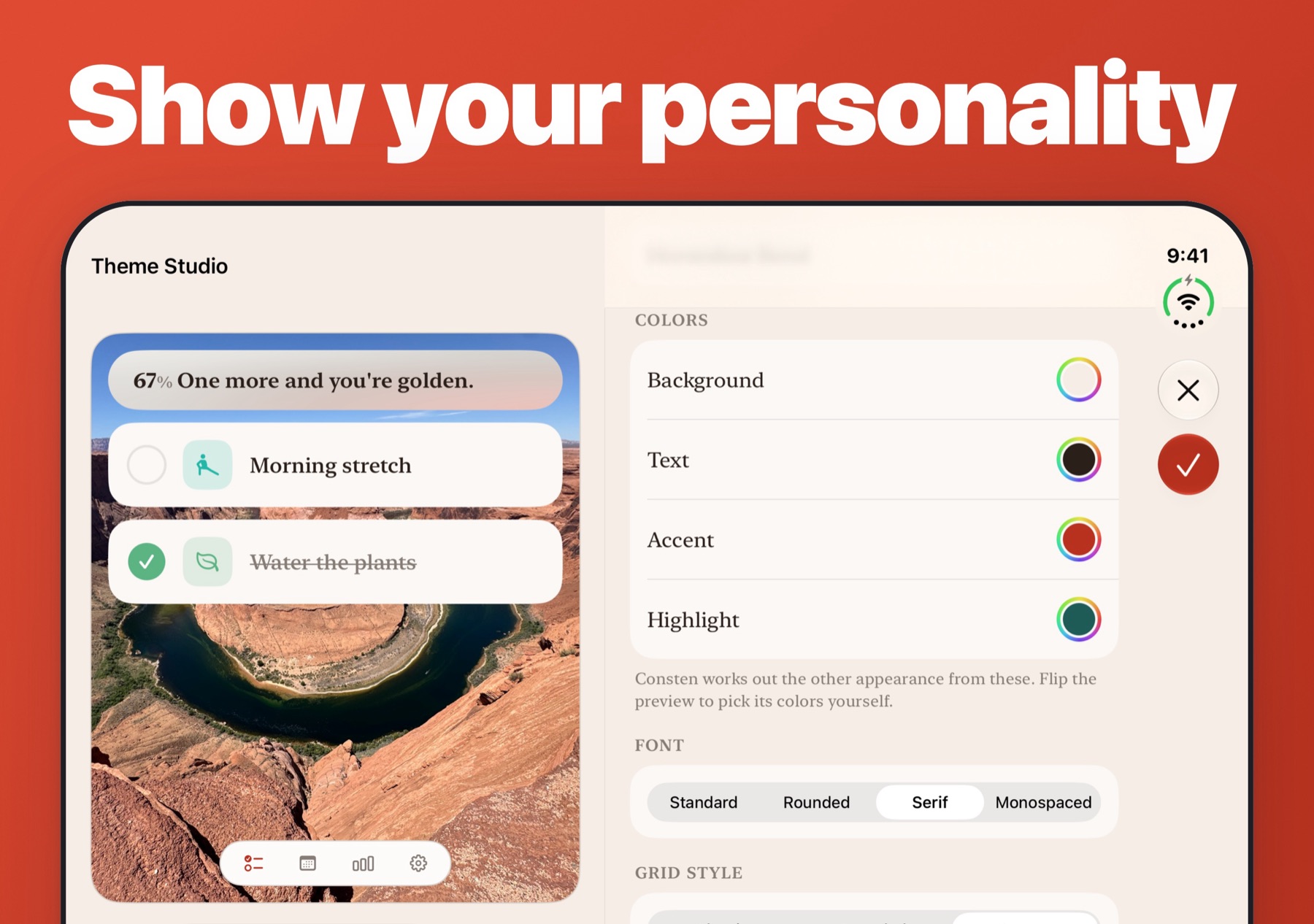
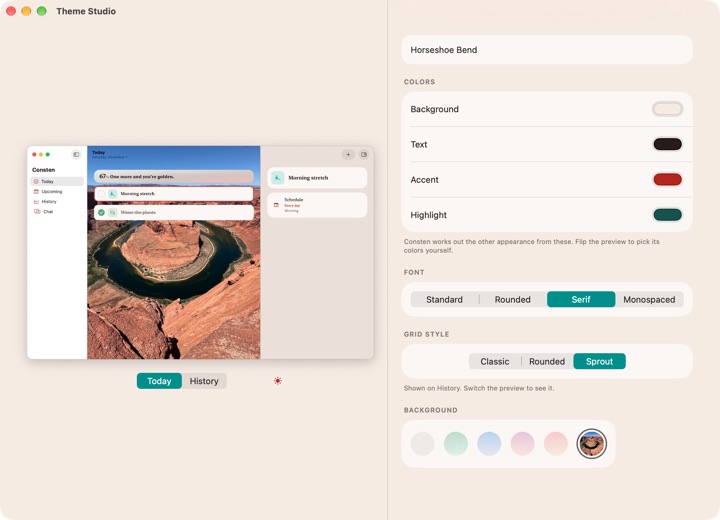
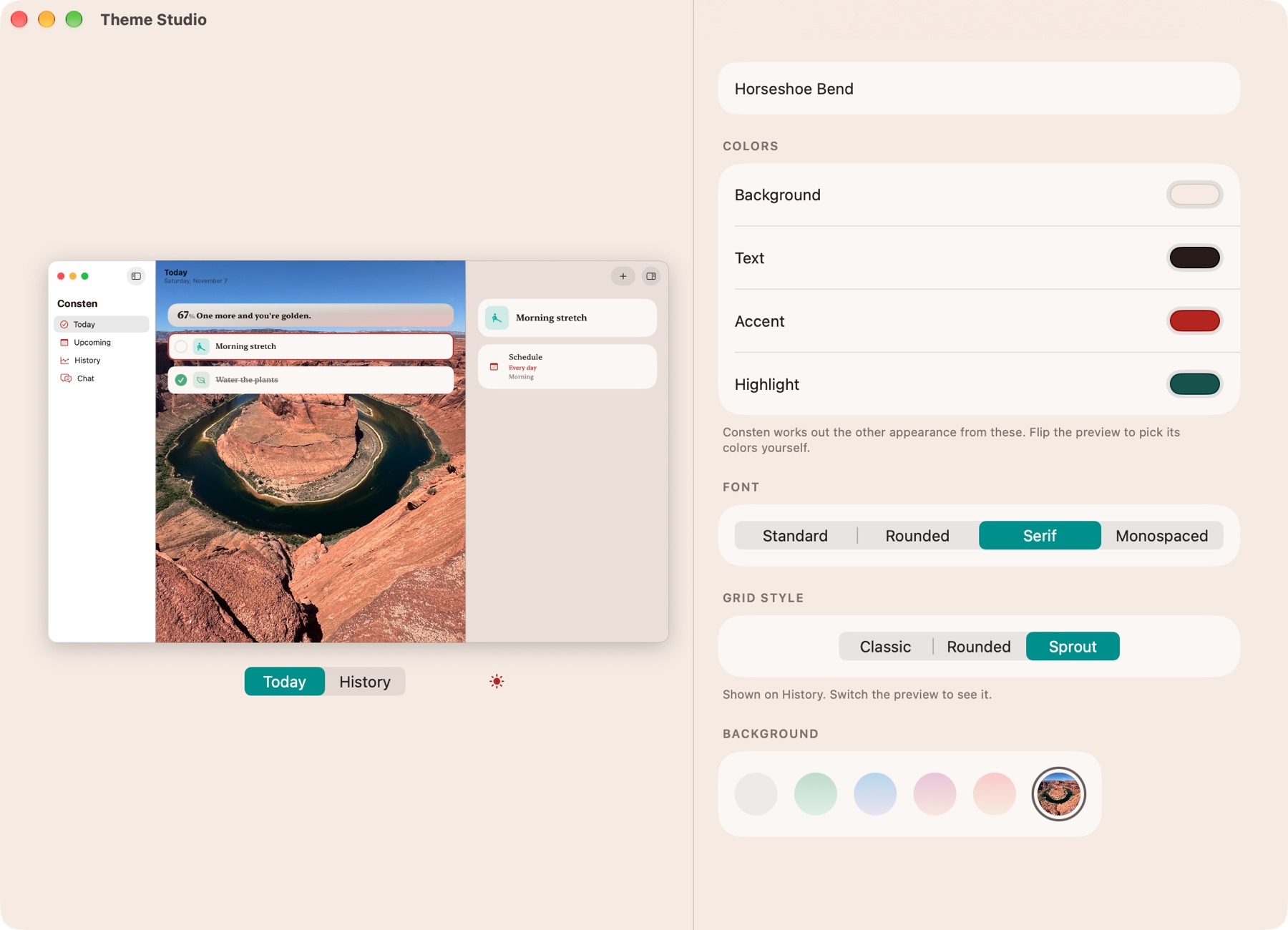
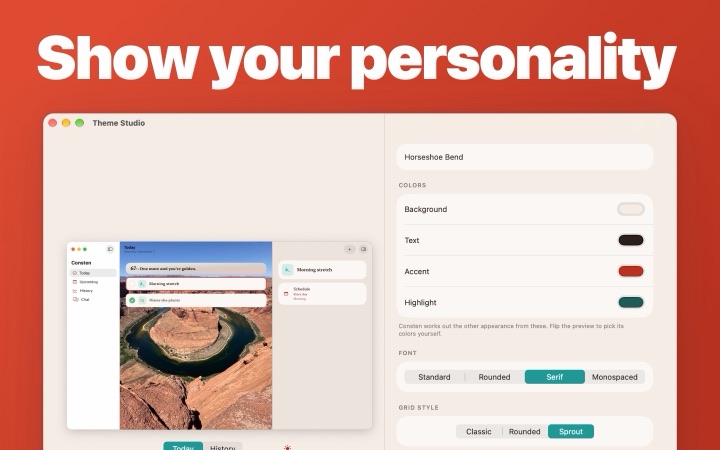
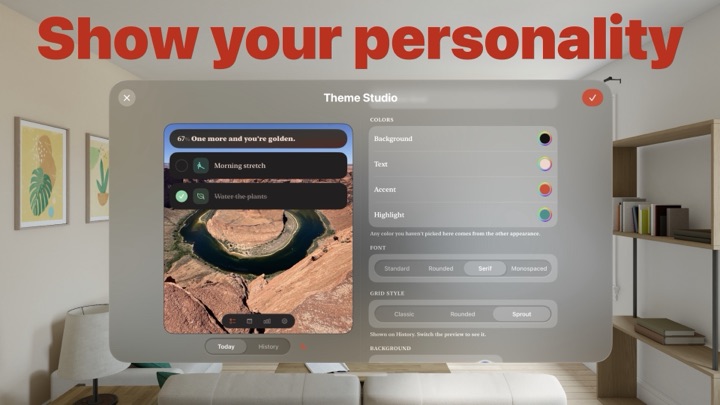
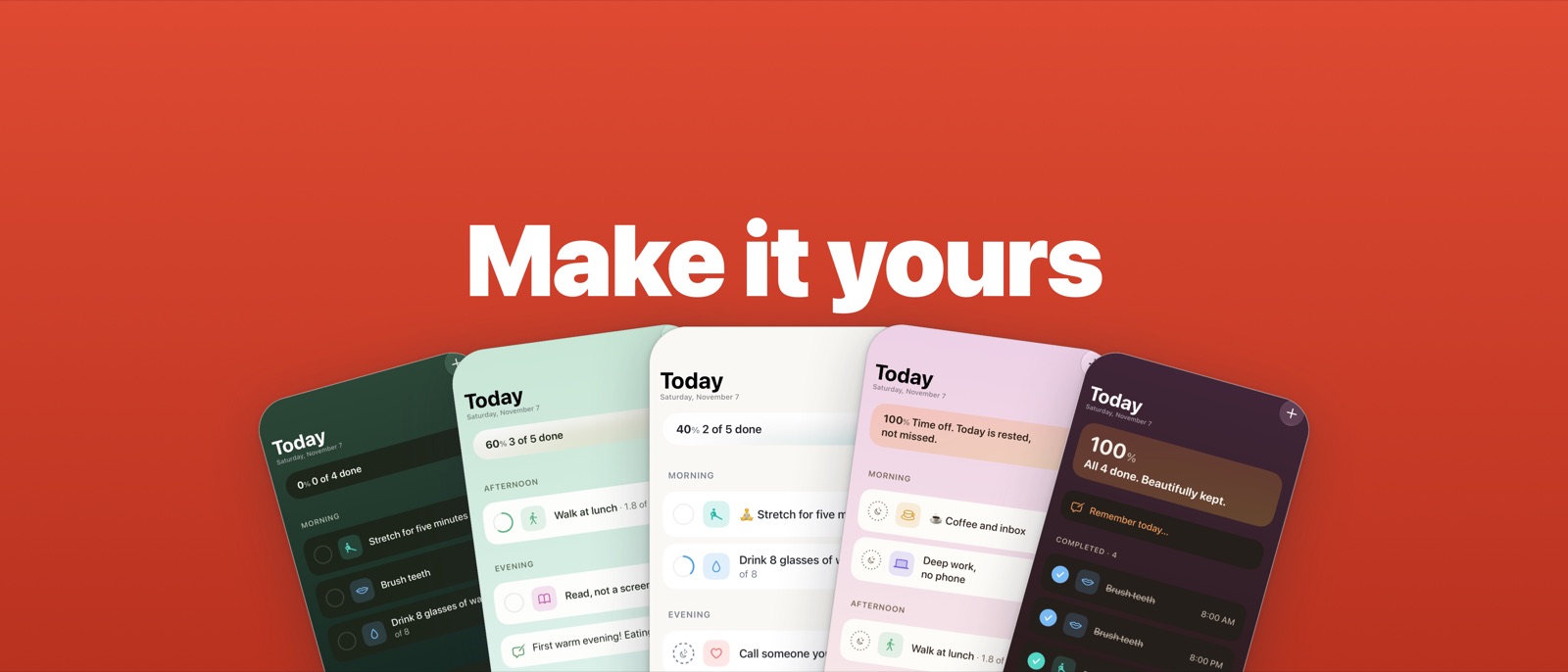
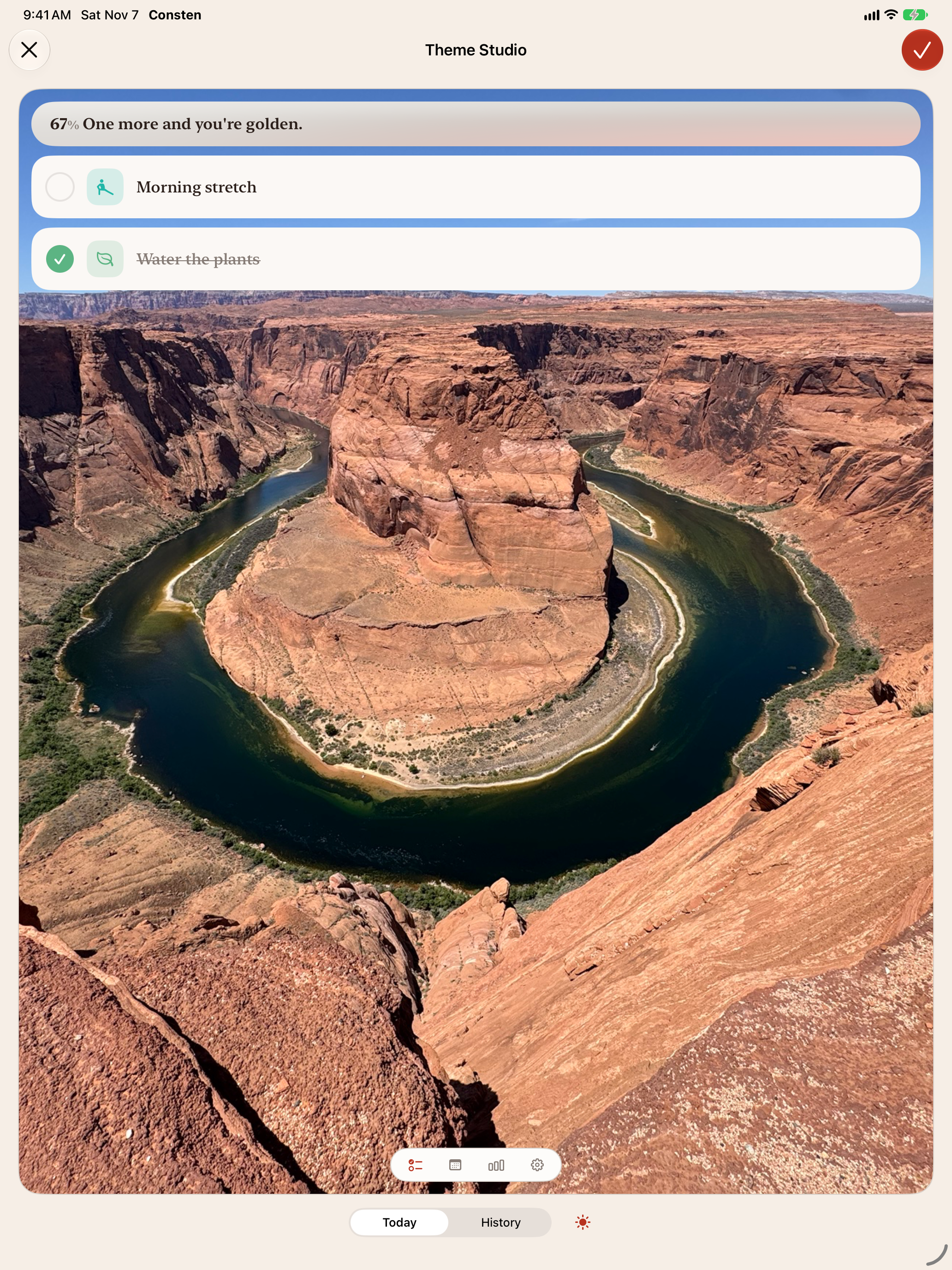
Make your own themes
Switch themes by time of day or at sunset
Write a note about your day with "Remember today"
Make tasks from a calendar file
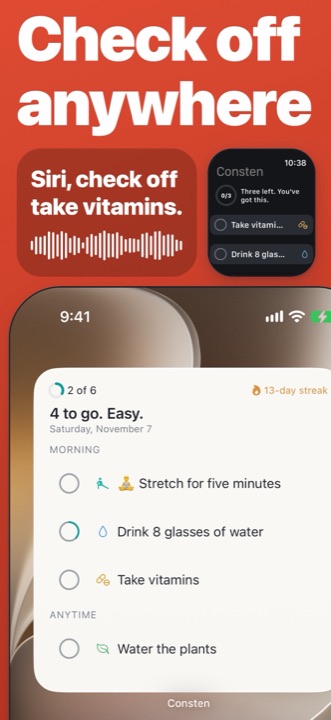
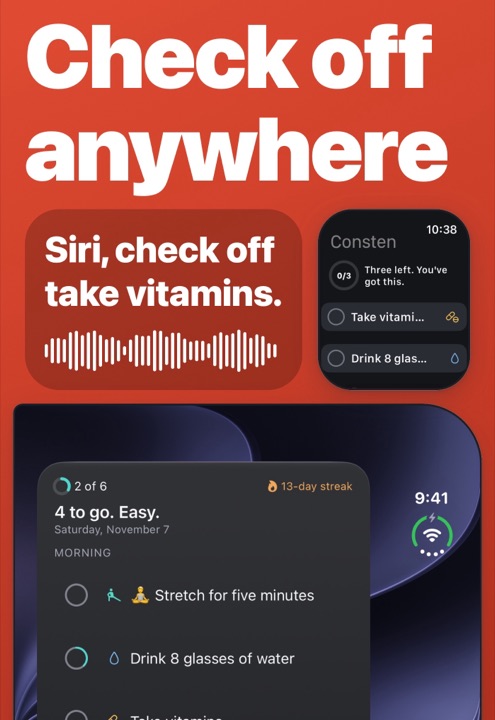
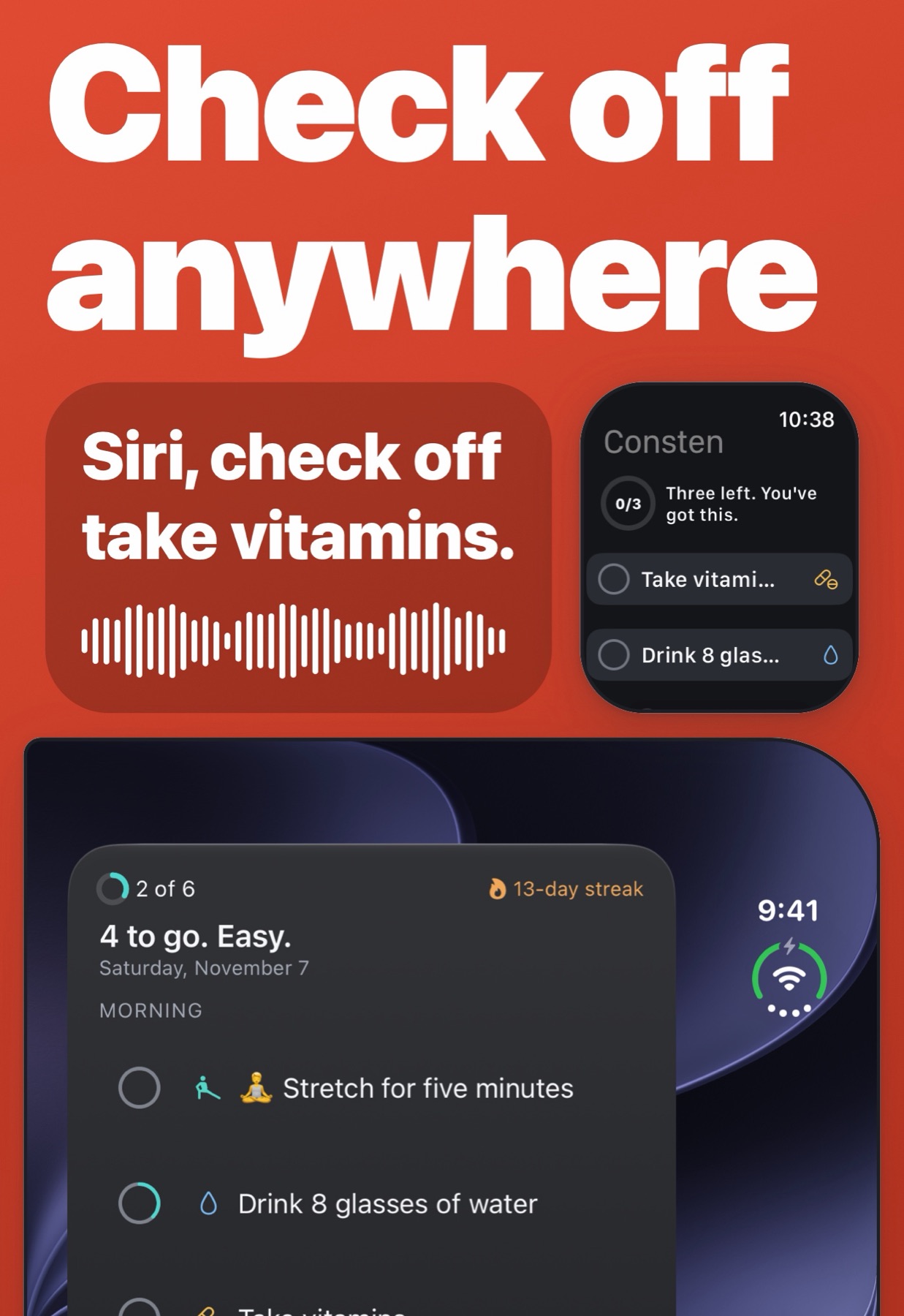
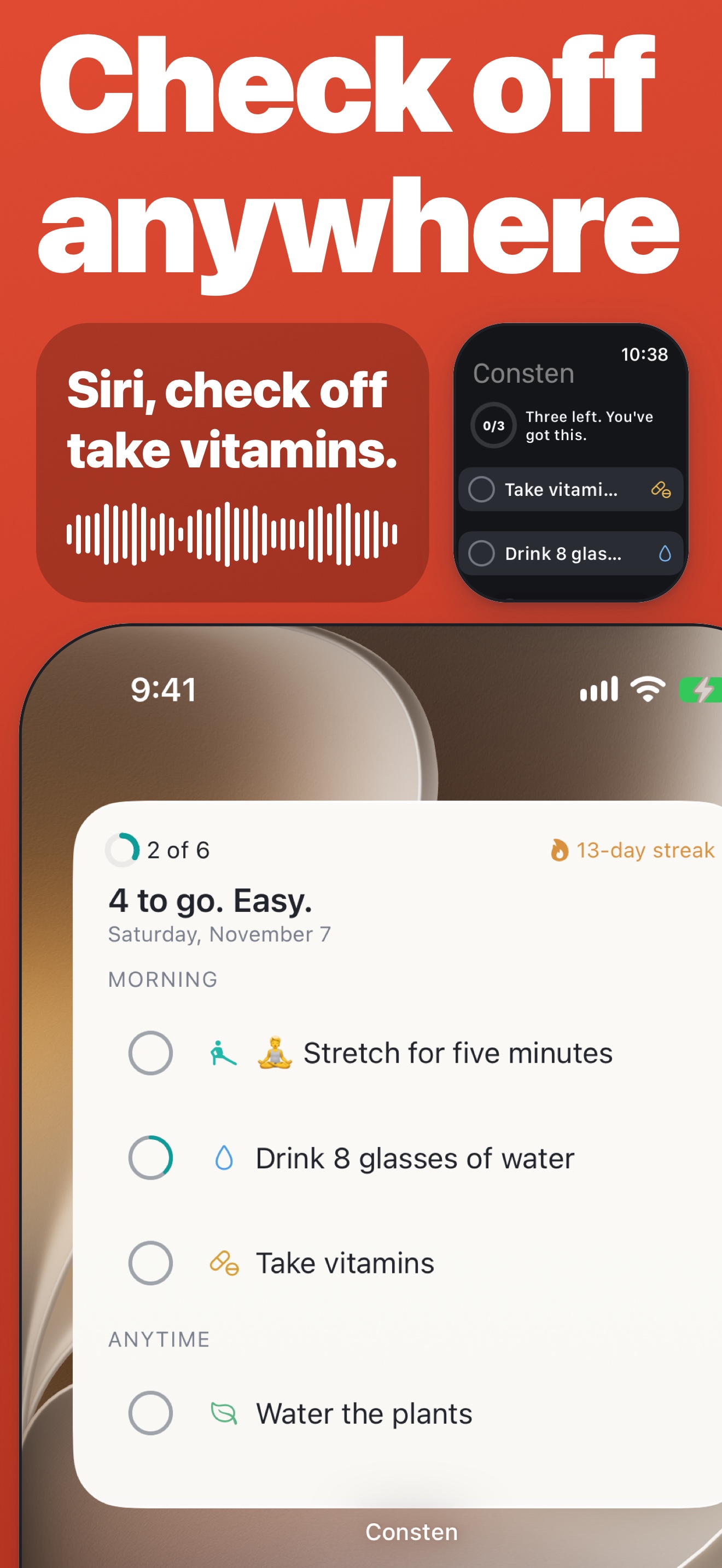
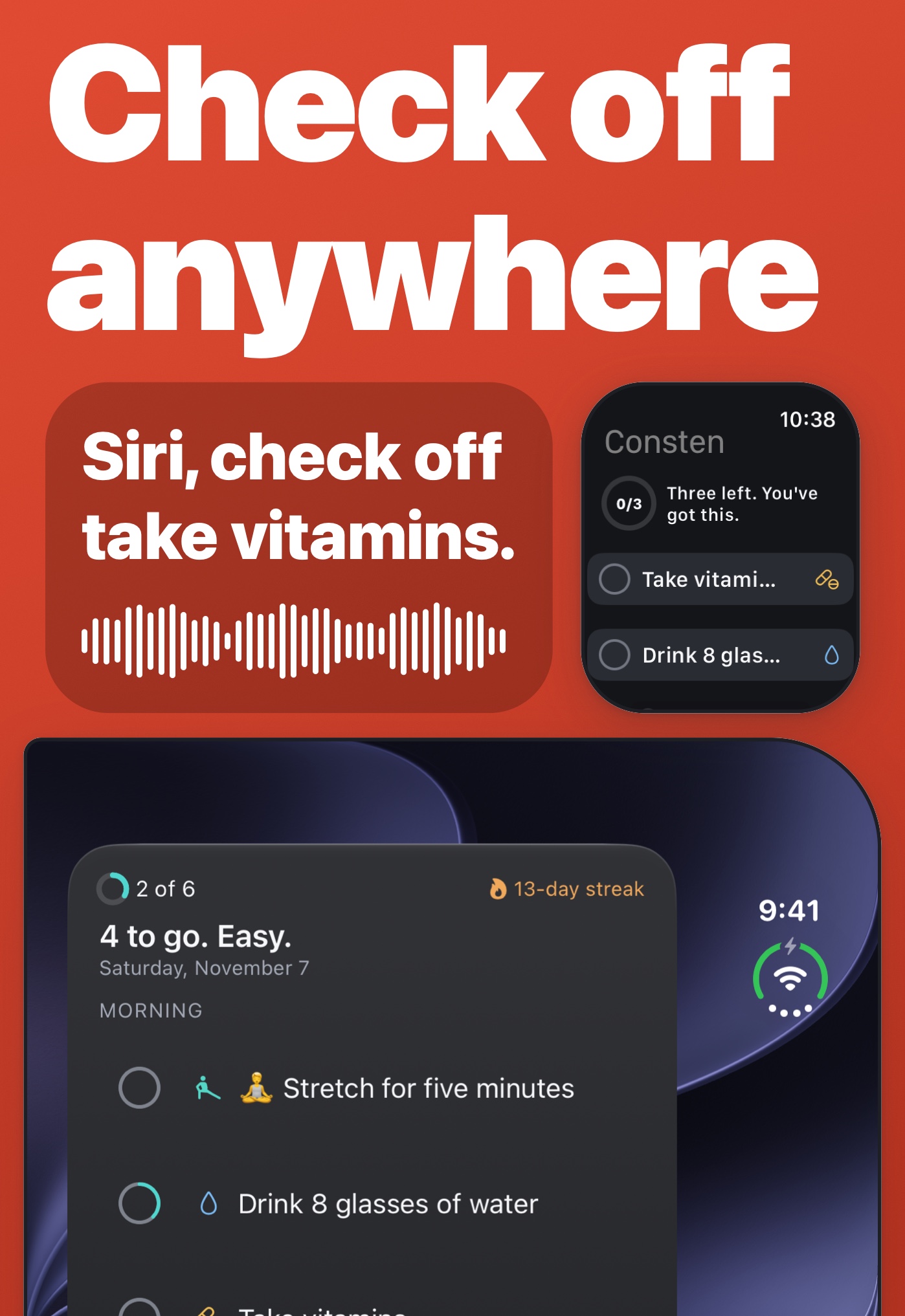
Check off, rest, log or add tasks with Siri and Shortcuts
Ask Siri what's left, what's on tomorrow, or your streak
Sync across your devices, if you want it
iPhone and iPad
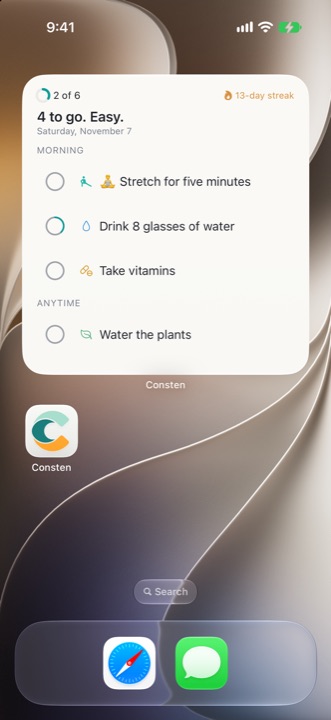
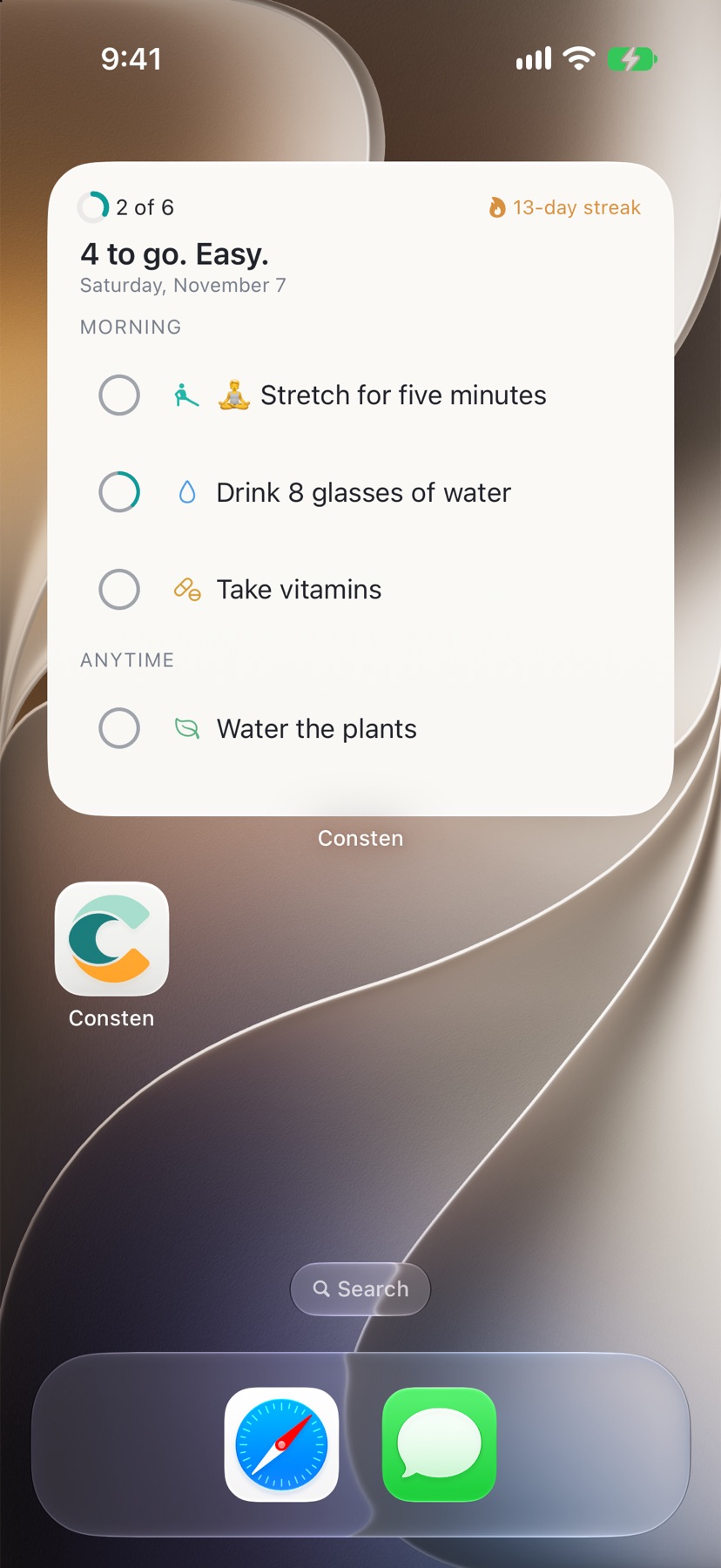
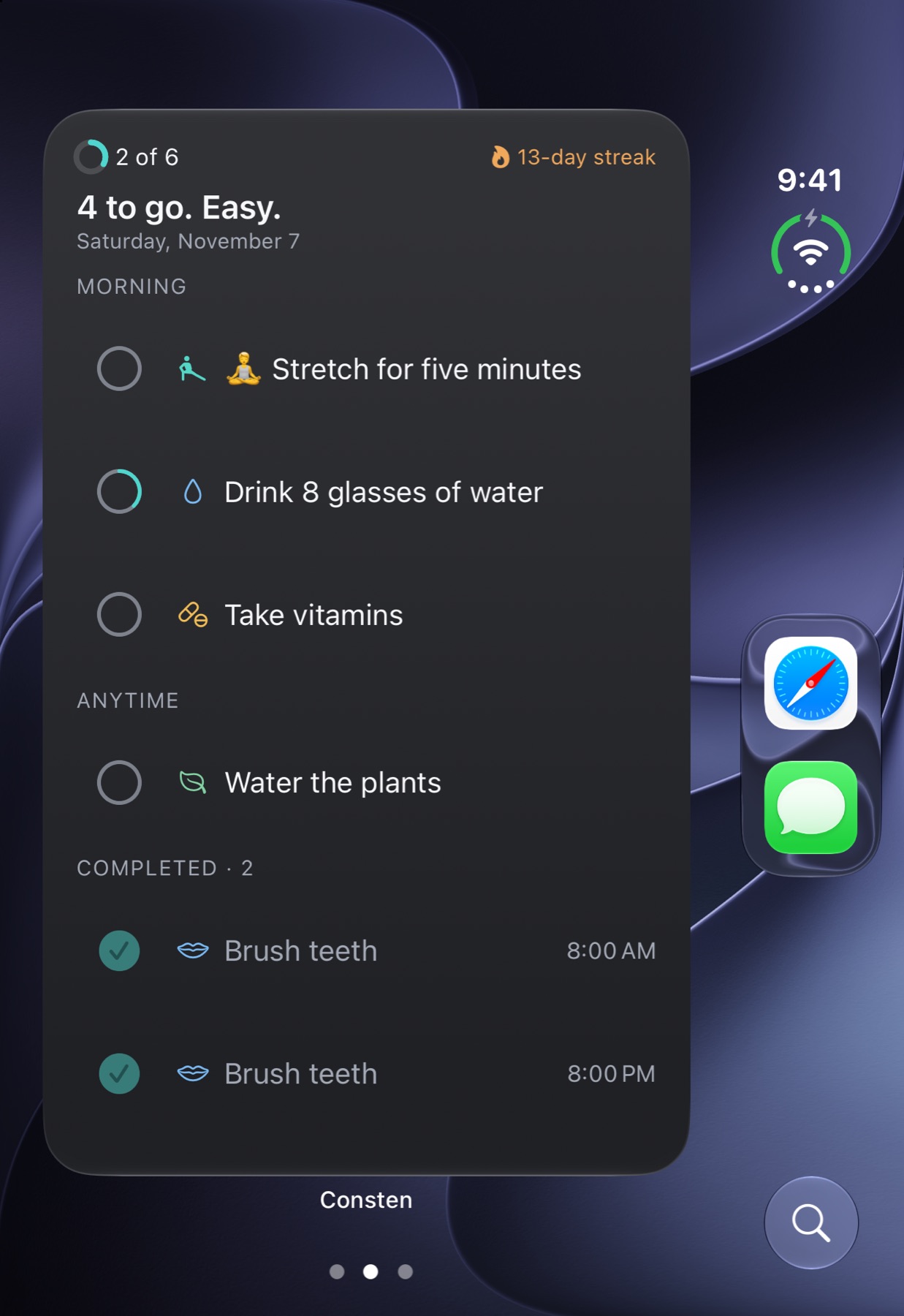
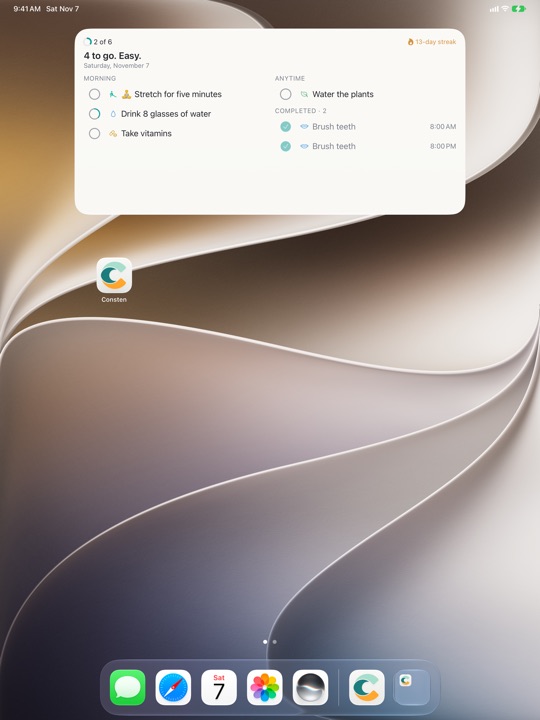
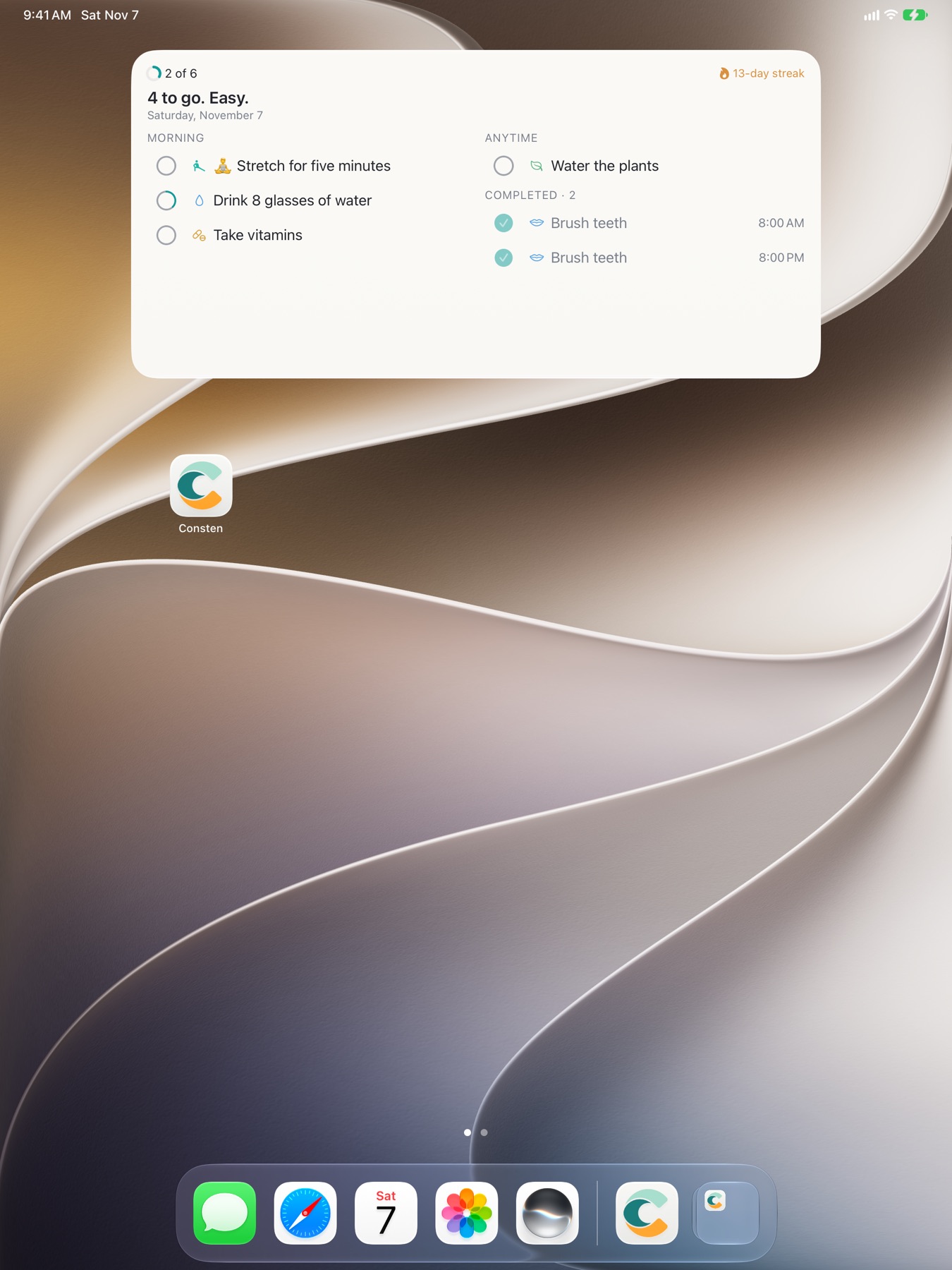
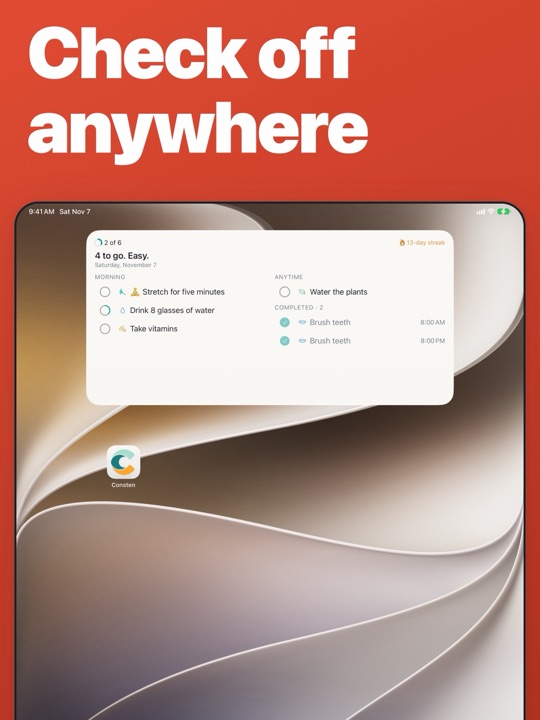
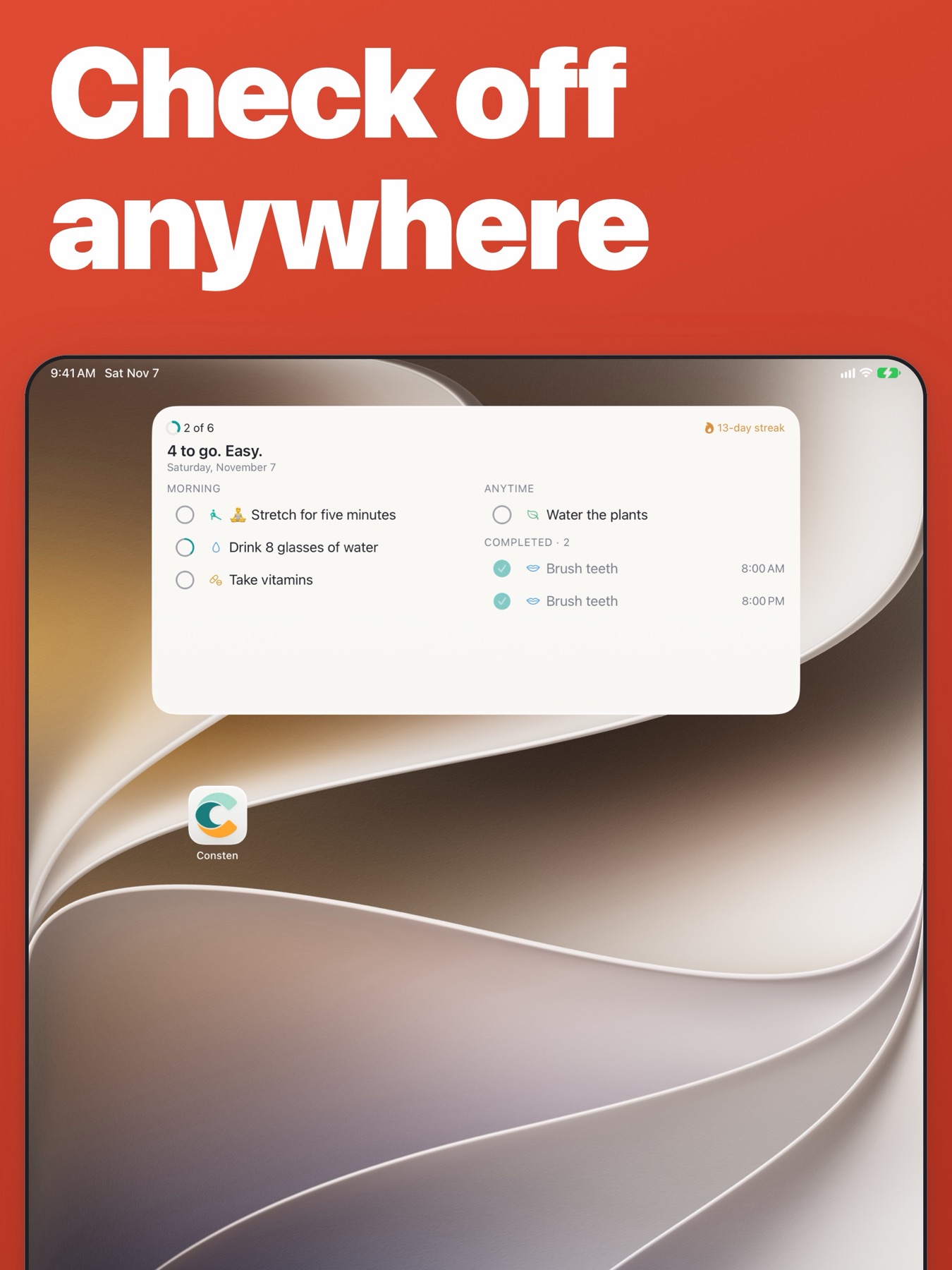
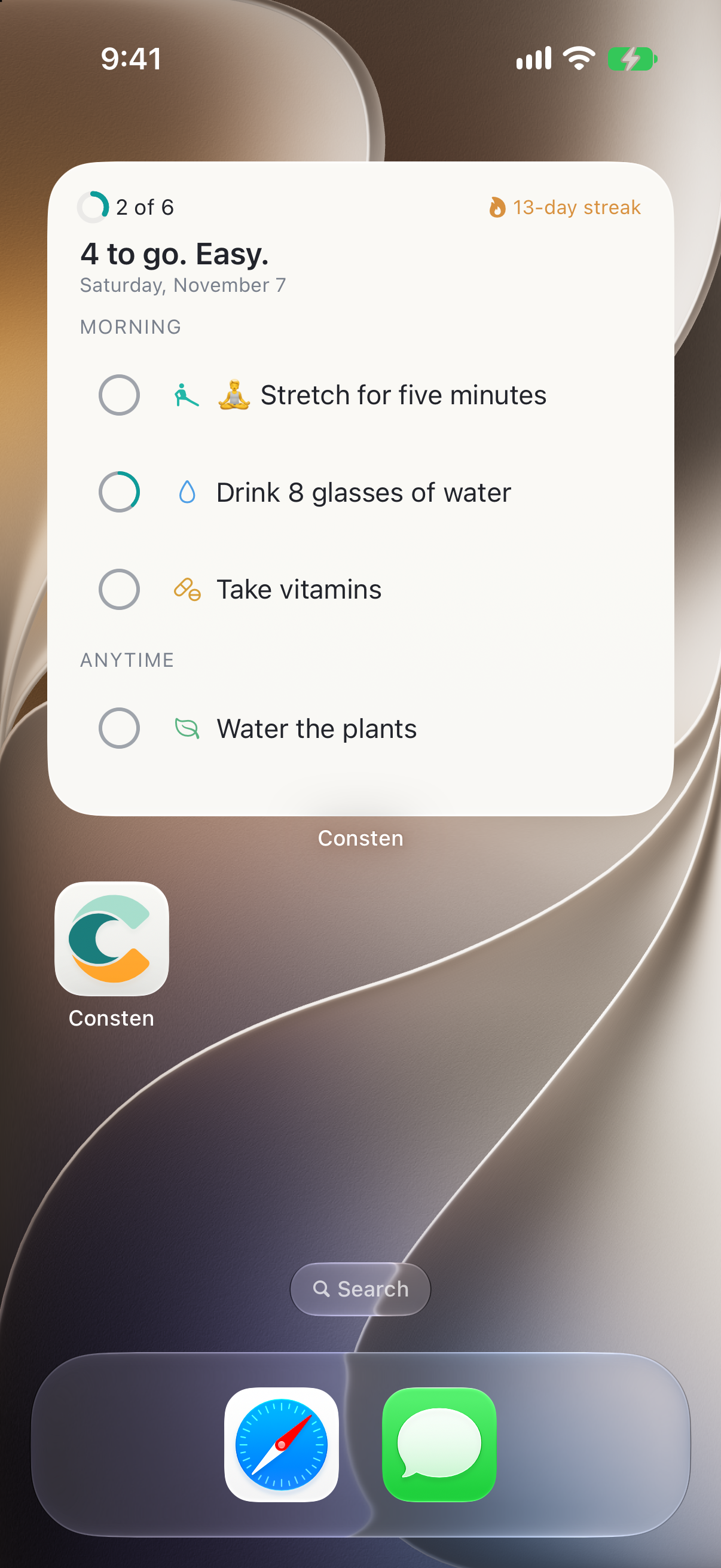
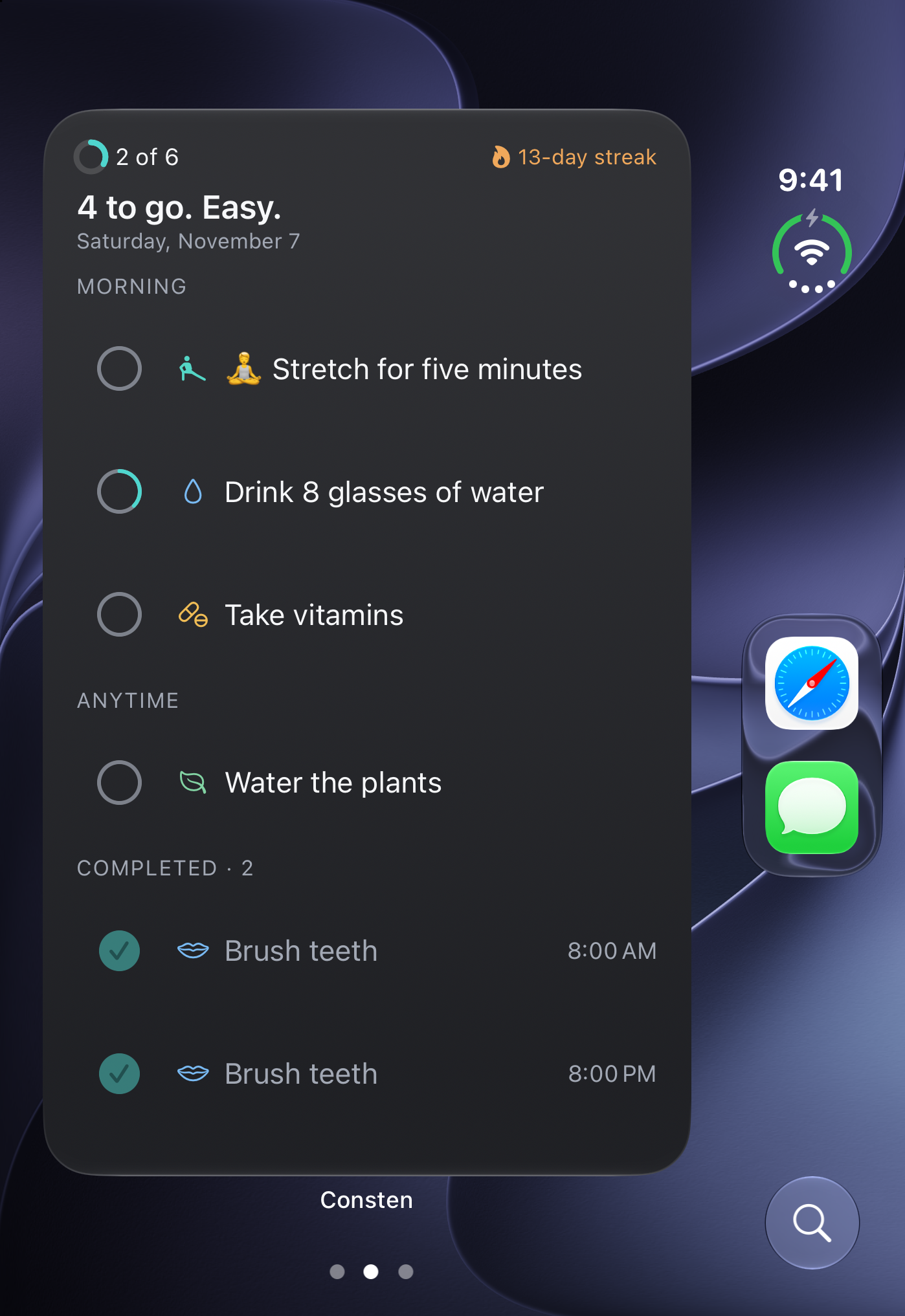
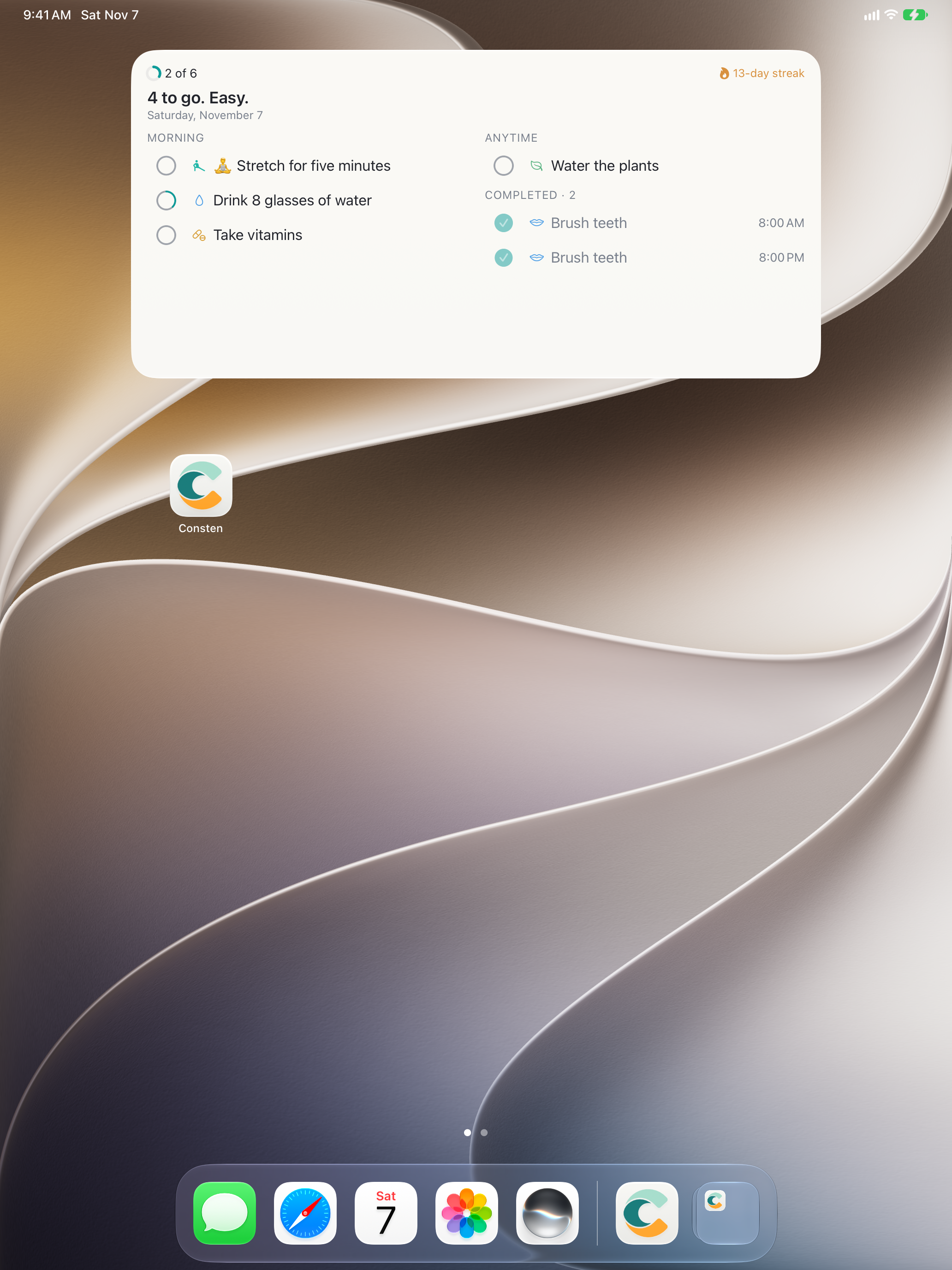
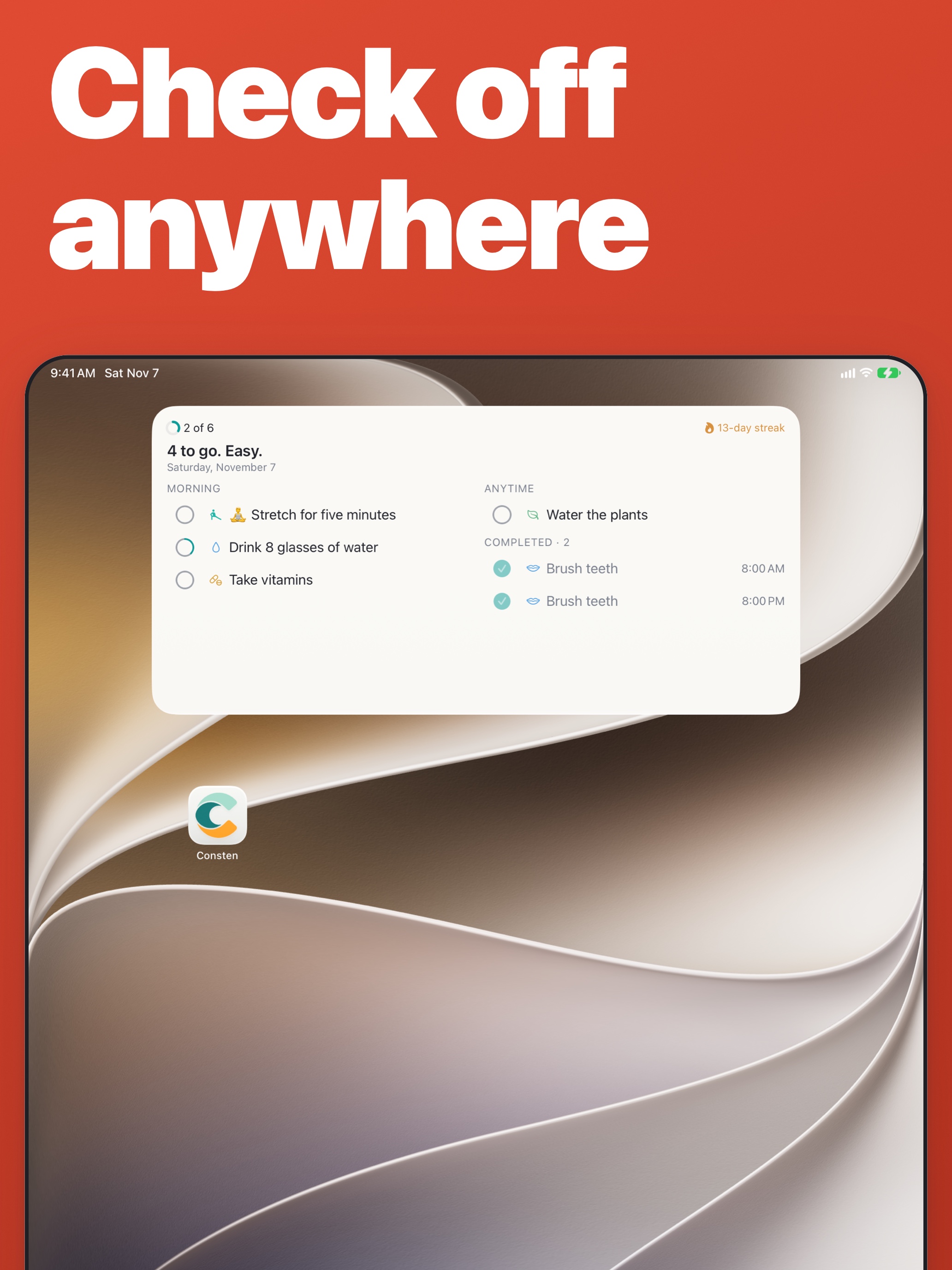
Widgets for the Home Screen, Lock Screen and StandBy
Widgets in CarPlay
Check things off from Control Center
Check off a task when you arrive somewhere
Let Apple Health check off step, sleep and workout goals
Reminders only for the tasks you pick
A different theme for each Focus
Lock the app with Face ID or Touch ID
Two columns on iPad and iPhone Duo
Follow a timer on the Lock Screen
Mac
Every command in the menus, most with a shortcut
Quick Entry adds a task from any app
Menu bar companion app
Drag in a web page, some text or a calendar file to make tasks
Widgets on the desktop
Check things off from Control Center
A different theme for each Focus
Lock the app with Touch ID or Apple Watch
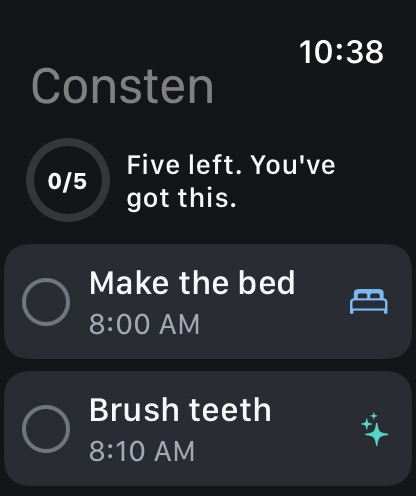
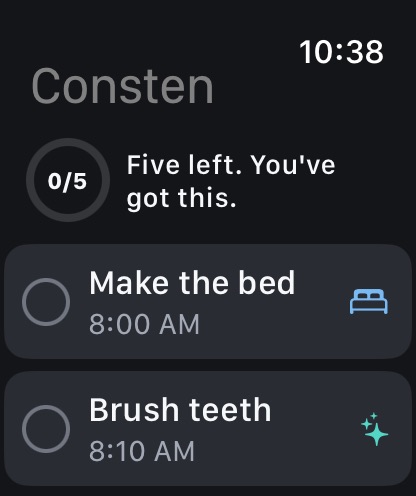
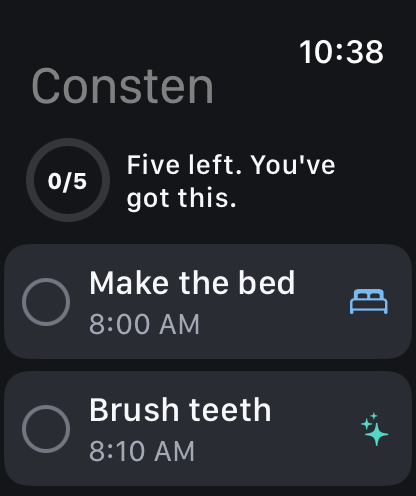
Apple Watch
Your day on your wrist
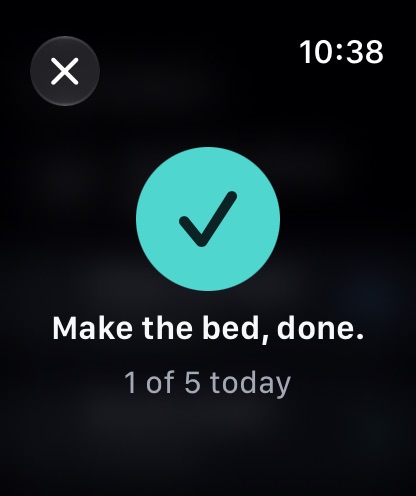
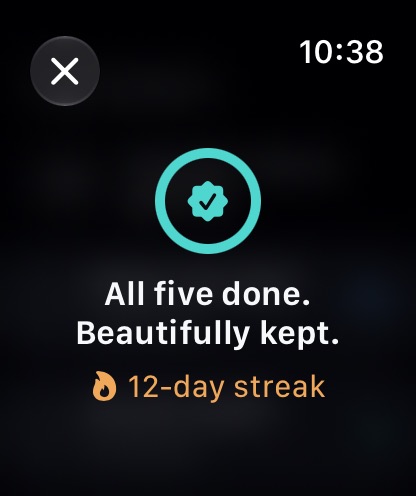
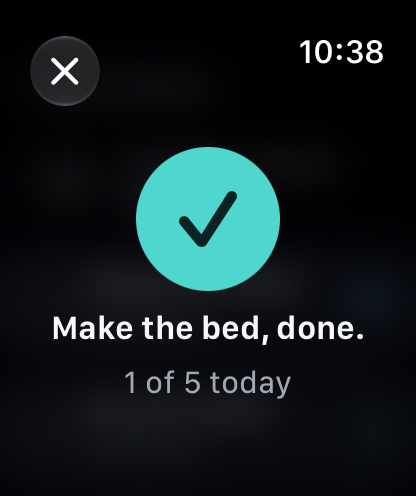
Check off or rest a task or its sub-tasks
Add to a count with the Digital Crown
Draw your 7x7 X
Pause a timer from the Smart Stack
Progress on your watch face
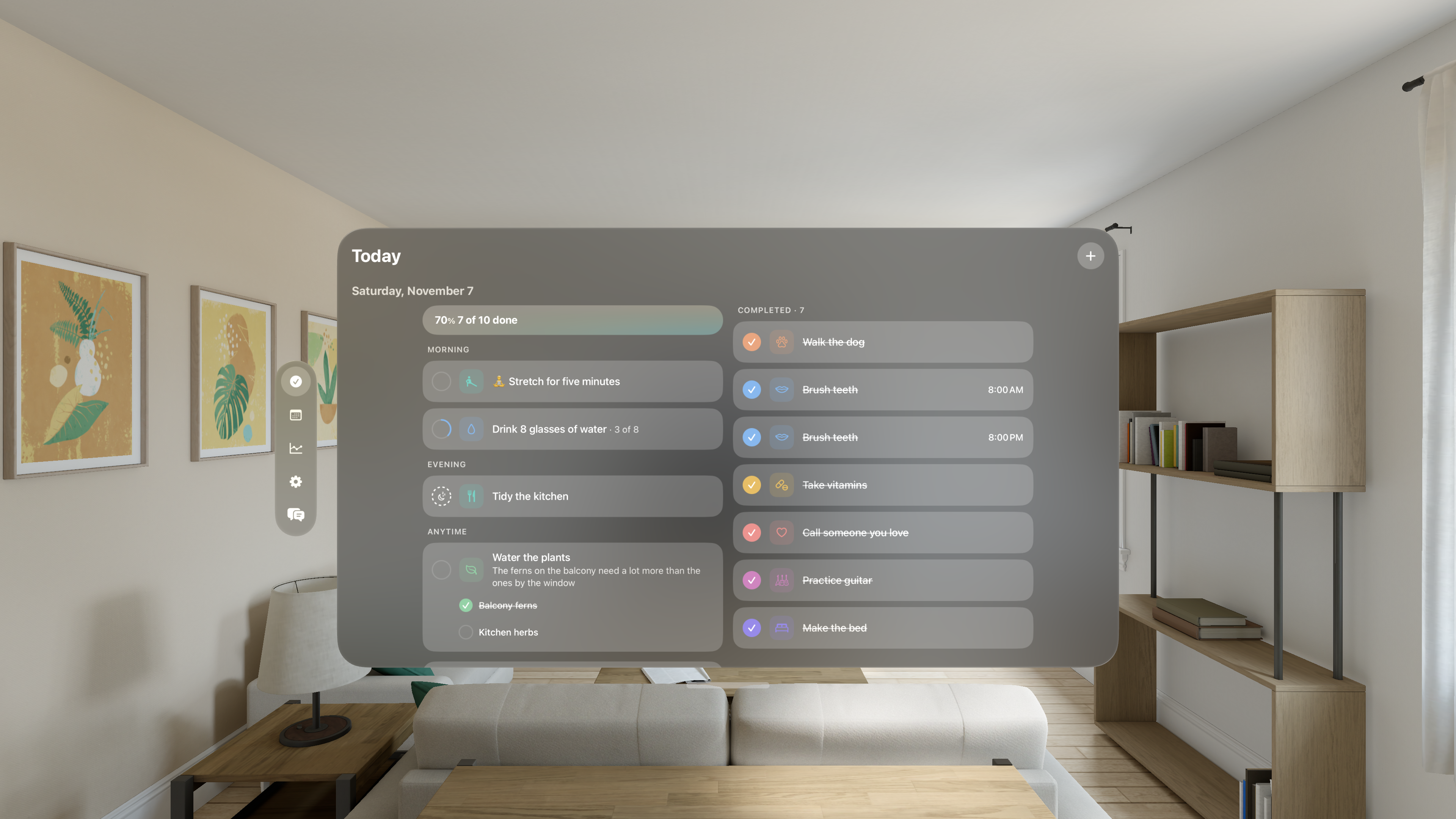
Apple Vision Pro
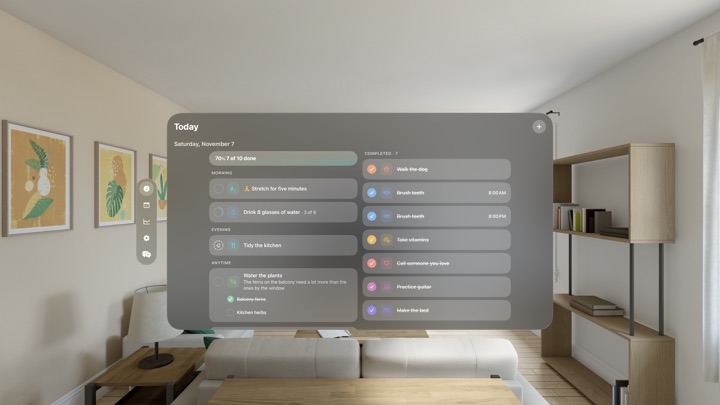
Built for visionOS
Put your day on a wall with a widget
App icon
PNG at 1024 by 1024, with the corners already rounded. Please use it as it is, without a border or a new shape.